Workzenly makes time clock, scheduling, PTO and payroll software, and it appears in this list as one option. We researched every product on its own website on November 7, 2026. No company paid to be included. Features and prices change, so check each vendor’s site before you buy.
A free PTO tracker should do three things: let employees request time off from their phone, let a manager approve it without a group text, and keep an accurate balance for each person. Most free plans do the first two well. The third, balances and accruals, is where they differ, and it matters most if you pay hourly staff or follow a state paid sick leave law.
We compared eight time off trackers for US small businesses. Six have a free plan or a free edition, and we say clearly which features the free plan includes and which ones need a paid plan. We checked every user limit and price on the vendor’s own site today. If you only have a few employees and a simple policy, a spreadsheet may be enough; start with our free PTO tracker templates.
Top picks at a glance
 ConnecteamBest for a full free plan
 HomebaseBest for one hourly location
 JibbleBest for unlimited free users
 SlingBest for free requests for 30 users
 Day OffBest for Slack and Teams offices
 OrangeHRM StarterBest for self-hosted open source
Comparison table
| Tool | Best for | Free plan or trial | Starting price | Platforms |
|---|---|---|---|---|
| Connecteam | a full-featured free plan for up to 10 users | Free for up to 10 users | $29/month for first 30 users (HR hub, billed yearly) | Web, iOS, Android |
| Homebase | one location with up to 10 hourly employees | Free plan (1 location, up to 10 employees) | $70 per location/month (Plus, adds PTO controls) | Web, iOS, Android |
| Jibble | free time tracking and time off for any team size | Free, unlimited users | Free | Web, iOS, Android, desktop, kiosk |
| Sling | free time-off requests for up to 30 users | Free for up to 30 users; 15-day trial | $4 per user/month (Business, adds PTO tracking) | Web, iOS, Android |
 Workzenly | hourly teams that want PTO tied to hours and payroll | Book a demo | Book a demo | Web, phone app, shared tablet time clock |
| Day Off | a simple leave tracker for office teams on Slack or Teams | Free for up to 10 users | $2 per seat/month (Pro, $20 minimum) | Web, iOS, Android, Slack, Microsoft Teams |
| OrangeHRM Starter | free open-source HR you host yourself | Free, open source | Free (Starter); Advanced is Quote | Web, mobile app |
 Vacation Tracker | low-cost leave tracking inside Slack, Teams or Google | No free plan; 14-day trial | $2 per user/month ($50 minimum) | Web, iOS, Android, Slack, Microsoft Teams, Google Workspace |
- Best for
- a full-featured free plan for up to 10 users
- Free plan or trial
- Free for up to 10 users
- Starting price
- $29/month for first 30 users (HR hub, billed yearly)
- Platforms
- Web, iOS, Android
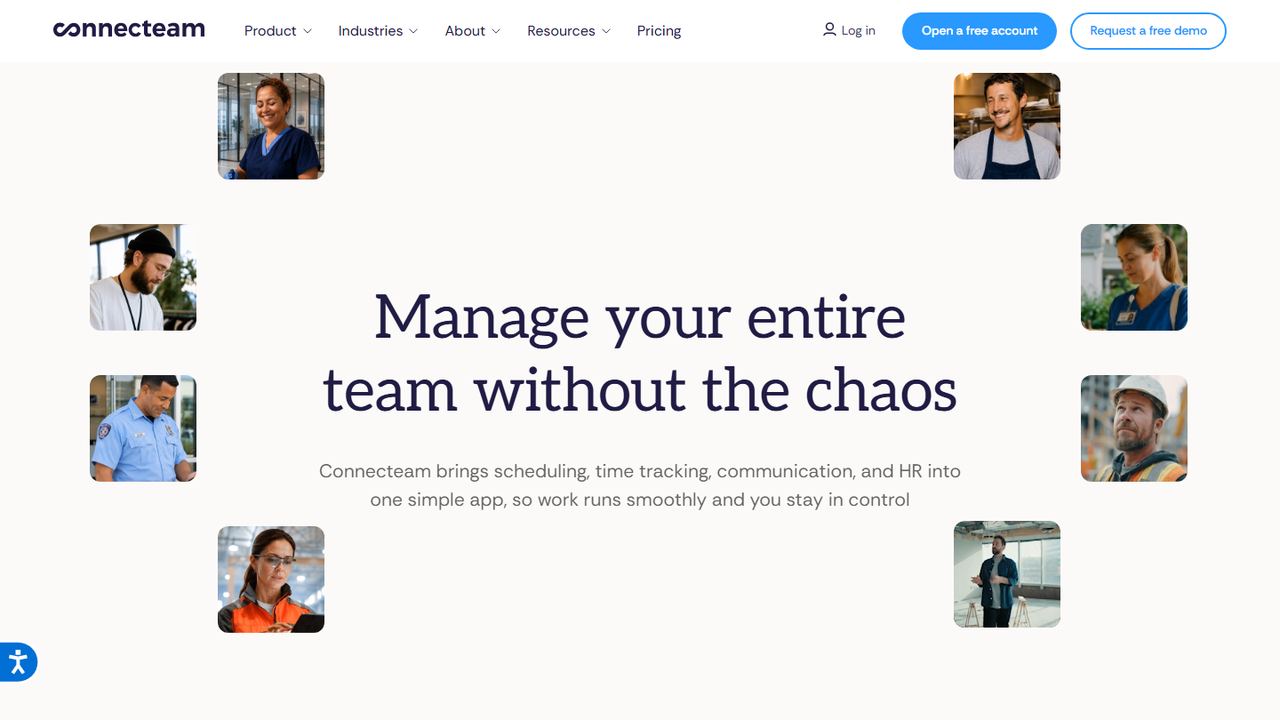
Connecteam is a mobile app for deskless teams, and its Small Business plan is free for up to 10 users with every hub and feature included. That makes it the most complete free PTO tracker we found for a small crew: you get real accrual policies, not just a request form.
Time off lives in the HR and Skills hub. You can create limited, unlimited or hourly policies. Hourly policies grant time off from the hours employees clock on Connecteam’s time clock, for example one day per 150 hours worked, and you can add tenure rules so long-serving staff earn faster. Admins can set a yearly accrual cap, a carryover limit, a maximum balance and a negative-balance limit. Employees request time off and see balances on their phone, and managers approve from the app. Past 10 users, the HR and Skills hub starts at $29 a month for the first 30 users on yearly billing.
Strengths
- Free plan includes accrual policies, balances and the time clock
- Accrual by hours worked suits hourly staff and many state sick leave rules
- Caps, carryover and tenure rules built in
Drawbacks
- Free plan ends at 10 users
- No built-in payroll, so PTO pay is entered in your payroll provider
- Time clock and time off sit in different paid hubs once you upgrade
- Best for
- one location with up to 10 hourly employees
- Free plan or trial
- Free plan (1 location, up to 10 employees)
- Starting price
- $70 per location/month (Plus, adds PTO controls)
- Platforms
- Web, iOS, Android
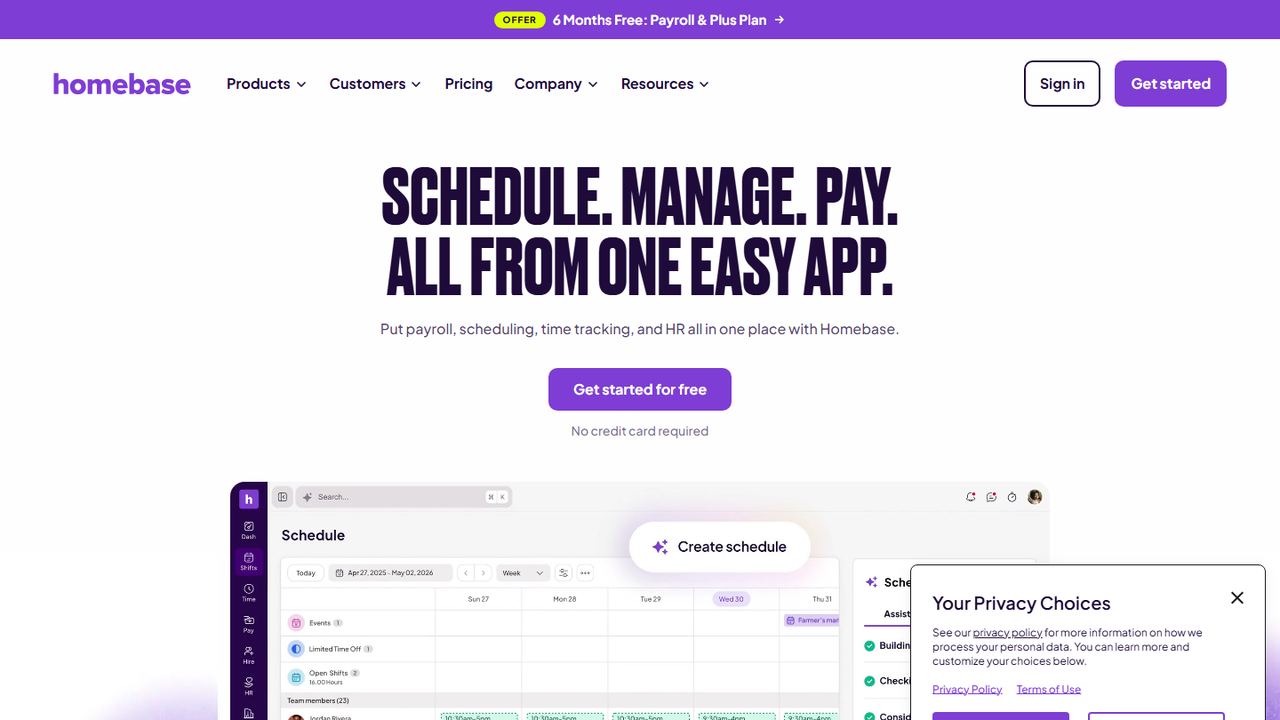
Homebase is scheduling and time-clock software for hourly teams, and its free Basic plan includes time-off requests for one location with up to 10 employees. It suits a single restaurant, shop or salon that builds the weekly schedule in Homebase and wants approved time off to show up there.
On the free plan, employees request time off in the mobile app, managers approve or deny with a tap, and approved time off appears on the schedule and flows into timesheets. You can set up several leave types, such as vacation, sick and personal. What the free plan does not do is track balances or calculate accruals; Homebase puts PTO and time-off controls on its Plus plan at $70 per location per month. Payroll is a separate add-on at $49 a month plus $6 per employee paid. If you need balances, compare the paid plan with Connecteam’s free accruals before deciding.
Strengths
- Free time-off requests connected to the schedule
- Multiple leave types on the free plan
- Approved time off flows into timesheets
Drawbacks
- No PTO balances or accruals on the free plan
- Free plan limited to one location and about 10 employees
- PTO controls cost $70 per location per month
- Best for
- free time tracking and time off for any team size
- Free plan or trial
- Free, unlimited users
- Starting price
- Free
- Platforms
- Web, iOS, Android, desktop, kiosk
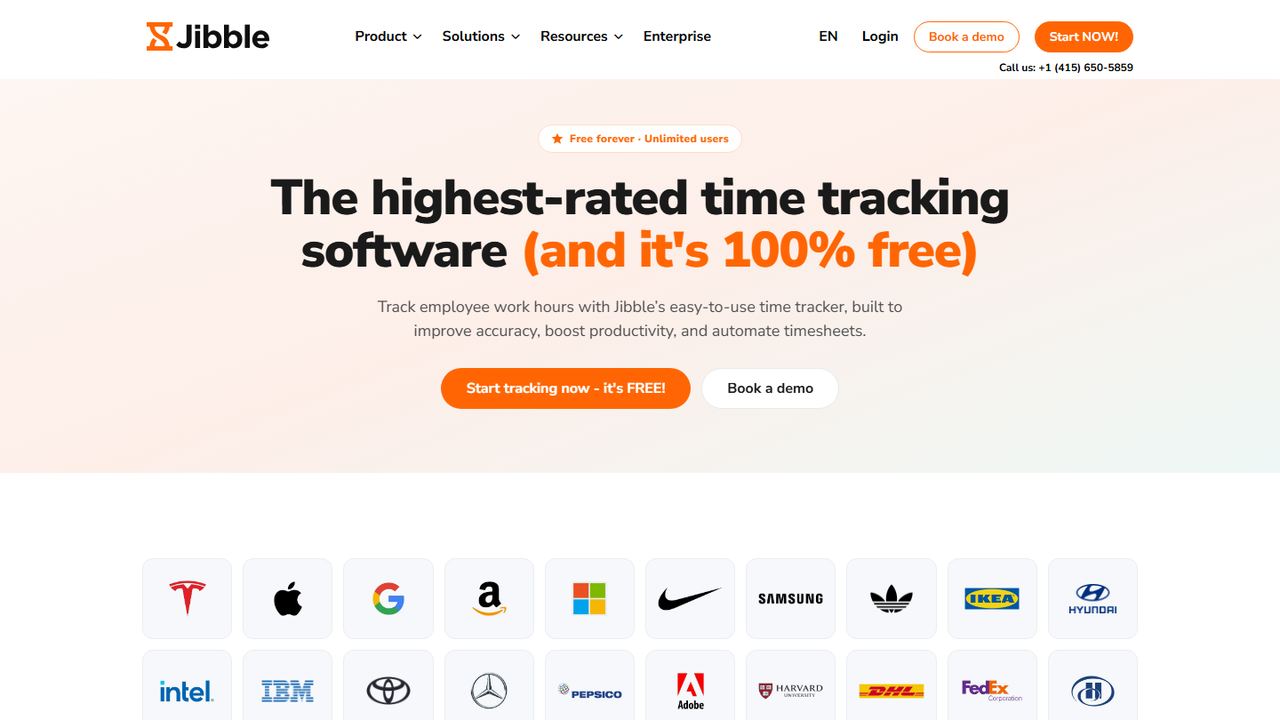
Jibble is a time tracking app that now presents itself as free forever for unlimited users. Time off is one of its management features, so it fits a team of any size that wants clock-ins, timesheets and leave in one free tool, especially if you have more than 10 people and other free plans run out.
Jibble’s time-off pages describe leave policies, accruals, requests and balances, with owners, managers and members each seeing their own balance view. Around that, you get clock-ins from phones, the web, a desktop app and a shared kiosk, GPS and geofencing, face recognition and selfies to stop buddy punching, timesheet approvals, and exports to QuickBooks, Xero and other payroll tools. Jibble says its time clock calculates regular hours, overtime, paid breaks and PTO before the data leaves for payroll. Because the free plan covers so much, set up your real policy in a test group and check that requests and balances work the way your handbook says.
Strengths
- Free for unlimited users
- Time off sits next to the time clock and timesheets
- Exports hours and PTO to QuickBooks, Xero and other payroll tools
Drawbacks
- Time off is one module of a time tracker, not a full HR system
- A Jibble help article ties time-off balances to paid plans while its PTO page says free, so confirm before rollout
- No payroll of its own
- Best for
- free time-off requests for up to 30 users
- Free plan or trial
- Free for up to 30 users; 15-day trial
- Starting price
- $4 per user/month (Business, adds PTO tracking)
- Platforms
- Web, iOS, Android
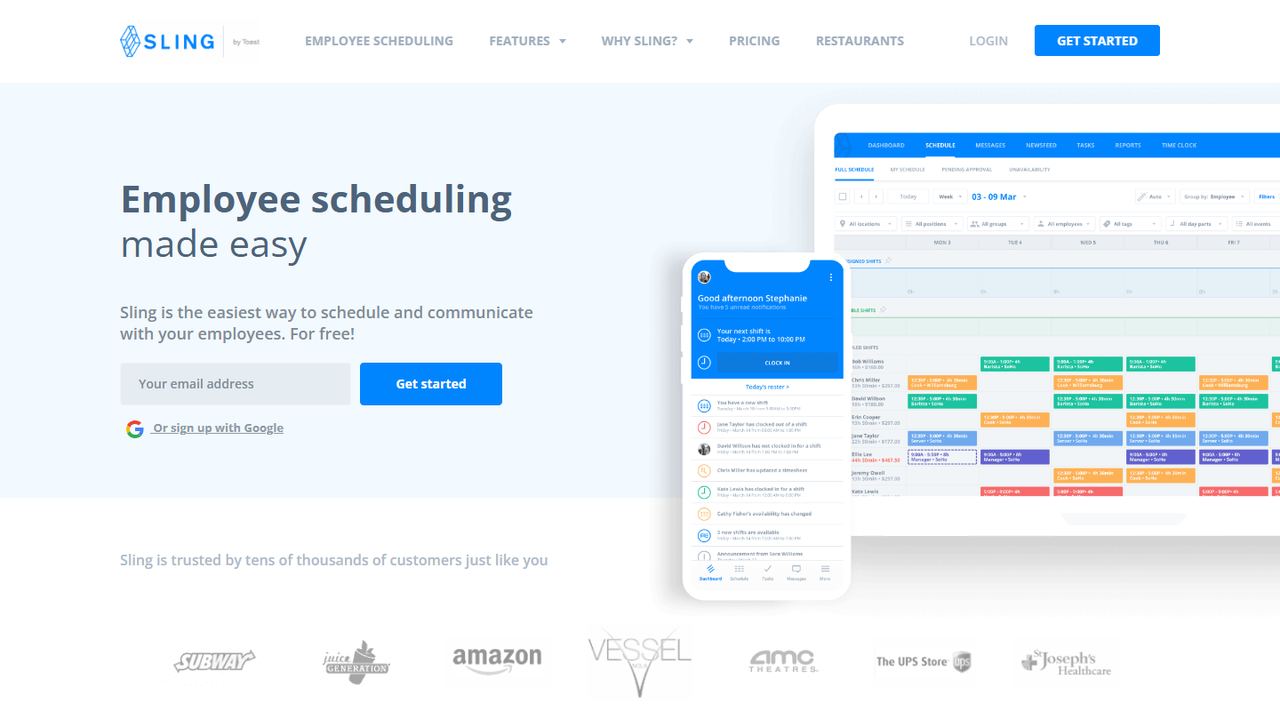
Sling is an employee scheduling app, owned by Toast, whose free plan covers up to 30 users. Time-off requests are part of that free plan, which makes it a practical choice for a restaurant or shop that has more than 10 people and mainly needs to stop scheduling someone who asked for the day off.
The free plan includes shift scheduling, time-off requests that managers approve or deny, available shifts, news sharing and long-term schedules. Requests and approvals happen in the app, and approved time off shows on the schedule so managers do not book that person. Tracking paid time off balances is a different matter: Sling lists PTO management on its Business plan, at $4 per user per month or $3.40 billed yearly, along with kiosk time tracking, sick call-outs and reports. Premium, at $2 per user per month, adds mobile time tracking and labor cost tools. Premium and Business come with a 15-day trial.
Strengths
- Free for up to 30 users, the highest user cap among capped free plans here
- Time-off requests and scheduling in the same free app
- Low per-user price if you upgrade
Drawbacks
- PTO balances and tracking need the Business plan
- Free plan has no time clock
- Built for scheduling, so leave reports are basic
5. Workzenly Our product
Best for hourly teams that want PTO tied to hours and payroll
- Best for
- hourly teams that want PTO tied to hours and payroll
- Free plan or trial
- Book a demo
- Starting price
- Book a demo
- Platforms
- Web, phone app, shared tablet time clock
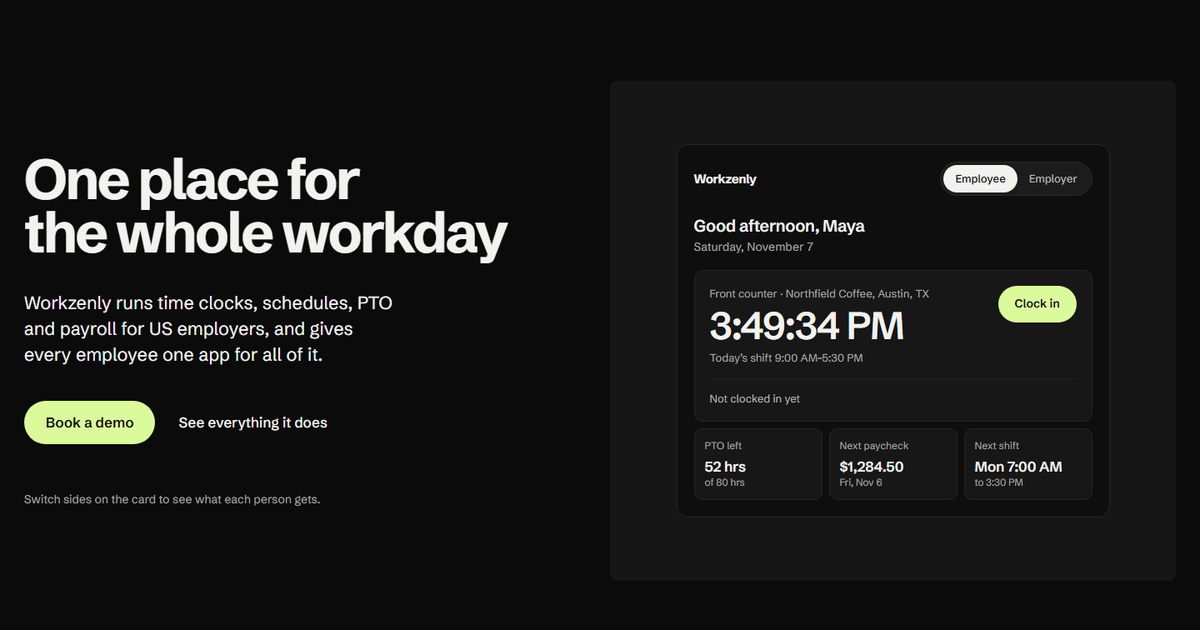
Workzenly is our product, and it is not a free tool, so it is here for a different reason: most free PTO trackers stop at requests and a calendar. When time off is paid, the balance has to match the hours people worked and the pay they receive, and that is where spreadsheets and free plans usually break.
In Workzenly, PTO and leave tracking sit on the same employee record as the time clock, the schedule and payroll. Employees request time off and check balances in the app they already use to clock in from a phone or shared tablet, swap shifts and read pay stubs. Managers see requests next to the schedule, so approving a day off shows the gap it leaves. Approved time off goes into payroll, and employees read their pay stubs in the same app. It is built for US restaurants, retail, healthcare, construction, field services and warehouses. We do not publish prices; book a demo to see it with your own policy.
Strengths
- Balances, the schedule and payroll use the same hours
- Employees request time off and see balances in the app they clock in with
- Approved time off feeds payroll, with pay stubs in the same app
Drawbacks
- Not free; pricing comes from a demo
- More than you need if you only want a shared vacation calendar
- Best for
- a simple leave tracker for office teams on Slack or Teams
- Free plan or trial
- Free for up to 10 users
- Starting price
- $2 per seat/month (Pro, $20 minimum)
- Platforms
- Web, iOS, Android, Slack, Microsoft Teams
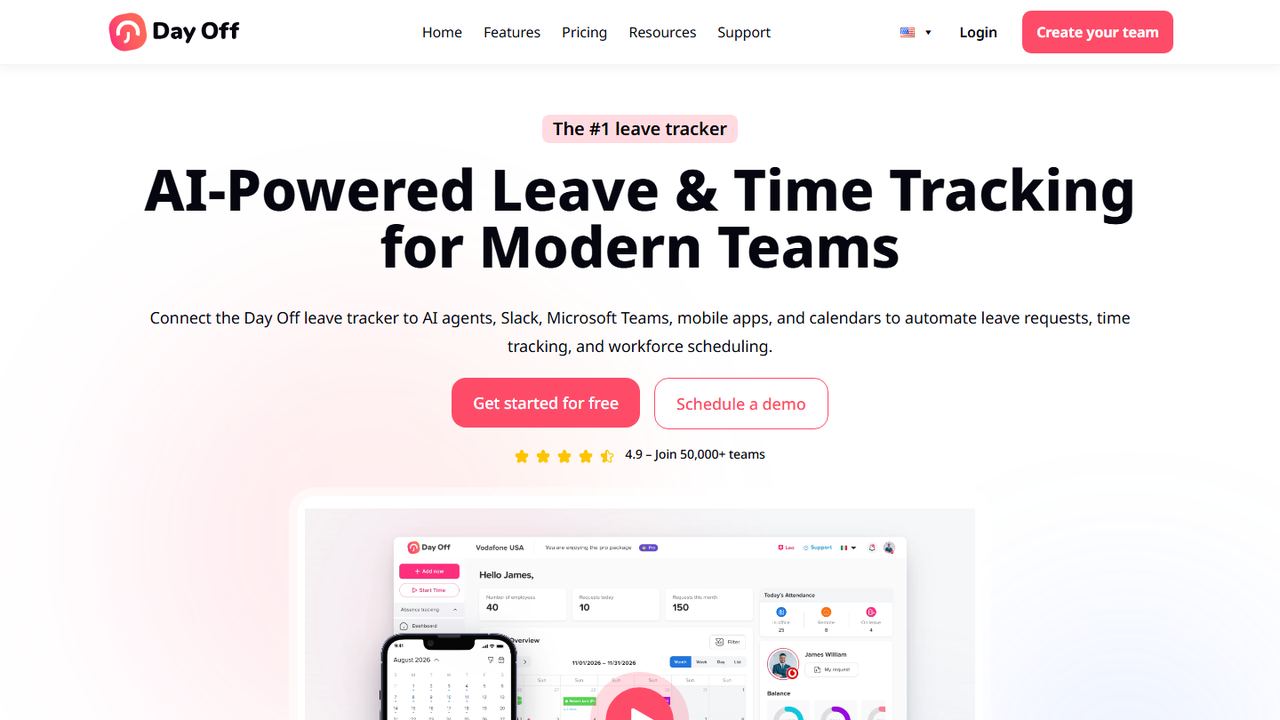
Day Off is a dedicated leave tracker with a free plan for up to 10 employees. It suits a small office or remote team that wants a clean shared calendar of who is out, with requests and approvals in Slack, Microsoft Teams or email, rather than an HR system.
The free plan includes a calendar view, customizable leave types, one-step approval and basic management reports. Employees can track vacation, PTO and other time-off balances and see their request history, and approved leave can sync to Google Calendar and Outlook. Pro costs $2 per seat per month with a $20 monthly minimum, and Pro plus Time Tracker costs $3 per seat with a $30 minimum; both save 17% on yearly billing and have a free trial. There are web, iOS and Android apps. Day Off also advertises AI features such as an assistant for reviewing requests, which you do not need for basic tracking.
Strengths
- Free leave tracker for up to 10 people
- Requests and approvals from Slack, Teams or email
- Calendar sync with Google Calendar and Outlook
Drawbacks
- Not connected to payroll or a time clock
- Free plan approval is single-step
- Paid plan has a $20 monthly minimum
- Best for
- free open-source HR you host yourself
- Free plan or trial
- Free, open source
- Starting price
- Free (Starter); Advanced is Quote
- Platforms
- Web, mobile app
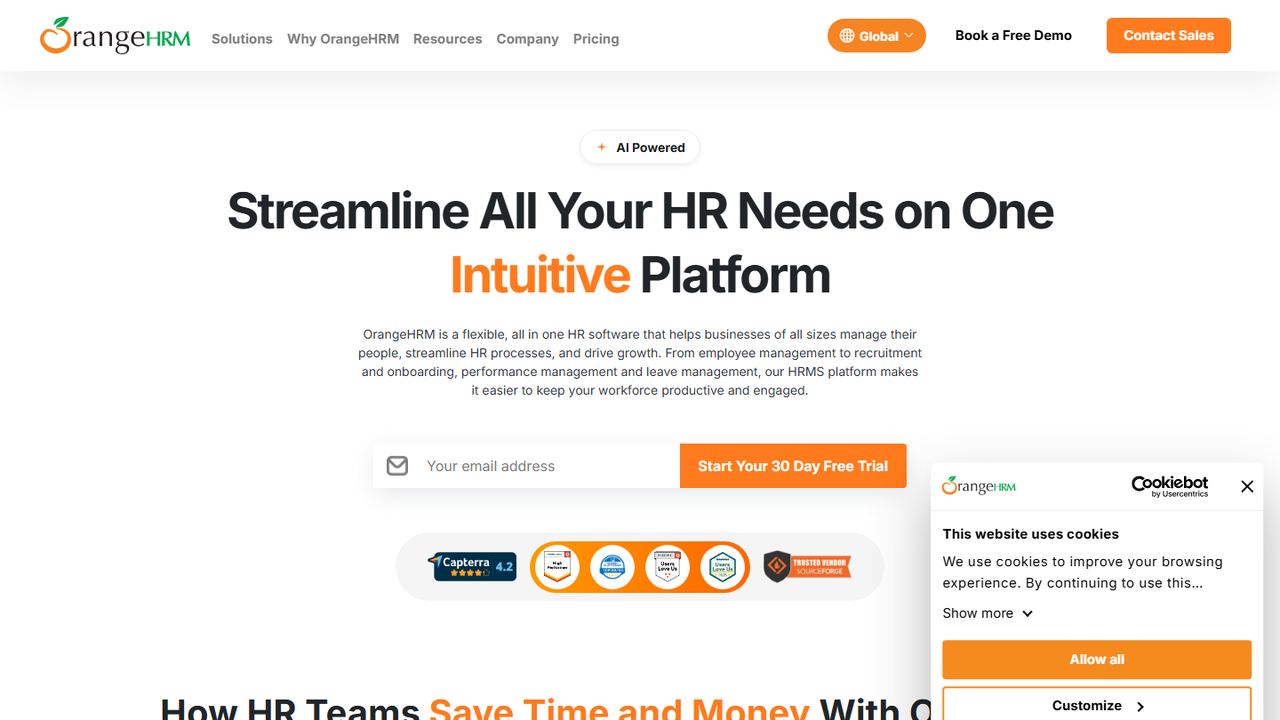
OrangeHRM Starter is the free, open-source edition of OrangeHRM’s HR software. It suits a business with someone technical on staff who would rather host its own HR system than pay a monthly fee, and who wants leave tracking inside a broader HR record.
Starter includes a leave management module with custom leave types, PTO requests, approval workflows and leave balances, alongside employee records, time tracking and a mobile app. OrangeHRM says you can use Starter on its cloud or download it and host it yourself, and the code is published on GitHub. Automated PTO accrual is part of the paid Advanced edition, which is priced per employee per month by quote and comes with a 30-day free trial. With Starter you handle installation, updates, backups and security yourself, so count the time that takes as part of the cost.
Strengths
- Free and open source, with no user limit
- Leave types, requests, approvals and balances in a full HR record
- Upgrade path to a supported paid edition
Drawbacks
- Self-hosting needs server skills and ongoing upkeep
- Automated accruals are in the paid Advanced edition
- Some leave features, such as automated accrual, are listed for Advanced only
8. Vacation Tracker
Best for low-cost leave tracking inside Slack, Teams or Google
- Best for
- low-cost leave tracking inside Slack, Teams or Google
- Free plan or trial
- No free plan; 14-day trial
- Starting price
- $2 per user/month ($50 minimum)
- Platforms
- Web, iOS, Android, Slack, Microsoft Teams, Google Workspace
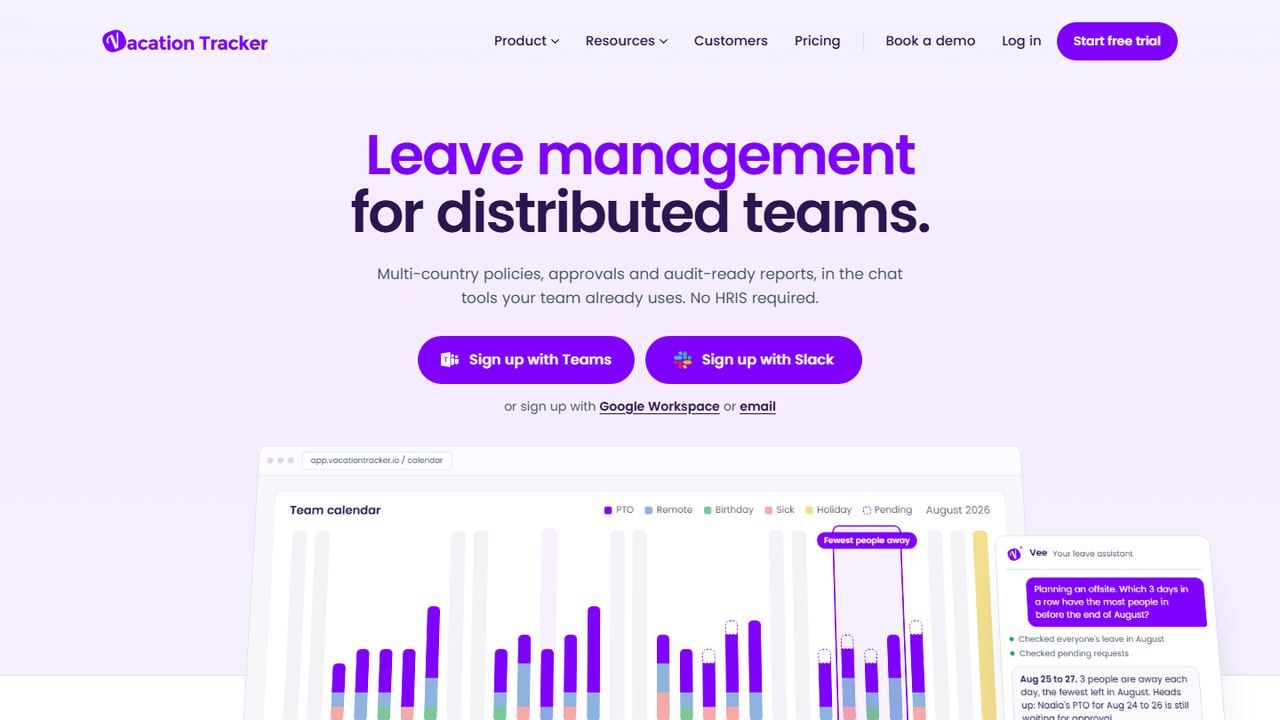
Vacation Tracker is not free, and we include it because many people searching for a free PTO tracker end up here when they outgrow a free plan. It is a dedicated leave tracker that runs inside Slack, Microsoft Teams or Google Workspace, so employees request time off where they already talk.
Core costs $2 per user per month with a $50 monthly minimum, which covers up to 25 users, and supports up to 3 locations and 10 departments, custom leave types, public holidays, carryover and negative balances. Complete costs $4 per user per month with a $100 minimum and adds accruals, time off in lieu, blackout periods, multi-level approvals, hourly leave requests and direct Google and Outlook calendar sync. Both have a 14-day trial with no credit card, and you pay only for active users. There are web, iOS and Android apps.
Strengths
- Works inside Slack, Microsoft Teams and Google Workspace
- Carryover, negative balances and holiday calendars on the base plan
- Pay only for active users, cancel any time
Drawbacks
- No free plan; the minimum is $50 a month
- Accruals and hourly leave need the $4 Complete plan
- Not connected to a time clock or payroll
How we chose these tools
Our criteria
- We looked for time off trackers that US small businesses can use without paying: free plans, free editions and free-forever tools, plus one low-cost tracker for teams that outgrow them.
- We checked each product on its own website on November 7, 2026, including pricing pages and help-center articles, and recorded exactly what the free plan includes.
- We weighted the things that decide whether a free PTO tracker works: user limits, balances, accrual by hours worked, mobile requests, approvals and how approved time off reaches the schedule and payroll.
- Apart from Vacation Tracker, which we label clearly as paid, we left out tools that only offer a trial, tools without a US-facing site, and features we could not confirm on the vendor’s site.
- No vendor paid for placement, and we did not use review-site ratings. Workzenly is our product and is not free; it is listed once.
How to choose a free PTO tracker
Write your PTO policy down before you pick a tool: who earns time off, how much, how it accrues, the cap, what carries over and who approves. Then check each tracker against that page, not against its feature list. Our paid time off guide walks through the common policy designs.
Checklist for a time off tracker:
- User limit today and in a year. Free plans end at 10 users (Connecteam, Homebase, Day Off) or 30 (Sling). Know what the first paid tier costs at your next headcount.
- Balances, not just requests. A request form and a calendar are not a PTO tracker if nobody can see what is left. Check whether balances and accruals are on the free plan.
- Accrual by hours worked. Hourly staff usually earn PTO or sick leave per hour worked, and several state sick leave laws are written that way. The tracker needs the hours, ideally straight from the time clock.
- State and city sick leave. Many states and cities require paid sick leave with their own rules on accrual, caps, carryover and what you can ask for as documentation. You may need a separate sick policy next to vacation. Our attendance policy guide explains how sick leave and attendance rules fit together.
- FMLA and other protected leave. If you have 50 or more employees, FMLA leave has to be tracked separately from PTO. See our FMLA leave guide.
- The link to payroll. Paid time off has to reach payroll at the right rate. If the tracker does not connect, decide who copies the hours over each pay period and how you check them.
- Records. Keep time off records with your payroll records. The FLSA requires payroll records for at least three years.
- Final paycheck. Some states require payout of earned vacation at separation. The balance on the last day needs to be right.
Run a two-week test with three real employees: one full-time, one part-time hourly and one manager. If balances still match your spreadsheet at the end, the free PTO tracker is good enough to roll out to everyone. Employees can use our time off request forms in the meantime.
Frequently asked questions
What is the best free PTO tracker?
For most small US teams, Connecteam’s free plan is the most complete: up to 10 users, accrual policies, balances and a time clock. Sling covers up to 30 users for free requests but tracks balances only on a paid plan. Jibble is free for unlimited users. Pick by headcount and whether you need balances or only requests.
Can I track PTO in Excel or Google Sheets?
Yes. A spreadsheet works for a handful of employees with simple, fixed yearly allowances. It gets risky once you accrue PTO by hours worked, run more than one policy, or follow a state sick leave law, because every balance depends on manual entry. Our free PTO tracker templates include accrual formulas to start with.
Are employers required to give PTO in the US?
No federal law requires paid vacation or PTO. Many states and cities do require paid sick leave, with their own accrual rates, caps and carryover rules. For example, California’s accrual method gives 1 hour per 30 hours worked, and Washington requires 1 hour per 40 hours worked. Check your state labor department.
Do free PTO trackers calculate accruals?
Some do. Connecteam’s free plan accrues by a fixed amount or by hours worked. Jibble’s free PTO tracker page describes accruals, but check its plan limits. Homebase’s free plan and Sling’s free plan handle requests but not balances or accruals, and OrangeHRM Starter keeps automated accrual for its paid edition. Test your exact policy before rolling one out.
Do I have to pay out unused PTO when someone leaves?
It depends on the state and your written policy. Federal law does not require payout. Some states, including California, treat earned vacation as wages that must be paid in the final paycheck, while others follow the employer’s policy. Whatever tracker you use, make sure it shows an accurate balance on the last day.