Workzenly makes time clock, scheduling, PTO and payroll software, and it appears in this list as one option. We researched every product on its own website on November 7, 2026. No company paid to be included. Features and prices change, so check each vendor’s site before you buy.
The best leave management software for a US employer depends on which leaves cause the work. For most small businesses it is everyday PTO and sick leave: requests, approvals, balances that accrue correctly, and making sure the time off reaches payroll. For companies with 50 or more employees, FMLA and state paid family and medical leave programs add eligibility checks, notices and benefit claims that a simple calendar cannot handle.
We compared eight leave and absence management software tools that cover both ends: HR systems with time-off modules, dedicated leave trackers, a specialist leave administration platform and payroll with built-in PTO. For each we checked the vendor’s own pricing page, plan limits, accrual options and platforms on November 7, 2026. If you mainly want something free, start with our list of free PTO trackers.
Top picks at a glance
 BambooHRBest for time off in an HRIS
 TiltBest for FMLA and state leave
 Vacation TrackerBest for Slack and Teams
 RipplingBest for multi-state policies
 GustoBest for PTO through payroll
 ConnecteamBest for deskless teams
Comparison table
| Tool | Best for | Free plan or trial | Starting price | Platforms |
|---|---|---|---|---|
| BambooHR | time off inside a full HR system | 7-day free trial | $250/month flat (Core, up to 25 employees) | Web, iOS, Android |
| Tilt | FMLA and state paid leave administration | No trial listed | $2.50 per employee/month (Essentials) | Web |
| Vacation Tracker | PTO and leave tracking inside Slack or Teams | 14-day free trial | $2 per user/month ($50 minimum) | Web, iOS, Android, Slack, Microsoft Teams, Google Workspace |
| Rippling | multi-state teams with different policies by location | No trial listed | From $8 per employee/month + base fee | Web, iOS, Android |
 Workzenly | hourly and shift teams that need leave tied to schedules and pay | Book a demo | Book a demo | Web, phone app, shared tablet time clock |
| Gusto | PTO accruals that run through payroll | Free account setup; no trial listed | $49/month + $6 per person | Web, iOS, Android |
| Connecteam | deskless teams that accrue leave from clocked hours | Free for up to 10 users; 14-day trial | $29/month for first 30 users (HR hub, billed yearly) | Web, iOS, Android |
 Day Off | a low-cost leave calendar for small offices | Free for up to 10 users | $2 per seat/month (Pro, $20 minimum) | Web, iOS, Android, Slack, Microsoft Teams |
- Best for
- time off inside a full HR system
- Free plan or trial
- 7-day free trial
- Starting price
- $250/month flat (Core, up to 25 employees)
- Platforms
- Web, iOS, Android
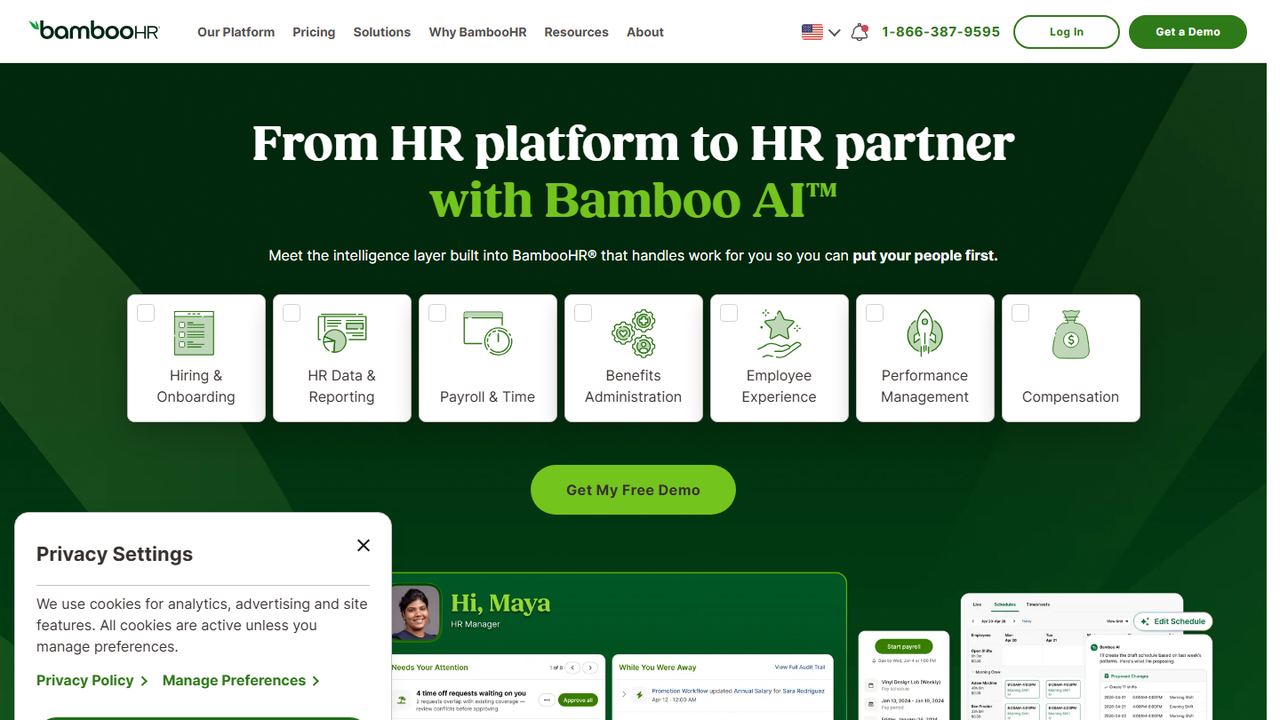
BambooHR is an HRIS with time-off management built into its Core plan. It suits a small or midsize company that wants leave policies, balances and the time-off calendar on the same record as employee data, documents, hiring and onboarding.
Time-off management is on the Core plan with unlimited custom policies, so you can run separate vacation, sick, state sick leave and unpaid leave policies with their own rules, and a time-off calendar shows who is out. Employees request time off and see balances in the iOS and Android apps, and managers approve from there. Companies with 25 or fewer employees pay a flat $250 a month for Core; larger companies pay from $10 per employee per month. Payroll is an add-on for US employees, and its price is not published. BambooHR does not describe itself as an FMLA case management service, so employers with complex medical or family leaves may want a leave specialist alongside it.
Strengths
- Unlimited custom time-off policies on the base plan
- Shared time-off calendar for managers and teams
- Leave data sits with employee records, documents and onboarding
Drawbacks
- Flat $250 a month even for a small team that only needs leave tracking
- Payroll is a separate paid add-on
- No dedicated FMLA case workflow described on its site
- Best for
- FMLA and state paid leave administration
- Free plan or trial
- No trial listed
- Starting price
- $2.50 per employee/month (Essentials)
- Platforms
- Web
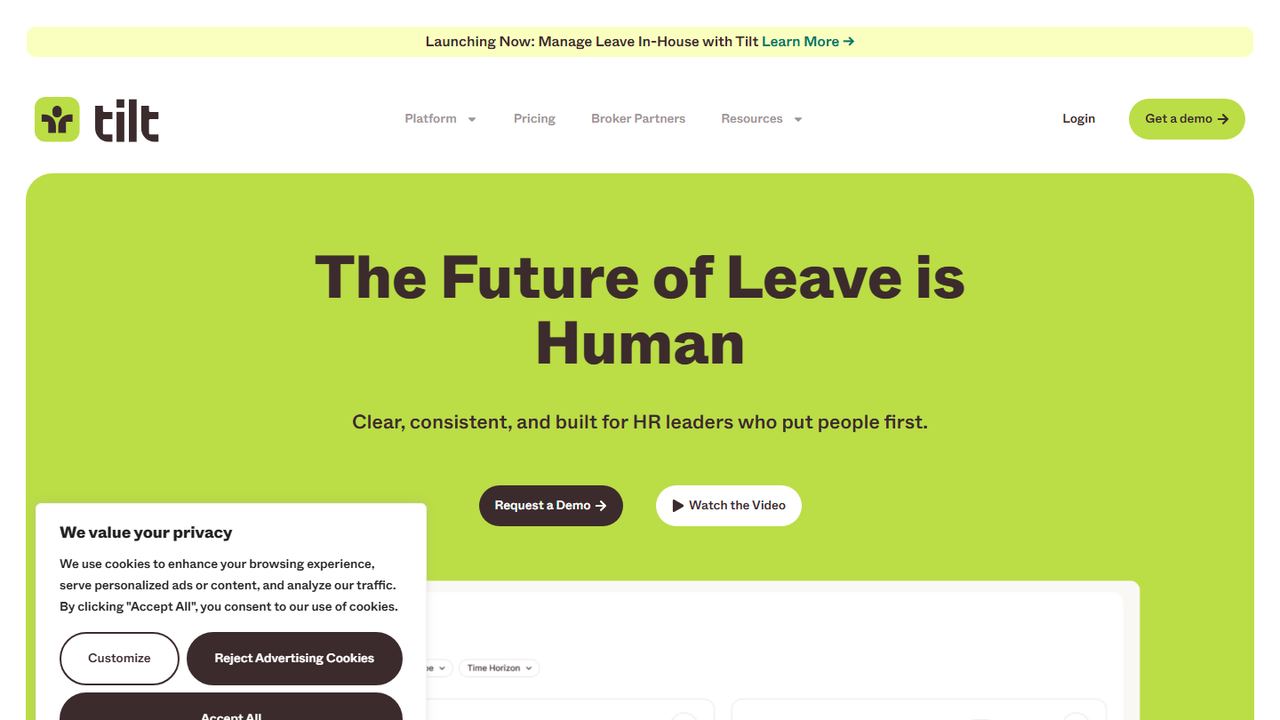
Tilt is leave management for the leaves that are hard to get right: medical, parental, family care and other extended leaves that involve FMLA, state paid family and medical leave programs and short-term disability. It suits an HR team that runs several of these a year and wants employees guided through them without a binder of state rules.
Essentials costs $2.50 per employee per month and covers all leave types and state paid leave programs, employee leave and short-term disability guidance, HR and manager dashboards, a leave admin screen, custom notifications, customized plan steps, claims assistance and a private leave planner for employees. Professional, at $3.50 per employee per month, adds standard and premium integrations with HR and payroll systems such as Rippling, BambooHR, Workday, Paycor and Paylocity, payroll calculations and single sign-on. Premium Support adds a dedicated leave specialist who administers leaves for you. Tilt says implementation takes about four to six weeks for companies under 500 employees.
Strengths
- Built specifically for FMLA, state paid leave and disability guidance
- Published per-employee pricing
- Option to hand leave administration to a Tilt specialist
Drawbacks
- HRIS and payroll integrations are an add-on on Essentials
- Four to six week implementation
- Not a day-to-day PTO tracker for vacation requests
- Best for
- PTO and leave tracking inside Slack or Teams
- Free plan or trial
- 14-day free trial
- Starting price
- $2 per user/month ($50 minimum)
- Platforms
- Web, iOS, Android, Slack, Microsoft Teams, Google Workspace
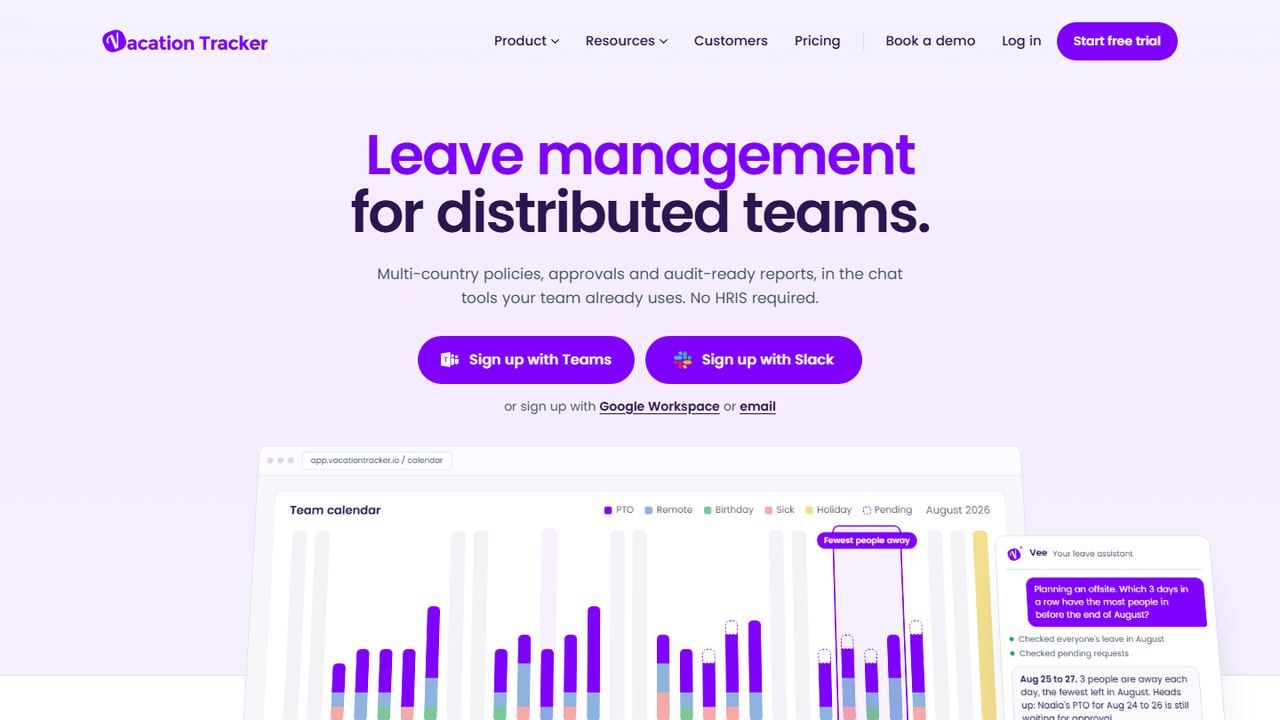
Vacation Tracker is a dedicated leave management tool that lives inside Slack, Microsoft Teams or Google Workspace. It suits office and remote teams that want employees to request time off where they already chat, and that do not need leave tied to a time clock.
Core costs $2 per user per month with a $50 minimum (up to 25 users) and includes custom leave types and allowances, public holidays, carryover, negative balances, up to 3 locations and 10 departments, a single approver per request, full and half-day requests and an iCal shared calendar. Complete costs $4 per user per month with a $100 minimum and adds accruals, time off in lieu, blackout periods, multi-level and substitute approvers, hourly leave requests, unlimited locations and direct Google and Outlook calendar sync. You pay only for active users, and the 14-day trial needs no credit card. There are web, iOS and Android apps too.
Strengths
- Requests and approvals inside Slack, Teams or Google
- Per-location holiday calendars and carryover rules
- Monthly billing with no minimum term
Drawbacks
- Accruals and hourly leave need the $4 Complete plan
- $50 monthly minimum even for a very small team
- No time clock or payroll connection built in
- Best for
- multi-state teams with different policies by location
- Free plan or trial
- No trial listed
- Starting price
- From $8 per employee/month + base fee
- Platforms
- Web, iOS, Android
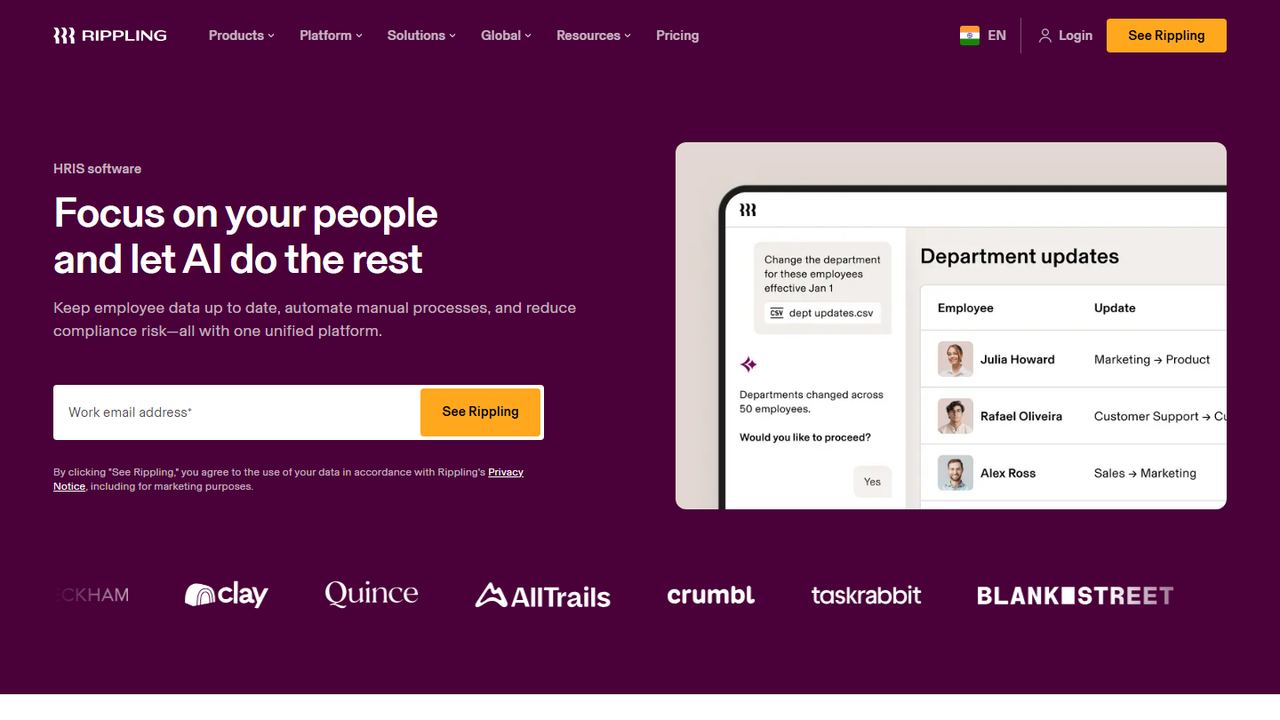
Rippling is a modular HR, IT and payroll platform. Its leave tools suit a growing company with employees in several states, where each location has its own sick leave law and you want the right policy assigned automatically from the employee record.
Rippling’s HRIS lets you create custom PTO policies, approve requests and see real-time balances, and employees request time off and view pay stubs through self-service on the web or the iOS and Android apps. Rippling says policies can be customized by employee type, location and leave category, with templates for state and local rules, and that approved PTO updates payroll when you also run Rippling payroll. Its API covers leave types, balances, accruals and leave requests. Pricing is modular: plans start at $8 per employee per month plus a monthly base fee that is not published, and you get a quote for the products you choose.
Strengths
- Policies can follow location, department or employee type
- Approved leave updates Rippling payroll
- API access to leave balances and requests
Drawbacks
- Base fee is not published; quote needed
- Leave works best when you also buy Rippling payroll
- More configuration than a small single-state business needs
5. Workzenly Our product
Best for hourly and shift teams that need leave tied to schedules and pay
- Best for
- hourly and shift teams that need leave tied to schedules and pay
- Free plan or trial
- Book a demo
- Starting price
- Book a demo
- Platforms
- Web, phone app, shared tablet time clock
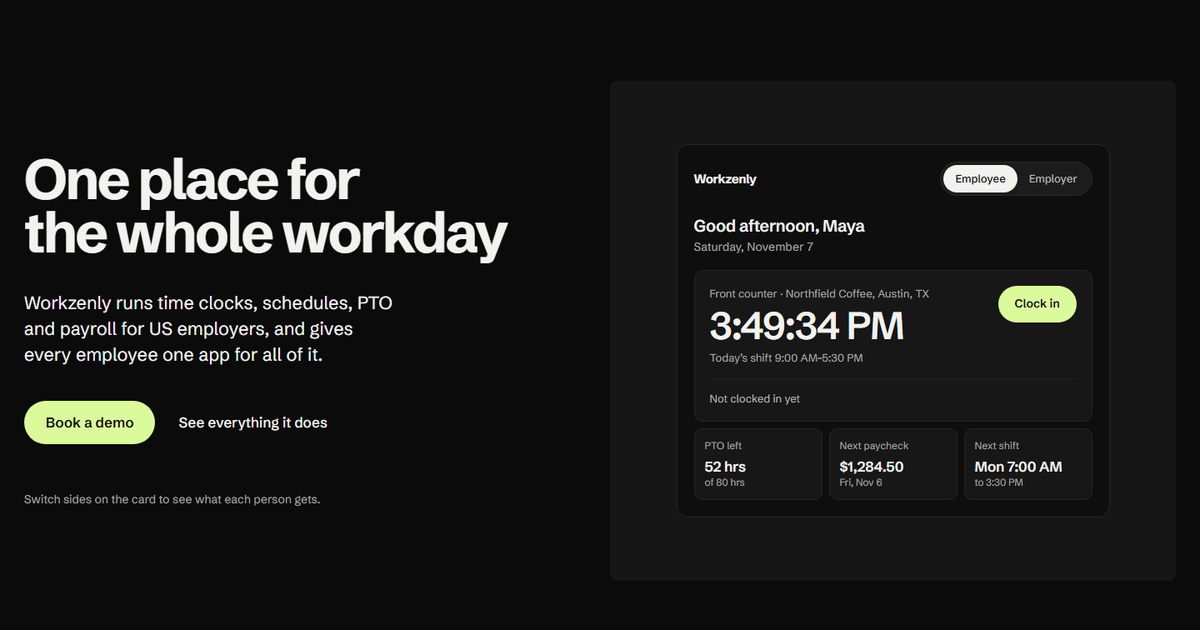
Workzenly is our product. It is not a leave administration service for complex FMLA or disability claims; it is workforce software for US hourly and shift teams in restaurants, retail, healthcare, construction, field services, warehouses and offices, where most leave questions are about a shift that now needs covering and pay that has to come out right.
PTO and leave tracking share one employee record with the time clock, the schedule and payroll. Employees request time off and check balances in the same app they use to clock in from a phone or shared tablet, swap shifts and read pay stubs. Managers see each request next to the schedule, so they know who can cover before they approve. Balances sit on the same record as the hours people clock, approved leave reaches payroll without re-typing, and onboarding with e-signed forms, documents and performance reviews sit on the same record. We do not publish prices; book a demo to see your own policies set up.
Strengths
- Leave requests appear next to the schedule they affect
- PTO, time clock hours and payroll share one employee record
- One employee app for time off, shifts and pay stubs
Drawbacks
- No published pricing; you need a demo
- Not a specialist service for FMLA case management or disability claims
- Built for hourly teams, so salaried-only offices may not use the scheduling side
- Best for
- PTO accruals that run through payroll
- Free plan or trial
- Free account setup; no trial listed
- Starting price
- $49/month + $6 per person
- Platforms
- Web, iOS, Android
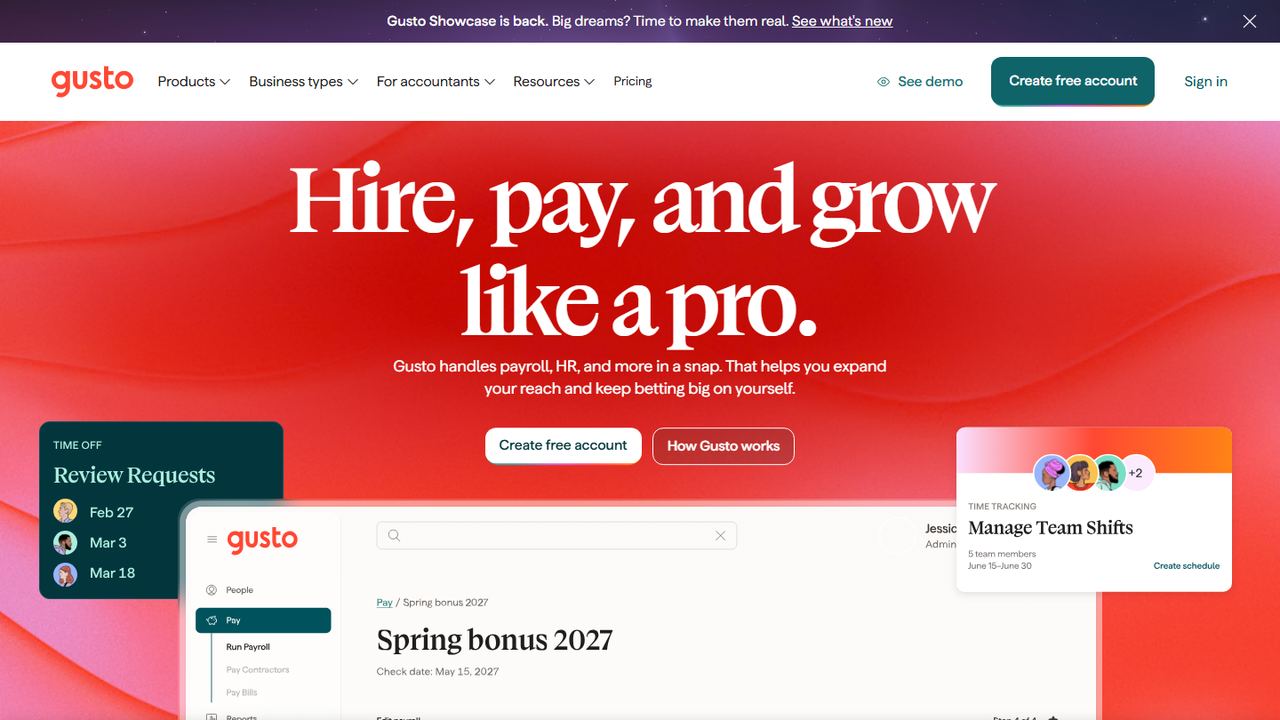
Gusto is payroll software for small businesses with PTO built into each pay run. It suits a business that wants leave balances to be exactly what the pay stub says, without a separate leave tool to reconcile.
Time-off policies can accrue by hours worked or by a fixed yearly amount spread across paychecks, with waiting periods (none, 30, 60, 90 days or custom) and tenure milestones that raise accrual at, say, one or five years. Employees request time off on the web or in the mobile app, managers approve, edit or decline, and approved requests sync to payroll; balances update after the payroll is paid. The Simple plan ($49 a month plus $6 per person) includes basic PTO policies and holiday pay. For companies created on or after August 31, 2026, unlimited PTO policies require Plus ($80 a month plus $12 per person) or Premium.
Strengths
- Accrual by hours worked, fixed amount or tenure milestones
- Approved time off flows into the pay run
- Waiting periods for new hires built in
Drawbacks
- Simple runs payroll in one state only
- Unlimited PTO needs Plus or Premium for new accounts
- No FMLA case management
- Best for
- deskless teams that accrue leave from clocked hours
- Free plan or trial
- Free for up to 10 users; 14-day trial
- Starting price
- $29/month for first 30 users (HR hub, billed yearly)
- Platforms
- Web, iOS, Android
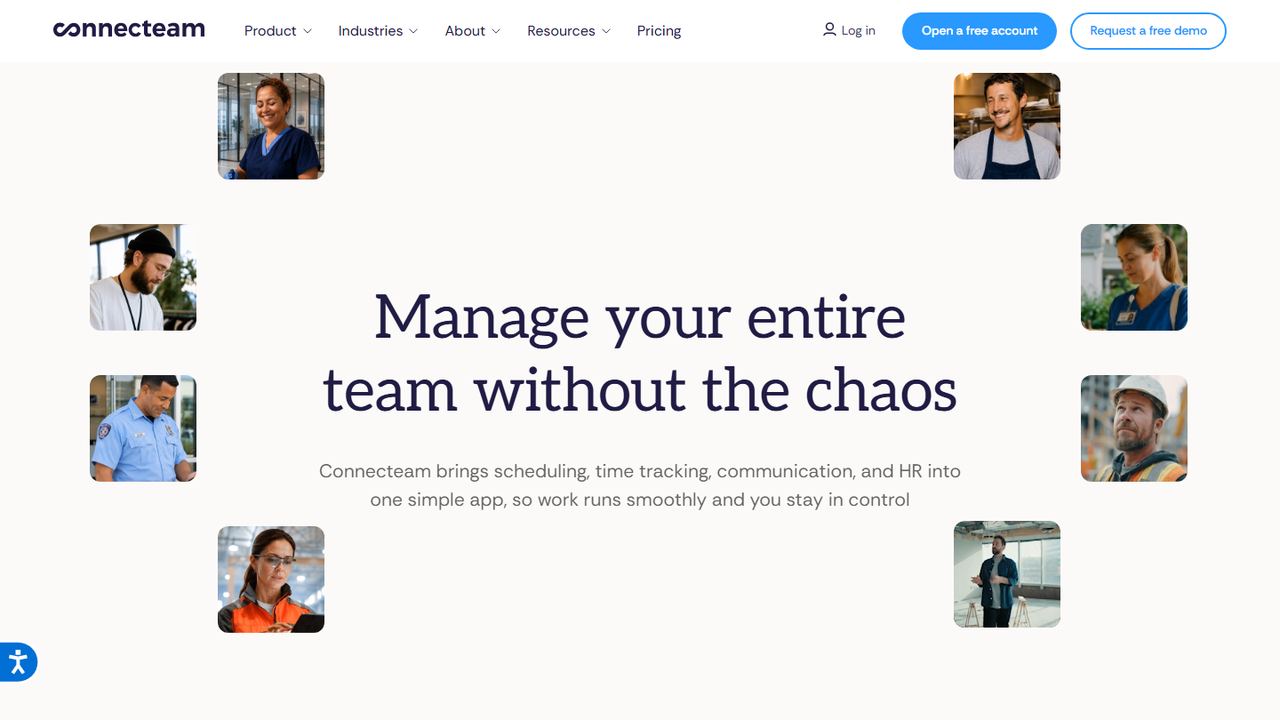
Connecteam is a mobile-first app for field, service and frontline teams. Its time-off feature suits employers whose staff rarely use a computer, because requests, approvals and balances all happen on the phone, next to the time clock.
Policies can be limited, unlimited or hourly. Hourly policies accrue from hours on Connecteam’s time clock. Admins set yearly accrual caps, carryover limits, maximum balances, negative-balance limits and maximum yearly use, and can add tenure or anniversary accrual. Time off sits in the HR and Skills hub, which starts at $29 a month for the first 30 users on yearly billing, while the time clock is in the Operations hub, priced separately. The free Small Business plan covers up to 10 users with every feature, and there is a 14-day trial.
Strengths
- Accrual from time clock hours with caps and carryover
- Free plan for up to 10 users
- Everything happens in the employee’s phone app
Drawbacks
- Time off and time clock are in separate paid hubs
- No payroll of its own
- No FMLA case tracking described on its site
- Best for
- a low-cost leave calendar for small offices
- Free plan or trial
- Free for up to 10 users
- Starting price
- $2 per seat/month (Pro, $20 minimum)
- Platforms
- Web, iOS, Android, Slack, Microsoft Teams
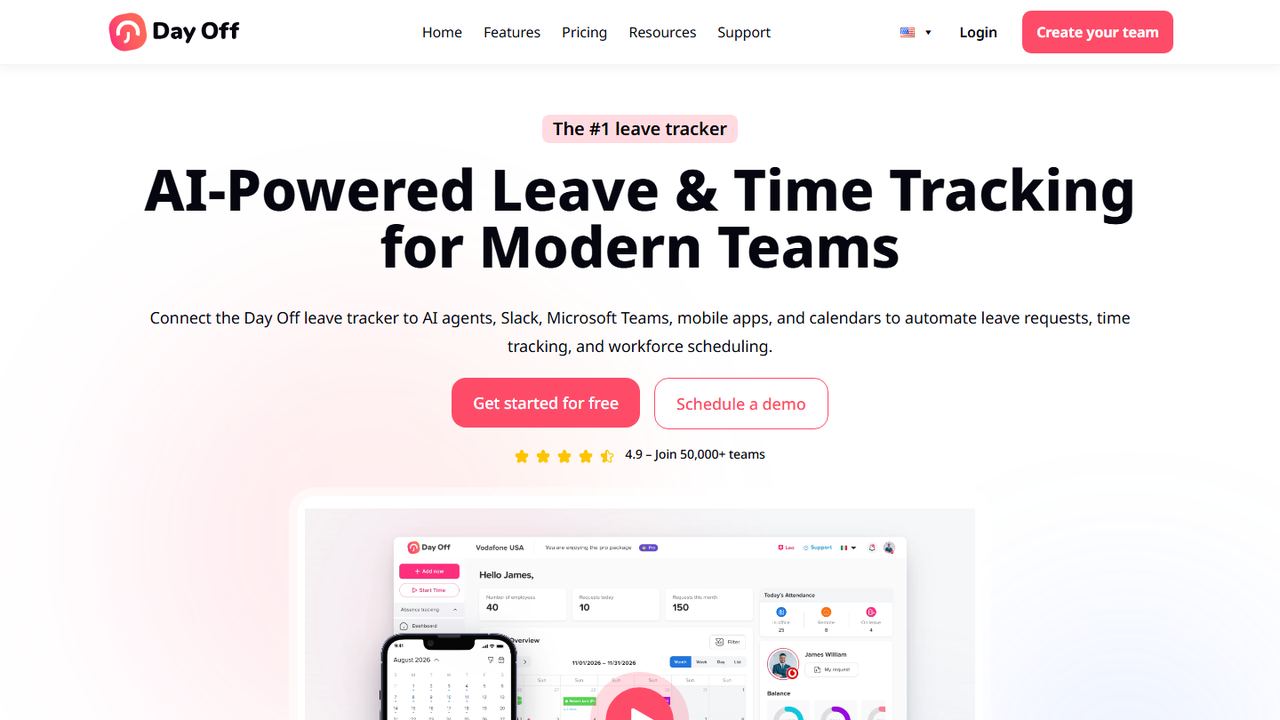
Day Off is a simple leave tracker with a free plan for up to 10 employees and low paid plans after that. It suits a small office or remote team that wants a shared calendar of who is out, balances for each person and approvals from Slack, Microsoft Teams or email.
The free plan includes a calendar view, customizable leave types, one-step approval and basic reports. Employees track vacation, PTO and other balances and see their request history, managers have a pending approvals view, and approved leave syncs to Google Calendar and Outlook. You can set custom work schedules with set days, times and shifts. Pro costs $2 per seat per month with a $20 monthly minimum, and Pro plus Time Tracker is $3 per seat with a $30 minimum; yearly billing saves 17%. Day Off has web, iOS and Android apps, so employees can request leave from a phone even if your team approves in Slack.
Strengths
- Free for up to 10 people
- Slack, Teams and email approvals
- Low per-seat price after the free plan
Drawbacks
- No payroll connection
- Free plan approvals are one step only
- No FMLA or state leave program guidance
How we chose these tools
Our criteria
- We started from the leave and absence management tools US employers compare most, then grouped them by job: HR systems with time off, dedicated trackers, leave administration and payroll with PTO.
- We checked every product on its own website on November 7, 2026, including pricing and help-center pages, and recorded the lowest published price with its unit.
- To pick the best leave management software for small and midsize US employers, we weighted multiple policies, accrual by hours worked, state-by-state rules, approvals, the link to payroll and support for protected leaves such as FMLA.
- We left out tools that are not taking new customers and tools without a US-facing site. For example, Cocoon said it was not accepting new business inquiries when we checked.
- No vendor paid for placement, and we did not use review-site ratings. Workzenly is our product; it is listed once and described only by what it does.
How to choose leave management software
List every type of leave your employees took last year and how many of each: vacation days, sick days, a parental leave, a workers’ comp absence, jury duty. The mix tells you what you need. Mostly vacation and sick days points to a PTO tracker or HRIS. Several long medical or family leaves a year points to a leave administration tool or service.
Buyer’s checklist for employee leave tracking:
- Separate policies. You will likely need at least vacation or PTO, state or city paid sick leave, holidays and unpaid leave as separate policies. Check how many policies the plan allows and whether employees can be on more than one.
- Sick leave at the legal rate. State rules differ. California’s accrual method is 1 hour per 30 hours worked, and Washington requires 1 hour per 40 hours worked. The software should accrue from actual hours for hourly staff.
- FMLA tracking. If you have 50 or more employees, track eligibility (12 months, 1,250 hours, 50 employees within 75 miles), the 12-workweek entitlement and intermittent leave in hours. Under DOL rules you generally must send the eligibility notice within five business days of learning the leave may qualify. Our FMLA leave guide explains the rules.
- State paid family and medical leave. States such as California, New York, New Jersey, Washington and Massachusetts run paid family and medical leave programs, each with its own notices and claims. Specialist tools like Tilt exist for this.
- Other protected leave. Jury duty, military leave and, in some states, bereavement and voting leave have their own rules. See our guides to jury duty pay and bereavement leave.
- Payroll. Paid leave must reach payroll at the right rate. Either pick software that runs payroll, or confirm an integration and test it on one pay run.
- Records and confidentiality. Keep leave records with payroll records for at least three years, and keep medical certifications separate from the general personnel file, with limited access.
- The schedule. For shift teams, approving leave without seeing the schedule creates gaps. Look for tools that show requests next to the shifts they affect.
Before you buy, run one realistic case in the trial: a part-time hourly employee in California who requests sick time, then a full-time employee who needs a six-week medical leave. Whichever tool handles both with the least manual tracking is the best leave management software for your business today. Our paid time off guide covers policy design if you are starting from scratch.
Frequently asked questions
What is leave management software?
Leave management software tracks every kind of time away from work: vacation and PTO, sick leave, holidays, and protected leaves such as FMLA, state paid family leave, jury duty and military leave. It keeps policies and balances, routes requests for approval, shows who is out, and keeps records. Some tools also guide employees through long leaves and benefit claims.
What is the difference between PTO tracking and leave management?
PTO tracking handles short, planned time off: vacation days, sick days and balances. Leave management also covers longer and legally protected absences, such as FMLA, state paid family and medical leave, and disability, where eligibility, notices, job protection and pay from outside programs all have to be tracked. Small teams often need PTO tracking first.
Does a small business have to offer FMLA leave?
FMLA covers private employers with 50 or more employees in 20 or more workweeks in the current or previous year. Eligible employees have worked there 12 months, logged 1,250 hours in the past year and work where the employer has 50 employees within 75 miles. They can take up to 12 workweeks of job-protected leave in 12 months.
How much does leave management software cost?
On November 7, 2026, published prices ranged from free (Connecteam and Day Off for up to 10 users) to $2 per user per month for Vacation Tracker with a $50 minimum, and $2.50 per employee per month for Tilt Essentials. HR systems that include leave, such as BambooHR, start at $250 a month flat for up to 25 employees.
Can leave management software keep me compliant with state leave laws?
It helps, but it does not replace knowing the rules. Good software lets you run separate policies by state, accrue sick leave at the legal rate and keep records. Specialist tools such as Tilt add guidance for state paid leave programs. Confirm your obligations with your state labor department and update policies when laws change.