Workzenly makes time clock, scheduling, PTO and payroll software, and it appears in this list as one option. We researched every product on its own website on November 7, 2026. No company paid to be included. Features and prices change, so check each vendor’s site before you buy.
The best HRIS for small business depends on what your HR work really is. If it is mostly employee records, time off and onboarding, a dedicated HRIS like BambooHR fits. If it is mostly payroll, start with Gusto. If you want health benefits and someone else handling compliance, look at a PEO such as Justworks. If most of your people work hourly shifts, the HRIS has to live where they clock in.
We compared seven HRIS systems for small companies in the United States, from 5 to about 100 employees. For each one we checked the pricing page, the free plan or trial, the platforms and the HR features that matter on day one: employee records, onboarding with I-9 and W-4 paperwork, PTO policies, documents and the link to payroll. If you are weighing broader HR suites too, see our list of the best HR software for small business.
Top picks at a glance
 BambooHRBest for core HR records
 GustoBest for payroll-first HR
 RipplingBest for fast-growing teams
 JustworksBest for benefits through a PEO
 ConnecteamBest for a free plan
 HomebaseBest for hourly teams
Comparison table
| Tool | Best for | Free plan or trial | Starting price | Platforms |
|---|---|---|---|---|
| BambooHR | core HR records and time off | 7-day free trial | $250/month flat (Core, up to 25 employees) | Web, iOS, Android |
| Gusto | payroll-first HR for small teams | Free account setup; no trial listed | $49/month + $6 per person | Web, iOS, Android |
| Rippling | fast-growing teams that want modules to add later | No trial listed | From $8 per employee/month + base fee | Web, iOS, Android |
| Justworks | small teams that want benefits through a PEO | No trial listed | $50/month + $8 per employee (Payroll) | Web, mobile app |
 Workzenly | hourly and shift teams that want HR, time and pay in one app | Book a demo | Book a demo | Web, phone app, shared tablet time clock |
| Homebase | hourly teams at one or a few locations | Free plan (1 location, up to 10 employees); 14-day trial | $30 per location/month (Essentials) | Web, iOS, Android |
| Connecteam | a free HR app for deskless teams | Free for up to 10 users; 14-day trial | $29/month for first 30 users (per hub, billed yearly) | Web, iOS, Android |
- Best for
- core HR records and time off
- Free plan or trial
- 7-day free trial
- Starting price
- $250/month flat (Core, up to 25 employees)
- Platforms
- Web, iOS, Android
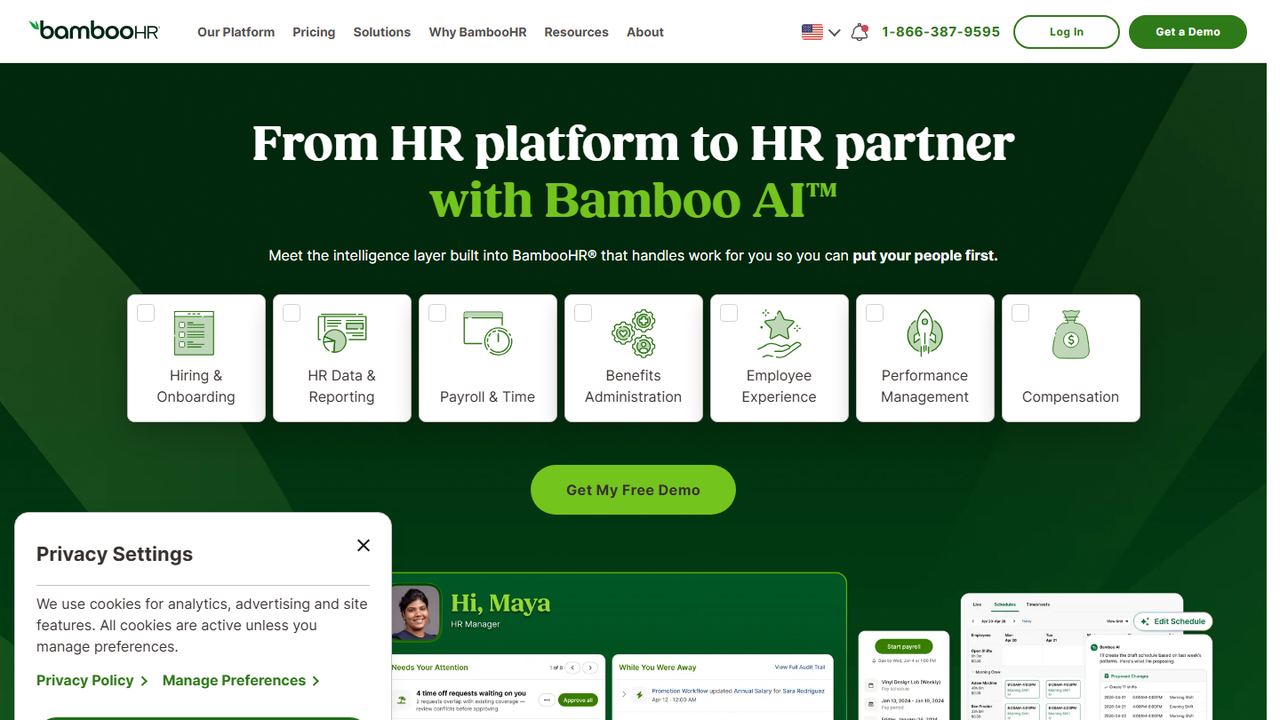
BambooHR is an HRIS built around a central employee record. It suits a small business that has outgrown spreadsheets and shared folders and wants one place for personnel files, time off, hiring and onboarding, with payroll as an option rather than the center of the product.
The Core plan includes employee records, HR reporting, job posting and candidate records, offer letter templates, time-off tracking with a time-off calendar and unlimited custom policies, and benefits tracking. Pro adds performance management with 360-degree review cycles and one-on-ones. Pricing is unusual for small teams: companies with 25 or fewer employees pay a flat monthly rate ($250 for Core, $425 for Pro, $650 for Elite), and larger companies pay per employee, from $10 per employee per month on Core. Payroll is an add-on for US employees, with a 15% discount when you bundle it with benefits administration.
Strengths
- Unlimited custom time-off policies and a shared time-off calendar on Core
- Job postings, candidate records and offer letter templates on Core
- iOS and Android apps for employees and managers
Drawbacks
- The $250 flat rate applies even to a team of five or six
- Payroll is a paid add-on and its price is not published
- Performance management needs the Pro plan
- Best for
- payroll-first HR for small teams
- Free plan or trial
- Free account setup; no trial listed
- Starting price
- $49/month + $6 per person
- Platforms
- Web, iOS, Android
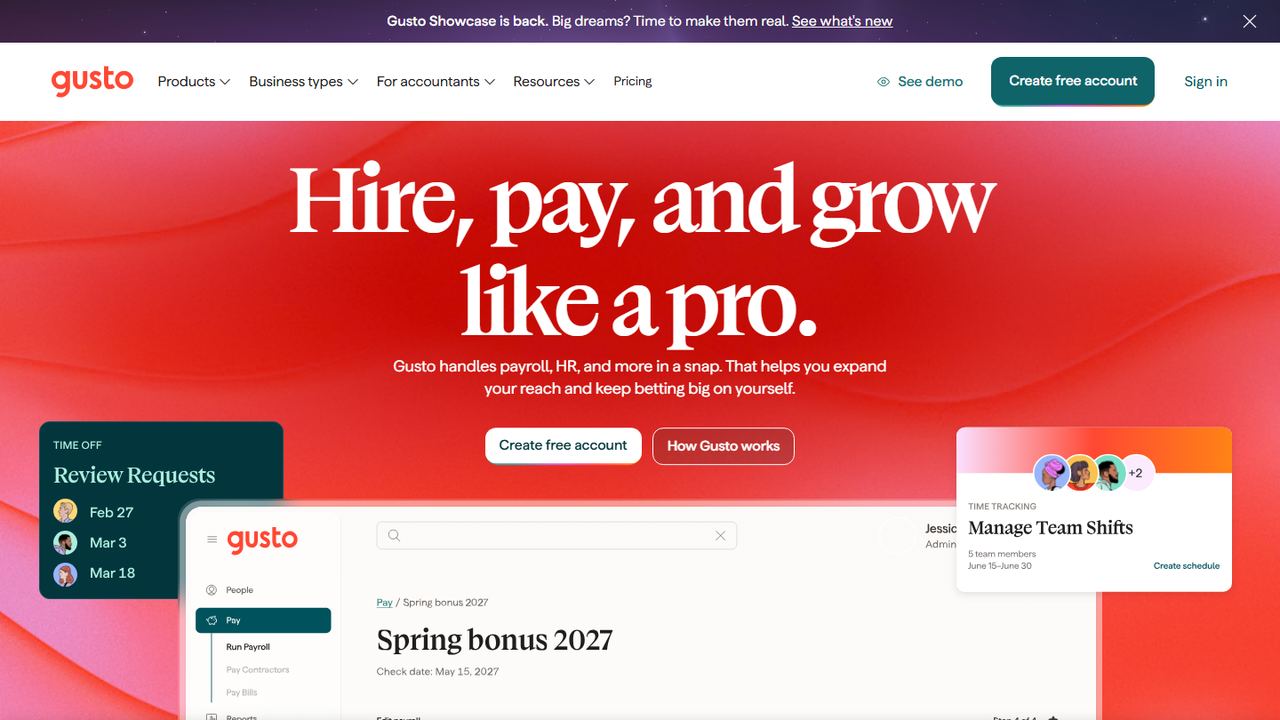
Gusto is a payroll company that grew into a light HRIS. If your main HR job is paying people correctly and filing payroll taxes, and you want employee profiles, onboarding and PTO attached to that, Gusto is a common starting point for US small businesses.
The Simple plan costs $49 a month plus $6 per person and covers unlimited payrolls in one state, tax filings and payments, and basic PTO policies and holiday pay. Plus ($80 a month plus $12 per person) adds time tracking and scheduling, multi-state payroll and next-day pay. Premium ($180 a month plus $22 per person) adds a named advisor and HR guidance. Time-off policies can accrue by hours worked or a fixed amount, requests come in from the web or the mobile app, and approved time off syncs to payroll. For companies created on or after August 31, 2026, Simple allows only accrual-based policies, and unlimited PTO needs Plus or Premium.
Strengths
- Payroll, tax filing and PTO accruals work from the same data
- Published plan prices on its own site
- Approved time off flows into the next payroll automatically
Drawbacks
- Simple covers payroll in one state only
- Time tracking and scheduling are on Plus and above
- New Simple accounts cannot set up unlimited PTO policies
- Best for
- fast-growing teams that want modules to add later
- Free plan or trial
- No trial listed
- Starting price
- From $8 per employee/month + base fee
- Platforms
- Web, iOS, Android
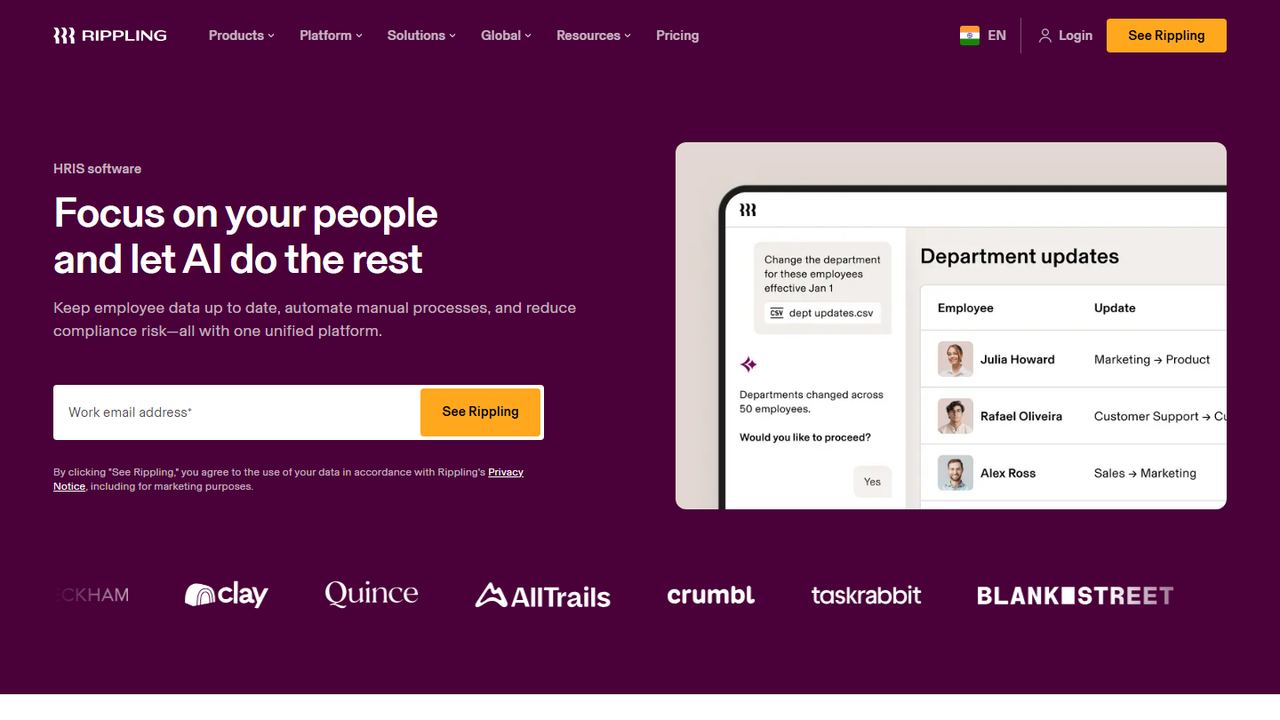
Rippling is a modular workforce platform with an HRIS at its center. It suits a small company that expects to grow quickly, hire in several states or add more systems over time, and wants HR data to drive everything else.
You buy the products you need, and Rippling quotes a price. Its pricing page says plans start at $8 per employee per month plus a monthly base fee, and payroll pricing depends on headcount and the products you choose. The HRIS keeps the employee record, and Rippling also sells workflow automation, custom reports and dashboards, and an app studio. Rippling says time-off policies can be set by employee type, location and leave category; employees request and check balances in the mobile app or on the web, and approved PTO updates payroll. Eligible US venture-backed startups can get six months free through its startup program.
Strengths
- Add modules such as payroll, time and benefits as you grow
- Policies and workflows can key off location, department or employee type
- Mobile app on iOS and Android
Drawbacks
- The base fee is not published, so you need a quote to compare
- More setup and configuration than a simple HRIS
- Many features you may want are separate paid modules
- Best for
- small teams that want benefits through a PEO
- Free plan or trial
- No trial listed
- Starting price
- $50/month + $8 per employee (Payroll)
- Platforms
- Web, mobile app
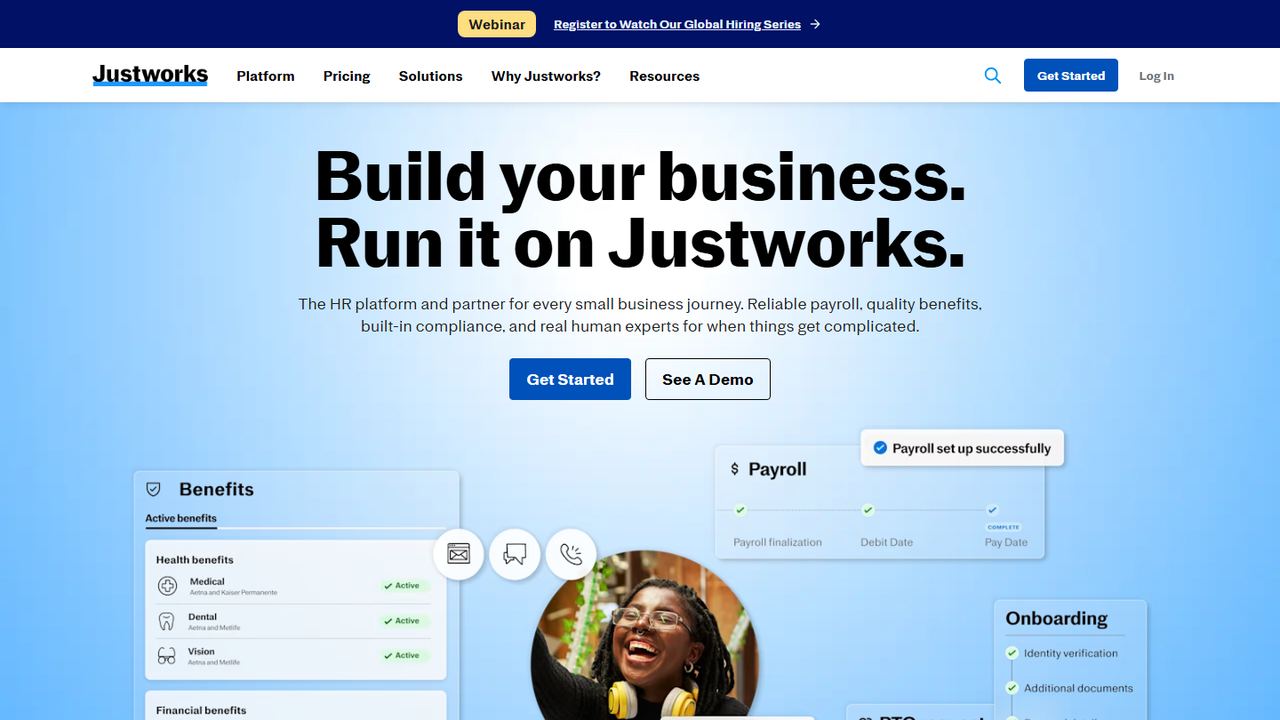
Justworks sells two things: payroll software with HR tools, and a PEO (professional employer organization) that co-employs your staff so a small company can offer large-group health benefits and hand off compliance work. It suits a small business that wants health insurance and HR support more than it wants a deep HRIS.
The Payroll plan is $50 a month plus $8 per employee and includes payroll, HR tools, expert support and access to time tracking. PEO Basic is $79 per employee per month with no base fee and adds HR consulting, 24/7 support, 401(k) and an applicant tracking system. PEO Plus, at $124 per employee per month, adds medical, dental and vision administration, HSA and FSA accounts and other benefits. The PEO price is all-in for the service, which makes budgeting simple, but it is high compared with software alone.
Strengths
- Clear per-employee pricing for both payroll and PEO
- PEO plans give small teams access to group benefits
- Applicant tracking included from PEO Basic
Drawbacks
- PEO Plus at $124 per employee per month costs more than software-only HRIS tools
- Fewer HR configuration options than a dedicated HRIS
- Leaving a PEO later means moving benefits and payroll at the same time
5. Workzenly Our product
Best for hourly and shift teams that want HR, time and pay in one app
- Best for
- hourly and shift teams that want HR, time and pay in one app
- Free plan or trial
- Book a demo
- Starting price
- Book a demo
- Platforms
- Web, phone app, shared tablet time clock
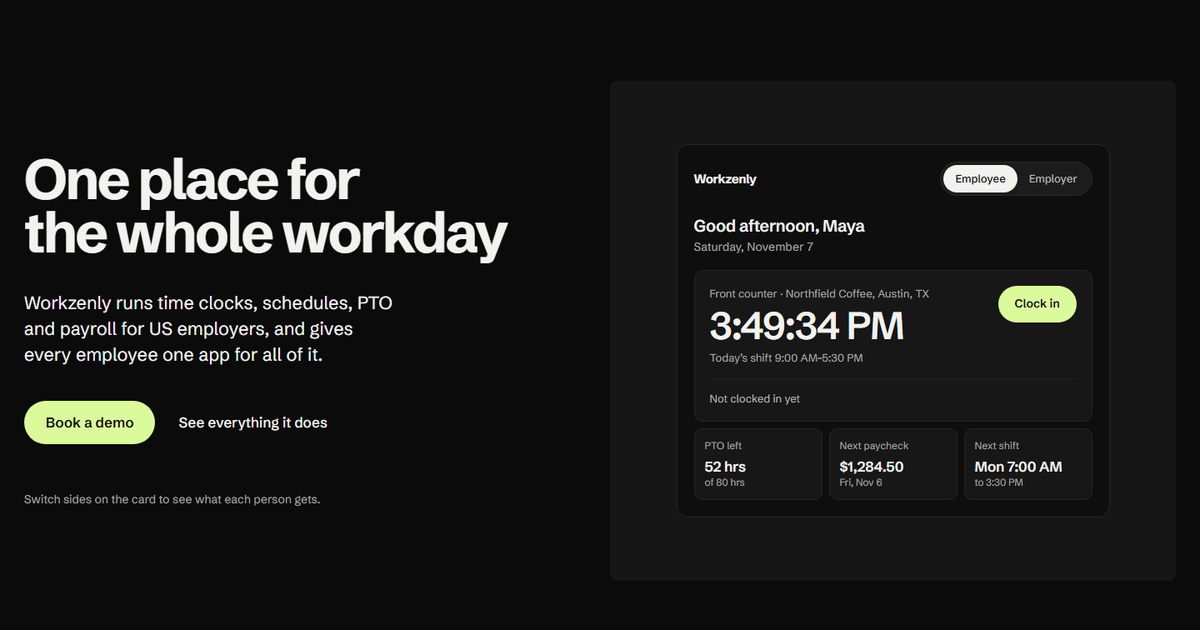
Workzenly is our product, so read this entry with that in mind. Most HRIS software starts from the employee record and the org chart. Workzenly starts from the work hourly teams do every day: clocking in, picking up shifts, asking for time off and getting paid correctly. It is built for US restaurants, retail stores, clinics, construction crews, field service companies, warehouses and offices with shift staff.
The employee record holds onboarding with e-signed forms, documents and performance reviews. The time clock runs on a phone or a shared tablet with GPS and geofencing, schedules support shift swaps, PTO and leave tracking keeps balances current, and payroll produces pay stubs that employees read in the same app. Managers approve hours, swaps and time off in one place instead of three. We do not publish prices; you book a demo and see it with your own team’s setup.
Strengths
- Time clock, scheduling, PTO and payroll share one employee record
- One app for employees: shifts, swaps, time off requests and pay stubs
- Onboarding with e-signed forms, plus documents and performance reviews
Drawbacks
- No published pricing; you need a demo to get a quote
- Built around hourly and shift work, so an all-salaried office may not use the time clock or scheduling
- Not a PEO, so it does not provide group health benefits
- Best for
- hourly teams at one or a few locations
- Free plan or trial
- Free plan (1 location, up to 10 employees); 14-day trial
- Starting price
- $30 per location/month (Essentials)
- Platforms
- Web, iOS, Android
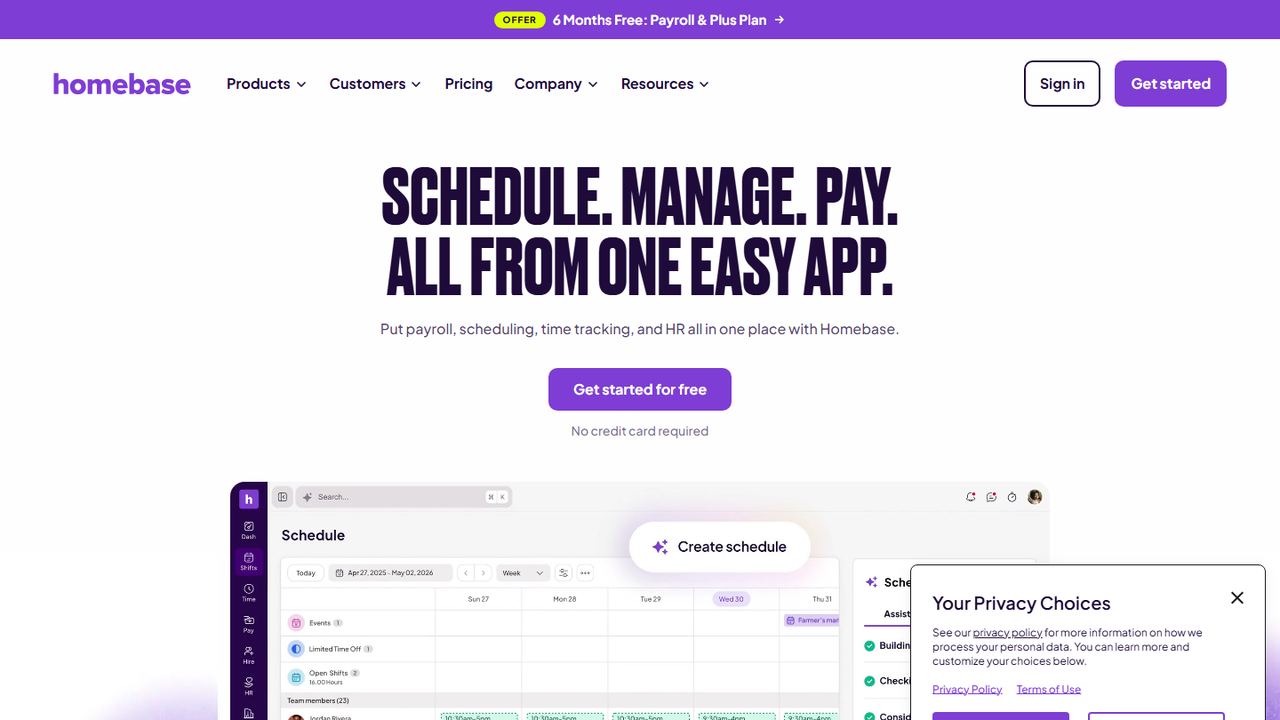
Homebase is scheduling and time-clock software for hourly teams that has added HR, onboarding and payroll. It is a fit for restaurants, shops and service businesses where the HR system mostly needs to know who works when, how many hours they clocked and what they are owed.
Plans are priced per location. Basic is free for one location with up to 10 employees and covers basic scheduling and time tracking. Essentials is $30 per location per month, Plus is $70 and adds PTO and time-off controls, and the top plan, at $120, adds onboarding without payroll and HR and compliance tools. Payroll is an add-on on any plan at $49 a month plus $6 per employee paid. Homebase also offers hiring tools and background checks ($30 each), and its paid plans come with a 14-day trial.
Strengths
- Free plan for a single small location
- Scheduling, time clock and payroll built for hourly work
- Per-location pricing with unlimited employees on paid plans
Drawbacks
- HR and compliance tools are only on the top $120 plan
- PTO accruals and balances need a paid plan
- Per-location pricing adds up for businesses with many sites
- Best for
- a free HR app for deskless teams
- Free plan or trial
- Free for up to 10 users; 14-day trial
- Starting price
- $29/month for first 30 users (per hub, billed yearly)
- Platforms
- Web, iOS, Android
Connecteam is a mobile-first app for teams that do not sit at desks: cleaning crews, home care aides, field technicians, security guards. It works as a light HRIS for those businesses, with documents, time off, onboarding and training on the phone the employee already carries.
Connecteam sells three hubs. Operations covers the time clock, job scheduling and forms. Communications covers chat, updates and the company directory. HR and Skills covers time off, documents, hiring, onboarding, courses, quizzes, recognition and an org chart. Each hub starts at $29 a month for the first 30 users on yearly billing ($35 monthly). The Small Business plan is free for up to 10 users and includes every hub and feature. Time-off policies can accrue by a fixed amount or by hours worked on the time clock, with caps, carryover limits and tenure rules.
Strengths
- Free plan with all features for up to 10 users
- Time-off accrual from time clock hours
- Training courses and documents in the same app
Drawbacks
- No built-in payroll; you export hours to a payroll provider
- HR features are spread across hubs that are priced separately
- Less suited to office teams that live on desktop
How we chose these tools
Our criteria
- We started from the HRIS products that US small-business buyers most often compare, then kept only those with a US website, current pricing or a clear quote process, and HR features beyond payroll.
- We checked every product on its own website on November 7, 2026: home page, pricing page and feature or help pages. Prices are the lowest published plan with its unit.
- To pick the best HRIS for small business buyers, we weighted what a small employer uses in the first year: employee records, onboarding paperwork, PTO policies and balances, documents, the link to payroll, and the mobile app employees will use.
- We left out enterprise suites that only sell to large companies, and products we could not verify on the vendor’s own site.
- No vendor paid for placement, and we did not use review-site ratings. Workzenly is our product; we list it once and describe only what it does.
How to choose an HRIS for your small business
Start with where your HR time goes today. Write down the five tasks that take the most hours each month (new hire paperwork, PTO questions, payroll changes, chasing signatures, answering “how much vacation do I have?”) and judge every HRIS on those, not on the longest feature list.
Buyer’s checklist for HRIS software:
- Payroll in or out. Decide whether the HRIS should run payroll or feed a provider you keep. Every manual hand-off is a chance to pay someone wrong. Our guide to how to process payroll shows where the hand-offs usually break.
- States you pay in. If you have remote staff or a second location in another state, confirm multi-state payroll and state tax registration are included or priced. Gusto Simple, for example, covers one state.
- Onboarding paperwork. The system should collect Form W-4 and the I-9, which the employer must complete within three business days of the start date, plus your state withholding form and e-signed policies. See our new hire paperwork checklist.
- PTO and sick leave rules. Many states and cities require paid sick leave with their own accrual rates and carryover rules. Check that the HRIS can run more than one policy, accrue by hours worked for hourly staff, and show employees their balance. Our paid time off guide covers the common policy designs.
- Exempt and non-exempt employees. If you have hourly, non-exempt staff, the HRIS or its time clock must track hours for FLSA overtime. Misclassifying someone can mean back pay for unpaid overtime; see exempt vs non-exempt.
- Records you must keep. The FLSA requires payroll records for at least three years, and EEOC rules require keeping personnel records for one year. Make sure documents stay searchable and exportable if you ever leave the vendor.
- The employee app. Deskless and hourly staff will only use an HRIS on their phone. Ask for the employee app in the demo, not just the admin screens.
- Real total cost. Price it at your headcount a year from now: base fee, per-employee fee, add-ons such as time tracking or remote I-9, and any implementation fee.
Finally, run one real scenario in the trial or demo: hire a fake employee, onboard them, give them a PTO policy, approve a request and see it on the next pay run. The product that makes that flow shortest is usually the best HRIS for small business teams like yours, whatever its feature list says.
Frequently asked questions
What is an HRIS?
An HRIS (human resources information system) is software that stores employee records and runs the HR work attached to them: onboarding paperwork, time off, benefits enrollment, documents and reports. Many small business HRIS tools also run payroll or connect to it, so a pay change or new hire is entered once instead of in several places.
Does a small business need an HRIS?
Most US businesses start to need one at around 10 to 20 employees, when paper files, PTO spreadsheets and emailed forms start causing errors. Signs you need one: you cannot quickly answer how much PTO someone has, I-9s and W-4s live in different places, or you re-type the same employee data into payroll and benefits.
How much does an HRIS cost for a small business?
On November 7, 2026, published prices ran from free (Connecteam for up to 10 users, Homebase Basic for one small location) to $250 a month flat for BambooHR Core up to 25 employees. Payroll-first tools like Gusto start at $49 a month plus $6 per person. PEO plans cost far more because they include benefits and HR services.
What is the difference between an HRIS and a PEO?
An HRIS is software you run yourself. A PEO, such as Justworks PEO, co-employs your staff: it runs payroll and taxes under its own accounts, gives you access to its group benefits, and provides HR support. A PEO costs more per employee, and you share some employer responsibilities with it. Many small businesses start with an HRIS and add a broker for benefits.
Is there a free HRIS for small business?
Yes, with limits. Connecteam is free for up to 10 users with every feature, and Homebase Basic is free for one location with up to 10 employees but leaves out PTO balances and HR tools. Free plans rarely include payroll, so budget for a payroll service and check how hours and time off move into it.