Workzenly makes time clock, scheduling, PTO and payroll software, and it appears in this list as one option. We researched every product on its own website on November 7, 2026. No company paid to be included. Features and prices change, so check each vendor’s site before you buy.
The best payroll services for small business all do the same core job: pay employees by direct deposit, withhold and file federal, state and local payroll taxes, and send W-2s and 1099s at year-end. Where they differ is price, how they handle hourly time and tips, how much HR comes with them, and whether you can see the price before you call sales.
To find the best payroll services for small business, we checked 10 providers on their own websites on November 7, 2026. For most US teams of 1 to 50 people, Gusto is the safest all-round choice, OnPay is the simplest full-service price, and Zoho Payroll has the lowest published price for a payroll service that still files your taxes. If you run hourly shifts, look closely at how each one gets hours from the time clock into payroll, because that is where small business payroll mistakes usually start.
Top picks at a glance
 GustoBest for most small businesses
 OnPayBest for flat pricing in all 50 states
 QuickBooks PayrollBest for QuickBooks users
 Zoho PayrollBest for the lowest price
 Square PayrollBest for Square POS sellers
 JustworksBest for health benefits through a PEO
Comparison table
| Tool | Best for | Free plan or trial | Starting price | Platforms |
|---|---|---|---|---|
| Gusto | most small businesses that want payroll with basic HR | No free trial listed; free account setup | $49/mo + $6 per person (Simple) | Web, employer and employee mobile apps |
| OnPay | simple, flat full-service pricing in all 50 states | One month free | $49/mo + $6 per worker | Web (mobile friendly) |
 ADP RUN | growing businesses that want HR support built into payroll | Up to 6 months free payroll (promotion; terms apply) | Quote | Web, iOS, Android |
| QuickBooks Payroll | businesses that keep their books in QuickBooks Online | No free trial listed; 50% off the base price for 3 months (promotion) | $50/mo + $7 per employee (Workforce Payroll) | Web, QuickBooks Workforce mobile app |
 Workzenly | hourly and shift-based teams that want time, scheduling and payroll together | Book a demo | Book a demo | Web, phone app, shared tablet time clock |
 Paychex Flex | businesses that want a large provider with time and HR add-ons | Free payroll months until April 2027 for new clients who start by November 24, 2026 (one-year agreement) | Quote | Web, iOS, Android (Paychex Flex app) |
| Zoho Payroll | the lowest published full-service price | 14-day free trial, no credit card | $29/mo + $5 per employee billed yearly ($39 + $6 monthly) | Web; employee self-service on web and mobile |
| Square Payroll | restaurants and shops that already use Square POS | No free plan or trial listed | $35/mo + $6 per person; contractor-only $6 per person | Web; hours import from Square POS and the Square Team app |
| Justworks | small teams that want PEO health benefits | No free trial listed | Payroll $50/mo + $8 per employee; PEO Basic $79 per employee/mo | Web, employee mobile app |
 Rippling | companies that want payroll, HR and IT in one system | No free trial listed | From $8 per employee/mo plus a monthly base fee (quote) | Web, iOS, Android |
- Best for
- most small businesses that want payroll with basic HR
- Free plan or trial
- No free trial listed; free account setup
- Starting price
- $49/mo + $6 per person (Simple)
- Platforms
- Web, employer and employee mobile apps
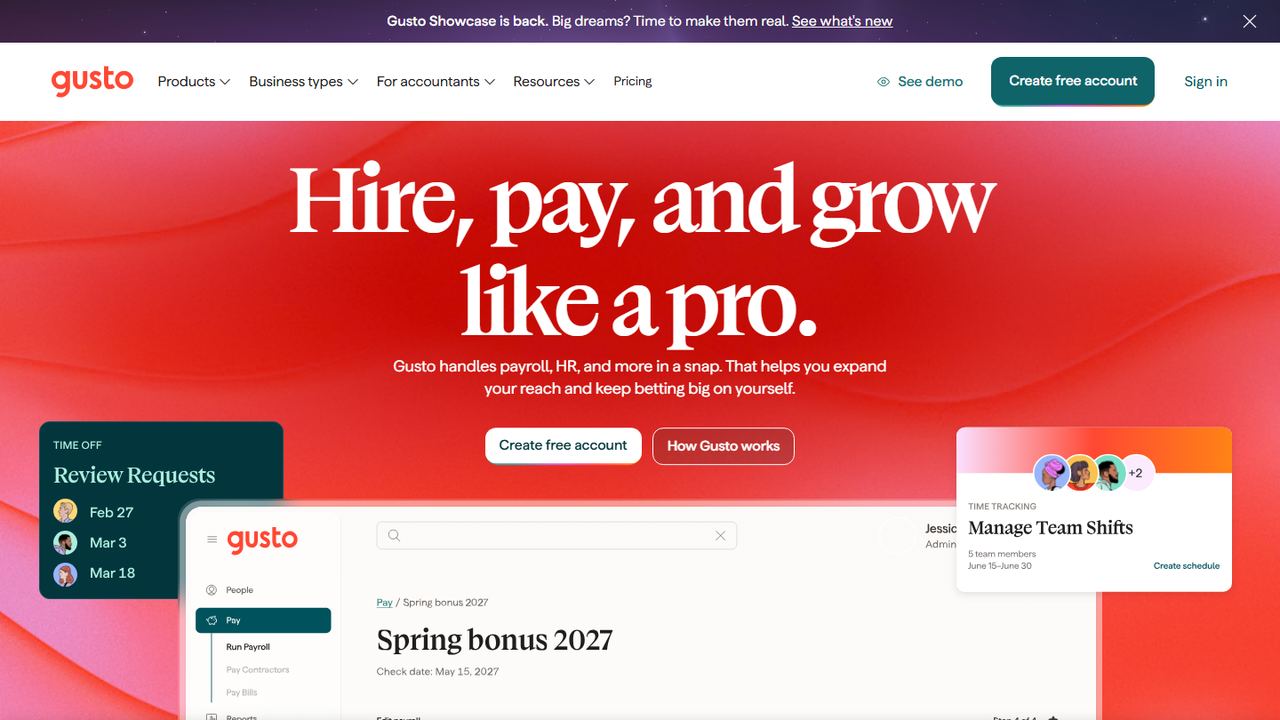
Gusto is online payroll, benefits and HR software built for small US businesses, and it is the name most owners hear first. It fits a team of 2 to 50 people that wants full-service payroll, an employee app, and the option to add health insurance and a 401(k) without switching providers later.
Pricing is published. Simple is $49 a month plus $6 per person and runs payroll in one state, with unlimited payrolls, tax filings and payments, and basic PTO policies. Plus, at $80 a month plus $12 per person, adds time tracking and scheduling, multi-state payroll, next-day pay and contractor invoice management. Premium, at $180 a month plus $22 per person, adds a named advisor, HR guidance and compliance tools. Every plan includes the Gusto employee app and the employer mobile app. Gusto bills US contractors at the per-person rate only in months you pay them. Add-ons include Next-Day pay on Simple ($15 a month plus $3 per person), Remote I-9 ($20 per submission) and Time & Attendance Plus ($6 per person).
Strengths
- Published prices with no contract
- Employee and employer mobile apps on every plan
- Health insurance, 401(k) and workers’ comp available in the same account
Drawbacks
- Simple covers payroll in one state only
- Time tracking and scheduling start on the Plus plan or as an add-on
- No free trial listed
- Best for
- simple, flat full-service pricing in all 50 states
- Free plan or trial
- One month free
- Starting price
- $49/mo + $6 per worker
- Platforms
- Web (mobile friendly)
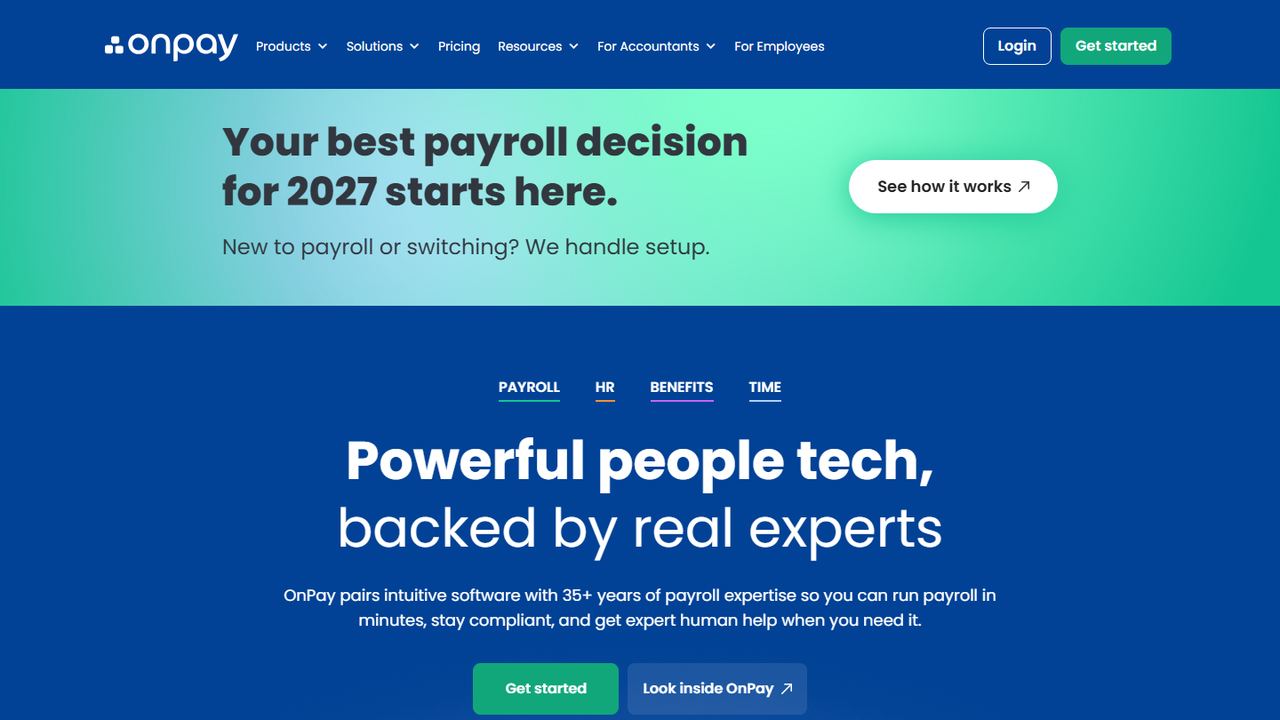
OnPay sells one full-service payroll plan instead of a ladder of tiers, which makes it easy to budget. It suits small businesses with straightforward payroll that want every state included and do not need a large HR suite.
On November 7, 2026, OnPay’s pricing calculator listed Payroll Essentials at a $49 base plus $6 per worker each month, although the same page’s footer said pricing starts at $55, so confirm when you sign up. The plan includes unlimited pay runs, multiple pay rates, and federal, state and local tax filing, and OnPay says all 50 states are included at no extra cost. W-2s, 1099s and year-end filings are on every plan. HR is an add-on at a $15 base plus $2 per worker and covers onboarding with e-signatures, PTO accrual policies, org charts and document storage. Time tracking is $15 plus $4 per worker, and bundles of HR and time tracking are cheaper than buying both. New customers get one month free and free data migration.
Strengths
- All 50 states included in full-service tax filing
- One payroll plan with unlimited pay runs
- Free data migration and one free month
Drawbacks
- HR and time tracking cost extra
- No dedicated mobile app mentioned on its site
- Fewer built-in HR features than Gusto Plus or Paycor
- Best for
- growing businesses that want HR support built into payroll
- Free plan or trial
- Up to 6 months free payroll (promotion; terms apply)
- Starting price
- Quote
- Platforms
- Web, iOS, Android
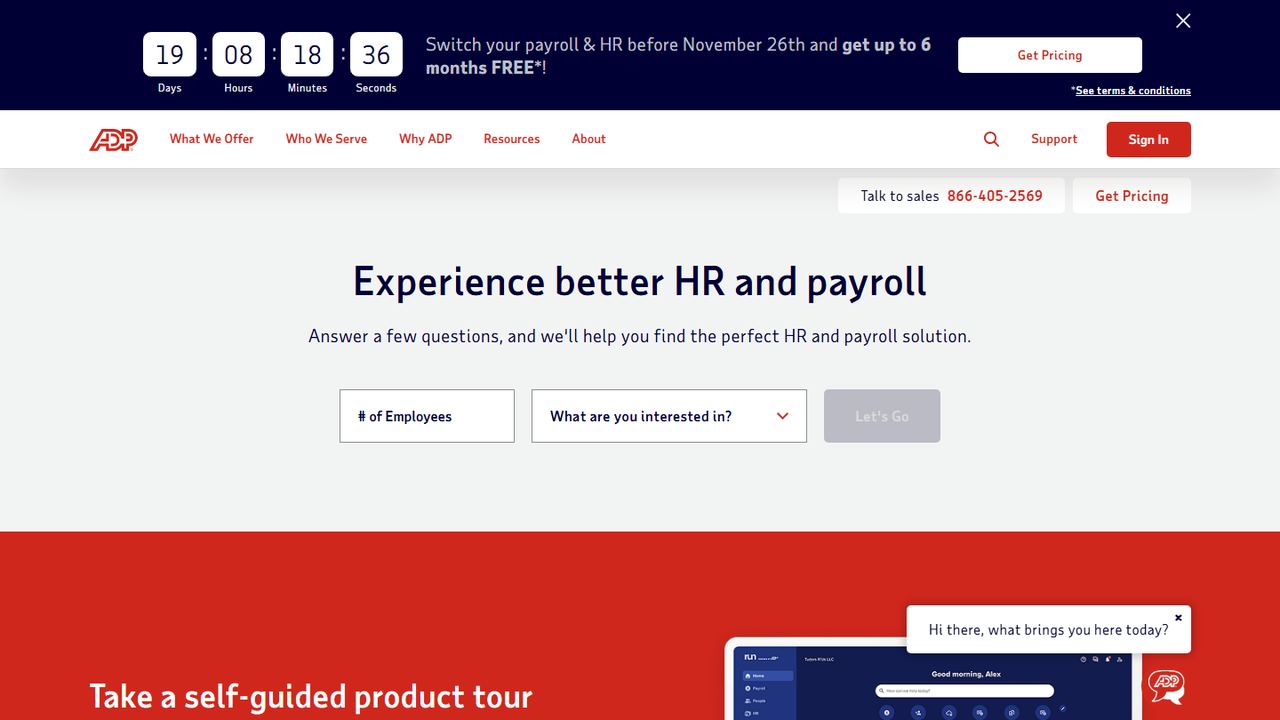
RUN Powered by ADP is ADP’s payroll service for small businesses. ADP is one of the largest US payroll companies, and RUN suits owners who want a well-known provider with phone support and a path from payroll to HR help as the team grows.
ADP does not publish prices, so you request a quote. On November 7, 2026, the RUN page advertised up to six months of free payroll for new clients, with terms behind a separate link. There are four packages: Essential (payroll, taxes and compliance help), Enhanced (adds ZipRecruiter, state unemployment insurance administration and garnishment payments), Complete Payroll and HR+ (adds basic HR support) and HR Pro (adds more HR support and employee perks). Every package files federal, state and local payroll taxes and handles W-2s and 1099s. ADP lists 24/7 payroll support, an AI assistant that flags errors, time tracking tools, and integrations with accounting and POS systems, including Clover. There is a mobile app for running payroll and a separate app for employees.
Strengths
- Four packages from payroll only to payroll with HR support
- 24/7 payroll support listed
- Up to six free months on new accounts
Drawbacks
- No published pricing; you need a quote to compare
- Promotion terms sit behind a separate link
- Many features are spread across higher packages
4. QuickBooks Payroll
Best for businesses that keep their books in QuickBooks Online
- Best for
- businesses that keep their books in QuickBooks Online
- Free plan or trial
- No free trial listed; 50% off the base price for 3 months (promotion)
- Starting price
- $50/mo + $7 per employee (Workforce Payroll)
- Platforms
- Web, QuickBooks Workforce mobile app
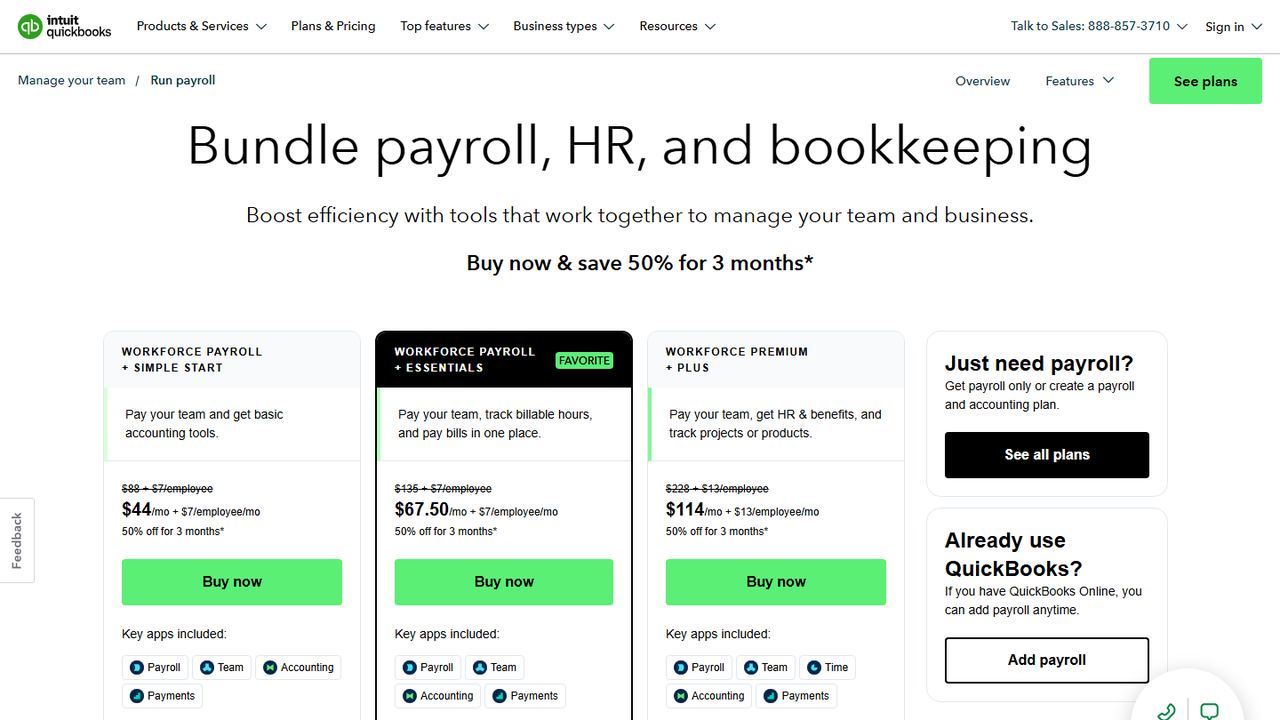
QuickBooks Payroll, now sold as QuickBooks Workforce, is Intuit’s payroll service for small businesses. It is the obvious choice if you already keep your books in QuickBooks Online, because pay runs post to your accounts without a separate connector. You can buy payroll on its own or bundle it with QuickBooks accounting.
Intuit’s US pricing page on November 7, 2026 listed three payroll plans. Workforce Payroll is $50 a month plus $7 per employee, with full-service payroll that calculates, files and pays payroll taxes, auto payroll, unlimited 1099-MISC and 1099-NEC e-filing, next-day direct deposit and an employee portal for pay stubs and W-2s. Workforce Premium, at $88 plus $13 per employee, adds same-day direct deposit, an expert review of your setup, the Workforce app for mobile or kiosk time tracking, scheduling, time-off management, hiring and onboarding with automated I-9s, and recruiting. Workforce Elite, at $134 plus $17 per employee, adds expert payroll setup and tax penalty protection. A promotion took 50% off the base price for three months; the per-employee fee was not discounted.
Strengths
- Payroll posts straight into QuickBooks Online
- Same-day direct deposit from the Premium plan up
- Elite adds expert setup and tax penalty protection
Drawbacks
- Time tracking and HR tools need Premium at $88 + $13 per employee
- Per-employee fees rise to $13 on Premium and $17 on Elite
- No free trial listed
5. Workzenly Our product
Best for hourly and shift-based teams that want time, scheduling and payroll together
- Best for
- hourly and shift-based teams that want time, scheduling and payroll together
- Free plan or trial
- Book a demo
- Starting price
- Book a demo
- Platforms
- Web, phone app, shared tablet time clock
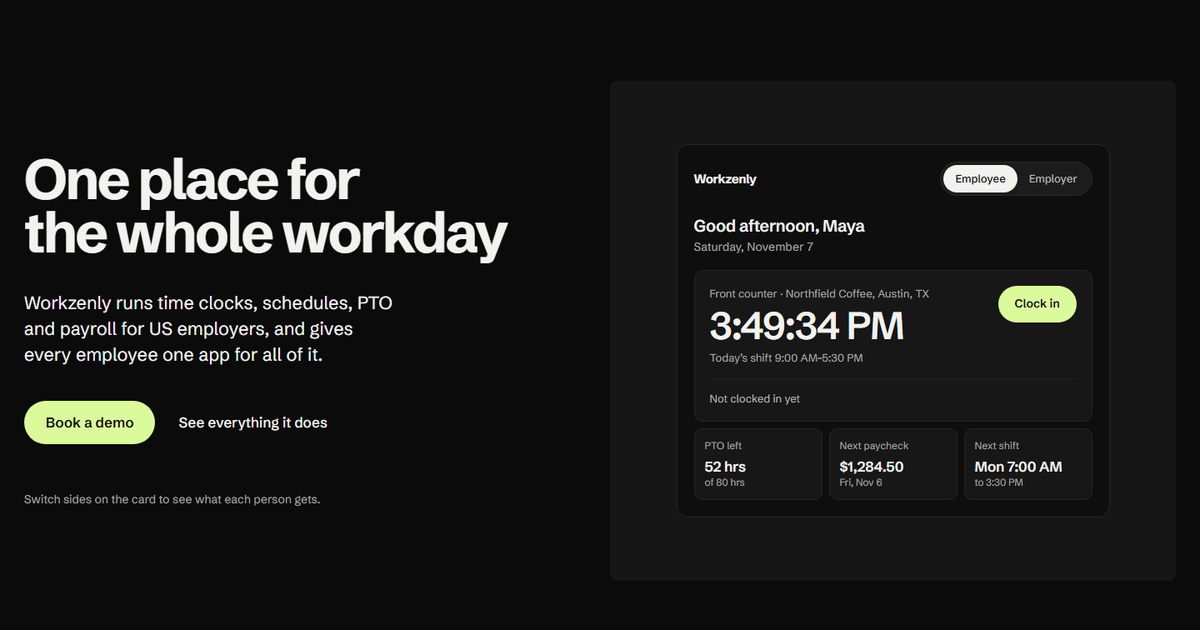
Workzenly is our product. It is workforce software for US small and mid-sized businesses with hourly staff: restaurants, retail, healthcare, construction, field services, warehouses and offices. Where most payroll services start from the pay run and bolt on time tracking, Workzenly starts at the time clock.
Employees clock in on a phone or a shared tablet, with GPS and geofencing so punches come from the job site. Managers build shift schedules, employees swap shifts and request PTO in the same app, and approved hours flow into payroll with overtime calculated from the punches. Pay stubs show up in the employee app next to schedules and PTO balances. Onboarding runs on e-signed forms, and documents and performance reviews are kept with each employee’s record. If your biggest payroll headache is chasing missed punches and overtime before every pay run, this is the problem Workzenly is built to remove. We do not publish prices; book a demo to see it with your own team setup.
Strengths
- Time clock, scheduling, PTO and payroll share one set of records
- One employee app for pay stubs, schedules, shift swaps and time off
- GPS and geofencing on phone punches
Drawbacks
- No published pricing or free plan
- Built for hourly teams more than salaried-only offices
6. Paychex Flex
Best for businesses that want a large provider with time and HR add-ons
- Best for
- businesses that want a large provider with time and HR add-ons
- Free plan or trial
- Free payroll months until April 2027 for new clients who start by November 24, 2026 (one-year agreement)
- Starting price
- Quote
- Platforms
- Web, iOS, Android (Paychex Flex app)
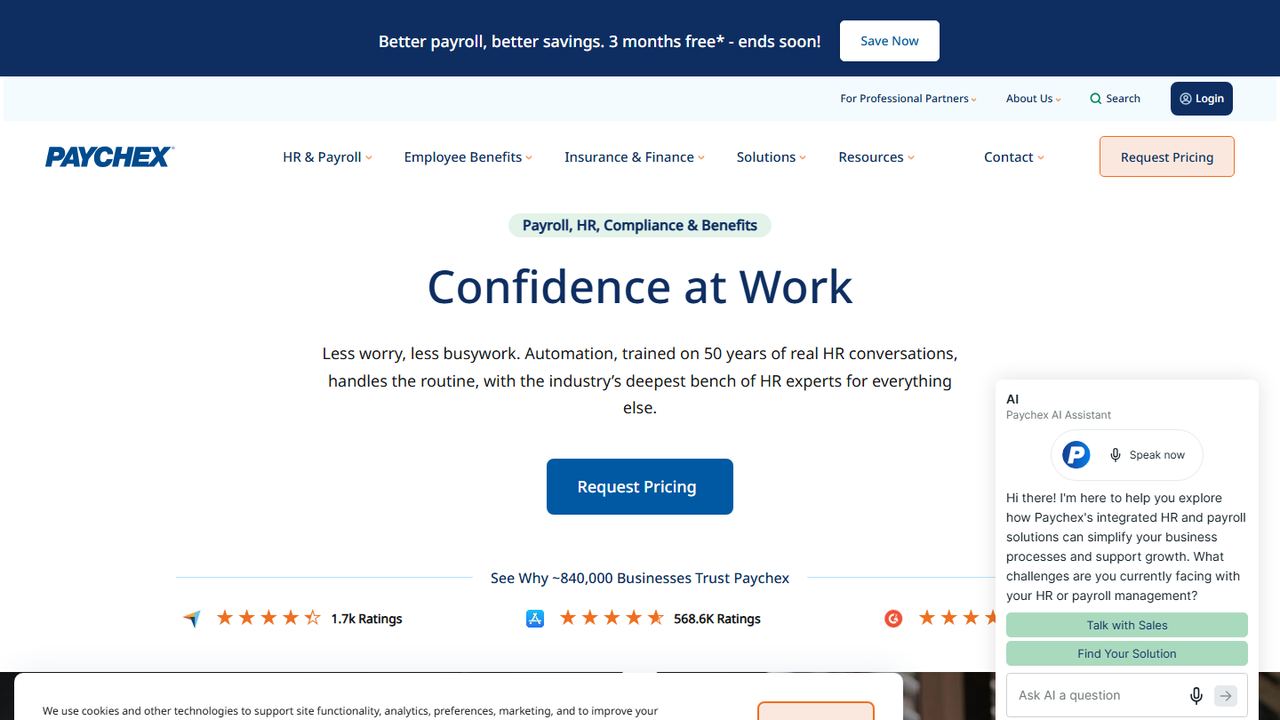
Paychex is a long-established US payroll and HR company, and Paychex Flex is its online platform for small businesses. It suits owners who want a big provider with payroll, time and attendance, HR and retirement plans under one contract.
Paychex does not publish prices. Its small business payroll comes in Basic, Foundations, Advanced and Complete packages, and you request a quote. On November 7, 2026, Paychex was running a “Do Not Pay Until April 2027” promotion for new clients with 1 to 250 employees who process a first payroll by November 24, 2026: up to six free months of the payroll fee, with a one-year service agreement. Setup, delivery, time and attendance and other fees still apply, and leaving early can cancel the offer. The platform calculates, pays and files payroll taxes, produces W-2s and 1099s, uses AI to flag missing time punches, and gives employees a 24/7 self-service portal. The Paychex Flex app on iOS and Android shows pay stubs and W-2s and lets employees clock in if you subscribe to Paychex Flex Time.
Strengths
- Payroll, time, HR and retirement from one provider
- Employee app on iOS and Android
- Integrations listed with QuickBooks, Xero and Indeed
Drawbacks
- No published pricing
- Current promotion requires a one-year agreement
- Time clock in the app needs a separate Flex Time subscription
- Best for
- the lowest published full-service price
- Free plan or trial
- 14-day free trial, no credit card
- Starting price
- $29/mo + $5 per employee billed yearly ($39 + $6 monthly)
- Platforms
- Web; employee self-service on web and mobile
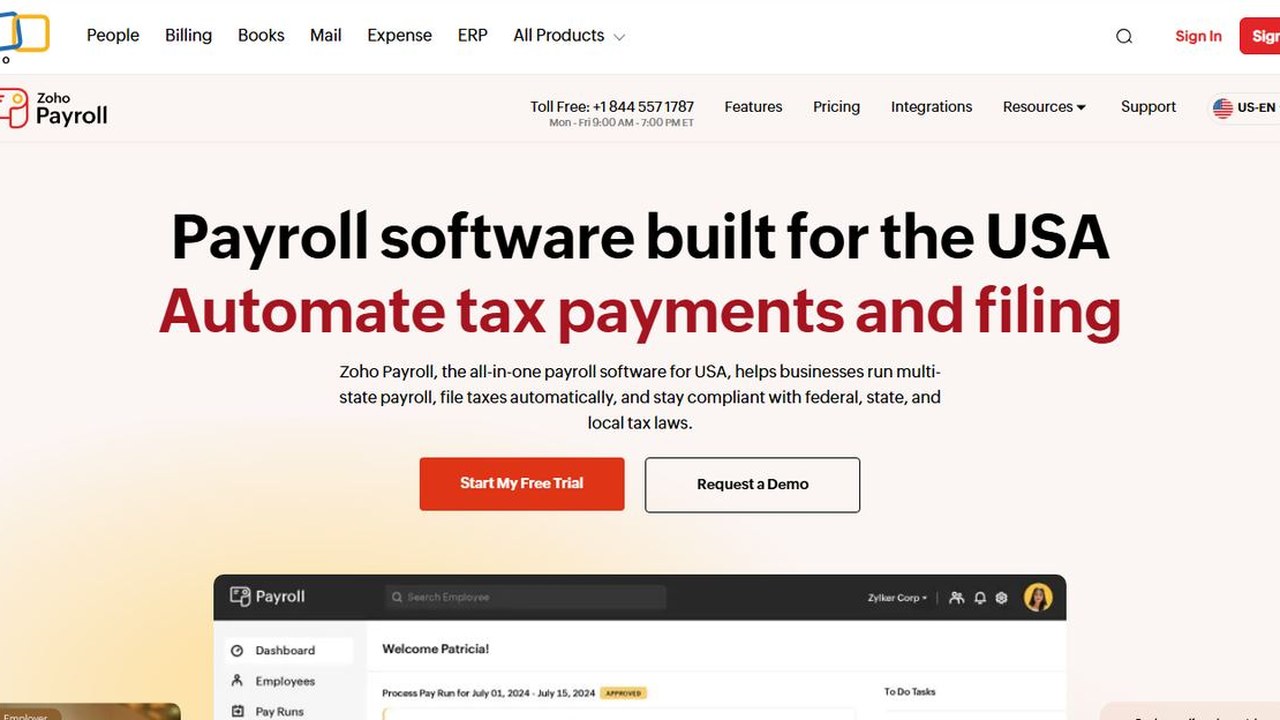
Zoho Payroll is the payroll app from Zoho, the company behind Zoho Books and many other business apps. Its US version is full-service payroll, and its Standard plan has the lowest published base fee of the services we checked, so it is the place to start if you want the cheapest payroll service that still files your taxes.
Standard is $29 a month plus $5 per employee when billed yearly, or $39 plus $6 when billed monthly. It covers single-state payroll in any of the 50 states, with automatic federal, state and local tax payments and filings, direct deposit, off-cycle pay runs, paid time off, benefit and garnishment deductions, and an employee self-service portal on web and mobile. Professional, at $49 plus $7 per employee billed yearly ($59 plus $8.50 monthly), adds multi-state payroll, multiple pay rates, bonus pay runs and pay run approvals. Support is by phone and email on weekdays. Zoho lists separate fees for some services, such as $3 per employee for next-day processing, $3 per employee for mailed W-2s and $150 for an amended tax return. The 14-day free trial does not ask for a credit card.
Strengths
- Lowest published base fee on this list when billed yearly
- Free trial needs no credit card
- Connects with Zoho’s accounting and expense apps
Drawbacks
- Multi-state payroll requires the Professional plan
- Several services carry separate fees
- Phone and email support on weekdays only
- Best for
- restaurants and shops that already use Square POS
- Free plan or trial
- No free plan or trial listed
- Starting price
- $35/mo + $6 per person; contractor-only $6 per person
- Platforms
- Web; hours import from Square POS and the Square Team app
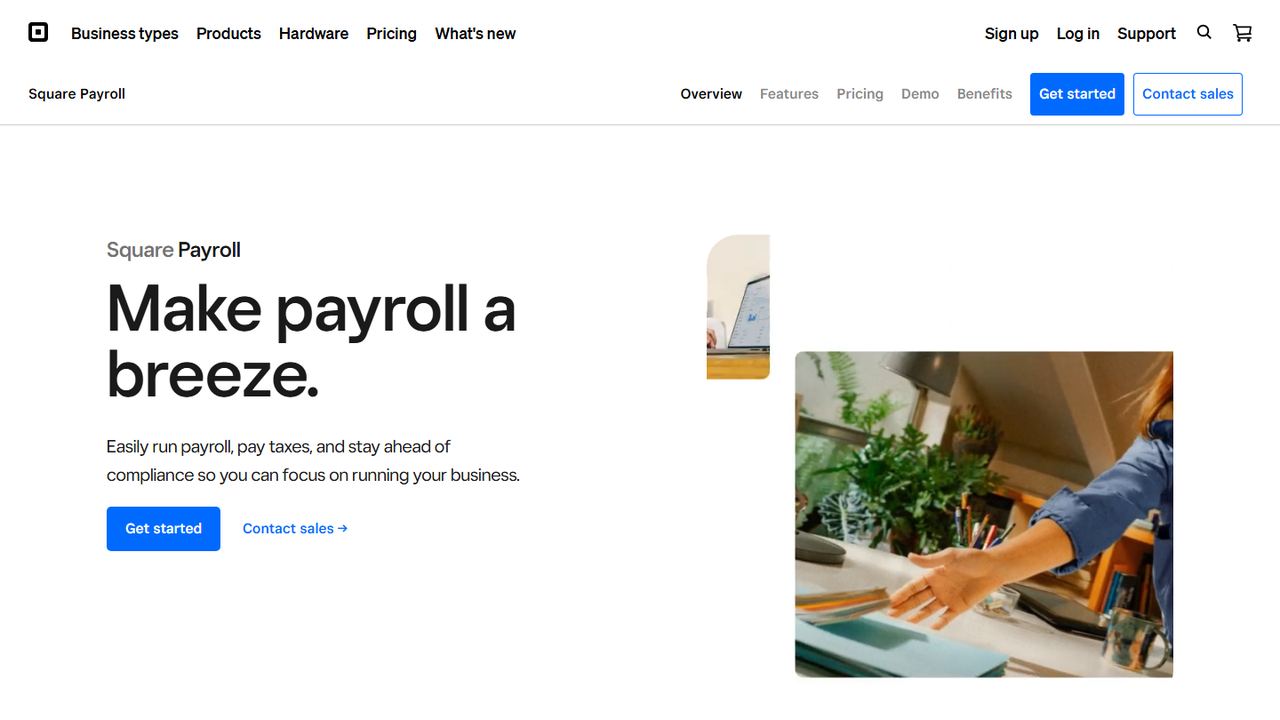
Square Payroll is the payroll service from Square, the point-of-sale and payments company. It makes the most sense for cafes, restaurants, salons and shops that already ring up sales on Square, because employees clock in on the POS and those timecards import straight into payroll.
The full-service plan is $35 a month plus $6 per person paid. It includes automated federal and state tax payments and filings, multistate payroll, unlimited pay runs, auto payroll, overtime calculations, next-day direct deposit, benefit deductions and new-hire reporting. For tipped staff, the full-service plan tracks and imports direct tips and reports labor cost including wages and tips. Employees can be paid by direct deposit, paper check or Cash App, and get digital pay stubs. A contractor-only plan costs $6 per person paid with no base fee, but Square says automated federal and state tax filings are not included in it. Support is by specialists Monday to Friday, 6 a.m. to 6 p.m. Pacific time, and payroll connects to QuickBooks Online.
Strengths
- Timecards and tips import from Square POS
- Low base fee for full-service payroll
- Contractor-only plan with no base fee
Drawbacks
- Most useful only if you already use Square
- Support hours are weekdays only
- No free plan or trial listed
- Best for
- small teams that want PEO health benefits
- Free plan or trial
- No free trial listed
- Starting price
- Payroll $50/mo + $8 per employee; PEO Basic $79 per employee/mo
- Platforms
- Web, employee mobile app
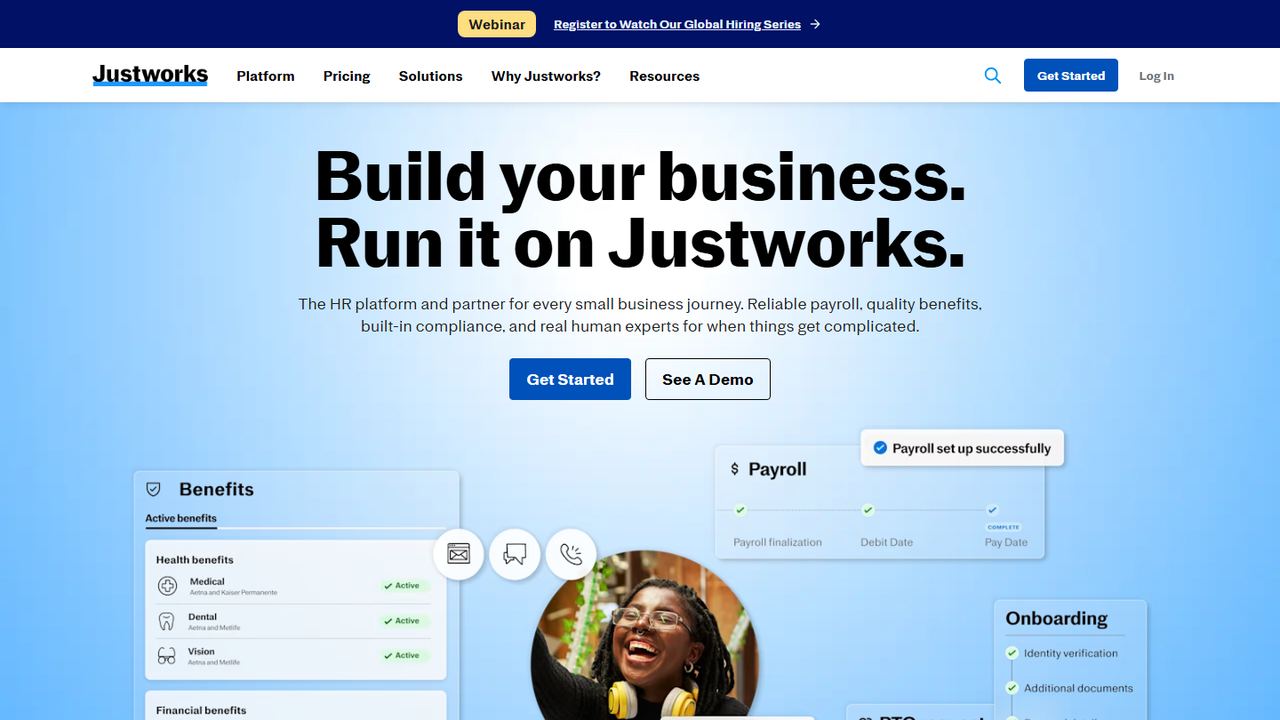
Justworks is best known as a PEO (professional employer organization). A PEO becomes the co-employer of your staff for tax and benefits purposes, which lets a 10-person company buy health insurance at rates usually reserved for much bigger groups. Justworks also sells a payroll-only plan.
Prices are published. Payroll is $50 a month plus $8 per employee and includes payroll for all employees, multi-state payroll, off-cycle runs, tips processing, tax filings, W-2s and 1099s, onboarding, basic timecards, PTO management, a document center and a mobile app for employees. PEO Basic is $79 per employee per month with no base fee and adds compliance support, HR consulting, 24/7 support, 401(k) and an applicant tracking system. PEO Plus, at $124 per employee per month, adds medical, dental and vision administration, HSA and FSA accounts, and mental health and fertility benefits. US contractors cost $8 per paid contractor a month, and time tracking is $8 per employee a month on any plan.
Strengths
- Published prices for payroll and PEO plans
- PEO Plus gives small teams access to group health benefits
- Payroll plan includes multi-state payroll and tips processing
Drawbacks
- PEO plans cost far more per employee than payroll-only services
- Time tracking is extra on every plan
- No free trial listed
- Best for
- companies that want payroll, HR and IT in one system
- Free plan or trial
- No free trial listed
- Starting price
- From $8 per employee/mo plus a monthly base fee (quote)
- Platforms
- Web, iOS, Android
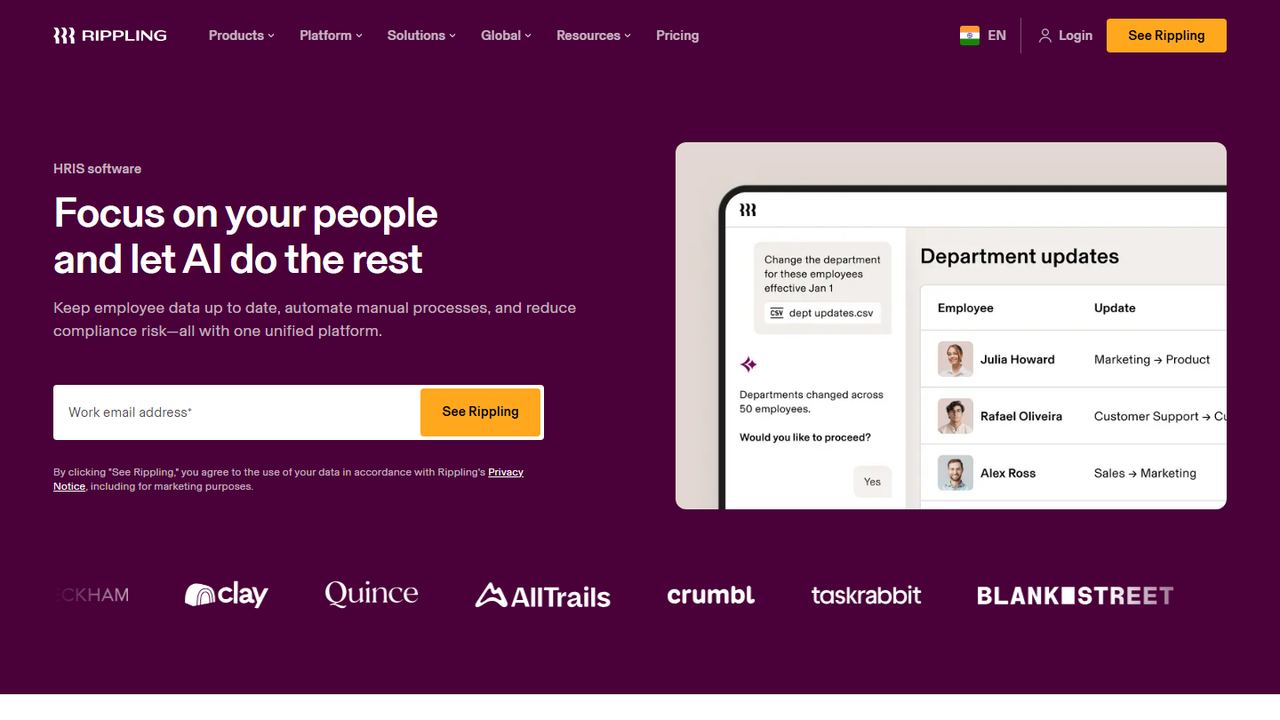
Rippling is a workforce platform that combines payroll and HR with IT tools such as device and app management, and finance tools such as expense management. It suits a fast-growing company that expects to add modules over time and wants every system to share one employee record.
Rippling says plans start at $8 per employee per month with a monthly base fee, and the total depends on which products you choose, so you need a custom quote. Payroll calculates taxes and files with federal, state and local agencies, pays employees and contractors, and pulls in new hires, salary changes and benefit deductions from the HR record automatically. Time and attendance, time off, benefits and expenses all feed the pay run. Rippling also offers global payroll for teams outside the US and integrates with QuickBooks, Xero and NetSuite. The mobile app is on the App Store and Google Play. Eligible US venture-backed startups can get six months free through its startup program.
Strengths
- Payroll, HR, IT and finance modules on one employee record
- Global payroll available as you grow
- Accounting integrations with QuickBooks, Xero and NetSuite
Drawbacks
- Only a starting price is published; the real total needs a quote
- Many separate modules can add up for a small team
- More than a 5-person business usually needs
How we chose these tools
Our criteria
- Full-service US payroll: the provider calculates, deposits and files federal, state and local payroll taxes and produces W-2s and 1099s.
- Built for and sold to small businesses with roughly 1 to 50 employees, with a US website we could check on November 7, 2026.
- Pricing taken from each vendor’s pricing page. Where a vendor publishes no price, we say “Quote”.
- Each pick covers a different buyer: all-round, flat pricing, accounting users, lowest cost, POS sellers, PEO benefits, and HR plus IT.
- No vendor paid to appear, and we did not use review-site ratings to rank.
How to choose a payroll service for your small business
All of the best payroll services for small business on this list file payroll taxes for you. The choice comes down to three things: what it costs at your headcount, how hours and tips get into payroll, and how much HR you want attached.
What 10 employees costs per month
This is the cheapest payroll service math for a 10-person team in one state, using each vendor’s published entry price on November 7, 2026, before promotions and add-ons.
| Service and plan | Price formula | 10 employees per month |
|---|---|---|
| Zoho Payroll Standard, billed yearly | $29 + $5 each | $79.00 |
| Square Payroll | $35 + $6 each | $95.00 |
| Zoho Payroll Standard, billed monthly | $39 + $6 each | $99.00 |
| Gusto Simple | $49 + $6 each | $109.00 |
| OnPay | $49 + $6 each | $109.00 |
| QuickBooks Workforce Payroll | $50 + $7 each | $120.00 |
| Justworks Payroll | $50 + $8 each | $130.00 |
| Gusto Plus | $80 + $12 each | $200.00 |
ADP RUN, Paychex Flex, Rippling and Workzenly give prices by quote. Add the cost of time tracking if your plan does not include it, and check for extra-state fees if you have employees in more than one state.
A buyer’s checklist for small business payroll
- Count your states. Each state where an employee works means state withholding, unemployment insurance and new-hire reporting. Some plans include one state and charge for more.
- Decide how hours arrive. Non-exempt employees must get 1.5 times their regular rate for hours over 40 in a workweek under the FLSA, and some states, such as California, add daily overtime. A time clock connected to payroll removes manual entry. Our overtime calculator lets you spot-check the math.
- Plan for tips. Restaurants need tip import and tip credit handling. Check that tipped employees still reach at least minimum wage each workweek.
- Check new-hire paperwork. Look for e-signed W-4s and I-9 support. Our guides to the W-4 form and new hire paperwork list what each new employee must complete.
- Choose payroll service or PEO. A payroll service runs pay and taxes. A PEO such as Justworks also co-employs your team, which can open up better health insurance at a much higher price per person.
- Look at the employee side. Employees should see pay stubs, W-2s and PTO balances on their phones. Our guide to reading a pay stub is a good one to share with new hires.
- Read the promotion terms. Free months often require a one-year agreement or a first payroll by a set date.
If you are new to running payroll, read how to process payroll first, so you know what each service is doing on your behalf.
Frequently asked questions
What is the best payroll service for a small business?
For most US small businesses, Gusto is the best all-round choice, with published prices from $49 a month plus $6 per person and mobile apps for employers and employees. OnPay suits owners who want one flat plan with all 50 states included. Zoho Payroll has the lowest published full-service price, and Square Payroll suits businesses already using Square POS.
What is the cheapest payroll service that files taxes?
Among the services we checked, Zoho Payroll lists the lowest full-service price at $29 a month plus $5 per employee billed yearly, which is $79 a month for 10 employees in one state. Billed monthly it is $39 plus $6. Square Payroll is $35 plus $6 per person. Prices were taken from each vendor’s site on November 7, 2026, before promotions.
How much do payroll services cost for a small business?
Entry-level full-service plans we checked cost a monthly base fee of $29 to $50 plus $5 to $8 per employee, or about $79 to $130 a month for 10 people. Higher tiers cost more: Gusto Plus is $200 a month for 10. ADP, Paychex and Rippling quote prices individually, and PEOs such as Justworks charge $79 or more per employee.
Do payroll services handle state and local taxes?
Full-service plans calculate, deposit and file federal, state and local payroll taxes, including state unemployment insurance in most cases. Check how many states are included: Gusto Simple and Zoho Payroll Standard cover one state, and OnPay says all 50 states are included. Basic or do-it-yourself plans only calculate taxes.
What is the difference between a payroll service and a PEO?
A payroll service pays your employees and files payroll taxes in your company’s name. A PEO becomes a co-employer, handles payroll and taxes under its own accounts, and pools your team with other clients to buy health insurance and other benefits. PEOs usually cost much more per employee but can lower benefit costs for small teams.