Workzenly makes time clock, scheduling, PTO and payroll software, and it appears in this list as one option. We researched every product on its own website on November 7, 2026. No company paid to be included. Features and prices change, so check each vendor’s site before you buy.
If you are looking for free payroll software, here is the short version. As of November 7, 2026, Payroll4Free is the only US service we found that stays free with no end date, and only if you pay nine or fewer people no more than once a month and file the payroll taxes yourself. Everything else on this list is free for a limited time: Homebase and ADP RUN advertise up to six free months of payroll, Roll by ADP offers three, and Wave, OnPay and Zoho Payroll offer trials of 14 days to one month.
This list is for US small business owners with 1 to 50 employees who want to pay people correctly without a big monthly bill. For each option we checked the vendor’s own pricing page, wrote down the free terms and the limits, and listed the price you pay once the free period ends. That last number matters more than the trial, because payroll is something you will run every week or two for years.
Top picks at a glance
 Payroll4FreeBest for a truly free plan
 HomebaseBest for free scheduling plus free payroll months
 Roll by ADPBest for running payroll from your phone
 Zoho PayrollBest for a low price after the trial
 Square PayrollBest for paying only contractors
Comparison table
| Tool | Best for | Free plan or trial | Starting price | Platforms |
|---|---|---|---|---|
| Payroll4Free | teams of nine or fewer who will file their own payroll taxes | Free for 9 or fewer people paid no more than once a month | $0; optional tax filing and direct deposit services cost extra | Online software with a required browser extension; employee portal |
| Homebase | hourly teams that also need free scheduling and a time clock | Basic plan free for 1 location and up to 10 employees; payroll free for 6 months (limited-time offer) | Payroll $49/mo + $6 per employee paid | Web, iOS, Android, tablet and POS time clock |
| Roll by ADP | owners who want to run payroll from a phone | 3 months free (terms apply) | $59/mo + $7 per worker | iOS, Android |
 ADP RUN | businesses that expect to add HR help as they grow | Up to 6 months free payroll (promotion; terms apply) | Quote | Web, iOS, Android |
 Wave Payroll | very small teams that already keep their books in Wave | 30-day free trial after your first payroll | $40/mo + $6 per employee and $6 per contractor paid | Web |
 Workzenly | hourly teams that want time, PTO and payroll in one app | Book a demo | Book a demo | Web, phone app, shared tablet time clock |
 OnPay | full-service payroll with one free month and simple pricing | One month free | $49/mo + $6 per worker | Web (mobile friendly) |
| Zoho Payroll | businesses already using Zoho Books or other Zoho apps | 14-day free trial, no credit card | $29/mo + $5 per employee billed yearly ($39 + $6 monthly) | Web |
| Square Payroll | paying only contractors, or Square POS sellers | No free plan or trial listed | $35/mo + $6 per person; contractor-only $6 per person paid | Web; hours import from Square POS and the Square Team app |
1. Payroll4Free
Best for teams of nine or fewer who will file their own payroll taxes
- Best for
- teams of nine or fewer who will file their own payroll taxes
- Free plan or trial
- Free for 9 or fewer people paid no more than once a month
- Starting price
- $0; optional tax filing and direct deposit services cost extra
- Platforms
- Online software with a required browser extension; employee portal
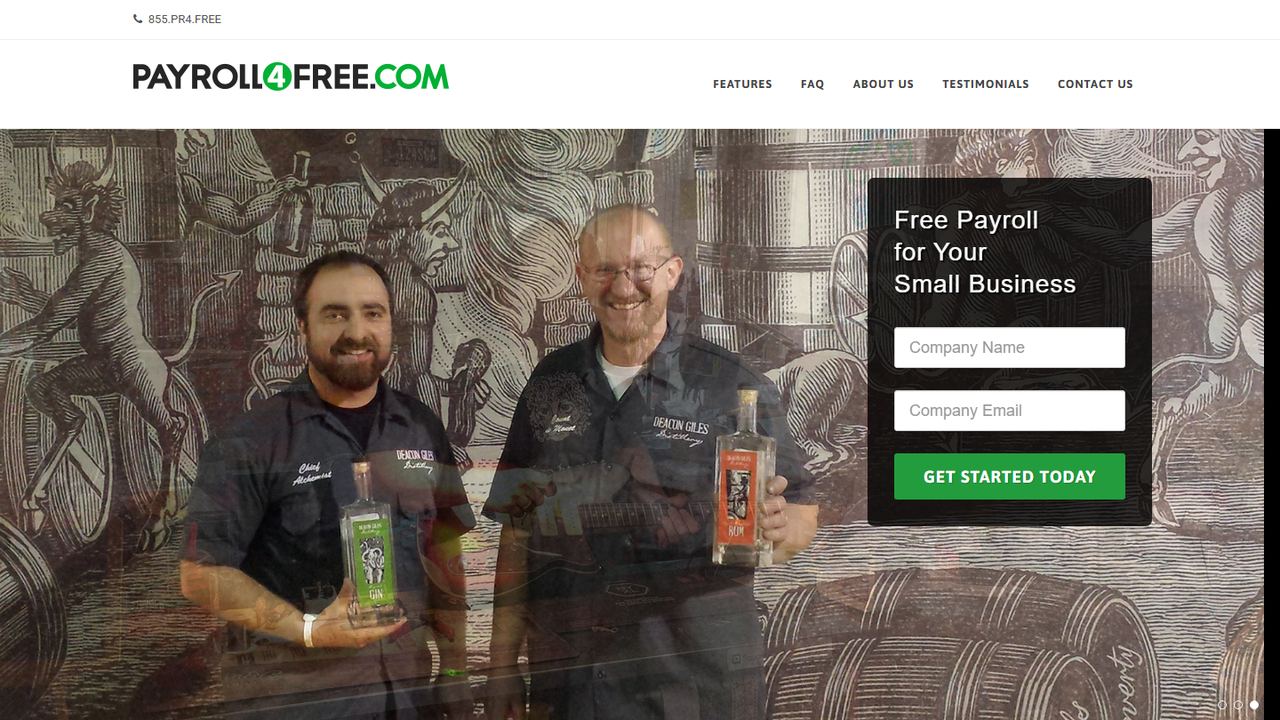
Payroll4Free is a small company headquartered in Albany, New York, and it is the only service we found that is genuinely free payroll software for small business with no end date. Its site says all basic services are free “as long as you are paying 9 or fewer individuals no more than once monthly.” Advertisers pay for small ads that you see inside the software when you log in to run payroll.
The free tier covers payroll processing, federal, state and local tax calculations, filled-out tax forms, vacation, sick and PTO accruals, reports, an employee portal for pay stubs and W-2s, and direct deposit through your own bank or printed checks. You can pay both W-2 employees and 1099 contractors. There are two optional paid services: a Payroll Tax Service that deposits and files your taxes for you, and a Direct Deposit Service that moves funds through Payroll4Free’s bank. Its FAQ says the software needs a small browser extension, and it supports paper checks for any worker at any time.
Strengths
- No monthly fee for up to nine people paid monthly
- W-2 employees and 1099 contractors on the same payroll
- Live customer service included in the free tier
- Print paper checks or pay by direct deposit through your own bank
Drawbacks
- You deposit and file payroll taxes yourself unless you pay for the tax service
- Free terms assume a monthly pay schedule
- Ads appear inside the software, and it needs a browser extension
- Best for
- hourly teams that also need free scheduling and a time clock
- Free plan or trial
- Basic plan free for 1 location and up to 10 employees; payroll free for 6 months (limited-time offer)
- Starting price
- Payroll $49/mo + $6 per employee paid
- Platforms
- Web, iOS, Android, tablet and POS time clock
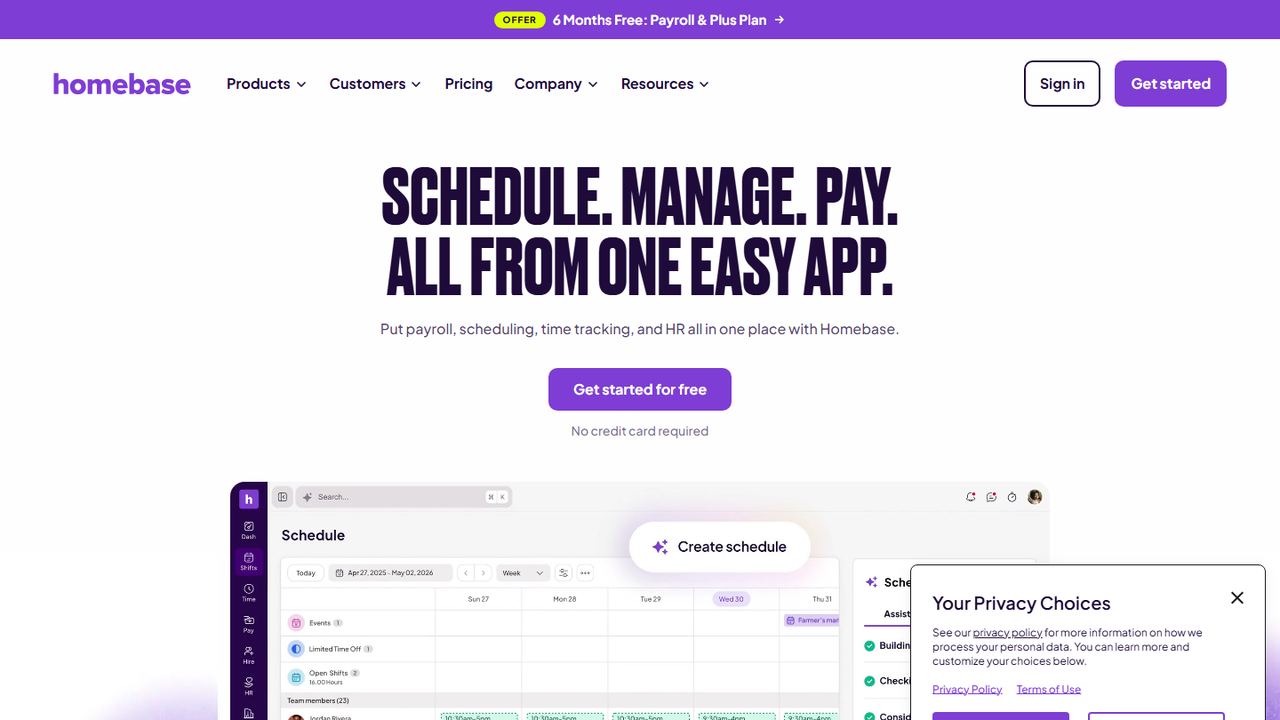
Homebase started as a free scheduling and time clock app for hourly teams, and payroll is an add-on that works on any of its plans. The Basic plan is free for one location with up to 10 employees and includes basic scheduling, a time clock on tablets, computers and POS devices, and shift trades. On November 7, 2026, Homebase was advertising six months of payroll and its Plus plan free when you add payroll, as a limited-time offer with terms.
After the free months, payroll is listed at $49 a month plus $6 per employee paid. Homebase says payroll runs directly from its timesheets, handles tax calculation, filing and payment with W-2s and 1099s, and is available in all 50 states and Washington, D.C. Tip pooling, PTO tracking and employee onboarding with W-4, I-9 and direct deposit forms come with payroll. The pricing page also lists payroll at $29 a month for teams of up to five people; check which features that option includes before you sign up.
Strengths
- Free scheduling and time clock for one location of up to 10 people
- Payroll is built on the same timesheets, so hours do not need re-entering
- Full-service tax filing in all 50 states and D.C.
Drawbacks
- The free payroll period is a promotion, not a permanent plan
- Free Basic plan covers only one location and 10 employees
- Paid plans are priced per location, so each extra site adds a fee
- Best for
- owners who want to run payroll from a phone
- Free plan or trial
- 3 months free (terms apply)
- Starting price
- $59/mo + $7 per worker
- Platforms
- iOS, Android
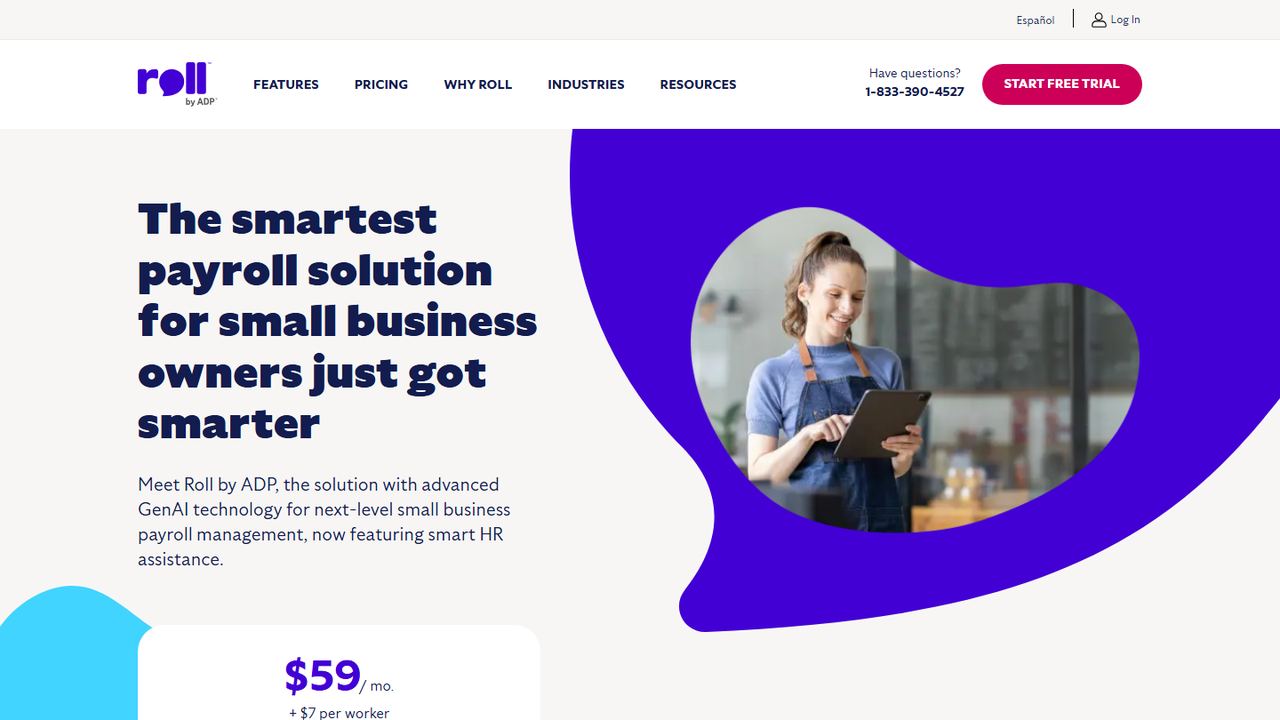
Roll is ADP’s app for very small businesses. Instead of a dashboard, you run payroll by answering questions in a chat-style screen, and ADP says a pay run can take under a minute. It is a good fit for a cafe, salon or contractor business where the owner does payroll on a phone between other jobs.
On November 7, 2026, Roll’s home page offered three months free, with terms and conditions linked from the offer, and then $59 a month plus $7 per worker. Roll handles payroll tax filing and deposits, offers same-day or next-day direct deposit, sends payroll reminders, and includes an AI assistant at no extra charge. The app is listed on both the Apple App Store and Google Play. Roll’s FAQ describes it as a mobile app first, so if you prefer to run payroll at a desk on a large screen, look at ADP RUN or another option on this list instead.
Strengths
- Three free months is longer than most payroll trials
- Tax filing and deposits included
- Same-day or next-day direct deposit
- Backed by ADP’s payroll tax operation
Drawbacks
- Higher per-worker price than most options here once the free months end
- Built around a phone app rather than a desktop screen
- Fewer HR tools than ADP RUN
- Best for
- businesses that expect to add HR help as they grow
- Free plan or trial
- Up to 6 months free payroll (promotion; terms apply)
- Starting price
- Quote
- Platforms
- Web, iOS, Android
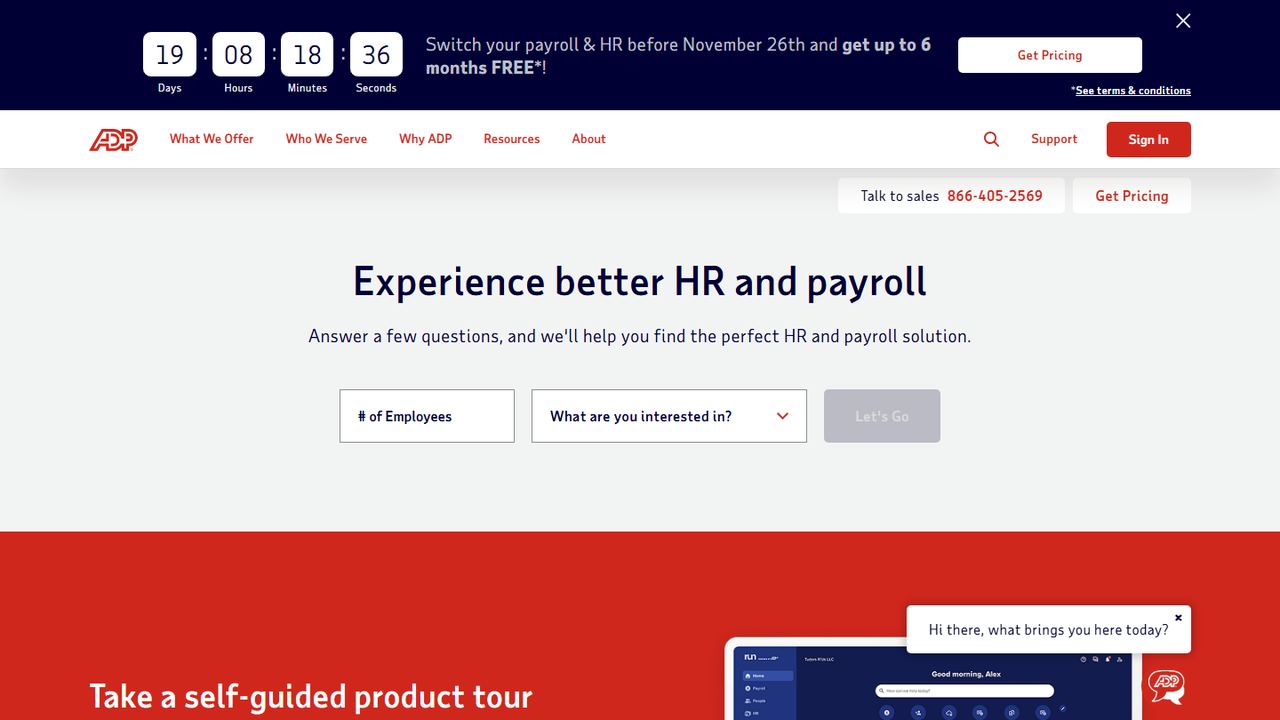
RUN Powered by ADP is ADP’s main payroll product for small businesses. ADP does not publish prices; you request a quote or call sales. On November 7, 2026, the RUN page advertised up to six months of free payroll for new small business clients, with the full terms behind a “See terms & conditions” link. Read those terms carefully, because the number of free months and the conditions can depend on the package you choose.
There are four packages. Essential covers payroll, taxes and compliance help. Enhanced adds ZipRecruiter, state unemployment insurance administration and a garnishment payment service. Complete Payroll and HR+ adds basic HR support, and HR Pro adds more HR support and employee perks. All of them file federal, state and local payroll taxes, create W-2s and 1099s, and include ADP’s mobile app for running payroll, plus an employee app for pay history. ADP lists 24/7 payroll support, time tracking tools, and integrations with accounting and POS systems such as Clover.
Strengths
- Up to six free months on new accounts
- Clear upgrade path from payroll to HR support
- 24/7 payroll support listed
- Automatic federal, state and local tax filing
Drawbacks
- No published pricing, so you cannot compare the after-promo cost without a quote
- Promotion terms vary and sit behind a separate link
- Best for
- very small teams that already keep their books in Wave
- Free plan or trial
- 30-day free trial after your first payroll
- Starting price
- $40/mo + $6 per employee and $6 per contractor paid
- Platforms
- Web
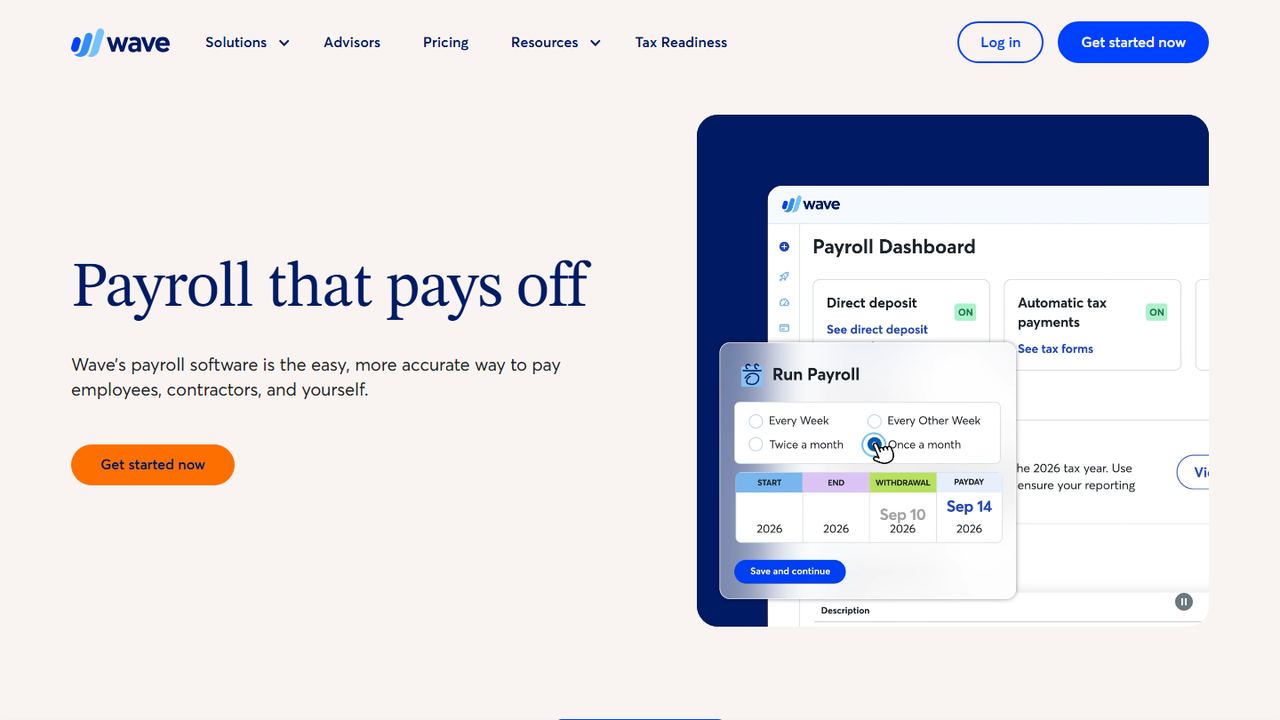
Wave is accounting and invoicing software for small business owners, and Wave Payroll is its paid payroll add-on. It suits a business with a handful of employees or contractors whose owner already uses Wave for bookkeeping, because each payroll posts journal entries into the books automatically.
The payroll software free trial starts when you process your first payroll and lasts up to 30 days, according to Wave’s FAQ. After that, US pricing is a $40 base fee plus $6 per active employee and $6 per independent contractor paid each month. Wave says its tax service now covers all 50 states: it transfers tax payments and files the paperwork with your state tax agency and the IRS, excluding 1099 filings, and it generates W-2, W-3 and 1099-NEC forms. Employees get a portal for pay stubs, W-2s and vacation balances. Direct deposits are unlimited and free. Support is by email, with priority live chat on weekdays.
Strengths
- Payroll posts straight into Wave’s accounting
- Tax payments and filings in all 50 states
- Same per-person price for employees and contractors
Drawbacks
- Trial lasts only up to 30 days
- Wave says 1099 filings are excluded from its tax filing service
- No time clock or scheduling; hours come from elsewhere
6. Workzenly Our product
Best for hourly teams that want time, PTO and payroll in one app
- Best for
- hourly teams that want time, PTO and payroll in one app
- Free plan or trial
- Book a demo
- Starting price
- Book a demo
- Platforms
- Web, phone app, shared tablet time clock
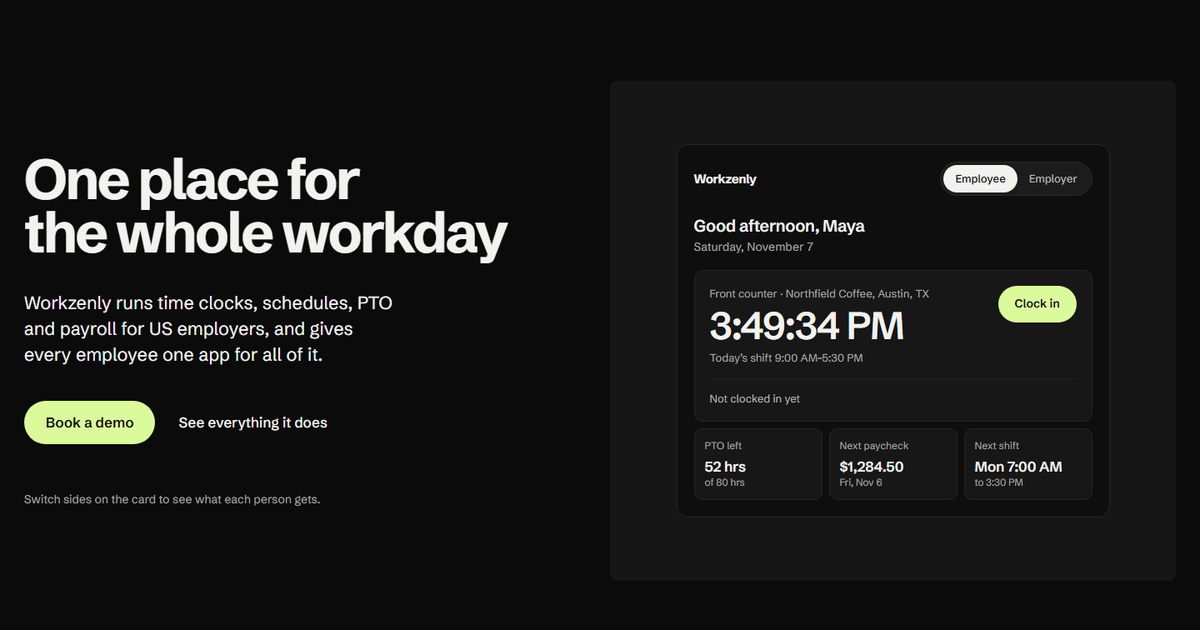
Workzenly is our product, so read this entry with that in mind. It is workforce software for US small and mid-sized businesses with hourly and shift-based staff: restaurants, retail, healthcare, construction, field services, warehouses and offices. It is not free payroll software, and we do not publish a free plan. We include it because many people searching for free payroll are really trying to cut the hours they spend fixing timesheets before payday.
The employee time clock runs on a phone or a shared tablet, with GPS and geofencing so punches come from the job site. Approved hours flow into payroll, overtime is calculated from the punches, and pay stubs appear in the same employee app as schedules, shift swaps and PTO balances. Onboarding uses e-signed forms, and documents and performance reviews live in the same place.
Strengths
- Time clock, scheduling, PTO and payroll share one set of employee records
- Pay stubs, schedules and time-off requests in one employee app
- GPS and geofencing on phone punches
Drawbacks
- No free plan; pricing comes through a demo
- Built for hourly and shift-based teams more than salaried-only offices
- Best for
- full-service payroll with one free month and simple pricing
- Free plan or trial
- One month free
- Starting price
- $49/mo + $6 per worker
- Platforms
- Web (mobile friendly)
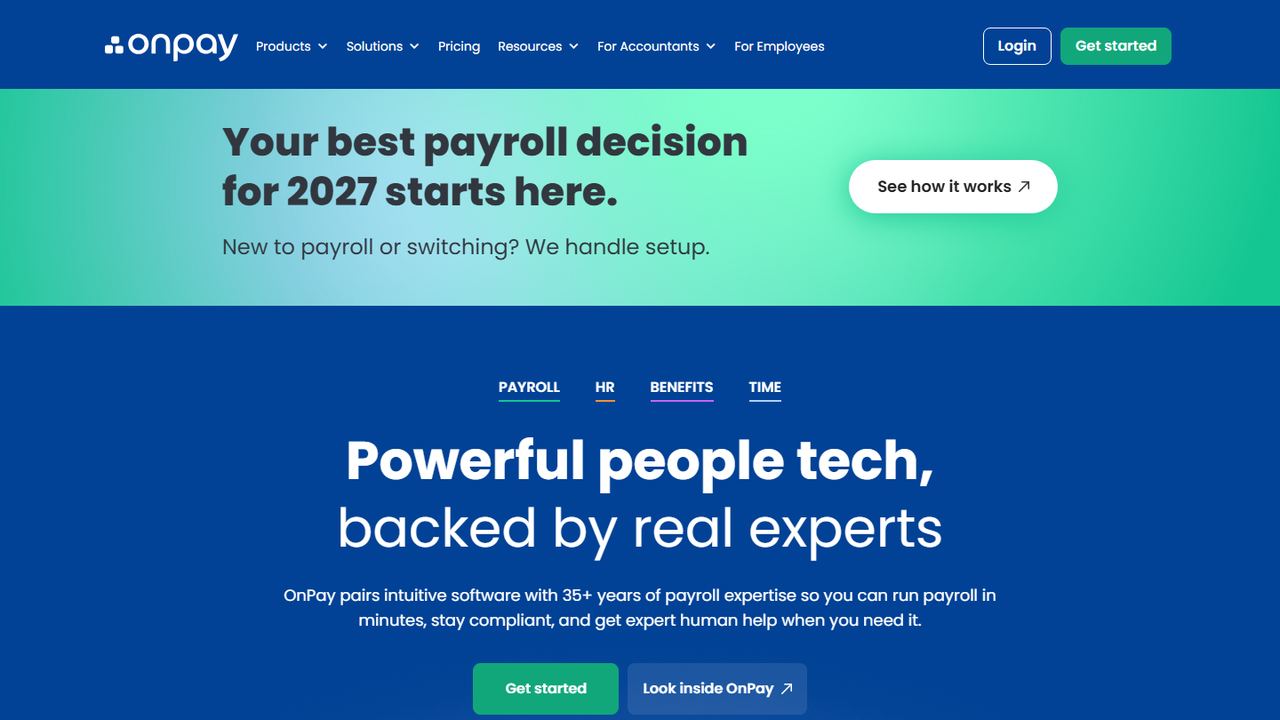
OnPay is an online payroll service for US small businesses, with HR tools, benefits and time tracking you can add. It offers one free month for new customers, then charges for one payroll plan rather than a ladder of tiers, which makes the cost easy to predict.
The pricing calculator on November 7, 2026 listed Payroll Essentials at a $49 base plus $6 per worker each month. The same page’s footer said pricing starts at $55 a month, so confirm the figure when you sign up. Full-service payroll includes unlimited pay runs, multiple pay rates, and federal, state and local tax filing, and OnPay says all 50 states are included at no extra cost. W-2s, 1099s and year-end filings are part of every plan. Add-ons include HR at a $15 base plus $2 per worker, time tracking at a $15 base plus $4 per worker, and bundles of both. OnPay also offers free data migration and lists industry pages for restaurants, farms and nonprofits.
Strengths
- All 50 states included in full-service tax filing
- Unlimited pay runs on one payroll plan
- Free data migration when you switch
Drawbacks
- Only one free month
- HR and time tracking are paid add-ons
- No dedicated mobile app mentioned on its site
- Best for
- businesses already using Zoho Books or other Zoho apps
- Free plan or trial
- 14-day free trial, no credit card
- Starting price
- $29/mo + $5 per employee billed yearly ($39 + $6 monthly)
- Platforms
- Web
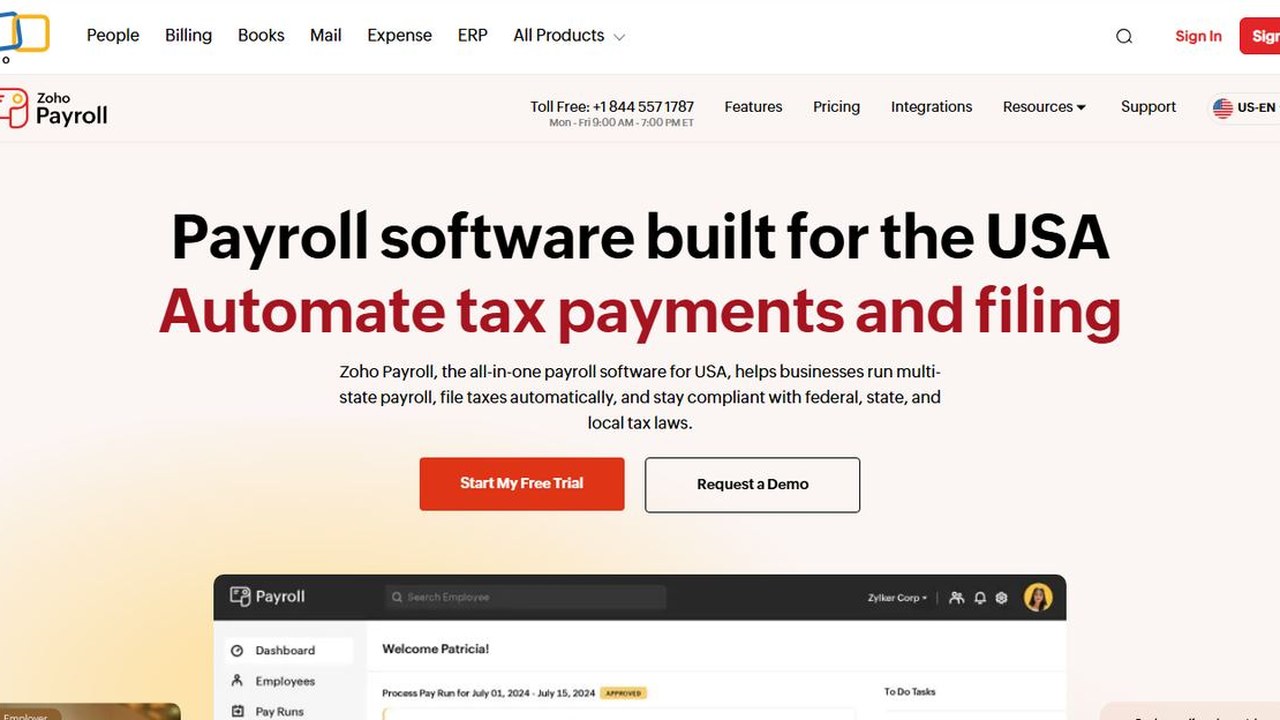
Zoho Payroll is the payroll app from Zoho, the company behind Zoho Books, Zoho People and many other business apps. The US version is a full-service product, and its pricing page lists a 14-day free trial that does not ask for a credit card.
Pricing is per organization plus a per-employee fee. The Standard plan is $29 a month plus $5 per employee when billed yearly, or $39 a month plus $6 per employee when billed monthly. It covers single-state payroll and includes automatic federal, state and local tax payments and filings. The Professional plan, at $49 a month plus $7 per employee billed yearly ($59 plus $8.50 monthly), adds multi-state payroll and more team features. Zoho lists extra fees for some services, such as $3 per employee for next-day processing, $3 per employee for mailed W-2s, and $150 for an amended tax return, so read the fee table before you commit.
Strengths
- One of the lowest base fees for full-service payroll when billed yearly
- Trial needs no credit card
- Connects with other Zoho apps
Drawbacks
- Trial is 14 days, shorter than most
- Multi-state payroll requires the Professional plan
- Several services carry separate fees
- Best for
- paying only contractors, or Square POS sellers
- Free plan or trial
- No free plan or trial listed
- Starting price
- $35/mo + $6 per person; contractor-only $6 per person paid
- Platforms
- Web; hours import from Square POS and the Square Team app
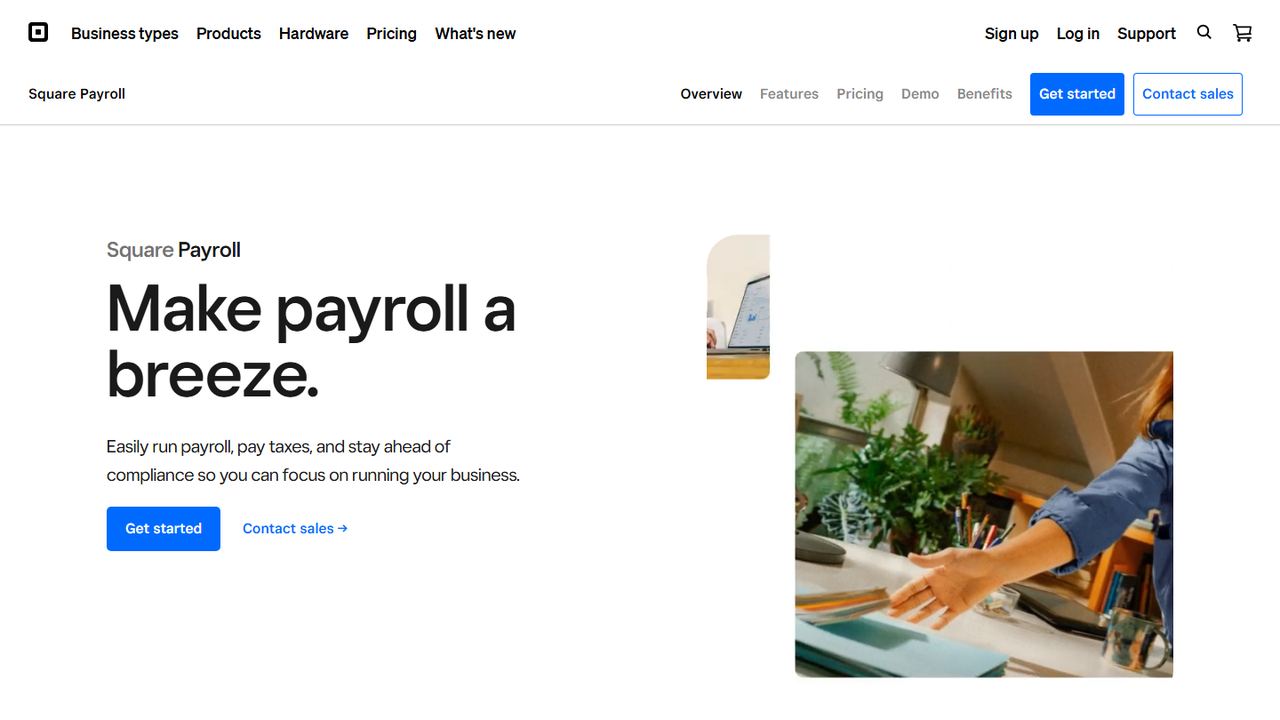
Square Payroll is not free and lists no trial, but it belongs on this list for one reason: its contractor-only plan has no base fee. If you pay only 1099 contractors, you pay $6 a month for each person you pay, and nothing in months when you pay nobody. Note that Square says automated federal and state tax filings are not part of the contractor plan.
The full-service plan for employees is $35 a month plus $6 per person paid. It includes automated federal and state tax payments and filings, multistate payroll, unlimited pay runs, auto payroll, next-day direct deposit, benefit deductions and new-hire reporting. For businesses that already take payments with Square, the big benefit is that timecards from Square POS or the Square Team app import into payroll, and the full-service plan tracks and imports direct tips and calculates overtime. Employees can be paid by direct deposit, check or Cash App.
Strengths
- No base fee on the contractor-only plan
- Timecards and tips import from Square POS
- Pay by direct deposit, check or Cash App
Drawbacks
- No free plan or free trial listed
- Contractor plan does not include automated tax filings
- Best value only if you already use Square
How we chose these tools
Our criteria
- Each product runs US payroll for employees or contractors today and has a US website we could check on November 7, 2026.
- It offers something free: a permanent free tier, free months on new accounts, or a free trial. Square Payroll is the one exception, included for its no-base-fee contractor plan.
- We recorded the price you pay after the free period from the vendor’s own pricing page, because that is the number you will live with.
- We noted who files the taxes. Free tools that only calculate taxes leave the deposits and filings to you.
- We ordered the list by how free each option really is for a small business, then by cost after the free period. No vendor paid to appear.
How to choose free payroll software for your small business
Start with one question: who files the taxes? Payroll is more than calculating paychecks. An employer must withhold federal income tax, Social Security and Medicare, deposit those taxes on schedule, and file returns. That work is where most of the cost and most of the penalties sit, so a free tool that leaves it to you is only free if your time is.
What you take on if the software does not file for you
- Federal deposits. Withheld income tax plus both halves of Social Security and Medicare are deposited through the Treasury’s free Electronic Federal Tax Payment System (EFTPS) on a monthly or semiweekly schedule.
- Federal returns. Form 941 every quarter, Form 940 for federal unemployment tax every year, and Forms W-2 and W-3 by January 31. Contractors paid $2,000 or more for services in 2026 get a 1099-NEC (the threshold was $600 for payments before 2026).
- State and local. State income tax withholding (in states that have it), state unemployment insurance, local taxes in some cities and counties, and new-hire reports to your state.
- Records. The Department of Labor requires payroll records to be kept for at least three years and time cards for two. The IRS says to keep employment tax records for at least four years.
If that list looks like a lot, a full-service plan from about $29 to $59 a month plus a per-person fee takes it off your desk, and the IRS penalty for a late federal tax deposit runs from 2% to 15% of the unpaid amount. Our guide on how to process payroll walks through each step if you decide to do it yourself.
A buyer’s checklist
- Read the free terms. Free months are promotions with conditions. Note the end date, what happens after, and whether you need a contract.
- Price the year, not the trial. For 8 employees, a $49 base plus $6 each is $97 a month, or $1,164 a year. Compare that across options.
- Check your states. Some plans include one state and charge for each extra one.
- Match your pay schedule. Payroll4Free’s free tier assumes monthly pay. Many states set minimum pay frequencies for hourly workers, so check your state labor department before switching to monthly pay.
- Get the hours right first. Non-exempt employees earn 1.5 times their regular rate for hours over 40 in a workweek under the FLSA, and some states add daily overtime. Our overtime calculator shows the math, and a time clock that feeds payroll removes the retyping.
- Classify workers correctly. Contractor-only plans are cheap, but paying an employee as a contractor creates back taxes. See 1099 vs. W-2 before you choose.
- Give employees pay stubs. Many states require an itemized wage statement each payday. Every option here offers digital pay stubs; our guide to reading a pay stub explains each line.
Frequently asked questions
Is there any truly free payroll software in the US?
Yes, but only one we could confirm. Payroll4Free says its basic service is free if you pay nine or fewer people no more than once a month. It calculates taxes and fills out forms, but you deposit and file taxes yourself unless you buy its paid tax service. Every other option we checked is free only for a trial or promotional period.
Is there a free payroll app for small business?
There is no full-service payroll app that stays free. Roll by ADP offers three free months, then charges $59 a month plus $7 per worker. Homebase offers a free scheduling and time clock app for one location of up to 10 employees, and was offering six free months of payroll in November 2026 as a limited-time promotion.
Which payroll software free trial lasts longest?
In November 2026, Homebase and ADP RUN advertised up to six free months of payroll, and Roll by ADP offered three. Wave and OnPay offer about one month, and Zoho Payroll offers 14 days. Promotions change often, so check the vendor’s terms page for eligibility and the date the offer ends.
Can I run payroll myself for free without software?
Yes. You can calculate withholding with IRS Publication 15-T, deposit taxes for free through EFTPS, and file Forms 941, 940 and W-2 yourself. You also handle state withholding, unemployment insurance and new-hire reporting. It costs nothing but time, and mistakes carry penalties, so most owners switch to paid software once they have several employees.
What is the cheapest payroll software after the free period?
Of the full-service options we checked, Zoho Payroll lists the lowest price: $29 a month plus $5 per employee for one state when billed yearly, or $39 plus $6 when billed monthly. Square Payroll’s full-service plan is $35 a month plus $6 per person. If you pay only contractors, Square’s contractor plan is $6 per person paid with no base fee.