Workzenly makes time clock, scheduling, PTO and payroll software, and it appears in this list as one option. We researched every product on its own website on November 7, 2026. No company paid to be included. Features and prices change, so check each vendor’s site before you buy.
The best HR software for small business depends on what “HR” means at your company. For a 6-person office, it is onboarding paperwork and PTO. For a 40-person restaurant group, it is schedules, time clocks, breaks and pay. For a 120-person tech company, it is an HRIS with reviews, reports and workflows. This list covers all three, so you can find small business HR software that matches the work you actually do.
To find the best HR software for small business, we checked nine products on their own websites on November 7, 2026. If you need payroll too, start with Gusto. If you want a dedicated HRIS for small business, look at BambooHR or Rippling. If you want someone else to handle HR and benefits, a PEO such as Justworks fits. And if most of your team is hourly or deskless, Homebase, Connecteam and Workzenly are built around shifts rather than desks.
Top picks at a glance
 GustoBest for HR built on payroll
 BambooHRBest for a dedicated HRIS
 JustworksBest for outsourced HR and benefits
 HomebaseBest for hourly restaurant and retail teams
 ConnecteamBest for a free HR app
Comparison table
| Tool | Best for | Free plan or trial | Starting price | Platforms |
|---|---|---|---|---|
| Gusto | small businesses that want HR built on payroll | No free trial listed; free account setup | $49/mo + $6 per person (Simple) | Web, employer and employee mobile apps |
| BambooHR | growing teams that want a dedicated HRIS | 7-day free trial | Core $10 per employee/mo, or $250/mo flat for 25 or fewer employees | Web, mobile app |
 Rippling | companies that want HR, payroll and IT on one record | No free trial listed | From $8 per employee/mo plus a monthly base fee (quote) | Web, iOS, Android |
| Justworks | small teams that want HR support and benefits through a PEO | No free trial listed | Payroll $50/mo + $8 per employee; PEO Basic $79 per employee/mo | Web, employee mobile app |
 Workzenly | hourly and shift-based teams that want HR, time and pay in one app | Book a demo | Book a demo | Web, phone app, shared tablet time clock |
 Paycor | businesses under 50 employees that want HR advisors with payroll | Promotions listed (50% off for 6 months, free months); check terms | $99/mo + $5 per employee (Basic) | Web, employee mobile app |
| Homebase | restaurants and shops that need HR for hourly staff on a budget | Basic plan free for 1 location, up to 10 employees | $30 per location/mo (Essentials); HR and compliance on the top plan at $120 | Web, iOS, Android, tablet and POS time clock |
| Connecteam | deskless teams that want a free HR app | Free for up to 10 users, all features | HR & Skills Basic from $29/mo for the first 30 users | Mobile app, web dashboard, kiosk |
 OnPay | adding low-cost HR tools to payroll | One month free | $49/mo + $6 per worker | Web (mobile friendly) |
- Best for
- small businesses that want HR built on payroll
- Free plan or trial
- No free trial listed; free account setup
- Starting price
- $49/mo + $6 per person (Simple)
- Platforms
- Web, employer and employee mobile apps
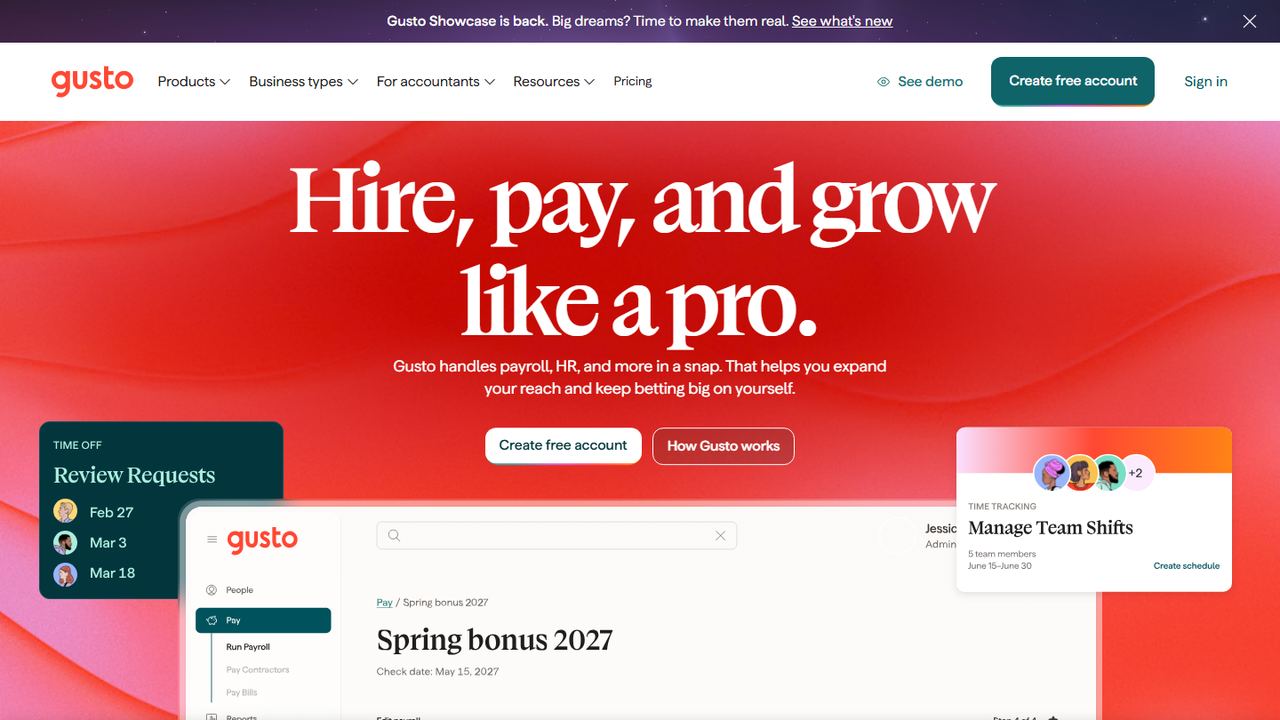
Gusto is best known for payroll, but for many small businesses it is also their first HR software. It suits a team of 2 to 50 people without an HR department that wants hiring, onboarding, benefits and pay in one account.
Gusto’s HR pages list custom onboarding checklists that issue documents, enroll new hires in benefits and even provision software, plus e-signatures, performance review templates and goal tracking, engagement surveys, an employee handbook builder, an applicant tracking system, background checks and training tools. Some of these depend on your plan, so compare plans before you buy. Prices are published: Simple is $49 a month plus $6 per person for payroll in one state with basic PTO policies; Plus, at $80 plus $12 per person, adds time tracking, scheduling and multi-state payroll; Premium, at $180 plus $22 per person, adds a named advisor, HR guidance and compliance tools. Health insurance, 401(k) and workers’ comp can be added in the same account, and every plan includes employer and employee mobile apps.
Strengths
- HR, payroll and benefits share one employee record
- Published prices with no contract
- Employer and employee mobile apps on every plan
Drawbacks
- Time tracking and scheduling start on the Plus plan
- HR guidance from advisors is on Premium
- No free trial listed
- Best for
- growing teams that want a dedicated HRIS
- Free plan or trial
- 7-day free trial
- Starting price
- Core $10 per employee/mo, or $250/mo flat for 25 or fewer employees
- Platforms
- Web, mobile app
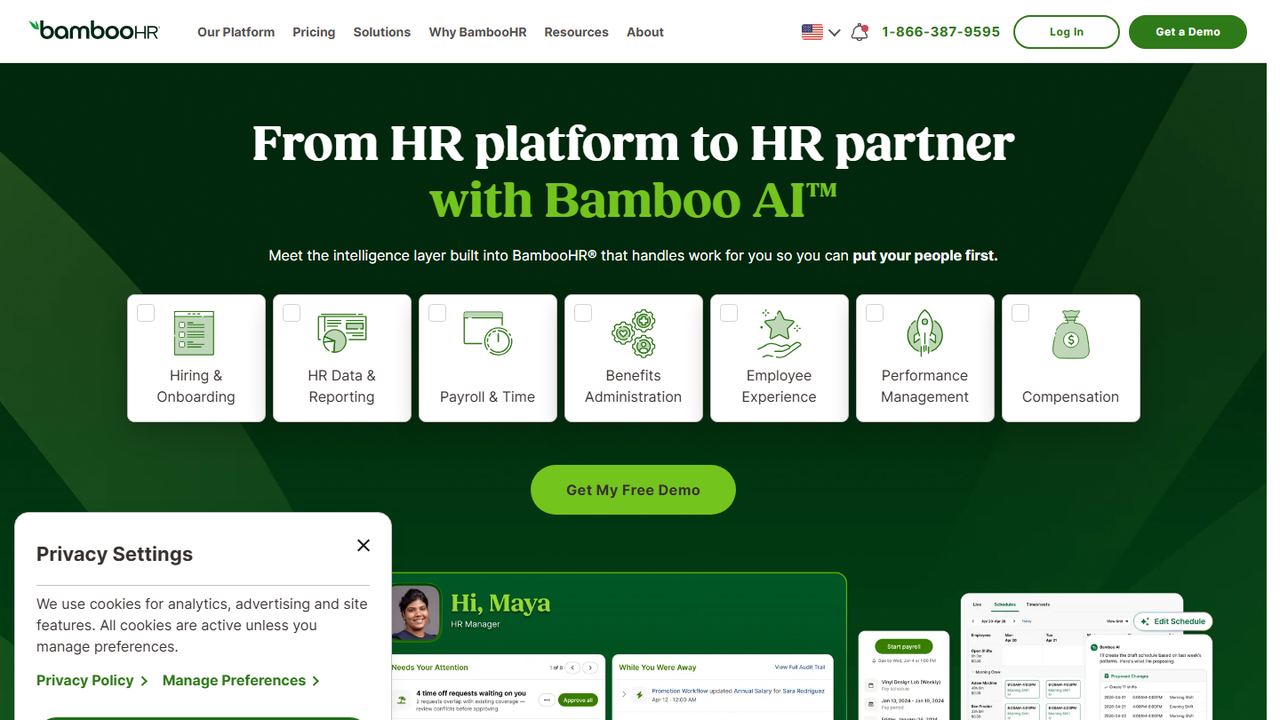
BambooHR is an HRIS (human resources information system) for small and mid-sized businesses. It is the pick for a company of 20 to a few hundred people that wants a proper home for employee records, hiring, onboarding, time off and performance, with payroll as an option rather than the center.
For companies with more than 25 employees, prices are published per employee per month: Core $10, Pro $17 and Elite $25, with automatic volume discounts. The FAQ shows slightly different figures ($10.25 and $17.50), so confirm with sales. Companies with 25 or fewer employees pay a flat $250 a month for Core, $425 for Pro or $650 for Elite. Core covers employee records, a custom report builder, workflows and approvals, applicant tracking for up to five openings, onboarding with e-signatures, time-off management with unlimited custom policies, benefits tracking and eNPS surveys. Pro adds 360° performance reviews, 1:1s and goal tracking. Elite adds compensation planning and salary benchmarking. Payroll and benefits administration are US-only add-ons, with 15% off when bundled, and Time and Attendance (scheduling, breaks, overtime and iPad kiosks) is a separate add-on.
Strengths
- Deep HRIS: records, reports, workflows and approvals
- Performance reviews and goals on the Pro plan
- Published prices, including flat rates for 25 or fewer employees
Drawbacks
- The $250 monthly minimum is high for a 5-person team
- Payroll, benefits and time tracking are add-ons
- Best for
- companies that want HR, payroll and IT on one record
- Free plan or trial
- No free trial listed
- Starting price
- From $8 per employee/mo plus a monthly base fee (quote)
- Platforms
- Web, iOS, Android
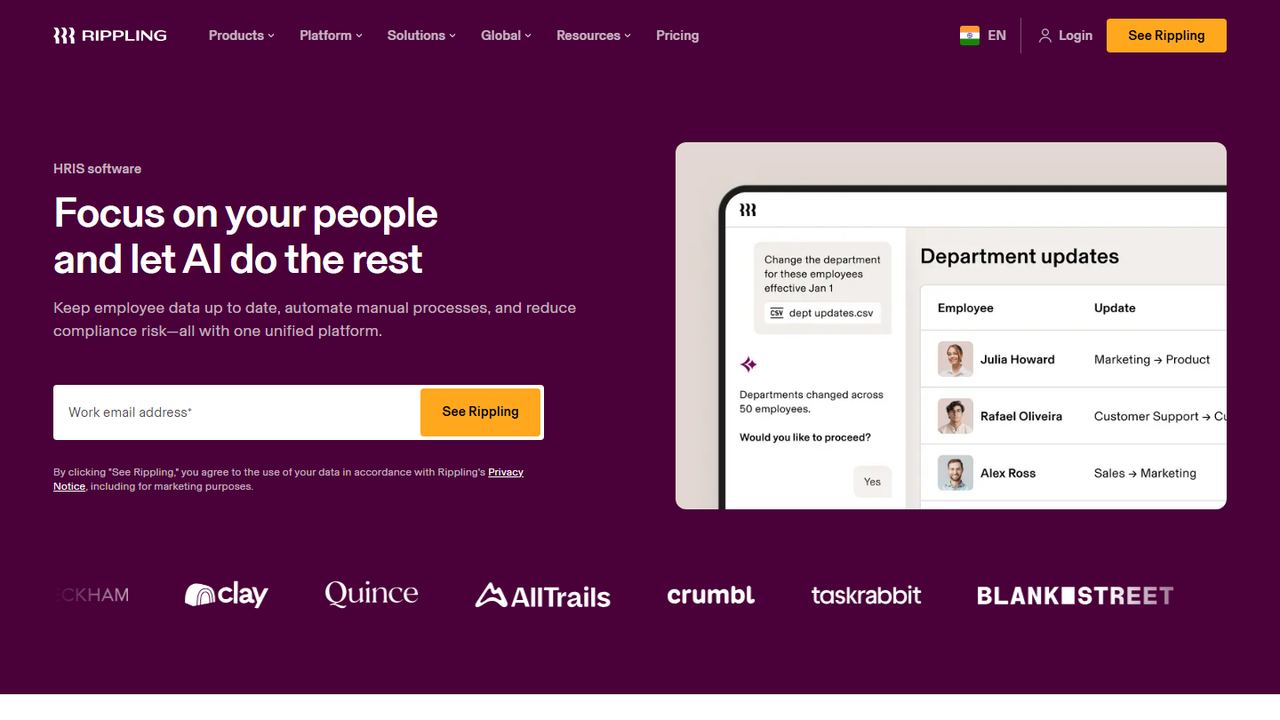
Rippling is a workforce platform where HR, payroll, IT and finance modules share one employee record. When you hire someone, the same record can drive payroll, benefits, app accounts and a laptop shipment. It suits a growing company, often tech-heavy or remote, that expects to add tools over time.
Rippling lists HCM modules including HRIS, recruiting, performance management and benefits administration, alongside payroll, time and attendance, time off, expense management and device management. Its pricing page says plans start at $8 per employee per month with a monthly base fee, and the total depends on the products you pick, so you need a custom quote to compare. Payroll files with federal, state and local agencies and pulls raises and benefit deductions from the HR record automatically. Platform features include an automation studio, analytics, permissions and integrations, including QuickBooks, Xero and NetSuite. The mobile app is on the App Store and Google Play. Eligible US venture-backed startups can get six months free through Rippling’s startup program.
Strengths
- HR, payroll, IT and finance on one employee record
- Recruiting, performance and benefits modules available
- Workflow automation and analytics built in
Drawbacks
- Only a starting price is published; totals need a quote
- Module-by-module pricing can add up for small teams
- More system than a 5-person shop needs
- Best for
- small teams that want HR support and benefits through a PEO
- Free plan or trial
- No free trial listed
- Starting price
- Payroll $50/mo + $8 per employee; PEO Basic $79 per employee/mo
- Platforms
- Web, employee mobile app
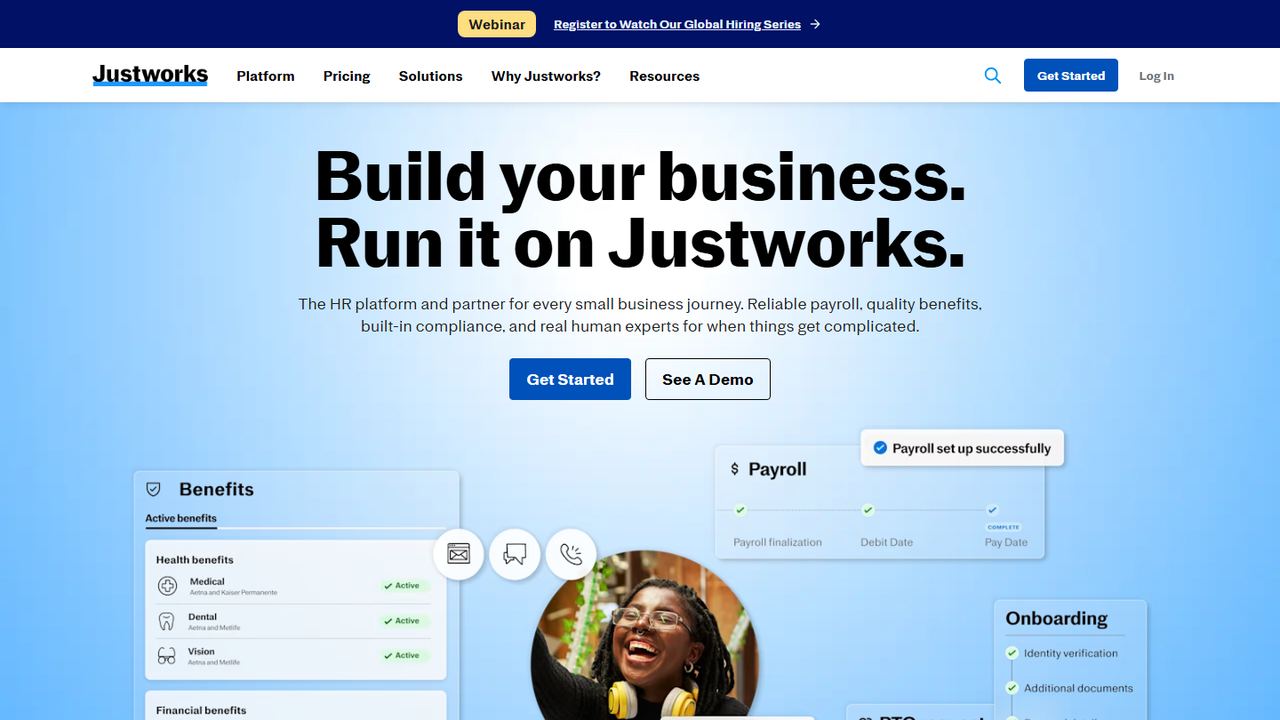
Justworks is a PEO (professional employer organization). It co-employs your team, runs payroll and taxes, and gives a small business access to benefits, HR consulting and compliance help that would otherwise need an HR department. It suits small companies that want HR handled for them more than HR software to run themselves.
Prices are published. The Payroll plan is $50 a month plus $8 per employee and includes onboarding and offboarding, basic timecards, PTO management, a document center, a calendar and directory, and a mobile app for employees. PEO Basic is $79 per employee per month and adds compliance support, HR consulting and tools, 24/7 support, 401(k) and an applicant tracking system. PEO Plus, at $124 per employee per month, adds medical, dental and vision administration, HSA and FSA accounts, and mental health and fertility benefits. Add-ons include time tracking at $8 per employee and dedicated HR consulting at $30 per employee on the PEO plans. Justworks says it charges no setup fees.
Strengths
- Benefits, HR consulting and compliance support in the PEO plans
- 24/7 support on PEO plans
- Published prices and no setup fees
Drawbacks
- PEO plans cost far more per employee than HR software alone
- Fewer performance and analytics tools than an HRIS
- Time tracking is extra
5. Workzenly Our product
Best for hourly and shift-based teams that want HR, time and pay in one app
- Best for
- hourly and shift-based teams that want HR, time and pay in one app
- Free plan or trial
- Book a demo
- Starting price
- Book a demo
- Platforms
- Web, phone app, shared tablet time clock
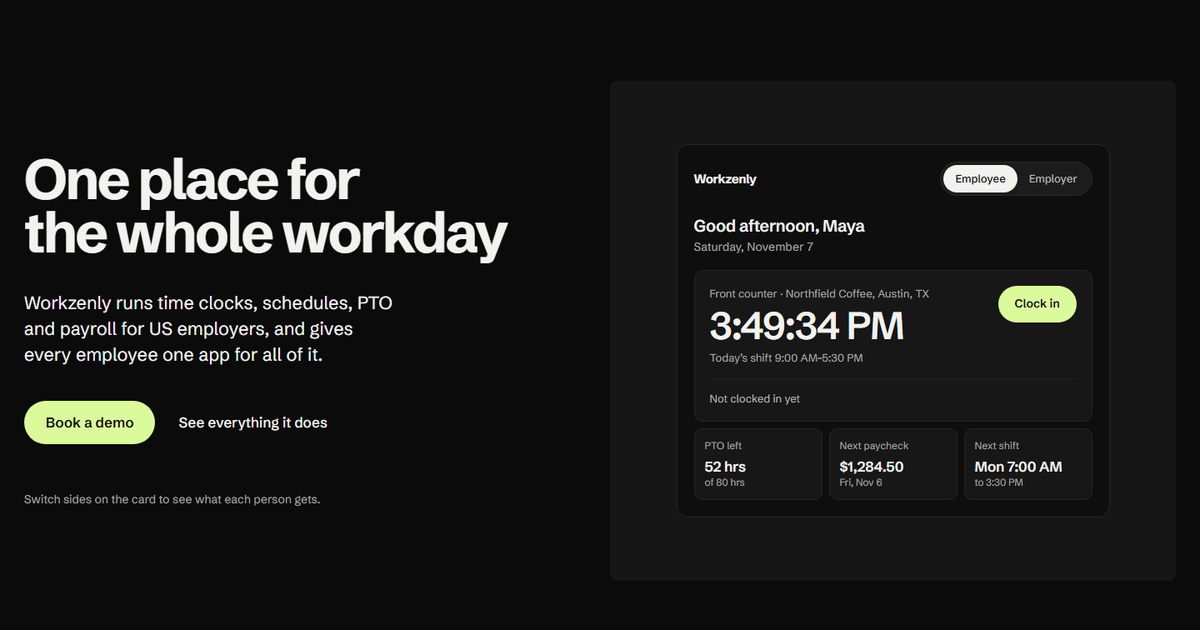
Workzenly is our product. Most HR software for small business is designed around office staff and an annual review. Workzenly is designed around hourly and shift-based teams in restaurants, retail, healthcare, construction, field services, warehouses and offices, where the daily HR work is schedules, punches, time off and getting pay right.
New hires complete onboarding with e-signed forms, and their documents and performance reviews are stored with their employee record. Every employee gets one app for the time clock, schedules, shift swaps, PTO requests and balances, and pay stubs. The time clock runs on a phone or a shared tablet, with GPS and geofencing for job-site punches. Approved hours and PTO flow into payroll, with overtime calculated from the punches. If your HR problem is less about org charts and more about keeping hourly people scheduled, paid and documented, that is what Workzenly is built for. We do not publish prices; book a demo to see it with your team.
Strengths
- Onboarding, documents, reviews, time, PTO and payroll on one record
- One employee app for schedules, time off and pay stubs
- GPS and geofencing on phone punches
Drawbacks
- No published pricing or free plan
- Fewer HRIS analytics than BambooHR or Rippling
- Best for
- businesses under 50 employees that want HR advisors with payroll
- Free plan or trial
- Promotions listed (50% off for 6 months, free months); check terms
- Starting price
- $99/mo + $5 per employee (Basic)
- Platforms
- Web, employee mobile app
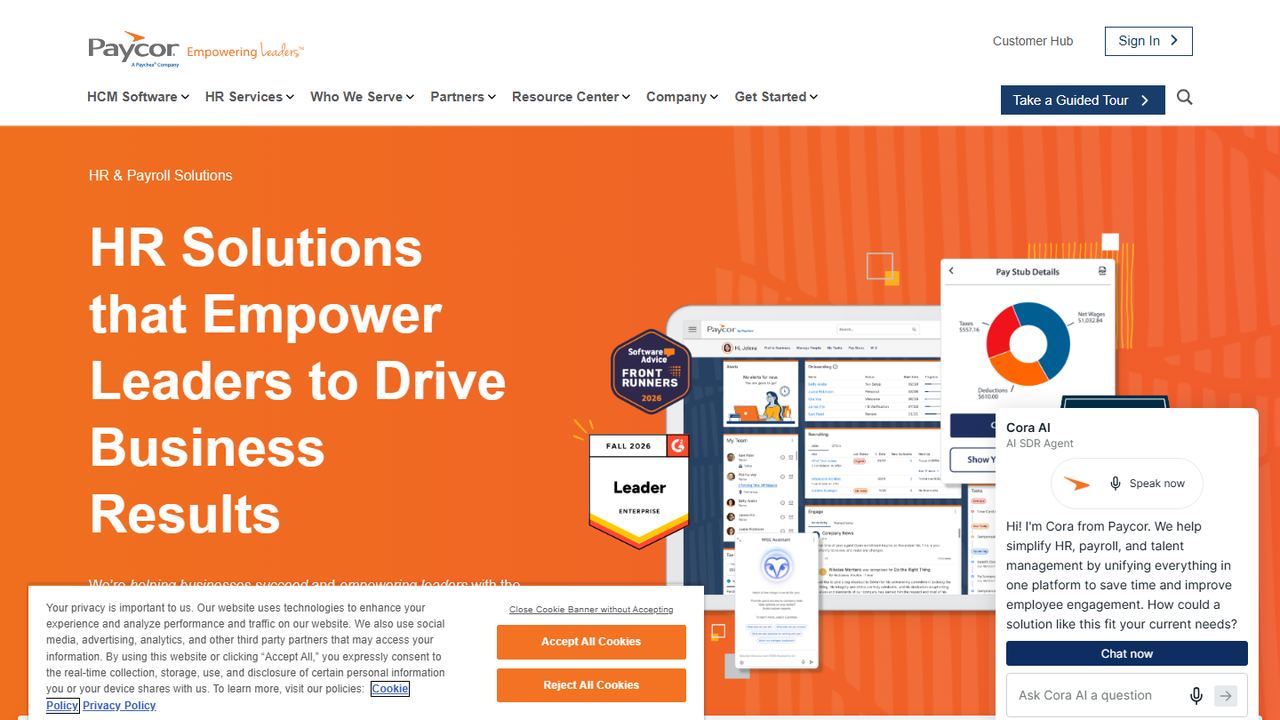
Paycor is an HR and payroll company with published bundles for businesses with fewer than 50 employees. Its tiers add HR tools in clear steps, which makes it a good fit for an owner who wants to start with payroll and basic HR and grow into compliance help and performance management.
Paycor’s small business page on November 7, 2026 listed Basic at $99 a month plus $5 per employee, with payroll and tax filing, a mobile app for pay stubs, benefits, time off and schedules, reporting and basic HR tools such as document storage, a directory and team chat. Essential, at $149 a month plus a per-employee fee, adds onboarding with E-Verify, an HR support center with templates and checklists, time-off management, labor law posters and workers’ comp. Complete, at $199 a month, adds on-demand help from a certified HR professional, analytics and 401(k) integration. HCM, at $199 a month plus $12 per employee, adds document management, surveys, workflows, performance reviews, goal tracking and recognition. The page showed two different per-employee rates for Essential and Complete, so confirm in your quote. Its promotions were worded differently in different places (50% off for six months, three months free, one month of free payroll), so read the terms.
Strengths
- Clear tiers from payroll to full HCM
- Certified HR professional on demand in Complete
- E-Verify and labor law posters in Essential
Drawbacks
- Higher base fee than most small business HR tools
- Per-employee rates for some plans were inconsistent on the pricing page
- Best for
- restaurants and shops that need HR for hourly staff on a budget
- Free plan or trial
- Basic plan free for 1 location, up to 10 employees
- Starting price
- $30 per location/mo (Essentials); HR and compliance on the top plan at $120
- Platforms
- Web, iOS, Android, tablet and POS time clock
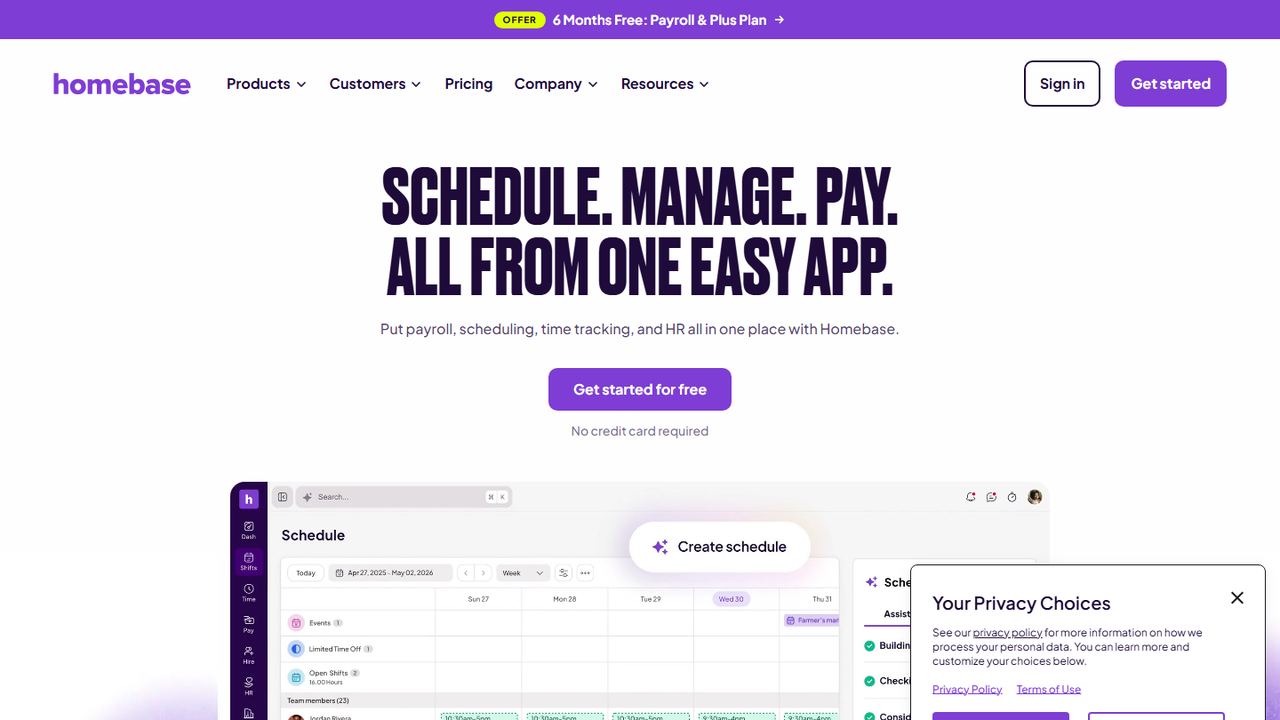
Homebase is scheduling, time tracking and HR for hourly teams, priced per location rather than per employee. It suits a restaurant, cafe or retail shop with one or a few locations where a manager does HR between shifts.
The free Basic plan covers one location with up to 10 employees: basic scheduling, a time clock on tablets, computers and POS devices, and shift trades. Essentials ($30 per location a month) adds advanced scheduling and time tracking, overtime and break settings, and team messaging. Plus adds PTO policies with accruals, a scheduling assistant and manager permissions; it lists at $70, and in November 2026 it was free for six months with payroll as a limited-time offer. The top plan, at $120 per location a month, adds HR and compliance: live support from certified HR advisors, a policy review and custom handbook, and alerts about federal and state labor law changes. Onboarding packets with W-4, I-9 and direct deposit forms and e-signatures come with the payroll add-on, which costs $49 a month plus $6 per employee paid.
Strengths
- Free plan for one location with up to 10 employees
- Per-location pricing with unlimited employees on paid plans
- HR advisors and labor law alerts on the top $120 plan
Drawbacks
- Onboarding paperwork needs the payroll add-on
- HR and compliance tools only on the top plan
- Few performance management tools
- Best for
- deskless teams that want a free HR app
- Free plan or trial
- Free for up to 10 users, all features
- Starting price
- HR & Skills Basic from $29/mo for the first 30 users
- Platforms
- Mobile app, web dashboard, kiosk
Connecteam is an employee app for deskless teams in field services, cleaning, construction, home care and retail. Its HR features sit in an “HR & Skills” hub alongside separate hubs for operations and communication, so you can buy only the parts you need.
The Small Business Plan is free for life for up to 10 users and includes all hubs and features, which makes it the strongest free HR software for small business teams on this list. Beyond 10 users, HR & Skills Basic starts at $29 a month for the first 30 users plus $0.50 for each additional user on yearly billing; monthly billing is listed at $35 plus $0.60 per extra user. The HR hub covers documents with e-signatures, hiring and onboarding, time off with approvals, training, recognition and an org chart. Limits rise with each tier: time-off policies with balances run from 9 on Advanced to unlimited on Expert, and e-sign documents from 2 on Advanced to 30 on Enterprise. Time clock and scheduling are in the separate Operations hub. Connecteam connects to payroll software but its pricing page does not say it runs US payroll itself.
Strengths
- Free plan for up to 10 users with every feature
- Low per-user price above 30 users
- Training and recognition alongside HR documents
Drawbacks
- Time clock and scheduling are in a separate paid hub
- No payroll of its own mentioned on the pricing page
- Tier limits on e-sign documents and time-off policies
- Best for
- adding low-cost HR tools to payroll
- Free plan or trial
- One month free
- Starting price
- $49/mo + $6 per worker
- Platforms
- Web (mobile friendly)
OnPay is a payroll service first, but its HR add-on is one of the cheapest ways to get basic HR software for a small business that already needs payroll. It suits a team of under 50 people that wants onboarding, PTO and document storage connected to pay, without paying for a full HRIS.
OnPay’s pricing calculator on November 7, 2026 listed payroll at a $49 base plus $6 per worker, HR at a $15 base plus $2 per worker, and a payroll and HR bundle at a $71 base plus $1 per worker. The HR tools include onboarding where new hires e-sign documents and set up direct deposit, document templates with e-signatures, custom PTO accrual policies with in-app requests that sync to payroll, automatic org charts, and employee self-service for documents and pay stubs. OnPay handles new-hire reporting in each state and offers file audits. Payroll includes unlimited pay runs and full-service tax filing, and OnPay says all 50 states are included. Benefits, workers’ comp and 401(k) are available, and new customers get one month free.
Strengths
- Cheap HR add-on on top of full-service payroll
- PTO policies sync directly to payroll
- New-hire reporting handled in each state
Drawbacks
- No performance reviews or applicant tracking in the HR add-on
- No dedicated mobile app mentioned on its site
- HR tools are basic compared with an HRIS
How we chose these tools
Our criteria
- Each product is sold to US small businesses and covers core HR: employee records, onboarding, documents and time off, at a minimum.
- We cover four kinds of HR software: payroll-first platforms, dedicated HRIS, PEOs, and apps built for hourly or deskless teams.
- We checked features and prices on each vendor’s website on November 7, 2026, and used published prices only. “Quote” means none is published.
- Each top pick serves a different buyer. No vendor paid to appear, and we did not use review-site ratings to rank.
How to choose HR software for a small business
The best HR software for small business is the one that removes the HR tasks you repeat every week. Most small businesses buy it to stop chasing paper. Start by listing the HR tasks that eat your week, then match them to the type of tool.
| Type | Examples here | Best when |
|---|---|---|
| Payroll-first HR | Gusto, OnPay, Paycor | You need payroll anyway and want onboarding, PTO and documents attached |
| HRIS for small business | BambooHR, Rippling | You have 25+ people and need records, reports, reviews and workflows |
| PEO | Justworks | You want benefits and HR compliance handled for you |
| Hourly and deskless HR | Homebase, Connecteam, Workzenly | Most of your team works shifts and needs a phone app |
A buyer’s checklist with US rules in mind
- Onboarding forms. Every new employee completes a Form I-9 and a W-4. Look for e-signatures, I-9 support and state new-hire reporting. Our new hire paperwork checklist lists every form.
- Time off that matches your policy. Many states and cities require paid sick leave with specific accrual rates, so the PTO tool must handle accruals, caps and carryover. See our guide to paid time off, and the FMLA leave rules if you have 50 or more employees.
- Hours and overtime. If you have non-exempt staff, HR and payroll must agree on hours: the FLSA requires 1.5 times the regular rate for hours over 40 in a workweek, and some states require meal and rest breaks. A time clock tied to payroll keeps them in sync.
- Records and retention. The Department of Labor requires payroll records for at least three years and time cards for two. Choose software that stores documents per employee and lets you export them.
- Performance and discipline. Even a small team needs written reviews and warnings. Check for review templates, or start with our guide to employee onboarding and build from there.
- Price at your headcount. A flat minimum such as BambooHR’s $250 a month for 25 or fewer employees changes the math for a 6-person team. Per-location pricing, as at Homebase, favors larger teams in one place.
- The employee app. Hourly staff will use HR software only if it is on their phone and does something they need, like showing schedules, PTO balances and pay stubs.
Frequently asked questions
What is the best HR software for a small business?
It depends on your team. Gusto is the best fit for most small businesses that want HR built on payroll. BambooHR suits companies of 25 or more people that want a dedicated HRIS. Justworks suits teams that want a PEO to handle benefits and compliance. For hourly teams, Homebase and Workzenly connect HR with schedules and the time clock.
Is there free HR software for small business?
Yes. Connecteam’s Small Business Plan is free for life for up to 10 users and includes all of its hubs, including HR documents, onboarding and time off. Homebase’s Basic plan is free for one location with up to 10 employees, but it covers scheduling and time tracking rather than HR documents and onboarding.
How much does HR software cost for a small business?
Published prices we checked range from about $2 per worker on top of a $15 base for OnPay’s HR add-on, to $10 to $25 per employee for BambooHR, to $79 to $124 per employee for Justworks PEO plans. BambooHR charges a flat $250 a month for Core at 25 or fewer employees. Rippling and some others quote prices individually.
What is the difference between an HRIS and HR software?
An HRIS (human resources information system) is a type of HR software focused on the employee record: personal data, job and pay history, documents, reports and workflows. HR software is the broader term and can also include payroll, scheduling, time tracking, recruiting and performance reviews. Small businesses often get HRIS features inside a payroll platform.
Do small businesses need HR software?
Not always, but it helps once paperwork starts slipping. Employers must keep Form I-9 for every employee, track hours for non-exempt staff and keep payroll records for at least three years. HR software stores these records, sends reminders and gives employees self-service. Many owners start using it once they have more than a handful of employees.