Workzenly makes time clock, scheduling, PTO and payroll software, and it appears in this list as one option. We researched every product on its own website on November 7, 2026. No company paid to be included. Features and prices change, so check each vendor’s site before you buy.
A free time clock app lets employees clock in and out from a phone, tablet or computer and gives you timesheets without paying a monthly fee. The catch is in the limits. Most free plans cap the number of users or locations, hold back GPS and geofencing, or keep kiosk mode and payroll exports for paid tiers. This list is for US owners and managers of small hourly teams (a café, a cleaning crew, a five-person construction outfit, a retail shop) who want to know which free plan fits before signing up.
Short answer: Connecteam is the strongest free plan for teams of up to 10 people, Jibble is free for unlimited users, Homebase suits one location with a shared tablet, and BusyBusy is the free pick for construction crews who need GPS. Below you will find a comparison table, a card for each app with its real limits, and a checklist for keeping free time records that stand up under federal and state wage law.
Top picks at a glance
 ConnecteamBest for teams of up to 10
 JibbleBest for unlimited users at $0
 HomebaseBest for one location with a shared tablet
 BusyBusyBest for construction crews with GPS
 ClockifyBest for tracking hours by project
Comparison table
| Tool | Best for | Free plan or trial | Starting price | Platforms |
|---|---|---|---|---|
| Connecteam | small teams of up to 10 people | Free up to 10 users | $29/mo for up to 30 users | iOS, Android, web, shared kiosk |
| Jibble | free time tracking for unlimited users | Free, unlimited users | $0 (paid upgrades on request) | iOS, Android, web, desktop, Chrome extension, kiosk |
| Homebase | a single location using a shared tablet | Free: 1 location, 10 employees | $30 per location/mo | iOS, Android, web, tablet and POS clock-in |
| BusyBusy | construction and field crews that need free GPS | Free, unlimited users | $9.99/user/mo + $40/mo | iOS, Android, web |
| Clockify | office and remote teams tracking hours by project | Free up to 5 users | $3.99/seat/mo | Web, iOS, Android, Windows, macOS, Linux, browser extensions |
 TimeCamp | automatic time tracking with free GPS | Free, unlimited users | $3.99/user/mo | Web, desktop, iOS, Android |
 Toggl Track | freelancers and very small teams | Free up to 3 users | $9/user/mo | Web, iOS, Android, Windows, macOS, browser extensions |
 Workzenly | teams ready to move off a free plan | Book a demo | Book a demo | Phone, shared tablet |
- Best for
- small teams of up to 10 people
- Free plan or trial
- Free for up to 10 users; 14-day trial of paid plans
- Starting price
- $29/mo for the first 30 users, billed annually ($35 monthly)
- Platforms
- iOS, Android, web, shared kiosk
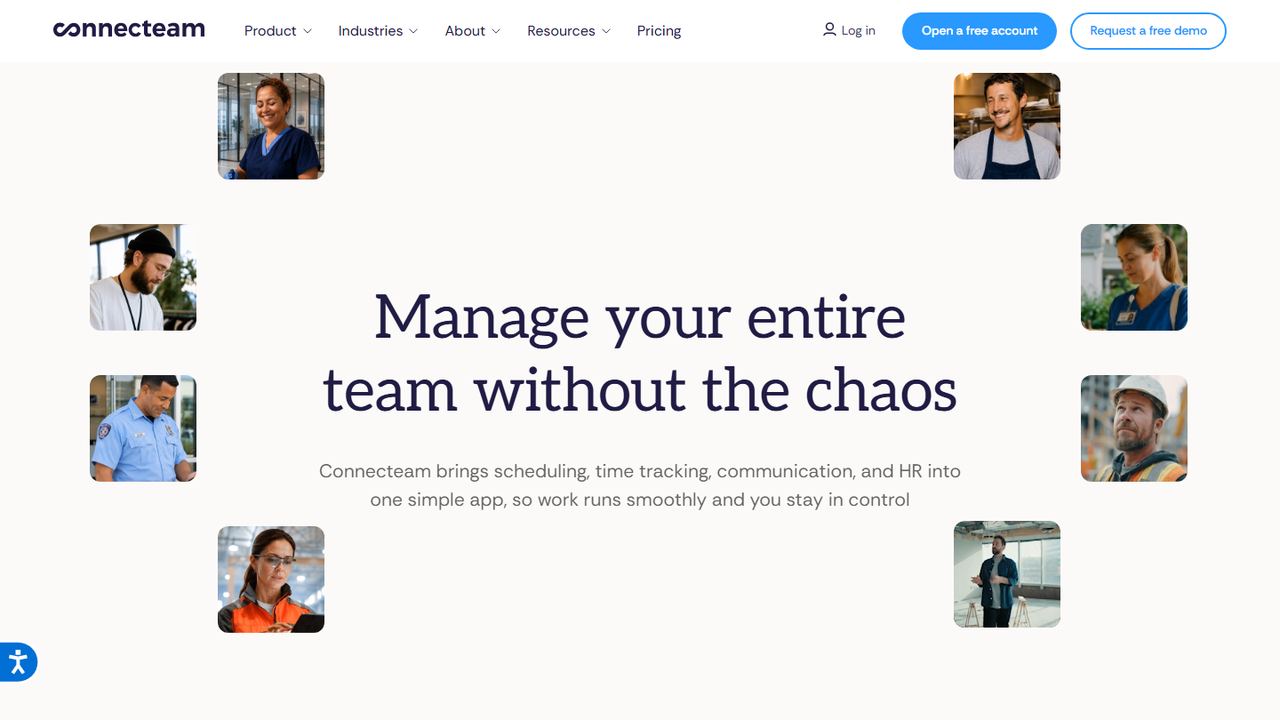
Connecteam is a mobile app for frontline and deskless teams that bundles a time clock with scheduling, checklists, chat and HR tools. Its Small Business plan is free for up to 10 users, and Connecteam says the free plan includes all hubs and features. That makes it the most complete free employee time clock app we found for a team that will stay small.
Employees clock in from their phones with a GPS stamp on each punch, or from a shared kiosk station. Managers get automatic timesheets that can be exported for payroll. Watch the user count: Connecteam counts archived users as well as active ones, so seasonal staff you have let go still use up seats. Once you pass 10, the Basic plan is $29 a month for the first 30 users on annual billing.
Strengths
- Free plan includes scheduling, forms and chat as well as the time clock
- GPS stamp on clock-in and clock-out
- Shared kiosk mode for one tablet at the door
- Clear step up: $29/mo covers up to 30 users
Drawbacks
- Free plan stops at 10 users, and archived users count toward the cap
- Geofence sites are limited on lower paid tiers (Advanced allows 10)
- Best for
- free time tracking for unlimited users
- Free plan or trial
- Free forever for unlimited users
- Starting price
- $0; paid upgrades are not priced on the pricing page
- Platforms
- iOS, Android, web, desktop, Chrome extension, kiosk
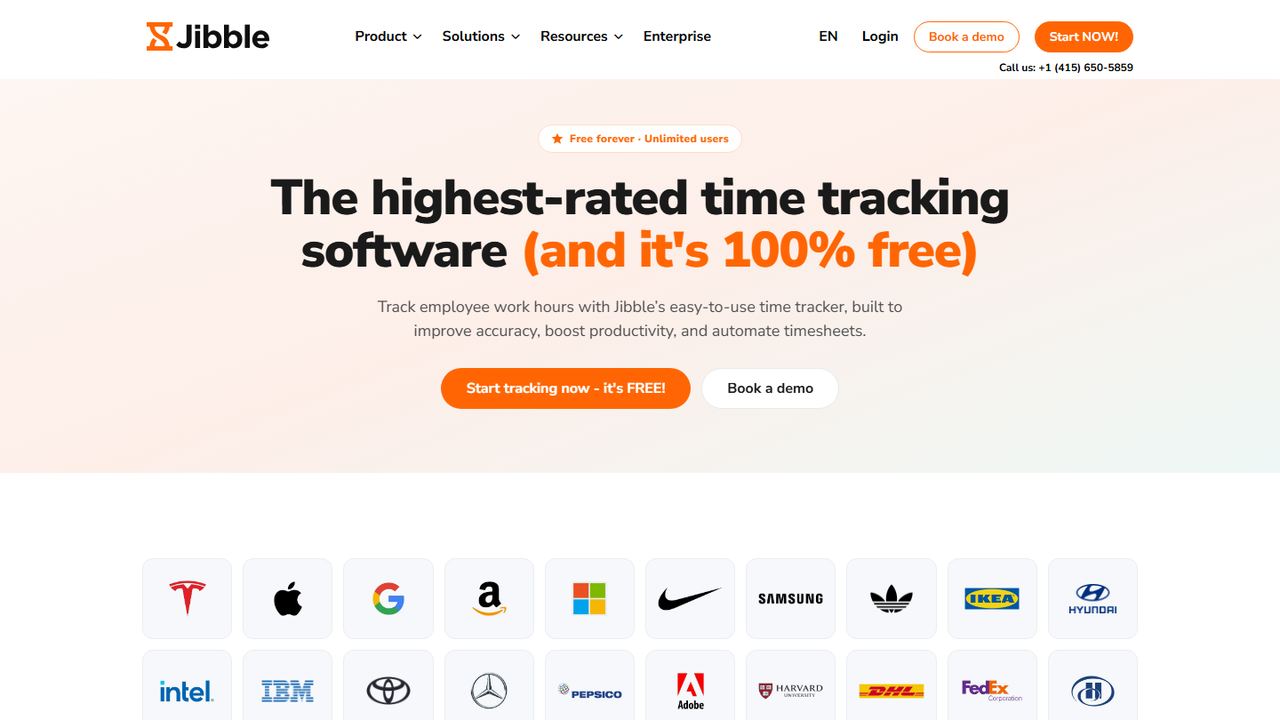
Jibble is a time and attendance app whose free plan has no user limit. Jibble’s own help center says the free plan lets staff clock in and out with GPS and facial recognition, manage leave and public holidays, and export payroll-ready hours. Free integrations include Slack, Microsoft Teams and QuickBooks.
That makes Jibble the obvious free clock in clock out app for a business with 15, 40 or 100 hourly workers that cannot justify a per-user fee. It runs on phones, the web, a desktop app, a Chrome extension and a shared kiosk. The trade-off is transparency: Jibble’s pricing page shows only the free plan, so check with Jibble which extras (more geofences, live location, advanced permissions) need a paid upgrade.
Strengths
- No cap on users in the free plan
- Facial recognition and GPS on clock-ins, per Jibble’s help center
- Leave and holiday tracking included
- Works on phones, web, desktop and a shared kiosk
Drawbacks
- Paid upgrade prices are not listed on the pricing page
- Free timesheets are described as “basic”, so approval workflows may need an upgrade
- Best for
- a single location using a shared tablet
- Free plan or trial
- Free Basic plan: 1 location, up to 10 employees; 14-day trial of the top plan
- Starting price
- $30 per location/month (Essentials); payroll add-on from $49/mo + $6 per employee
- Platforms
- iOS, Android, web, tablet and POS clock-in
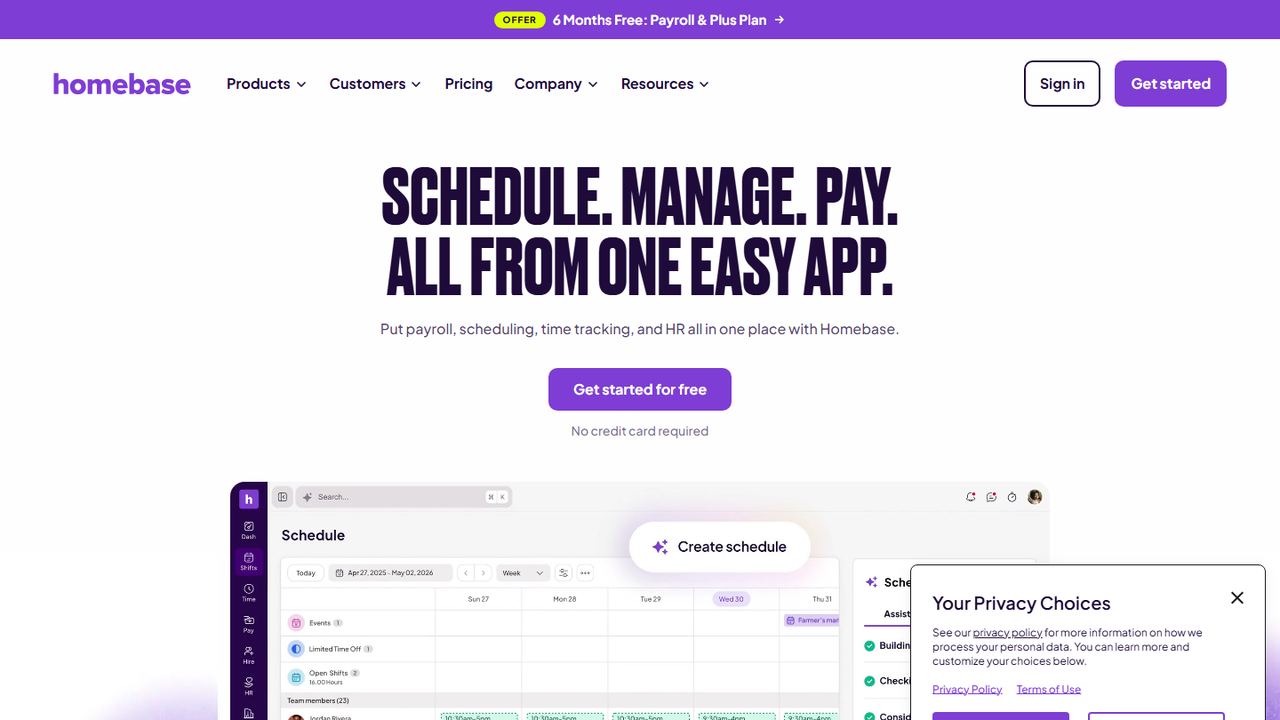
Homebase is scheduling and time clock software for local businesses such as restaurants, cafés and shops. Its Basic plan is free for one location and up to 10 employees, and includes basic scheduling and a time clock that runs on a tablet, a computer or a point-of-sale device. That fits a counter-service shop where everyone clocks in at the same iPad.
The free plan is narrower than it first looks. Homebase lists location-verified mobile clock-in, where GPS confirms where the employee punched in, under its paid Essentials plan ($30 per location a month). Payroll is a paid add-on on every plan. Every new account starts with a 14-day trial of Homebase’s top plan and drops to Basic if you do not choose a plan.
Strengths
- Free plan with scheduling and a tablet or POS time clock
- Point-of-sale integration on the free plan
- Simple per-location pricing when you upgrade
Drawbacks
- Free plan covers only one location and 10 employees
- GPS-verified mobile clock-in is a paid feature
- Payroll costs extra on every plan
- Best for
- construction and field crews that need free GPS
- Free plan or trial
- Free plan with unlimited users; 14-day trial of Pro
- Starting price
- $9.99 per user/month, billed annually, + $40/mo admin license (Pro)
- Platforms
- iOS, Android, web
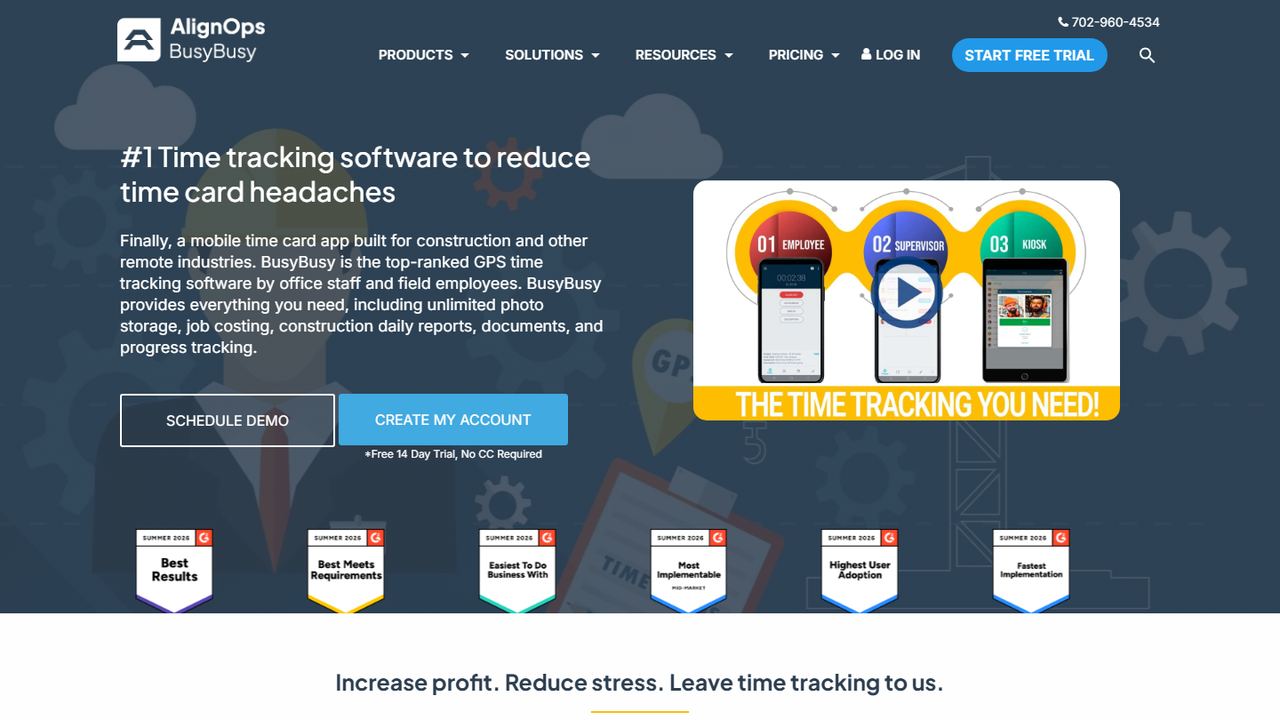
BusyBusy is a time tracking app built for construction and other field trades. Its free plan has unlimited users and includes GPS time tracking, job costing and equipment tracking, according to BusyBusy’s pricing page. Crews clock in to a project or cost code from their phones, and the office sees hours by job.
Paid features are aimed at supervisors. The Pro plan ($9.99 per user a month on annual billing, plus a $40 monthly admin license) adds GPS breadcrumbing, supervisor tools that let a foreman clock in a whole crew, daily sign-offs, photos and scheduling. If you run jobs from a single truck and just need location-stamped hours tied to jobs, the free plan may be enough.
Strengths
- Unlimited users on the free plan
- GPS time tracking and job costing at $0
- Equipment tracking included
- Built around projects and cost codes
Drawbacks
- Breadcrumb trails, crew clock-in and scheduling are paid (Pro)
- Pro adds a $40/mo admin license on top of per-user fees
- Construction focus is less useful for retail or food service
- Best for
- office and remote teams tracking hours by project
- Free plan or trial
- Free plan for up to 5 users; 7-day trial of Pro
- Starting price
- $3.99 per seat/month, billed annually (Basic); kiosk-only seats from $0.79
- Platforms
- Web, iOS, Android, Windows, macOS, Linux, browser extensions
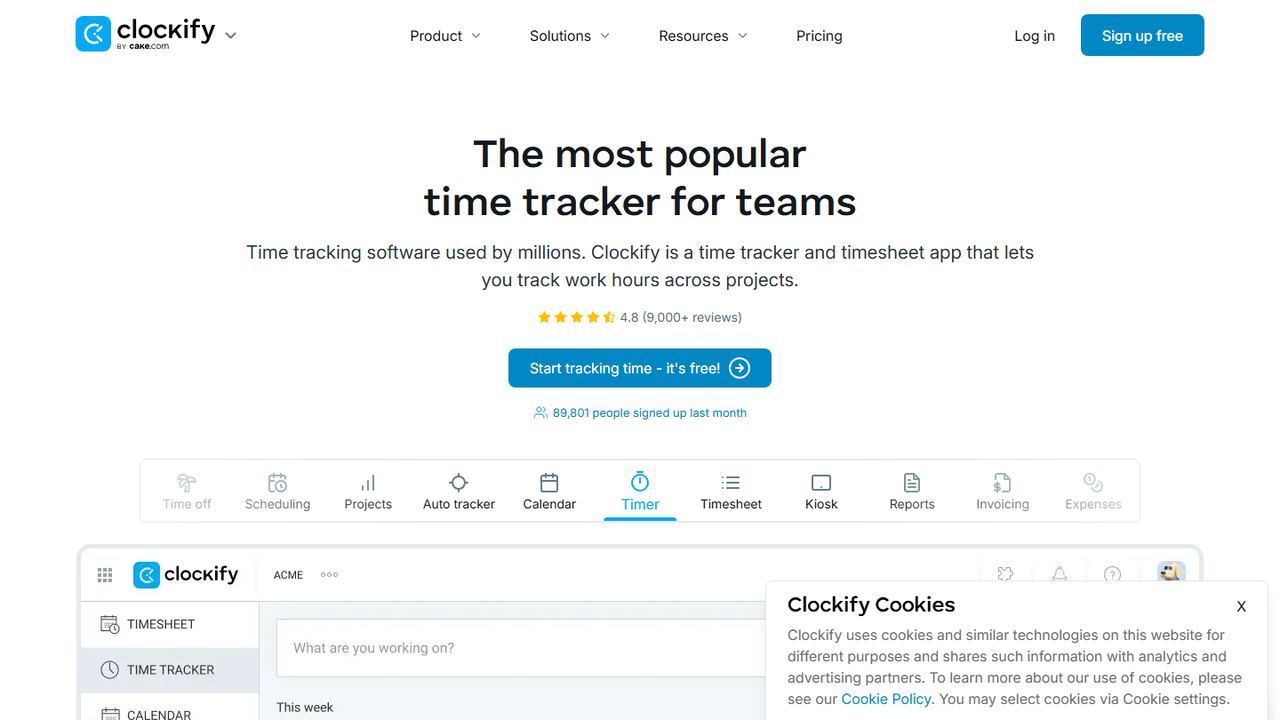
Clockify is a timer and timesheet app used to log hours against projects and clients. Its free plan now covers up to 5 users, and it runs on nearly every platform: web, iOS, Android, Windows, macOS, Linux and browser extensions. It suits an agency, a bookkeeping office or a small remote team that bills by the hour.
For hourly shift workers, the free plan is thin. Kiosk mode starts on the Basic plan ($3.99 per seat a month on annual billing, or $0.79 for a kiosk-only seat). Timesheet approval, time off and the attendance and overtime report start on Standard. GPS tracking and scheduling sit on Pro. Clockify offers a 7-day trial of Pro features with no card required.
Strengths
- Apps for every major platform
- Low-cost kiosk-only seats when you upgrade
- Strong project and client reporting
Drawbacks
- Free plan is limited to 5 users
- No kiosk, GPS or timesheet approval on the free plan
- Built for project hours more than shift punches
- Best for
- automatic time tracking with free GPS
- Free plan or trial
- Free plan with unlimited users and projects; free trial of paid plans
- Starting price
- $3.99 per user/month, billed annually (Starter)
- Platforms
- Web, desktop, iOS, Android
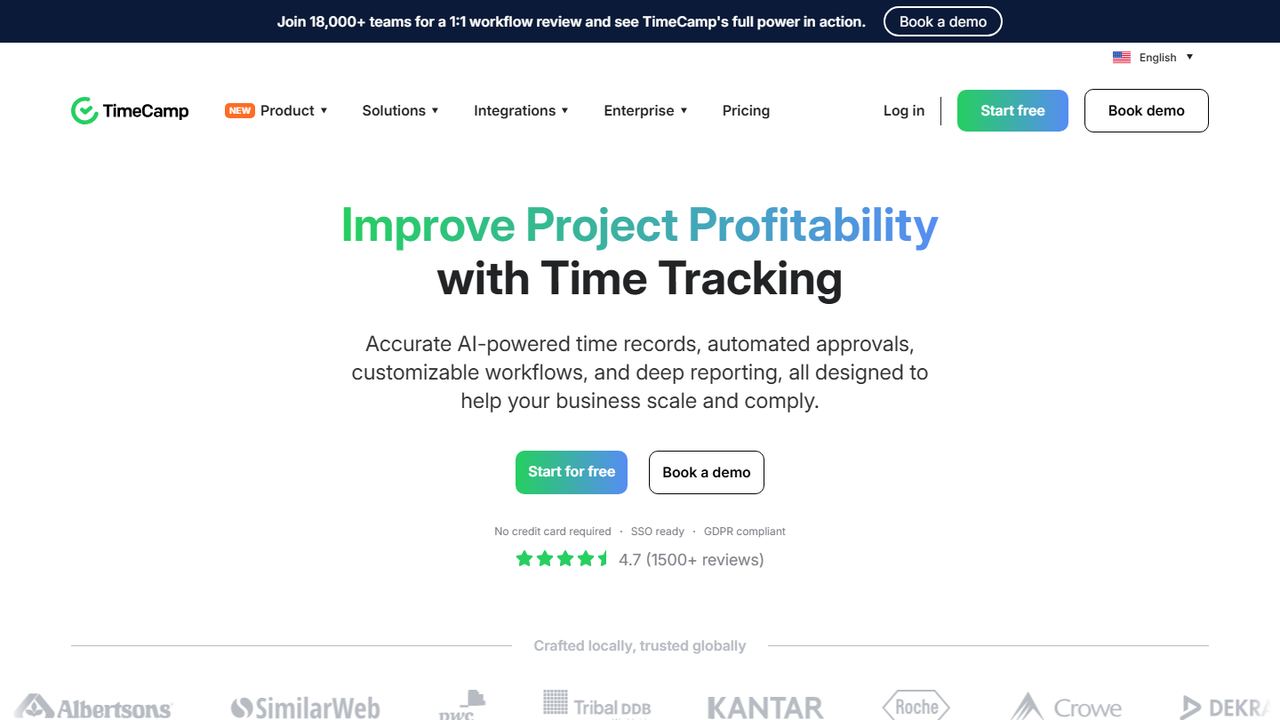
TimeCamp is a time tracker for teams that log time on computers, with automatic tracking of the apps and projects people work in. Its free plan includes unlimited users and projects, timesheets, web, desktop and mobile apps, and two-factor sign-in. TimeCamp’s comparison table also lists GPS location tracking on every plan, including Free.
Attendance tracking and time off start on the Starter plan at $3.99 per user a month on annual billing ($5.49 monthly). A shared time clock kiosk and geofencing are Enterprise-only features, so TimeCamp is a weaker fit for a shop floor where staff punch in at one tablet. For a small office or a hybrid team, the free tier goes a long way.
Strengths
- Unlimited users and projects on the free plan
- GPS location tracking listed on all plans
- Automatic desktop tracking
Drawbacks
- Attendance and time off need a paid plan
- Kiosk and geofencing are Enterprise only
- Best for
- freelancers and very small teams
- Free plan or trial
- Free plan for up to 3 users; 30-day trial of paid plans
- Starting price
- $9 per user/month, billed annually (Starter)
- Platforms
- Web, iOS, Android, Windows, macOS, browser extensions
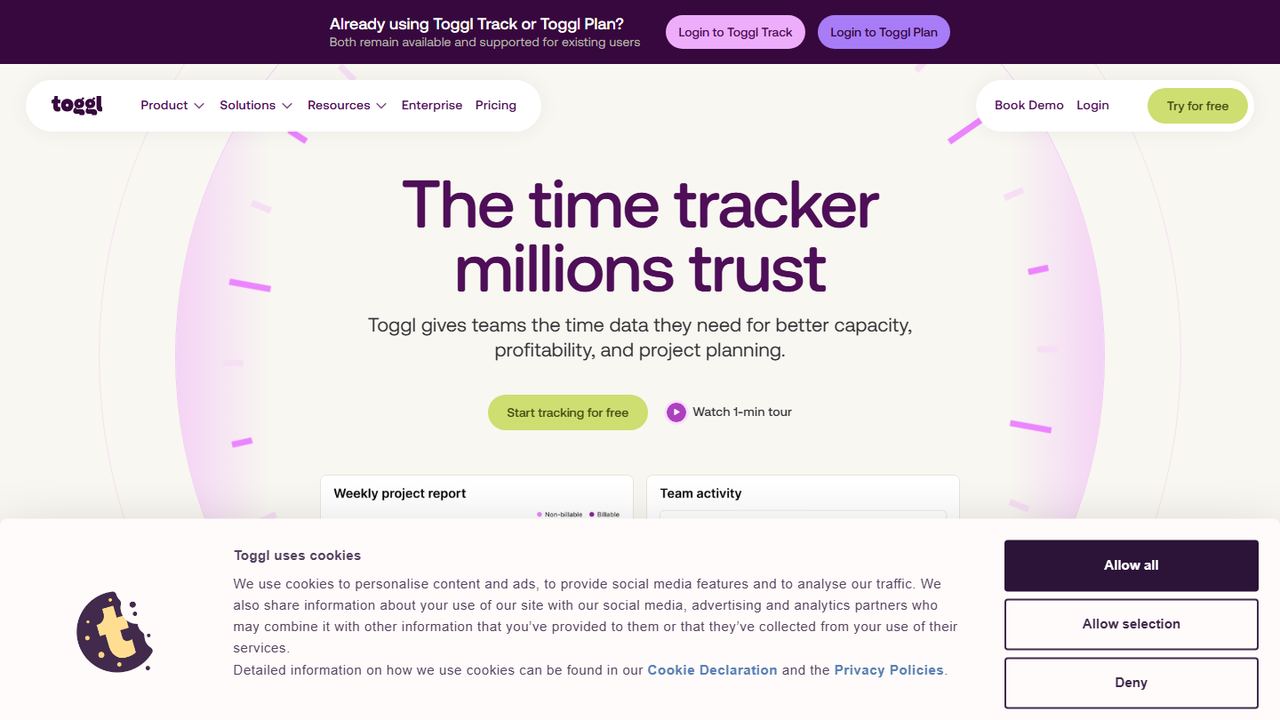
Toggl Track is a one-click timer for logging work time, popular with freelancers and small service businesses. The free plan is for a limited number of users; Toggl’s FAQ puts it at up to 3. It has apps for web, iOS, Android, Windows and macOS, plus browser extensions that put a timer inside the tools you already use.
Toggl Track is not a punch clock for hourly staff. It does not record location, it has no kiosk mode, and its pricing page lists no shift scheduling. Timesheet approval is on the Premium plan, and time off approvals and accruals need a paid add-on. Choose it if you are a solo owner or a two- or three-person team tracking hours for clients, not for compliance.
Strengths
- Very quick timer with browser extensions
- Apps on desktop and mobile
- 30-day trial of paid plans
Drawbacks
- Free plan covers only up to 3 users
- No GPS, kiosk or shift scheduling
- Timesheet approval needs Premium ($16/user/mo billed annually)
- Best for
- teams ready to move off a free plan
- Free plan or trial
- Book a demo
- Starting price
- Book a demo
- Platforms
- Phone app and shared tablet for employees
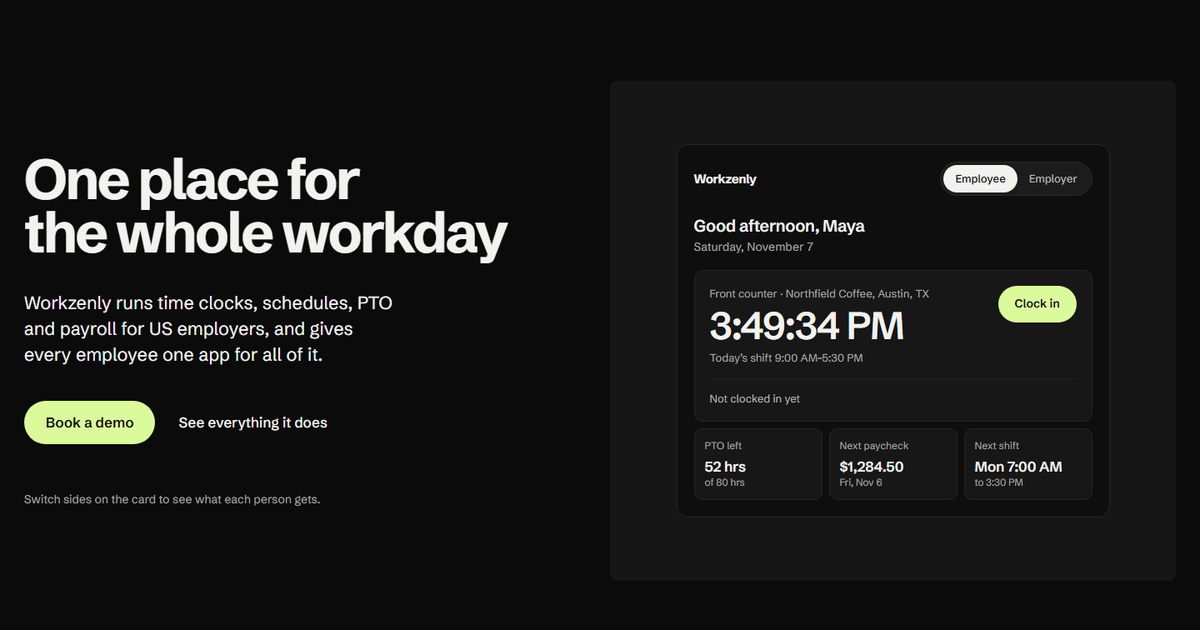
Workzenly is not free, and we list it here for the moment a free plan stops working: when you pass the user cap, open a second location, or get tired of exporting hours into payroll by hand. It is workforce software for US small and mid-sized businesses with hourly and shift teams, such as restaurants, retail, healthcare, construction and field services.
Employees clock in from their phone or a shared tablet, with GPS and geofencing to confirm they are on site. The same app holds their shifts and swaps, PTO requests and balances, pay stubs, onboarding forms with e-signatures, documents and performance reviews. For the employer, approved punches feed payroll directly, so overtime and pay stubs come from the same records as the time clock.
Strengths
- Time clock, scheduling, PTO and payroll in one system
- GPS and geofencing on phone clock-ins
- Employees see shifts, balances and pay stubs in one app
Drawbacks
- No free plan; pricing is shared in a demo
- More than you need if you only want a basic punch clock
How we chose these tools
We started with the products that appear for “free time clock app” searches in the US, then kept only those with a free plan you can use indefinitely, not just a trial. We checked each one on its own pricing and help pages on November 7, 2026.
Our criteria
- A real free plan: no time limit, and enough users for a small team.
- Clock-in that fits hourly work: phone punches, a shared kiosk or tablet, and break tracking.
- Location checks: whether GPS or geofencing is included for free or held back.
- Exportable records: timesheets you can send to payroll and keep for audits.
- A fair upgrade path: what the first paid tier costs and what it adds.
We left out apps with no free time clock. Sling’s free plan, for example, covers scheduling but not the time clock, and OnTheClock offers a 30-day trial instead of a free tier. Both are worth a look if you are happy to pay; OnTheClock appears in our list of the best employee time clock apps.
How to choose a free employee time clock app
A free plan is only a good deal if the records it keeps are complete. Under the Fair Labor Standards Act, you must pay non-exempt employees time and a half for hours over 40 in a workweek, and you must keep accurate records of hours worked. Use this checklist before you invite your team.
- Count every user the vendor counts. Some caps include managers, admins or archived employees. If you hire seasonally, a 10-user cap can fill up in one summer.
- Check how people will clock in. Phones suit field crews; a shared tablet with a PIN or photo suits a single store. Make sure the free plan supports the method you need.
- Decide whether you need location proof. A GPS stamp shows where someone punched. A geofence blocks or flags punches outside a set radius. Our guide to what a geofence is explains the difference, and how a GPS time clock app works covers privacy rules.
- Track meal and rest breaks. Federal law does not require breaks, but many states do. California requires a 30-minute meal period for shifts over five hours, so your app should record breaks, not just in and out times.
- Look at overtime handling. At minimum, the app should total weekly hours so you can spot anything over 40. If you have staff in California, you also need daily overtime after 8 hours; see our California overtime law guide. You can check any week by hand with our time card calculator.
- Plan for record retention. The FLSA requires employers to keep payroll records for at least three years and time cards for at least two. Confirm that you can export timesheets and that history is not deleted when you change plans.
- Price the first paid step. Work out what you will pay at 11, 25 and 50 employees. A free plan that jumps to a high per-user fee can cost more within a year than a cheap paid plan.
If you are not ready for an app at all, a printable free timesheet template works for a handful of employees, as long as everyone records actual start, break and end times.
Frequently asked questions
Is there a completely free time clock app?
Yes. Jibble and BusyBusy offer free plans with unlimited users, and Connecteam is free for up to 10 users. Homebase is free for one location with up to 10 employees. Each one holds some features back, such as geofencing, kiosk mode, scheduling or payroll, so check the limits against what your team needs.
What is the best free time clock app for small business?
For a team of up to 10 people, Connecteam’s free plan is the most complete because it includes scheduling, GPS-stamped punches and a kiosk mode. For larger teams that need to stay at $0, Jibble has no user cap. For a single shop that clocks in at one tablet, Homebase’s free Basic plan is a good fit.
Which free clock in clock out app has GPS?
Connecteam’s free plan stamps GPS on each punch, Jibble’s help center lists GPS clock-ins on its free plan, and BusyBusy includes GPS time tracking for free. TimeCamp also lists GPS location tracking on its free tier. Geofencing that blocks off-site punches is often a paid feature, so confirm it before you rely on it.
Can a free time clock app keep records that meet FLSA rules?
It can, if it records actual hours worked and lets you export and keep them. The FLSA requires accurate records of hours, payroll records kept for three years and time cards for two. Make sure the free plan keeps full history, records breaks, and lets you download timesheets before you depend on it.
What happens when my team outgrows the free plan?
Usually the app asks you to upgrade before you can add more users or locations, and some features switch off. Connecteam moves you to Basic at $29 a month for up to 30 users, and Homebase charges per location. Export your timesheets regularly so your records are safe whatever you decide.