Workzenly makes time clock, scheduling, PTO and payroll software, and it appears in this list as one option. We researched every product on its own website on November 7, 2026. No company paid to be included. Features and prices change, so check each vendor’s site before you buy.
The best GPS time clock app records where each employee clocks in and out, can stop or flag punches made away from the job site, and turns those punches into timesheets you can trust at payroll time. This list is for US contractors, cleaning and home service companies, landscapers, security firms, home health agencies and any business whose hourly employees start the day somewhere other than the office.
Quick answer: Connecteam is the best value for most teams, Timeero is the pick if you also need mileage, ClockShark and Workyard are built for construction and field service, and BusyBusy and Jibble give you GPS time tracking for employees at no cost. The details that separate them are on each card: which plan includes geofencing, whether location is tracked only on the clock, and how hours reach payroll.
Top picks at a glance
 ConnecteamBest value overall
 TimeeroBest for GPS plus mileage
 ClockSharkBest for field service and construction
 WorkyardBest for contractors who job cost
 BusyBusyBest free GPS for crews
 QuickBooks TimeBest for QuickBooks users
Comparison table
| Tool | Best for | Free plan or trial | Starting price | Platforms |
|---|---|---|---|---|
| Connecteam | most teams that want GPS at a low price | Free up to 10 users | $29/mo for up to 30 users | iOS, Android, web, shared kiosk |
| Timeero | GPS time tracking plus mileage | 14-day trial | $5/user/mo | iOS, Android, web |
| ClockShark | field service and construction companies | 14-day trial | $42/mo + $9.50/user | iOS, Android, web |
| Workyard | contractors who need GPS job costing | 14-day trial | From $6/user/mo | Mobile, web, kiosk (Pro) |
 Buddy Punch | geofencing with photo-verified punches | 14-day trial | $4.99/user/mo + $19/mo | iOS, Android, web, shared kiosk |
| QuickBooks Time | businesses that run QuickBooks | 30-day trial | $20/mo + $10/user | iOS, Android, web, kiosk |
| BusyBusy | free GPS time tracking for construction crews | Free, unlimited users | $9.99/user/mo + $40/mo | iOS, Android, web |
 Hubstaff | teams that want automatic clock-in at job sites | 14-day trial | $10/seat/mo + add-on | Web, Windows, macOS, Linux, iOS, Android |
 Jibble | free GPS and face-verified punches | Free, unlimited users | $0 (paid upgrades on request) | iOS, Android, web, desktop, Chrome extension, kiosk |
 Workzenly | field teams that want GPS punches tied to payroll | Book a demo | Book a demo | Phone, shared tablet |
- Best for
- most teams that want GPS at a low price
- Free plan or trial
- Free for up to 10 users; 14-day trial of paid plans
- Starting price
- $29/mo for the first 30 users, billed annually ($35 monthly)
- Platforms
- iOS, Android, web, shared kiosk
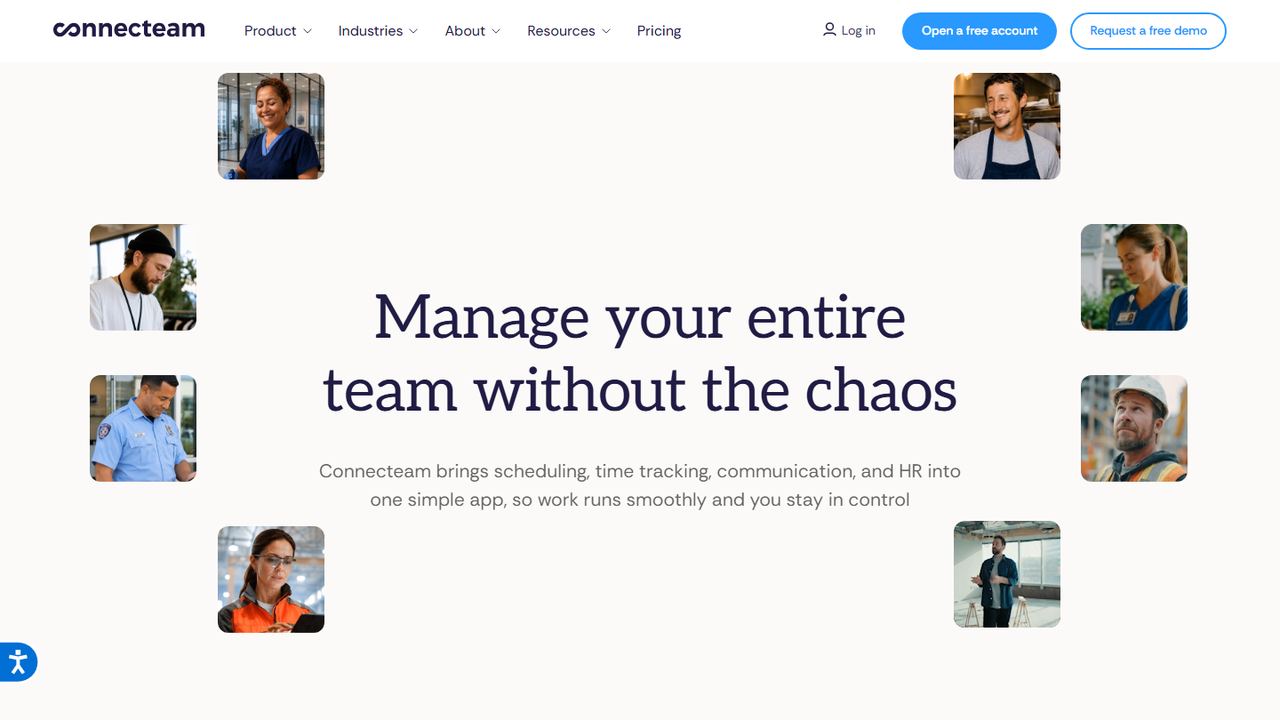
Connecteam is an employee app for deskless teams with a time clock, scheduling, forms and chat. Every punch carries a GPS stamp, starting with the free plan for up to 10 users. The paid Basic plan lists real-time clock-in and clock-out with GPS at $29 a month for the first 30 users on annual billing.
Geofencing scales with the plan. Advanced ($49 a month for 30 users) includes up to 10 geofence sites plus auto clock-out and full time clock customization; Expert ($99 a month) gives unlimited geofence sites, auto-assigned shifts and API access. A shared kiosk station is available for crews that start at a yard or shop. For a 30-person field team, that is one of the lowest monthly costs for a geofence time clock we found.
Strengths
- GPS stamp on every punch, even on the free plan
- Flat price covers the first 30 users
- Auto clock-out on Advanced and up
- Scheduling and job forms in the same app
Drawbacks
- Only 10 geofence sites on Advanced; unlimited needs Expert
- Pricing page is unclear about geofencing on the free plan
- Best for
- GPS time tracking plus mileage
- Free plan or trial
- 14-day free trial; no free plan
- Starting price
- $5 per user/month, billed annually (Basic, up to 10 users)
- Platforms
- iOS, Android, web
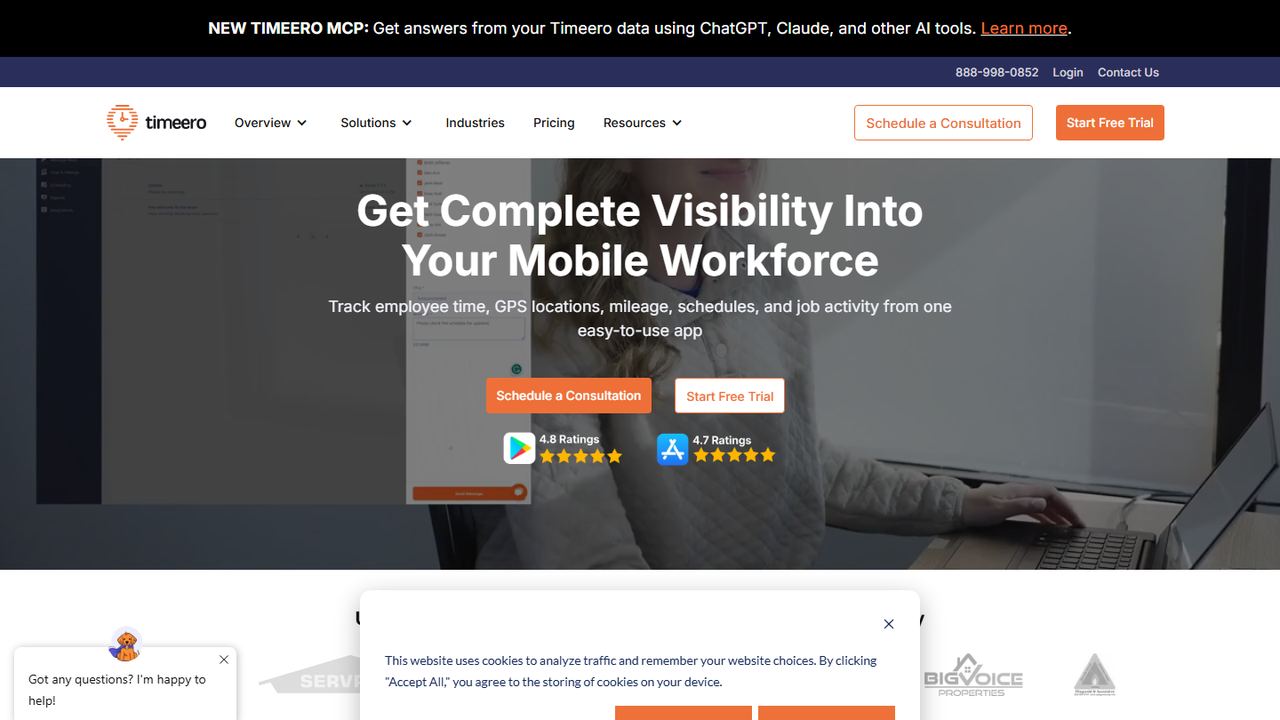
Timeero is a GPS time tracking app for mobile workforces that also logs mileage, schedules and job activity. Every plan includes GPS tracking and mileage tracking, which suits home health, cleaning and service companies that reimburse drivers. Basic is $5 per user a month on annual billing ($6 monthly) for up to 10 users.
Pro ($7.50 per user a month, annual) adds geofencing and scheduling and removes the 10-user cap. Premium ($10) adds a kiosk with facial recognition. Timeero’s 14-day trial needs no credit card. Because mileage and hours are recorded from the same trip, you can see travel time between job sites, which counts as hours worked under federal law when it happens during the workday.
Strengths
- GPS and mileage tracking on every plan
- Geofencing and scheduling on Pro
- Face-recognition kiosk on Premium
- 14-day trial, no card
Drawbacks
- Basic plan caps you at 10 users
- Geofencing needs Pro, not Basic
- Best for
- field service and construction companies
- Free plan or trial
- 14-day free trial with Pro features; no free plan
- Starting price
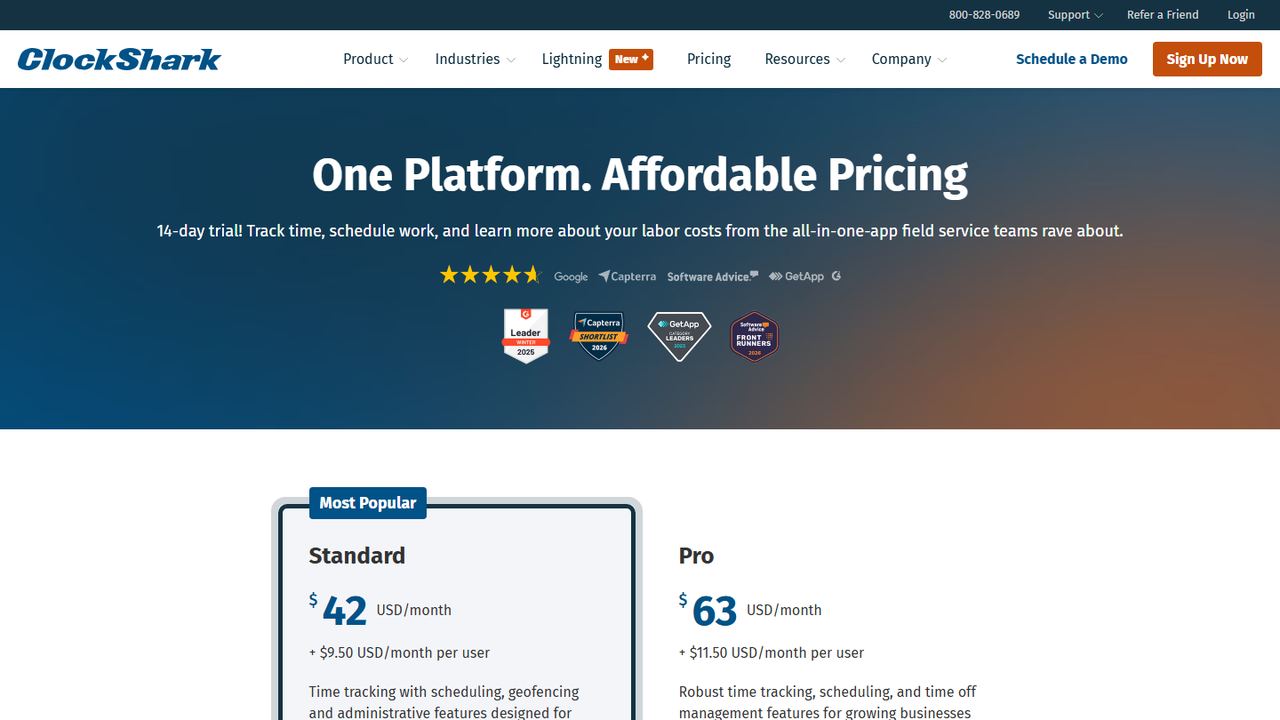
- $42/mo + $9.50 per user (Standard); 3-year contract term
- Platforms
- iOS, Android, web
ClockShark is time tracking and scheduling software for construction and field service teams. The Standard plan is $42 a month plus $9.50 per user and includes GPS time tracking, scheduling, geofencing and admin tools. Pro is $63 a month plus $11.50 per user and adds paid time off, multi-department controls, advanced job costing, compliance forms and mileage tracking.
Workers clock in to a job and task from the mobile app, and the office sees who is on which site. Hours export to QuickBooks, ADP, Sage, Xero, Paychex and Gusto, among others. The 14-day trial includes Pro features with no credit card. One thing to read carefully: ClockShark’s pricing page states a three-year contract term for its pricing plans, so confirm terms before you sign.
Strengths
- Geofencing included on the Standard plan
- Job and task tracking built for crews
- Long list of payroll and accounting integrations
- Billed only for active users
Drawbacks
- Pricing page states a three-year contract term
- Base fee of $42 to $63 a month before per-user charges
- Mileage and PTO need Pro
- Best for
- contractors who need GPS job costing
- Free plan or trial
- 14-day free trial; no free plan
- Starting price
- From $6 per user/month, billed annually (Starter)
- Platforms
- Mobile app, web dashboard, kiosk on Pro
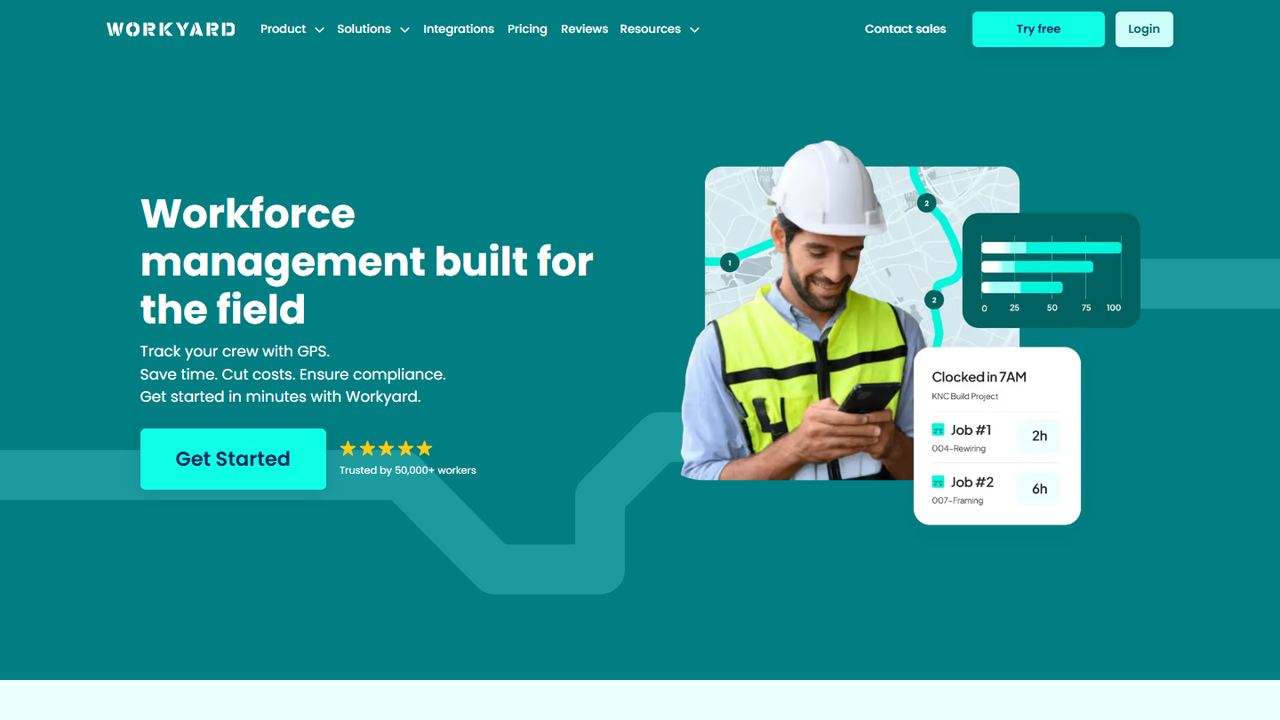
Workyard is workforce management software built for construction, HVAC, plumbing, electrical, roofing and cleaning companies. It promises accurate GPS time tracking, auto clock-in and clock-out, a real-time team map, and labor compliance for overtime and break laws backed by a GPS audit trail. Starter is from $6 per user a month on annual billing.
Starter detects job sites without geofence setup and reports mileage and travel time. Pro adds unlimited geofences with clock-in restrictions, scheduling and job costing by cost code; Workyard does not list Pro’s price, so you will need to ask. Starter lets a supervisor clock in a whole crew from the mobile app, and a time clock kiosk comes with Pro. The trial is 14 days with no card.
Strengths
- Auto clock-in and out with a GPS audit trail
- Mileage and travel time on Starter
- Job costing by cost code on Pro
- Supervisor crew clock-in on Starter
Drawbacks
- Only Starter’s price is published
- Geofence restrictions, scheduling and the kiosk need Pro
- Best for
- geofencing with photo-verified punches
- Free plan or trial
- 14-day free trial; no free plan
- Starting price
- $4.99 per user/month + $19/mo base fee, billed annually (Starter)
- Platforms
- iOS, Android, web, shared kiosk
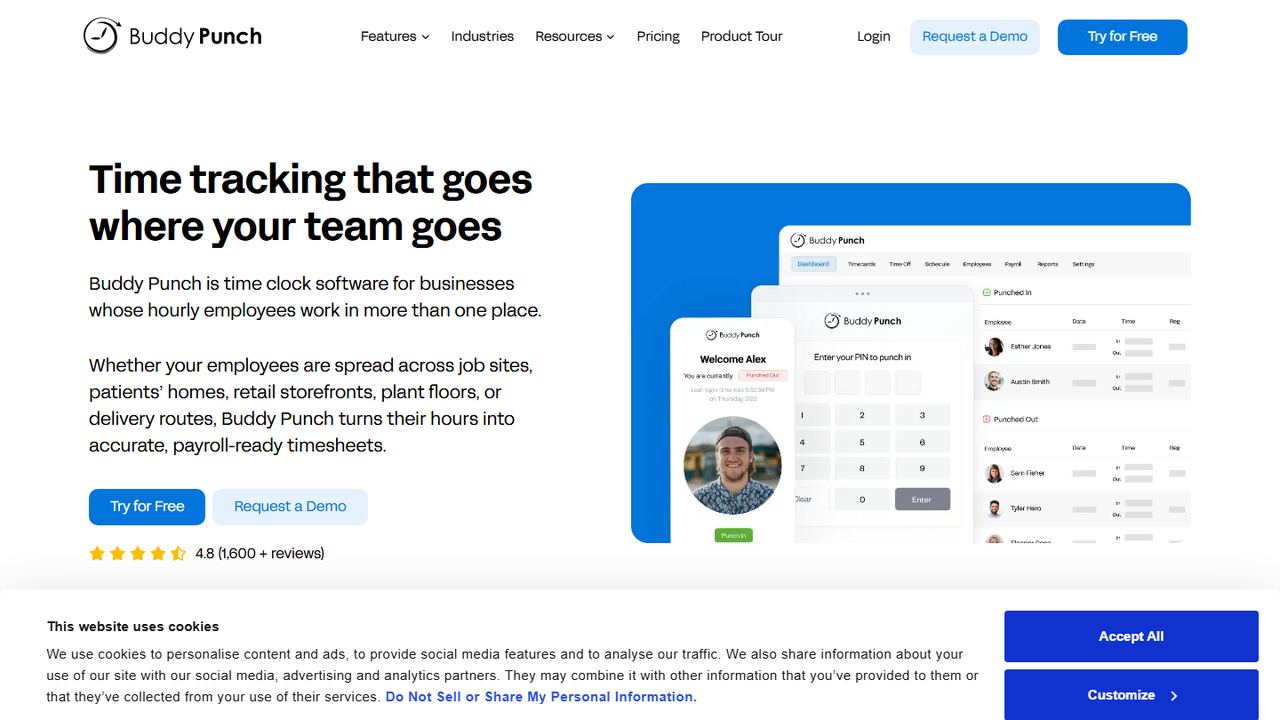
Buddy Punch is time clock software for hourly employees who work in more than one place. Starter ($4.99 per user a month plus a $19 base fee, annual billing) records GPS on punches. Pro ($6.99 per user) adds basic geofencing that restricts punches to approved GPS locations, QR code punches, a webcam photo on each punch, offline punching and break compliance.
Real-time GPS, which shows live employee locations, is a paid add-on that comes included on the Advanced plan ($12.99 per user). That split lets you start with location stamps only and add live tracking later, if your team and your state’s notice rules allow it. Buddy Punch has a 14-day trial with no card.
Strengths
- GPS on every plan, geofencing on Pro
- Photo and QR punches reduce buddy punching
- Offline punching for poor signal
- Break compliance with premium pay on Pro
Drawbacks
- $19 base fee on top of per-user pricing
- Live GPS tracking is an add-on below Advanced
- Best for
- businesses that run QuickBooks
- Free plan or trial
- 30-day free trial; no free plan
- Starting price
- $20/mo + $10 per user (Time Premium); needs QuickBooks Online
- Platforms
- iOS, Android, web, kiosk
QuickBooks Time is Intuit’s time tracking app, formerly TSheets. Its mobile app shares location only while an employee is clocked in, and off-the-clock points are not saved, which keeps tracking to paid working time. The Who’s Working view shows who is on the clock and on which job.
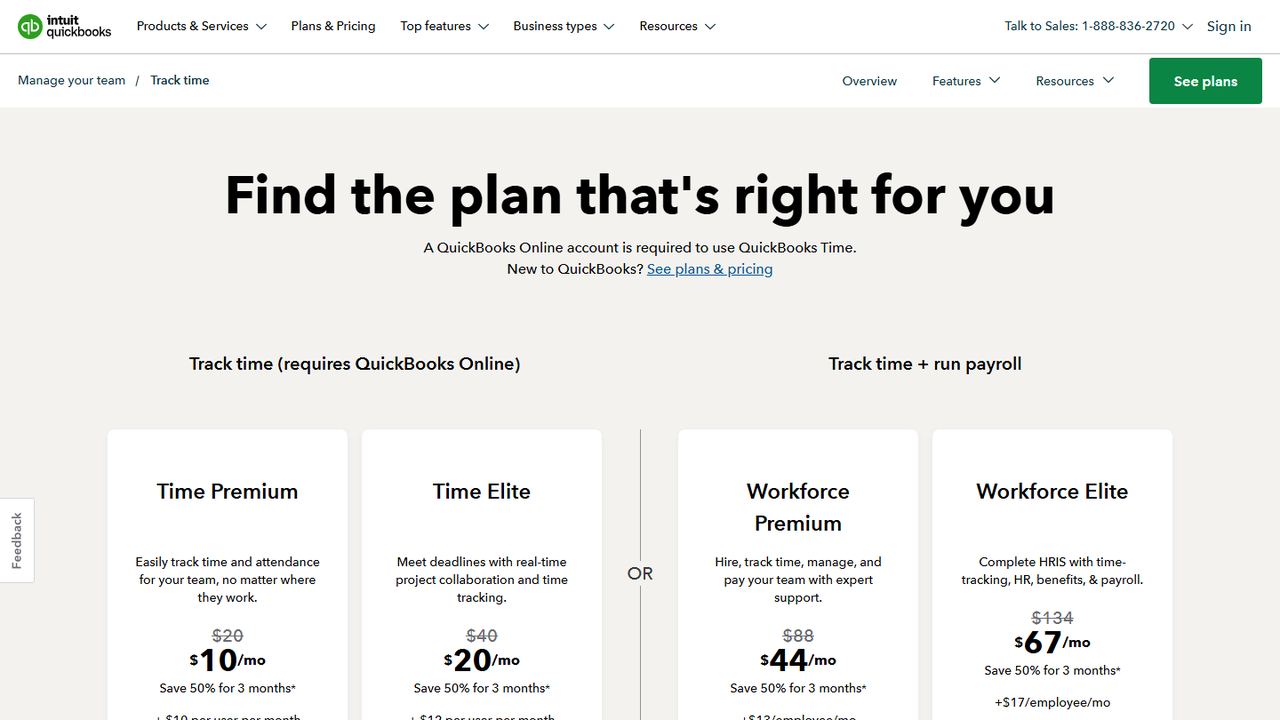
Geofencing in QuickBooks Time sends reminders to clock in or out when a worker arrives at or leaves a job site, and Intuit says it is available in Time Elite only ($40 a month plus $12 per user). Time Premium ($20 a month plus $10 per user) includes the kiosk and scheduling but not geofencing. A QuickBooks Online account is required, and the trial is 30 days.
Strengths
- Location recorded only while clocked in
- Geofence clock-in reminders on Time Elite
- Hours sync to QuickBooks payroll
- 30-day trial
Drawbacks
- Geofencing requires the higher Time Elite plan
- Geofence sends reminders rather than blocking punches
- Requires QuickBooks Online
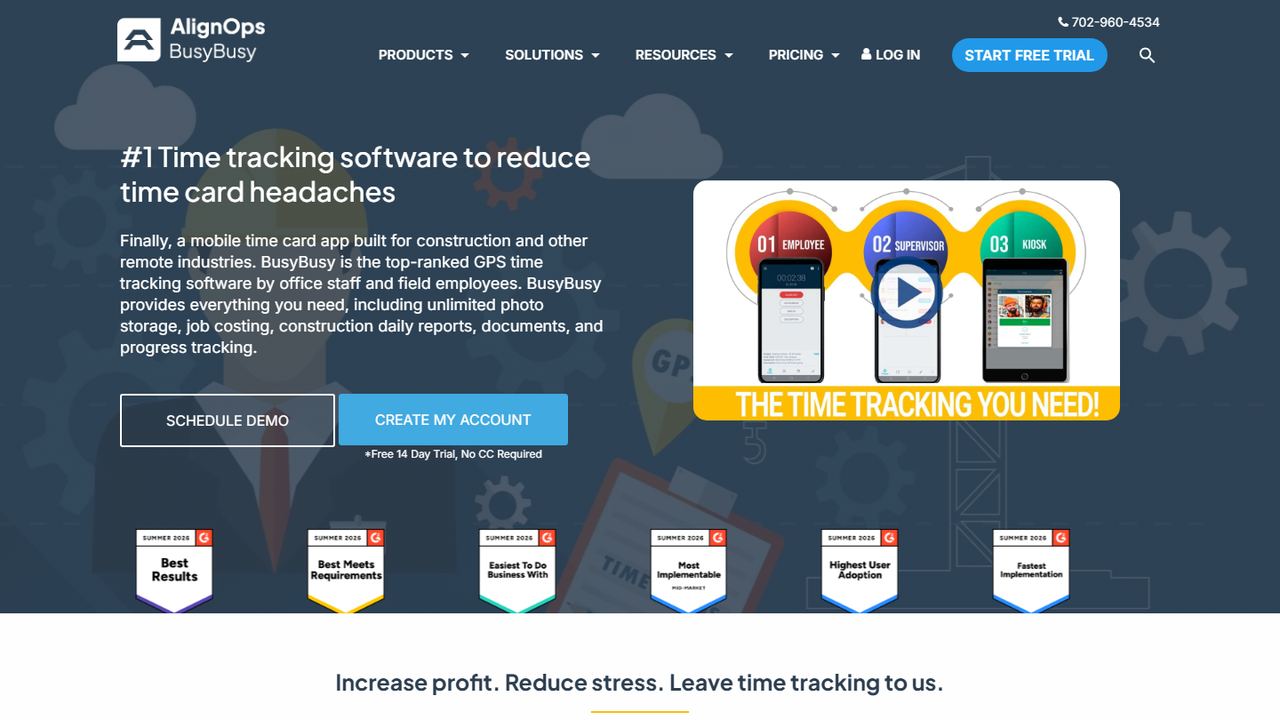
- Best for
- free GPS time tracking for construction crews
- Free plan or trial
- Free plan with unlimited users; 14-day trial of Pro
- Starting price
- $9.99 per user/month, billed annually, + $40/mo admin license (Pro)
- Platforms
- iOS, Android, web
BusyBusy is a construction time tracking app with a free plan for unlimited users that includes GPS time tracking, job costing and equipment tracking. Crews clock in to projects and cost codes from their phones, and clock-in and clock-out location reminders help them remember on arrival.
Pro ($9.99 per user a month on annual billing, plus a $40 monthly admin license) adds enhanced GPS with breadcrumbing and on-site verification, supervisor tools for clocking in a whole crew, daily sign-offs, photos and scheduling. Premium ($14.99 per user, annual) adds documents, daily project reports and team messaging. Pro has a 14-day trial with no card.
Strengths
- GPS time tracking free for unlimited users
- Equipment GPS locations and job costing
- Breadcrumbs and on-site verification on Pro
Drawbacks
- $40/mo admin license on paid plans
- Breadcrumbs and crew clock-in are not free
- Built for construction, less so for retail
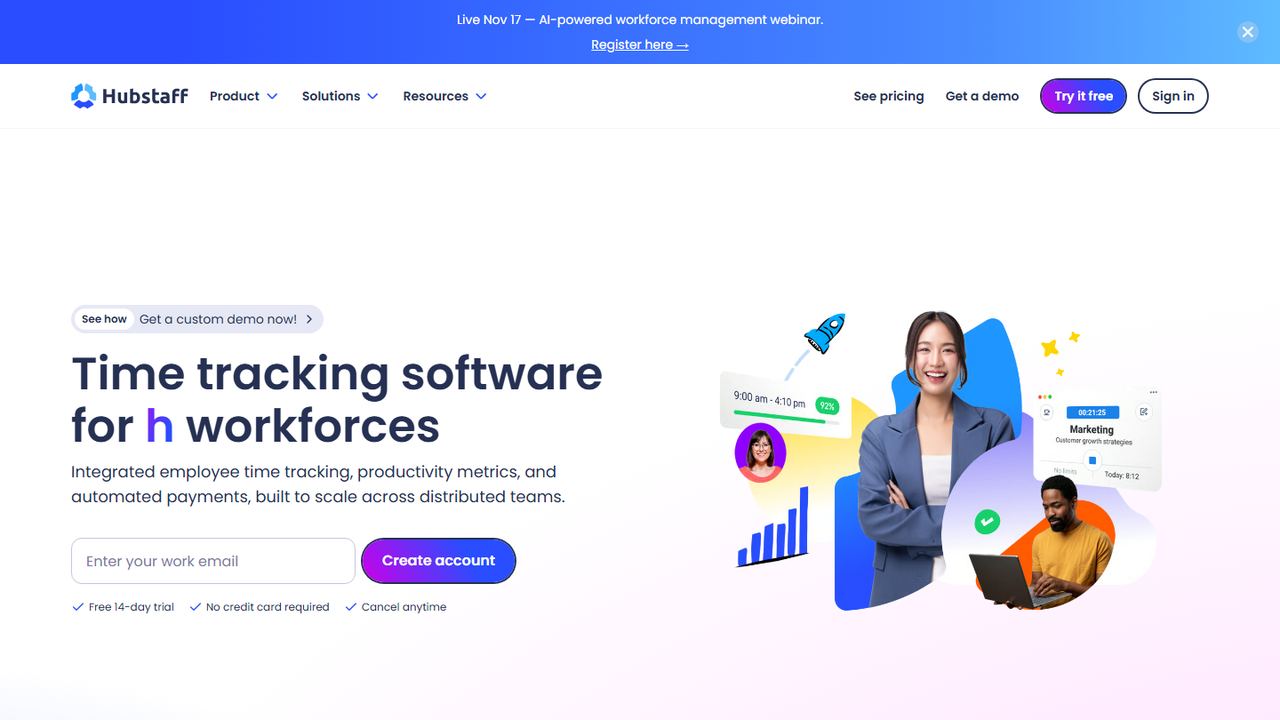
- Best for
- teams that want automatic clock-in at job sites
- Free plan or trial
- 14-day free trial; no free plan
- Starting price
- $10 per seat/month, billed annually (Team) + Locations add-on
- Platforms
- Web, Windows, macOS, Linux, iOS, Android
Hubstaff is time tracking and workforce software used by remote and field teams. For field work, managers can see team locations on a map during scheduled shifts or while a timer runs, and can create geofenced job sites where the timer starts or stops automatically when a worker arrives or leaves.
Those location features come from Hubstaff’s Locations add-on, which its support docs describe as a paid add-on for Team-plan organizations and included with Enterprise. Team is $10 per seat a month on annual billing, and Starter is $4.99 for basic tracking. Hubstaff runs on the web, Windows, Mac, Linux, iOS and Android, with a 14-day trial and no card.
Strengths
- Automatic start and stop at geofenced job sites
- Live team map during shifts
- Apps for desktop and mobile
Drawbacks
- GPS and job sites need the Locations add-on
- Add-on is tied to the Team plan or higher
- Desktop activity tools are more than a field crew needs
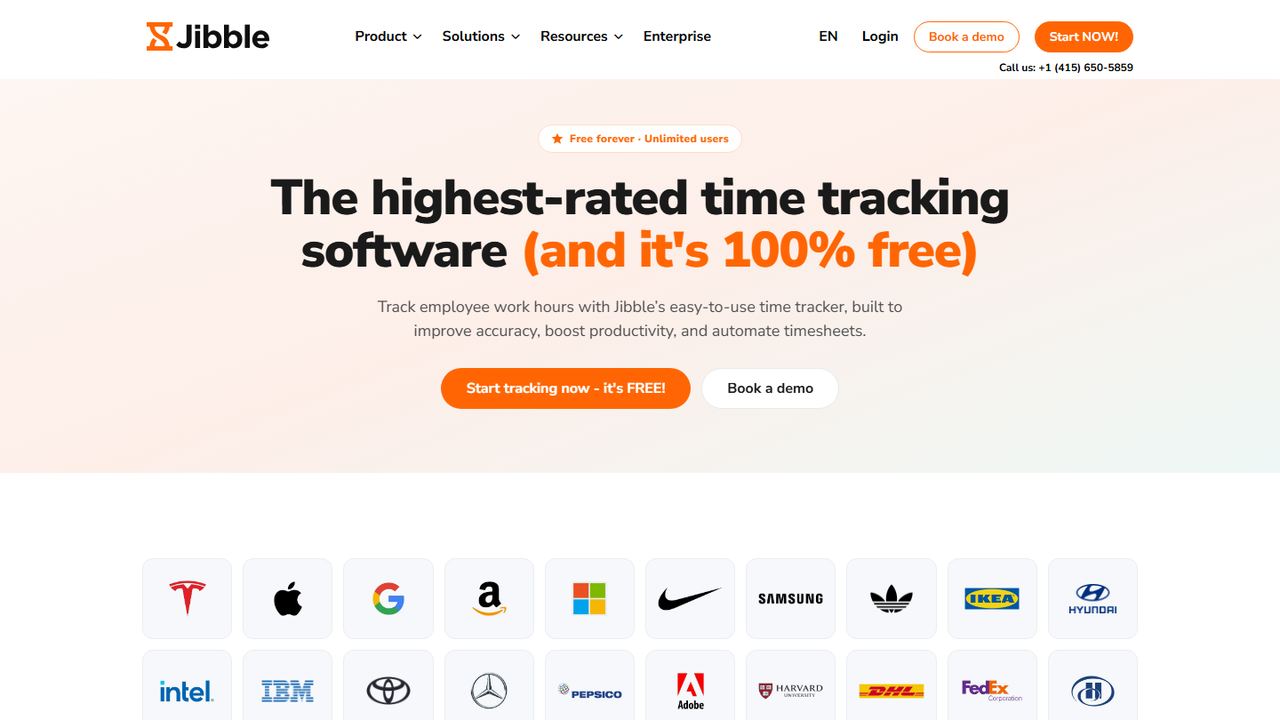
- Best for
- free GPS and face-verified punches
- Free plan or trial
- Free forever for unlimited users
- Starting price
- $0; paid upgrades are not priced on the pricing page
- Platforms
- iOS, Android, web, desktop, Chrome extension, kiosk
Jibble is a time and attendance app that is free for unlimited users. Its help center says the free plan includes clocking in and out with GPS and facial recognition, so you get a location stamp and a selfie check on each punch at no cost. Jibble also describes geofences that restrict clock-ins to approved locations, a live GPS map and breadcrumb maps for field services, and offline clock-ins.
The trade-off is that Jibble does not publish which of those advanced location features need a paid upgrade, and its pricing page lists only the free plan. Start on free, test geofencing with one site, and ask Jibble what changes when you need live tracking for the whole team.
Strengths
- GPS and facial recognition free for unlimited users
- Offline clock-ins sync later
- Kiosk, phone, web and desktop apps
Drawbacks
- Paid tiers and their prices are not published
- Unclear which geofence and live-map features are free
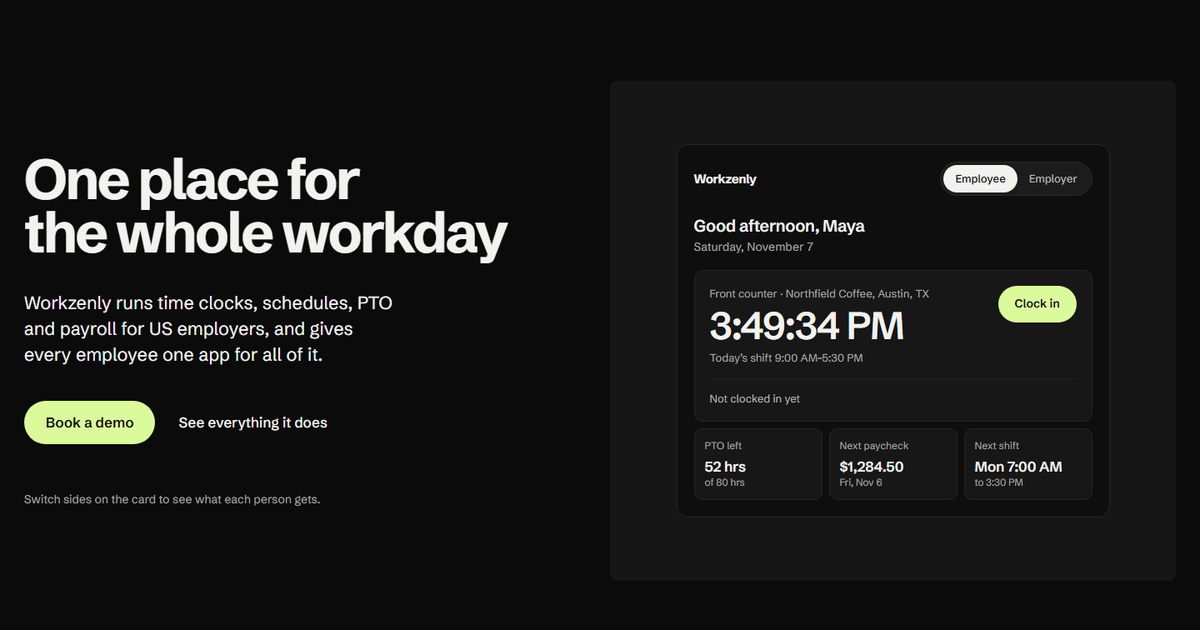
- Best for
- field teams that want GPS punches tied to payroll
- Free plan or trial
- Book a demo
- Starting price
- Book a demo
- Platforms
- Phone app and shared tablet for employees
Workzenly is workforce software for US small and mid-sized businesses with hourly and shift teams, including construction and field services. Employees clock in from their phone with GPS and geofencing, or from a shared tablet at a shop or front desk.
Because the time clock, shift scheduling, PTO and payroll run on the same records, approved hours go straight into payroll with pay stubs in the employee app, and the same app shows each worker their shifts and swaps. Onboarding forms with e-signatures, documents and performance reviews live in the same place.
Strengths
- GPS and geofencing on phone punches
- Shifts, swaps and PTO in the same app
- Hours flow into payroll and pay stubs
Drawbacks
- No public pricing; you book a demo
- No mileage tracking listed among its features
How we chose these tools
We searched for the GPS time clock apps US field businesses compare, then checked each one’s pricing page and location-tracking documentation on November 7, 2026. We gave weight to plain answers about which plan includes which location feature, because the best GPS time clock app on paper is not much use if geofencing sits on a plan you will not buy.
Our criteria
- GPS on punches: a location stamp on every clock-in and clock-out.
- Geofencing: whether it blocks, flags or only reminds, and which plan includes it.
- Privacy controls: tracking limited to working time, and clear employee notice.
- Field extras: breadcrumbs, mileage, job and cost code tracking, offline mode.
- Cost at 10 and 30 users: including base fees and add-ons.
New to the terms? Our explainers on what a geofence is and how a GPS time clock app works cover the basics. For non-field teams, our list of the best employee time clock apps covers kiosks and break tools.
How to choose a GPS time clock app
Location features vary more between plans than between vendors, so decide what you need first.
- Pick the level of tracking. A GPS stamp records the point of each punch. A geofence time clock blocks, flags or reminds when someone is outside a set radius. Breadcrumbs record a trail during the shift. Most teams need stamps and geofences; breadcrumbs are for crews that travel between sites.
- Track only on the clock. Choose an app that stops collecting location when the employee clocks out. QuickBooks Time, for example, saves no off-the-clock points.
- Give written notice. Several states, including New York, Connecticut and Delaware, require employers to notify employees before electronic monitoring. Put your GPS policy in writing and get an acknowledgment from each employee.
- Count travel time correctly. Under the FLSA, travel from one job site to another during the workday is generally hours worked, while a normal commute from home to the first site usually is not. Your timesheets should show the drive between sites.
- Reimburse mileage where required. Federal law does not require mileage reimbursement unless unreimbursed costs push pay below minimum wage, but California and some other states require employers to reimburse necessary business expenses. A mileage log helps.
- Plan for bad signal. Job sites in basements, rural areas and large buildings drop service. Offline punching that syncs later prevents missing hours.
- Check overtime totals. Hours from several sites still add up to one workweek. The app should total them for overtime over 40, and by day in states like California. Use our time card calculator to spot-check a week.
Whichever app you choose, roll it out with one crew for a full pay period, compare the GPS timesheets with your old method, and adjust the geofence radius before adding everyone. Our guide to time and attendance tracking has a rollout checklist.
Frequently asked questions
What is the best GPS time clock app for small business?
For most small teams, Connecteam is the best value: every punch gets a GPS stamp, and $29 a month on annual billing covers the first 30 users. Timeero is better if you also track mileage, ClockShark and Workyard suit construction and field service, and BusyBusy and Jibble offer GPS time tracking for free.
Is it legal to track employees with GPS in the US?
Generally yes, for work devices and during working time, but rules vary by state. New York, Connecticut and Delaware require written notice of electronic monitoring. Limit tracking to hours on the clock, tell employees what you collect and why, and check your state’s laws before tracking personal phones.
What is the difference between GPS tracking and a geofence time clock?
GPS tracking records where the employee is when they clock in, or along a route during the shift. A geofence is a virtual boundary around a job site. A geofence time clock can block, flag or remind employees about punches made outside that boundary, depending on the app and plan.
Which GPS time clock app is free?
BusyBusy’s free plan includes GPS time tracking for unlimited users, and Jibble’s help center lists GPS and facial recognition on its free plan with no user limit. Connecteam is free for up to 10 users with GPS stamps. Geofencing and live tracking are often paid features, so check each plan.
Does a GPS time clock app drain the phone battery?
Location stamps taken only at clock-in and clock-out use very little battery. Continuous tracking, such as breadcrumbs or a live map, uses more because the phone checks its location throughout the shift. If battery is a concern, use geofences and punch stamps rather than full-shift tracking.