Workzenly makes time clock, scheduling, PTO and payroll software, and it appears in this list as one option. We researched every product on its own website on November 7, 2026. No company paid to be included. Features and prices change, so check each vendor’s site before you buy.
The best employee time clock app is the one your staff will actually use at the start of every shift and that gives you clean, payroll-ready hours at the end of the week. For most US small businesses that means phone clock-in with a GPS check, a shared kiosk for the front door, break tracking for state rules, and an export to the payroll you already run. This guide is for owners, managers and HR leads of hourly teams in restaurants, retail, healthcare, cleaning, construction and field services.
Our quick verdict: Connecteam is the best overall time clock app for small business teams that work on their phones, Homebase is best for a restaurant or store with one location, Buddy Punch has the strongest break-compliance tools, and QuickBooks Time is the natural pick if you already run QuickBooks. Every price below comes from the vendor’s own pricing page.
Top picks at a glance
 ConnecteamBest for mobile teams on a budget
 HomebaseBest for restaurants and single stores
 Buddy PunchBest for break compliance and kiosks
 QuickBooks TimeBest for QuickBooks users
 DeputyBest for multi-location shift work
 JibbleBest free option for any team size
Comparison table
| Tool | Best for | Free plan or trial | Starting price | Platforms |
|---|---|---|---|---|
| Connecteam | mobile and deskless teams on a budget | Free up to 10 users | $29/mo for up to 30 users | iOS, Android, web, shared kiosk |
| Homebase | restaurants, cafés and single-location stores | Free: 1 location, 10 employees | $30 per location/mo | iOS, Android, web, tablet and POS clock-in |
| Buddy Punch | break compliance and shared kiosks | 14-day trial | $4.99/user/mo + $19/mo | iOS, Android, web, shared kiosk |
| QuickBooks Time | businesses that already use QuickBooks | 30-day trial | $20/mo + $10/user | iOS, Android, web, kiosk |
 When I Work | low-cost scheduling with a built-in clock | 14-day trial | From $2.50/user/mo (scheduling; time tracking extra) | iOS, Android, web |
| Deputy | multi-location shift work | Trial up to 31 days | $5/user/mo | iOS, Android, web, iPad kiosk, Apple Watch |
| Jibble | free time tracking for any team size | Free, unlimited users | $0 (paid upgrades on request) | iOS, Android, web, desktop, Chrome extension, kiosk |
 OnTheClock | very small teams that want simple pricing | 30-day trial | $5/mo + $4/employee | iOS, Android, web, kiosk |
 Workzenly | hourly teams that want time, schedules and pay together | Book a demo | Book a demo | Phone, shared tablet |
- Best for
- mobile and deskless teams on a budget
- Free plan or trial
- Free for up to 10 users; 14-day trial of paid plans
- Starting price
- $29/mo for the first 30 users, billed annually ($35 monthly)
- Platforms
- iOS, Android, web, shared kiosk
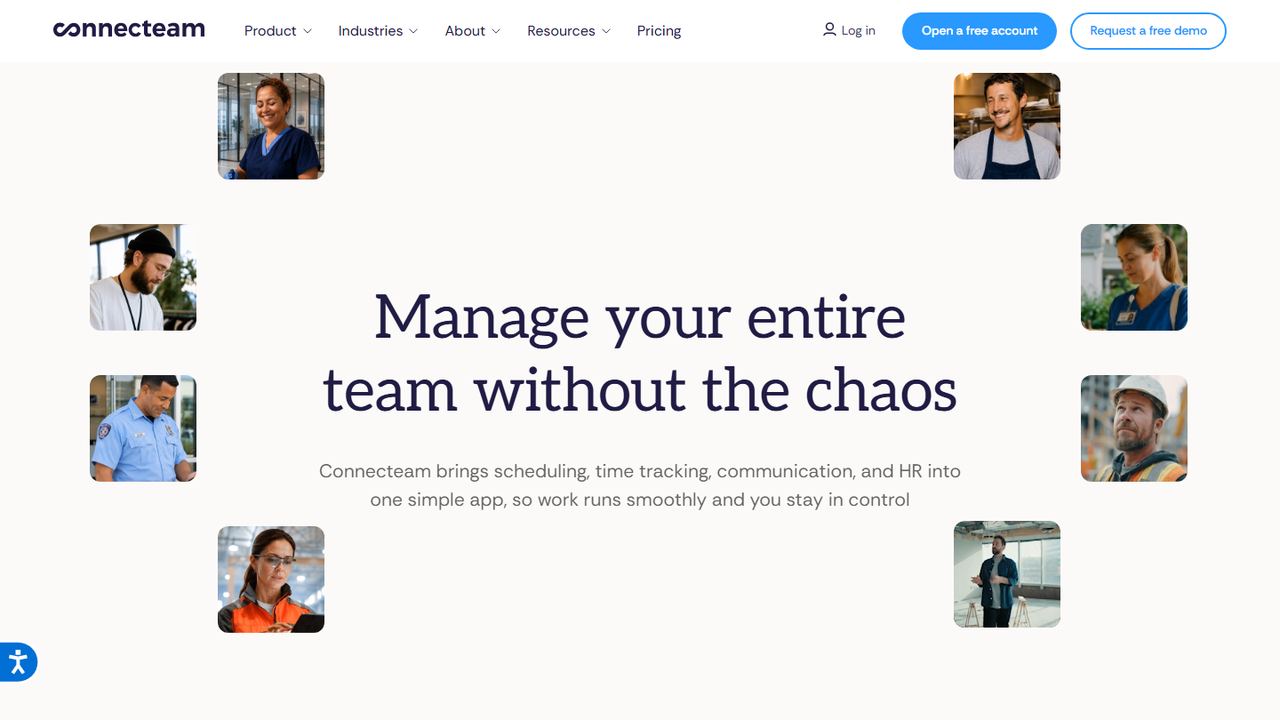
Connecteam is an employee app for frontline teams that combines the time clock with scheduling, task checklists, forms, chat and HR. It is free for up to 10 users, and the paid Basic plan costs $29 a month for the first 30 users on annual billing, which works out to under $1 per person for a team of 30.
Employees clock in on their phones with a GPS stamp, or at a shared kiosk station. Higher tiers add the controls bigger teams want: Advanced ($49 a month for 30 users) brings full time clock customization, auto clock-out and up to 10 geofence sites, and Expert adds unlimited geofences and auto-assigned shifts. Timesheets export to payroll, and the same app handles shift swaps and company updates, so staff do not juggle three tools.
Strengths
- Flat price for the first 30 users keeps costs predictable
- Free plan for up to 10 users
- GPS punches plus a shared kiosk mode
- Scheduling, checklists and chat in the same app
Drawbacks
- Geofence sites are capped below the Expert plan
- Many features means more setup for a simple punch clock
- Best for
- restaurants, cafés and single-location stores
- Free plan or trial
- Free Basic plan: 1 location, up to 10 employees; 14-day trial of the top plan
- Starting price
- $30 per location/month (Essentials); payroll add-on from $49/mo + $6 per employee
- Platforms
- iOS, Android, web, tablet and POS clock-in
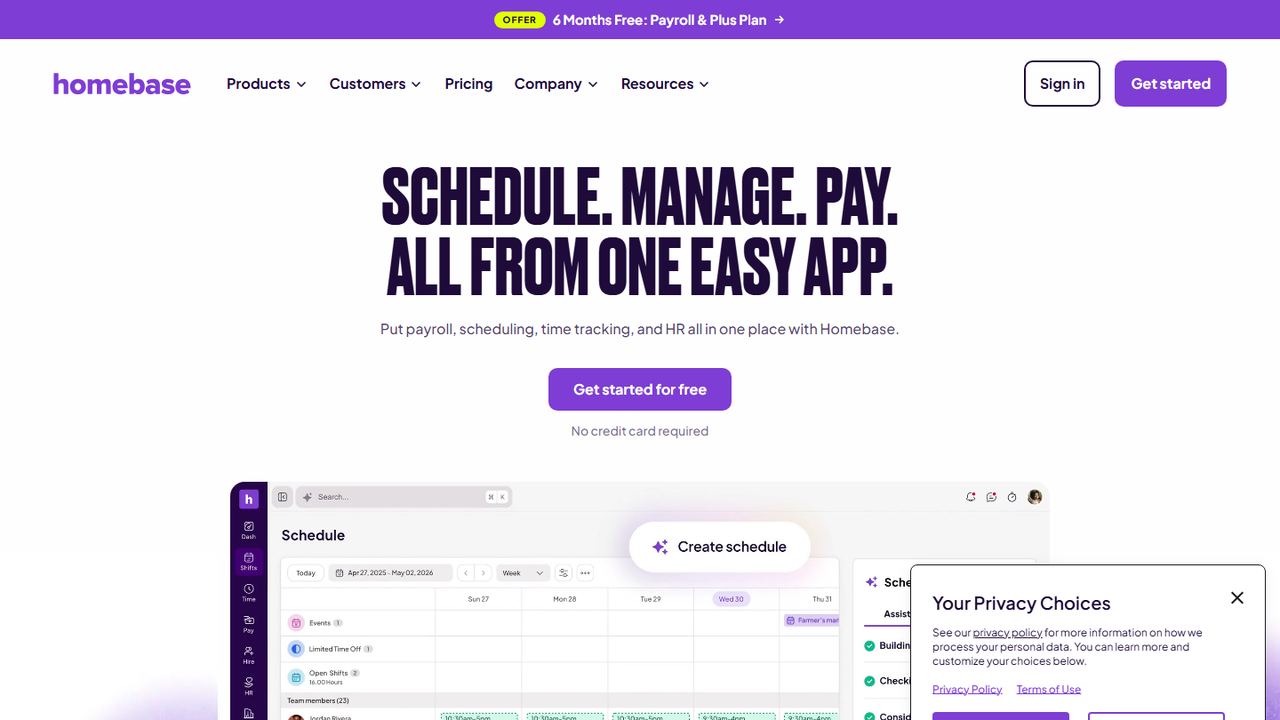
Homebase is built for local hourly businesses. Its free Basic plan covers one location and up to 10 employees, with a time clock on tablets, computers and point-of-sale devices, plus basic scheduling. Paid plans are priced per location rather than per user: Essentials is $30 a location per month and adds advanced time tracking, location-verified mobile clock-in and team communication.
Homebase’s pricing page lists alerts when employees approach or reach overtime under its labor cost tools, which helps a manager stop a 41st hour before it happens. Payroll is an add-on at $49 a month plus $6 per employee paid. New accounts get a 14-day trial of the top plan with no card required.
Strengths
- Per-location pricing suits teams with many part-timers
- Tablet and POS clock-in on the free plan
- Overtime alerts listed under labor cost tools
- Optional built-in payroll
Drawbacks
- GPS-verified mobile clock-in starts on a paid plan
- Costs rise with each extra location
- Payroll is an extra monthly fee
- Best for
- break compliance and shared kiosks
- Free plan or trial
- 14-day free trial; no free plan
- Starting price
- $4.99 per user/month + $19/mo base fee, billed annually (Starter)
- Platforms
- iOS, Android, web, shared kiosk
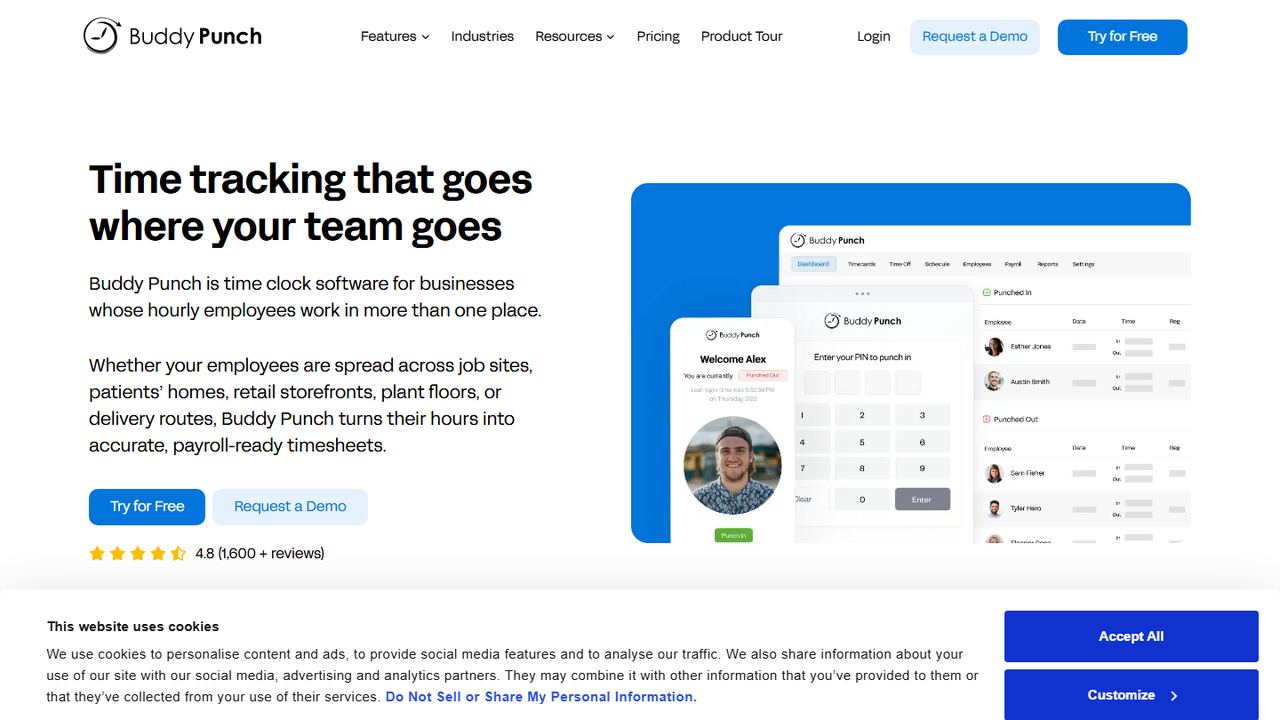
Buddy Punch is time clock software for businesses whose hourly employees work in more than one place: job sites, patients’ homes, storefronts and plant floors. Pricing is a $19 monthly base fee plus a per-user charge. The Starter plan is $4.99 per user a month on annual billing and includes GPS on punches, mobile apps, time off tracking, job tracking and payroll integrations.
The Pro plan ($6.99 per user a month) is where Buddy Punch stands out. It adds basic geofencing, QR code punches, a PIN kiosk, a webcam photo on each punch, offline punching, and break compliance that tracks meal and rest breaks, waivers and automatic premium pay. Scheduling is included in Pro. Administrators are free users, so you only pay for the employees who clock in.
Strengths
- Break tracking with waivers and premium pay on Pro
- Photo punches and PIN kiosk discourage buddy punching
- Admins are free; only active employees count
- 14-day trial, no card required
Drawbacks
- $19 monthly base fee on every plan
- Geofencing and kiosk need Pro, not Starter
- No free plan
- Best for
- businesses that already use QuickBooks
- Free plan or trial
- 30-day free trial; no free plan
- Starting price
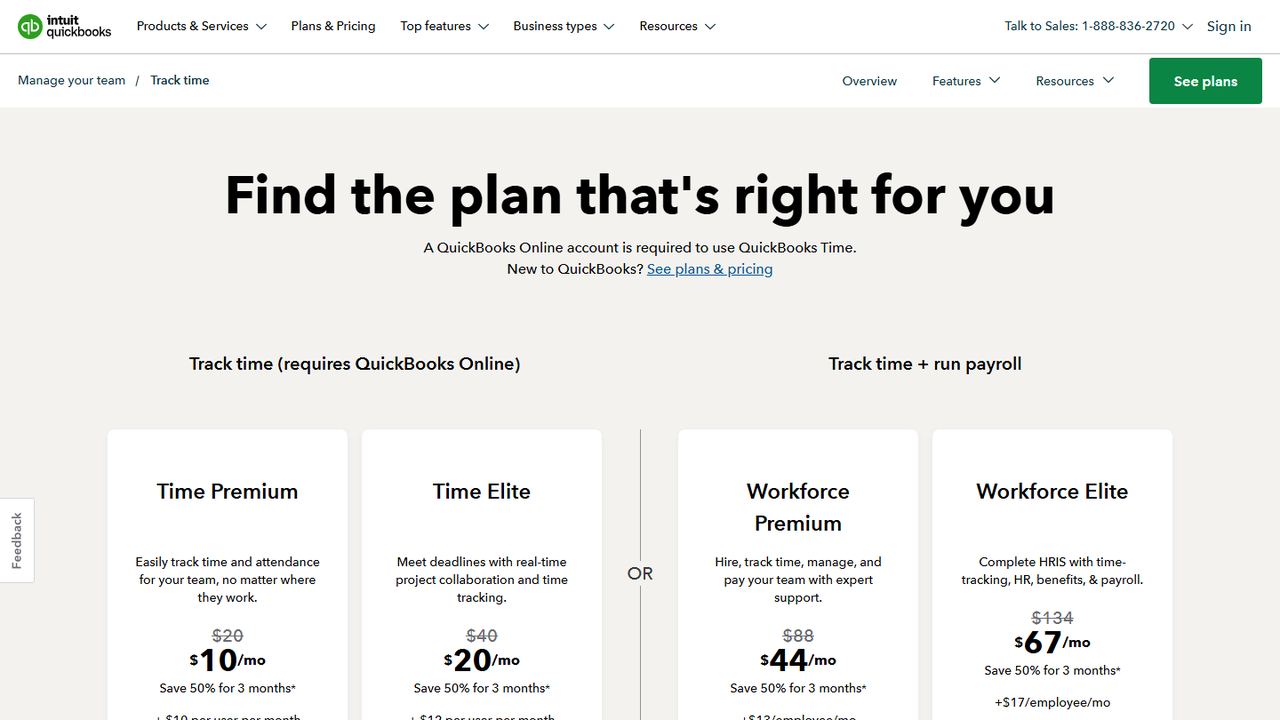
- $20/mo + $10 per user (Time Premium); needs QuickBooks Online
- Platforms
- iOS, Android, web, kiosk
QuickBooks Time, formerly TSheets, is Intuit’s time tracking product. It syncs hours with QuickBooks Online, QuickBooks Online Payroll and QuickBooks Desktop, so approved hours reach payroll without a spreadsheet export. Intuit’s pricing page says a QuickBooks Online account is required to use it.
Time Premium is $20 a month plus $10 per user and includes a time kiosk for tablets or computers, scheduling, and the mobile app for iPhone, iPad and Android. The mobile app records location only while an employee is clocked in. Geofencing, which reminds workers to clock in or out when they arrive at or leave a job site, is available only in Time Elite ($40 a month plus $12 per user). The trial is 30 days.
Strengths
- Direct sync with QuickBooks payroll and accounting
- Kiosk and scheduling on every plan
- Location recorded only while on the clock
- 30-day trial
Drawbacks
- Requires a QuickBooks Online account
- Geofencing is limited to Time Elite
- Per-user fees are higher than most apps here
- Best for
- low-cost scheduling with a built-in clock
- Free plan or trial
- 14-day free trial; no free plan
- Starting price
- $2.50 per user/month for Essentials scheduling; adding Time Tracking & Attendance raises the price
- Platforms
- iOS, Android, web
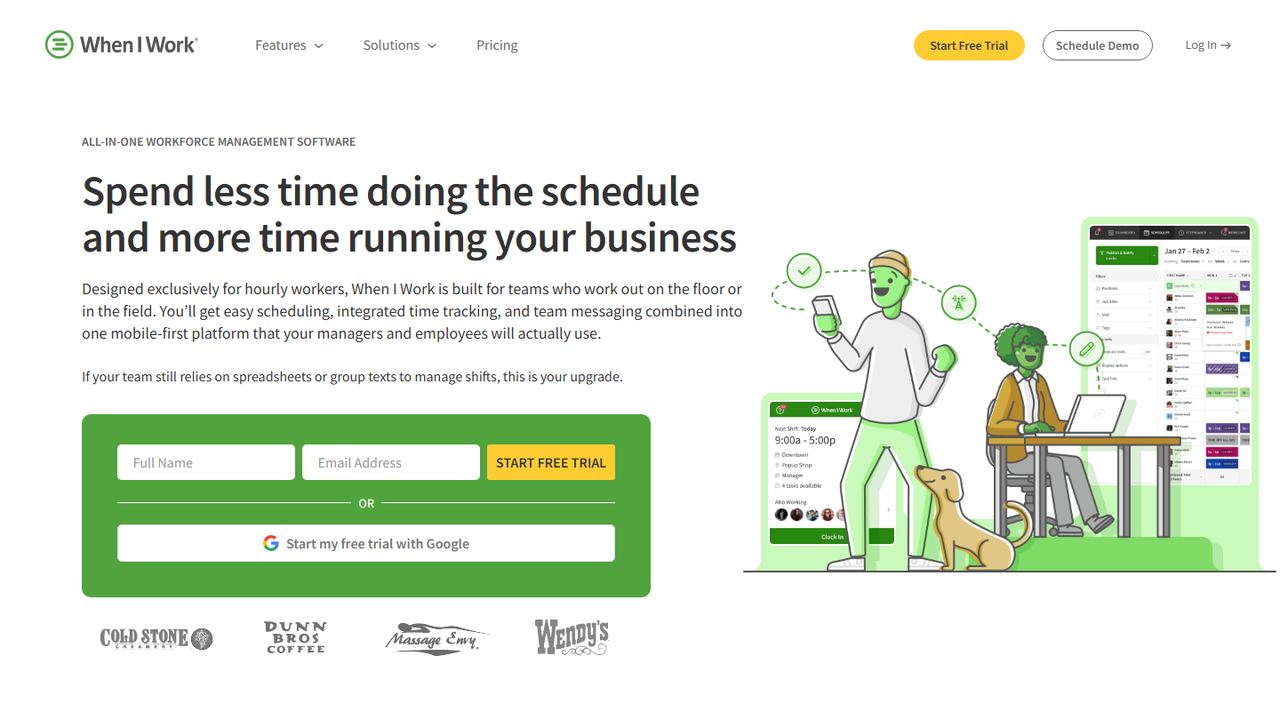
When I Work is scheduling software for hourly teams, with a time clock and team messaging in the same mobile app. The pricing page lists Essentials at $2.50 per user a month, Pro at $5 and Premium at $8, with a Time Tracking & Attendance switch on each plan that raises the price. Its FAQ says employees can clock in with GPS or geofencing during the free trial.
The pull here is the schedule. Managers build shifts, staff trade and pick up open shifts on their phones, and punches sit next to the scheduled times so late arrivals and early clock-ins stand out. Essentials includes payroll integrations. There is no free plan, but the 14-day trial gives full access without a card.
Strengths
- Low per-user price for scheduling
- Schedule, time clock and messaging in one app
- Payroll integrations on the base plan
Drawbacks
- No free plan
- Time tracking is priced on top of the scheduling plan
- Pricing page does not say which plan includes geofencing
- Advanced scheduling and custom reports need Pro
- Best for
- multi-location shift work
- Free plan or trial
- Free trial up to 31 days, no credit card
- Starting price
- $5 per user/month (Lite); $30/mo minimum on monthly plans
- Platforms
- iOS, Android, web, iPad kiosk, Apple Watch
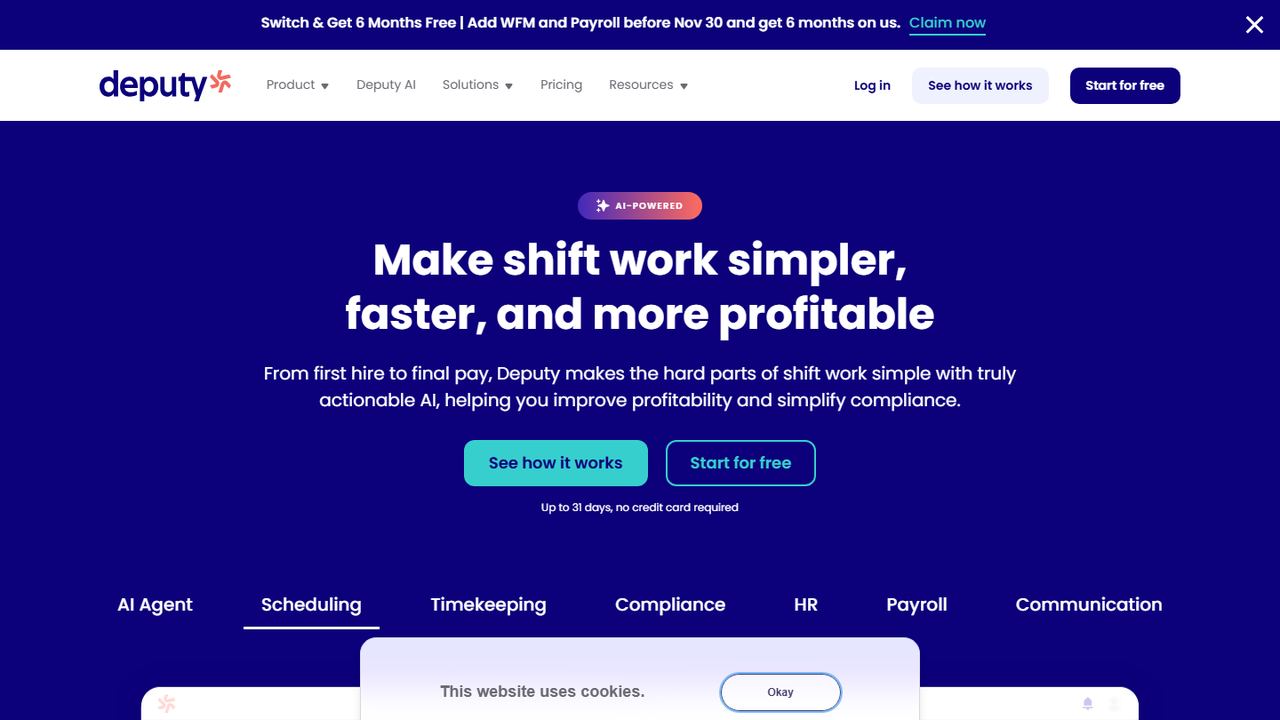
Deputy is workforce management software for shift-based businesses in hospitality, retail and healthcare. Lite is $5 per user a month with basic scheduling and time clocking, Core is $6.50 and adds advanced scheduling and biometric clocking, and Pro is $9. Monthly plans carry a $30 minimum per invoice.
Deputy’s time clock runs on tablets, phones, the web and Apple Watch. Its kiosk uses facial recognition, and it supports GPS location tracking, geofencing, break compliance and overtime tracking. Approved timesheets export to payroll systems such as Gusto, ADP and QuickBooks. Deputy offers a free trial of up to 31 days with no credit card.
Strengths
- Face-recognition kiosk on Core and Pro
- Break and overtime compliance tools
- Payroll exports to Gusto, ADP and QuickBooks
- Trial of up to 31 days
Drawbacks
- $30 monthly minimum on monthly plans
- Biometric clocking needs Core, not Lite
- Best for
- free time tracking for any team size
- Free plan or trial
- Free forever for unlimited users
- Starting price
- $0; paid upgrades are not priced on the pricing page
- Platforms
- iOS, Android, web, desktop, Chrome extension, kiosk
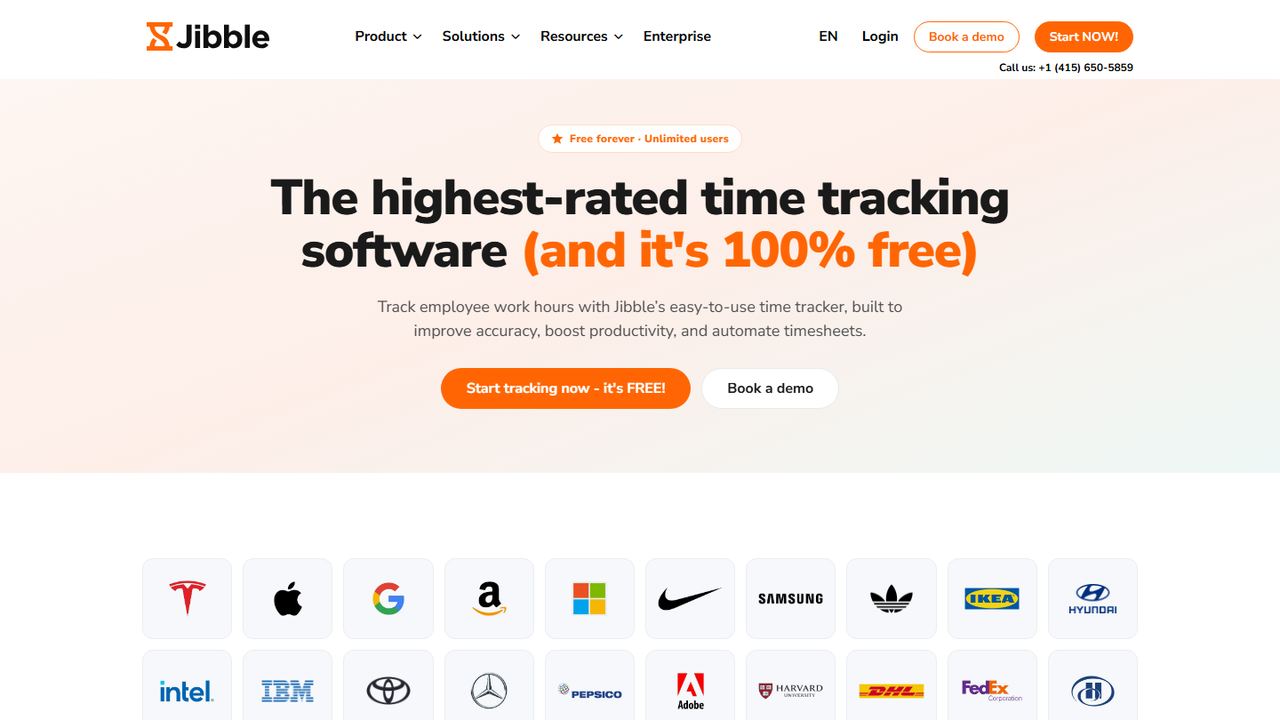
Jibble is a time and attendance app that is free for unlimited users. Its help center says the free plan includes clocking in and out with GPS and facial recognition, leave and public holiday tracking, payroll-ready reports and integrations. It runs on iOS and Android phones, the web, a desktop app, a Chrome extension and a shared kiosk.
For a growing business, that is a lot of time clock for nothing. Jibble also offers offline clock-ins that sync later, geofences, and an overtime tracker. Its pricing page does not show paid tiers, so confirm with Jibble which of those features sit behind an upgrade before you roll it out.
Strengths
- Free for unlimited users
- Facial recognition and GPS on punches
- Leave and holiday tracking included
Drawbacks
- Paid tiers are not priced publicly
- No built-in payroll, unlike Homebase or OnTheClock
- Best for
- very small teams that want simple pricing
- Free plan or trial
- 30-day free trial; no free plan
- Starting price
- $5/mo base + $4 per employee/month
- Platforms
- iOS, Android, web, kiosk
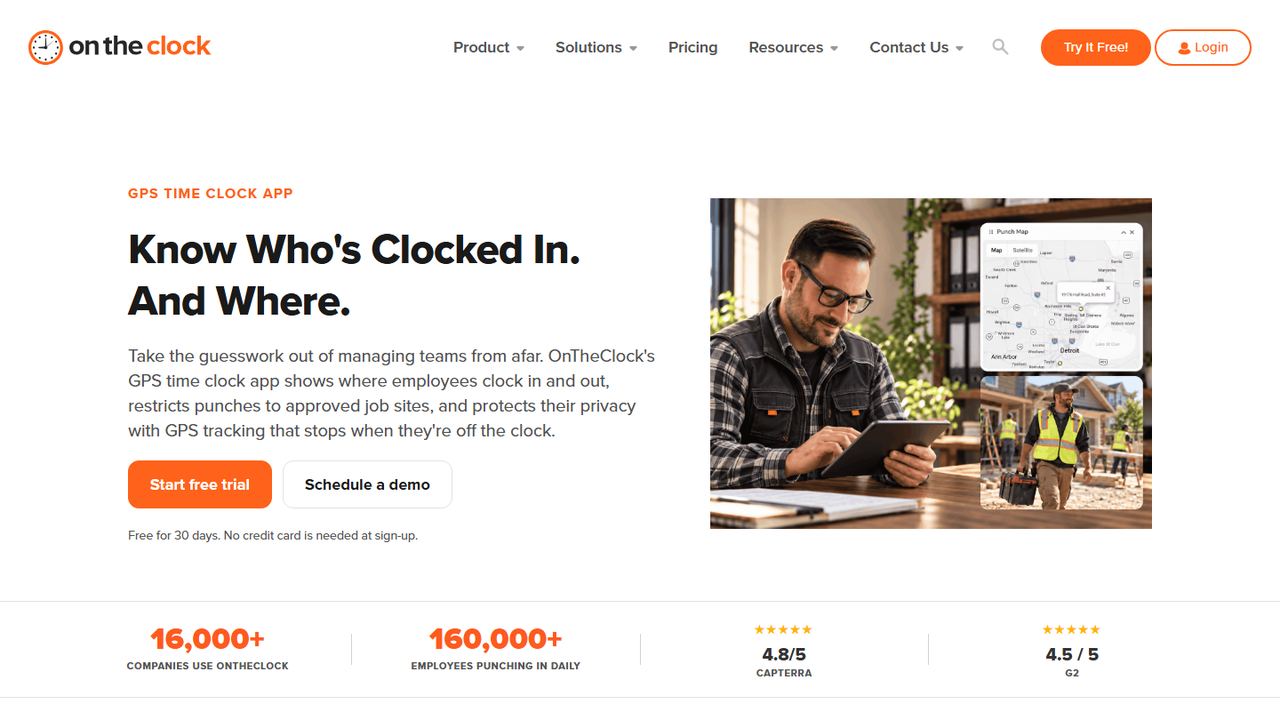
OnTheClock is a time clock app for small businesses, from owners hiring a first employee to larger teams. Pricing is a $5 monthly base fee plus $4 per employee, and that plan includes GPS verification, geofencing, kiosk clock-in, scheduling and time off management. For three employees, that is $17 a month.
Hours export to payroll providers such as QuickBooks, Gusto, ADP and Paychex, or you can run payroll inside OnTheClock for an extra $40 a month plus $6 per paid employee and a one-time $250 setup fee. There is a 30-day trial with no credit card.
Strengths
- All time clock features in one plan
- Time off management included
- Low cost for teams under 10
- 30-day trial
Drawbacks
- No free plan
- Built-in payroll has a $250 setup fee
- Fewer scheduling tools than When I Work or Deputy
9. Workzenly Our product
Best for hourly teams that want time, schedules and pay together
- Best for
- hourly teams that want time, schedules and pay together
- Free plan or trial
- Book a demo
- Starting price
- Book a demo
- Platforms
- Phone app and shared tablet for employees
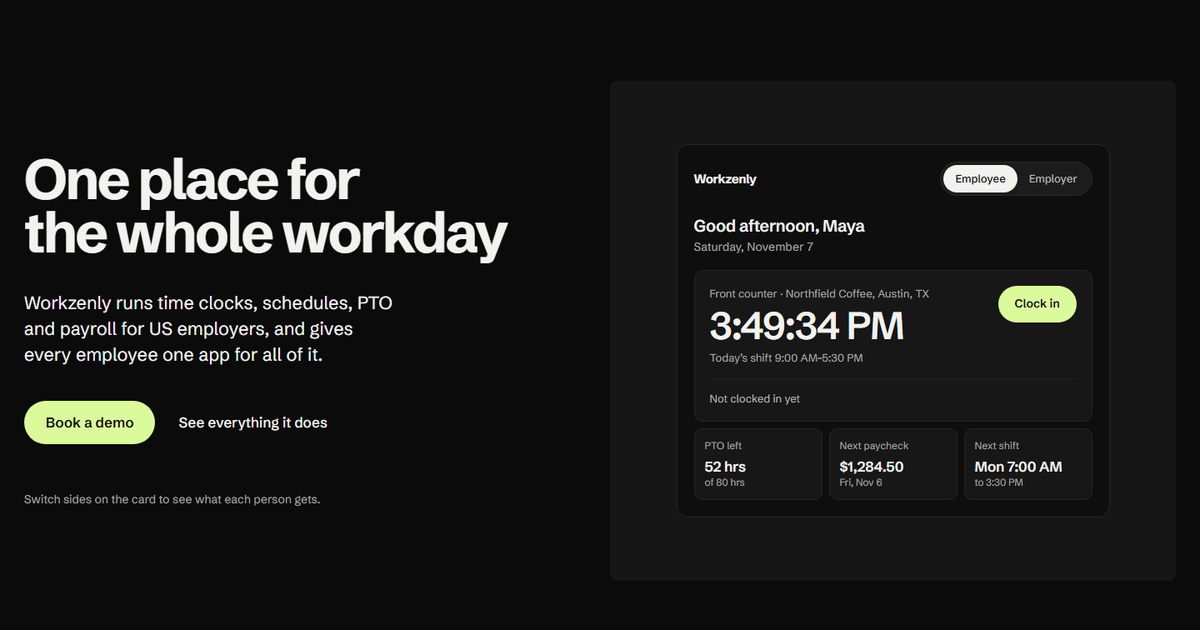
Workzenly is workforce software for US small and mid-sized businesses with hourly and shift-based teams. Employees clock in from their own phone or a shared tablet, with GPS and geofencing confirming they are where they should be.
What makes it different from a stand-alone time clock is that the rest of the job lives in the same place. Shifts and swaps, PTO requests and balances, payroll with pay stubs in the app, onboarding with e-signed forms, documents and performance reviews all share one record per employee. Managers approve hours once, and payroll uses those same hours.
Strengths
- Time clock, scheduling, PTO and payroll share one record
- GPS and geofencing on phone punches
- One employee app for shifts, PTO and pay stubs
Drawbacks
- No public pricing; you book a demo
- More than a basic punch clock if that is all you need
How we chose these tools
We started with the time clock apps US small businesses compare most often, then read each vendor’s pricing page, feature pages and help docs on November 7, 2026. We did not use review-site ratings to rank anything.
Our criteria
- Clock-in options: phone, shared kiosk or tablet, and whether photo, PIN or face checks are available.
- Location controls: GPS stamps, geofencing, and which plan includes them.
- Compliance help: break tracking, overtime alerts and edit history.
- Payroll path: built-in payroll or a direct export to common US payroll tools.
- Transparent pricing: a published price we could check, and its unit (per user, per location or base fee).
Each card says who the app is best for, because the best employee time clock app for a five-person café is rarely the right one for a 60-person field crew. If cost is the deciding factor, see our separate list of free time clock apps, and if location checks matter most, our best GPS time clock apps roundup goes deeper on geofencing.
How to choose an employee time clock app
Start with how your people work, then check the rules your records must meet.
- Map where people clock in. One door with a tablet points to a kiosk with PIN or photo. Several job sites point to phone clock-in with GPS and a geofence. Many teams need both.
- Price it at your real headcount. Per-user, per-location and base-fee-plus-user pricing give very different totals. Work it out for today and for next year.
- Check overtime and the workweek. Under the FLSA, non-exempt employees earn 1.5 times their regular rate for hours over 40 in a fixed workweek. The app should total hours by your workweek and flag overtime early. Our guide on how to calculate overtime covers bonuses and shift differentials that change the rate.
- Handle state break and overtime rules. California requires meal periods and daily overtime after 8 hours, and other states set their own break rules. Pick an app that records breaks as punches and lets you set daily overtime where it applies.
- Keep an edit trail. Manager edits to time cards should be logged with who changed what. That history protects you in a wage dispute.
- Confirm the payroll handoff. Either built-in payroll or a direct export to the provider you use. Retyping hours is where most errors start.
- Test it with two employees for a week. Most apps here have a 14- to 31-day trial. Run one full pay period before you roll it out.
Not sure what a clean time record looks like? Our explainer on time and attendance tracking walks through the basics, and our free timesheet templates are a stopgap while you trial apps.
Frequently asked questions
What is the best employee time clock app for small business?
It depends on how your team works. Connecteam is a strong all-round choice for mobile teams and is free for up to 10 users. Homebase fits single-location restaurants and shops, Buddy Punch has the deepest break-compliance tools, and QuickBooks Time is the easiest fit if you already run QuickBooks for accounting or payroll.
Which time clock app has a kiosk for a shared tablet?
Connecteam, Homebase, Buddy Punch (Pro), QuickBooks Time, Deputy, Jibble and OnTheClock all offer a shared kiosk mode. Deputy’s kiosk uses facial recognition on its Core and Pro plans, and Buddy Punch can take a webcam photo with each punch, which helps stop one employee clocking in for another.
Do employee time clock apps track breaks?
Most do. Employees punch out and back in for a meal or rest break, and the timesheet shows the gap. Buddy Punch’s Pro plan and Deputy add break-compliance tools that flag missed breaks. That matters in states such as California, where a missed meal period can mean an extra hour of pay.
How much does an employee time clock app cost?
Published prices on vendor sites range from free plans (Connecteam, Homebase, Jibble) to about $2.50 to $12 per user a month for paid tiers. Some add a base fee, such as Buddy Punch at $19 a month and QuickBooks Time at $20. Homebase charges per location instead of per user.
Can employees clock in from their own phones?
Yes. Every app in this list has iOS and Android apps for clocking in from a personal phone. Many add a GPS stamp or a geofence so you can see that the punch happened on site. Some states have rules about requiring personal devices or tracking location, so tell staff what is collected and when.