Workzenly makes time clock, scheduling, PTO and payroll software, and it appears in this list as one option. We researched every product on its own website on November 7, 2026. No company paid to be included. Features and prices change, so check each vendor’s site before you buy.
The best time and attendance software for a US small business is the one your hourly employees will actually use to clock in, and that gets accurate hours to payroll without retyping. This list is for owners, managers and HR leads of restaurants, retail stores, clinics, construction crews, field services and offices with hourly staff. We compared 10 systems on how employees punch in (phone, web or shared tablet kiosk), how they stop buddy punching and off-site punches (GPS, geofencing, photo or face checks), how they handle breaks and FLSA overtime, and what it costs to get approved timesheets into payroll. If you are still deciding whether you need software at all, start with our guide to time and attendance tracking.
Quick answer
- Homebase is the easiest free start for a single location with up to 10 employees; Connecteam is free for up to 10 users and built for field crews.
- QuickBooks Time fits businesses already on QuickBooks Online; Deputy fits multi-location shift work with break and fair workweek rules.
- On a tight budget, Jibble is free for unlimited users and OnTheClock costs $5 a month plus $4 per employee.
Top picks at a glance
 HomebaseBest for single-location shops starting free
 ConnecteamBest for field and deskless crews
 QuickBooks TimeBest for QuickBooks Online users
 DeputyBest for multi-location shift compliance
 JibbleBest free plan for larger teams
 OnTheClockBest low-cost paid option
Comparison table
| Tool | Best for | Free plan or trial | Starting price | Platforms |
|---|---|---|---|---|
| Homebase | Single-location shops | Free Basic plan (1 location, up to 10 employees); 14-day trial of the top tier | $30 per location/month (Essentials) | iOS, Android, web, tablet or POS clock |
| Connecteam | Field and deskless crews | Free for up to 10 users; 14-day trial | $29/month for the first 30 users (Basic) | iOS, Android, web dashboard, tablet kiosk |
| QuickBooks Time | QuickBooks Online users | Free trial (offer terms say 30 days on the base fee); no card to start | $20/month + $10 per user/month (Time Premium) | iOS, Android, web, tablet or computer kiosk |
| Deputy | Multi-location shift work | Free trial up to 31 days | $5 per user/month (Lite); $30 monthly minimum | iOS, Android, web, tablet kiosk |
 Workzenly | Clock, schedules, PTO and payroll in one employee app | Book a demo | Book a demo | Phone app, shared tablet |
 Buddy Punch | Hourly teams across several sites | 14-day trial, no card | $19/month + $4.99 per user/month (Starter) | iOS, Android, ChromeOS, web, kiosk |
 When I Work | Scheduling-first hourly teams | 14-day trial, no card | $2.50 per user/month (Essentials) | iOS, Android, web |
| OnTheClock | Small teams on a budget | 30-day trial, no card | $5/month + $4 per employee/month | iOS, Android, web, kiosk |
| Jibble | Free tracking for many users | Free plan, unlimited users | $0 (Free plan) | iOS, Android, web, desktop, kiosk, Slack, Teams |
 Clockify | Hours by project and client | Free plan for small teams; 7-day Pro trial | $3.99 per seat/month, billed yearly (Basic) | iOS, Android, web, desktop, kiosk |
- Best for
- Single-location shops starting free
- Free plan or trial
- Free Basic plan for 1 location and up to 10 employees; 14-day trial of the top tier
- Starting price
- $30 per location/month (Essentials)
- Platforms
- iOS, Android, web, tablet or POS clock
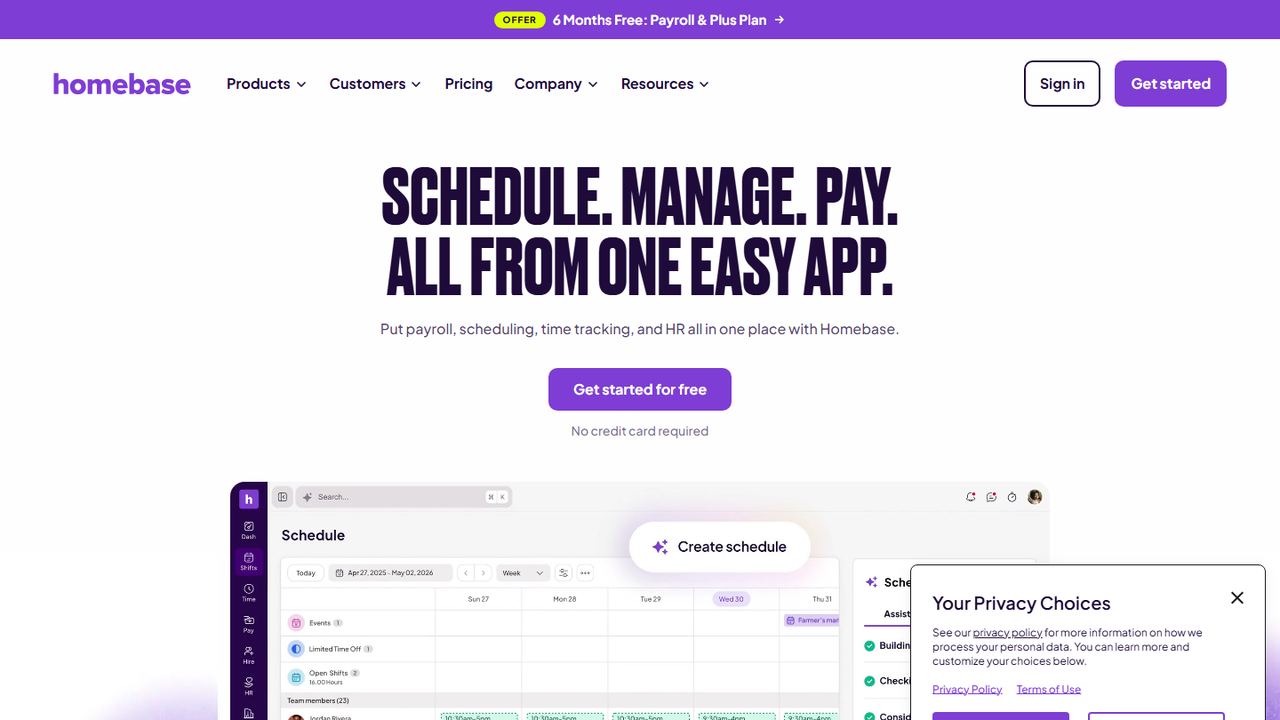
Homebase is scheduling, time tracking, payroll and HR for small hourly businesses such as restaurants, cafes and shops. Paid plans are priced per location with unlimited employees, which is cheaper than per-user pricing once you have a full crew at one address.
The time clock runs on tablets, computers and POS devices, and on the mobile app with location-based clock-in. It can take a photo at clock-in on tablets and POS devices, block early clock-ins and early returns from break, send overtime alerts as employees approach overtime, and clock people out at the end of the shift. Payroll is an add-on listed at $49 a month plus $6 per employee paid.
Strengths
- Free plan covers one location with up to 10 employees
- Per-location pricing, not per user, on paid plans
- Overtime alerts and break rules built into the clock
- POS and tablet clock-in with photo capture
Drawbacks
- Free plan ends at 10 employees or a second location
- Payroll is a paid add-on with its own monthly fee
- The pricing page does not show which tier includes each time clock feature
- Best for
- Field and deskless crews
- Free plan or trial
- Free for up to 10 users; 14-day trial, no card
- Starting price
- $29/month for the first 30 users (Basic, Operations Hub)
- Platforms
- iOS, Android, web dashboard, tablet kiosk
Connecteam is a mobile app for teams that do not sit at a desk: cleaning, construction, home care, security and field service. The time clock sits in its Operations Hub next to scheduling, forms and checklists, with chat and HR tools in other hubs.
Employees clock in with a GPS stamp, and geofences can limit punches to work sites and clock people out when they leave (up to 10 sites on Advanced, unlimited on Expert). A kiosk mode lets a crew share one tablet. Timesheets show daily and weekly overtime and double time, breaks can be paid or unpaid with reminders, and employees confirm their hours before a manager approves them for payroll.
Strengths
- Free plan for up to 10 users
- Flat price covers the first 30 users
- Daily and weekly overtime plus double-time columns
- Geofence-based auto clock-out on higher tiers
Drawbacks
- Geofencing starts on the Advanced tier, capped at 10 sites
- Each hub is priced separately, so scheduling plus HR costs more
- No built-in payroll; hours export or sync to a provider
- Best for
- QuickBooks Online users
- Free plan or trial
- Free trial, no card to start; offer terms describe 30 days on the base fee, not per-user fees
- Starting price
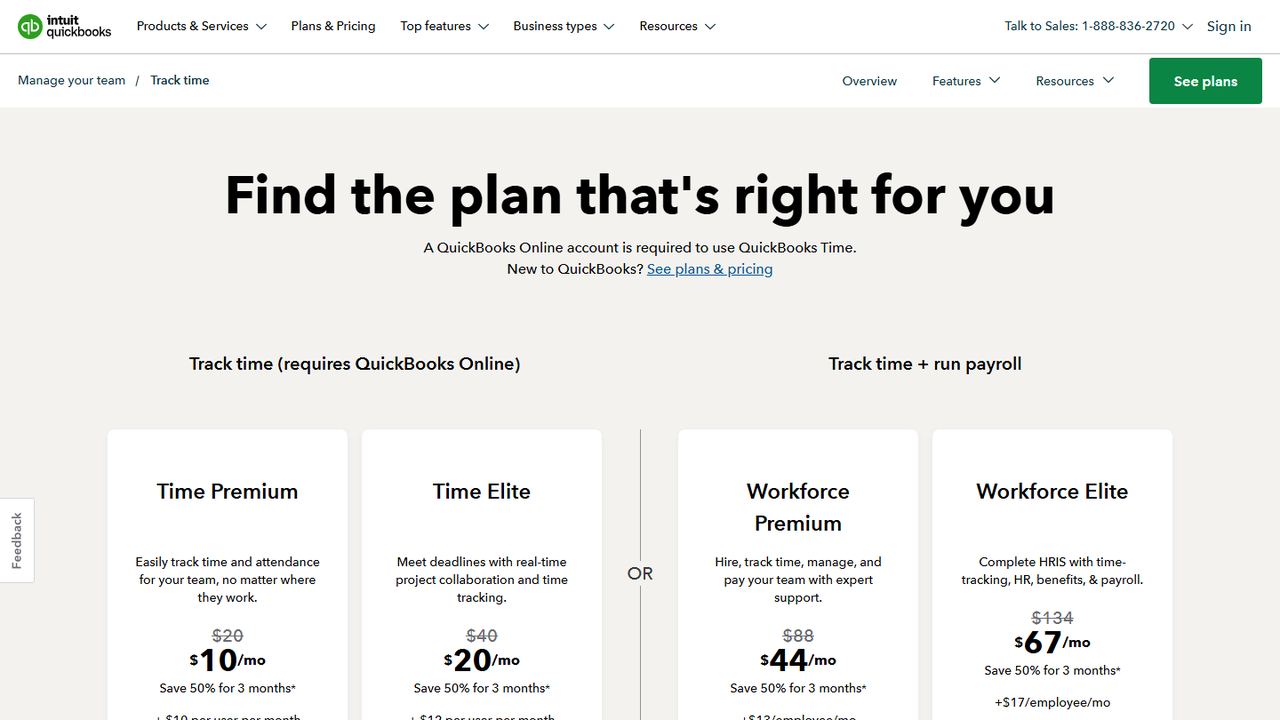
- $20/month + $10 per user/month (Time Premium); intro discount on the base fee
- Platforms
- iOS, Android, web, tablet or computer kiosk
QuickBooks Time, formerly TSheets, is Intuit’s time tracker. It suits businesses that already run their books or payroll in QuickBooks, because approved hours flow into QuickBooks Online Payroll and job costing without exports. The pricing page states that a QuickBooks Online account is required.
Employees clock in from the QuickBooks Workforce app or from the Time Kiosk, which turns a tablet or computer into a punch clock with optional facial recognition. The app shares location only while a worker is on the clock. Scheduling is in every plan. Time Elite adds mileage and project tracking, estimates versus actuals and timesheet signatures, while geofencing is listed only on Workforce Elite, the top plan that also runs payroll.
Strengths
- Direct sync with QuickBooks Online Payroll
- Kiosk with optional face recognition
- Location collected only while on the clock
- Scheduling included in all plans
Drawbacks
- Requires a QuickBooks Online account
- Geofencing is listed only on the top Workforce Elite plan
- Base fee plus per-user fee adds up for larger crews
- Best for
- Multi-location shift compliance
- Free plan or trial
- Free trial up to 31 days, no card
- Starting price
- $5 per user/month (Lite); $30 minimum per invoice on monthly plans
- Platforms
- iOS, Android, web, tablet kiosk
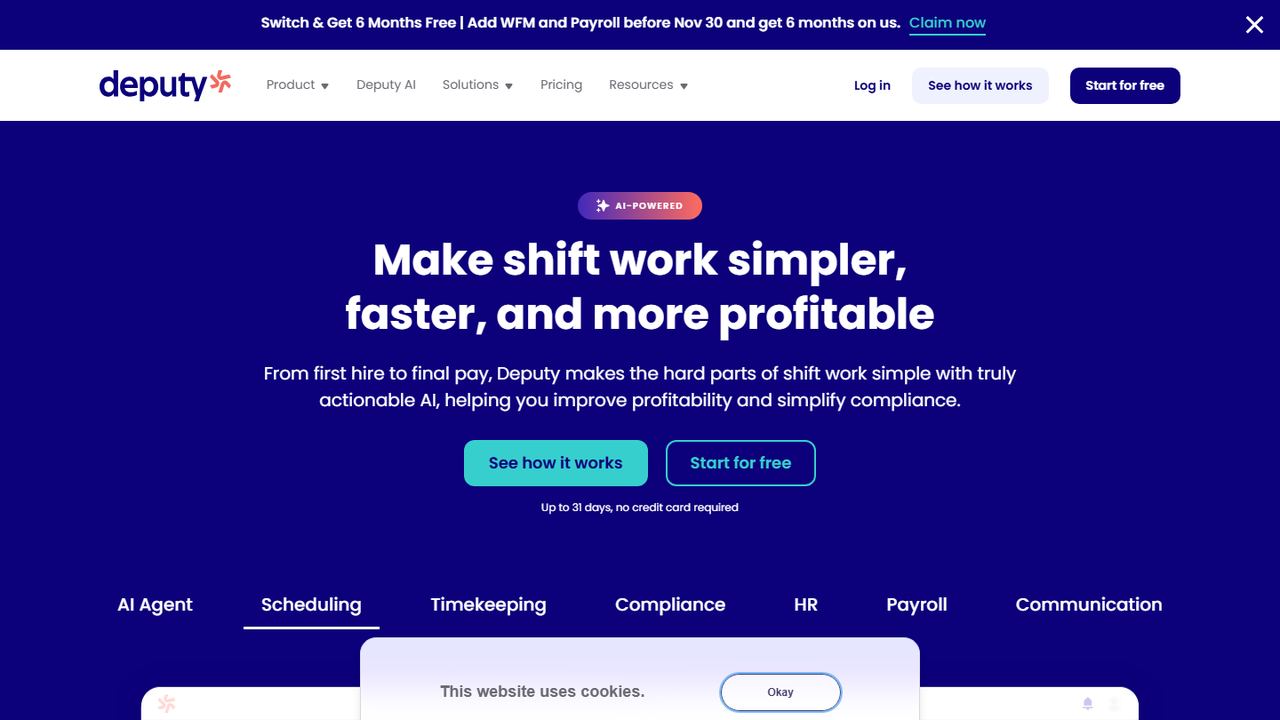
Deputy is scheduling and timekeeping software for shift-based businesses such as restaurants, retail chains, healthcare and hospitality groups. It is a strong fit when you run several locations and need the clock to enforce labor rules, not just record hours.
Timesheets carry a GPS location stamp or a photo, and a tablet kiosk with face recognition is included on the Core and Pro plans. Managers can bulk-approve timesheets that match the schedule and review ones flagged for missing clock-outs or unscheduled shifts. Deputy says its compliance tools cover US meal and rest breaks, overtime, premium pay and fair workweek rules. US payroll is available through Deputy Payroll, run with Paycor, as an add-on on annual Core and Pro plans.
Strengths
- Missed-break and unscheduled-shift flags on timesheets
- Biometric kiosk on Core and Pro
- Fair workweek and break compliance tools
- Long free trial with no card
Drawbacks
- $30 monthly minimum on monthly billing
- Face-recognition kiosk is not on the Lite plan
- Payroll add-on requires an annual Core or Pro plan
- Best for
- Clock, schedules, PTO and payroll in one employee app
- Free plan or trial
- Book a demo
- Starting price
- Book a demo
- Platforms
- Phone app, shared tablet
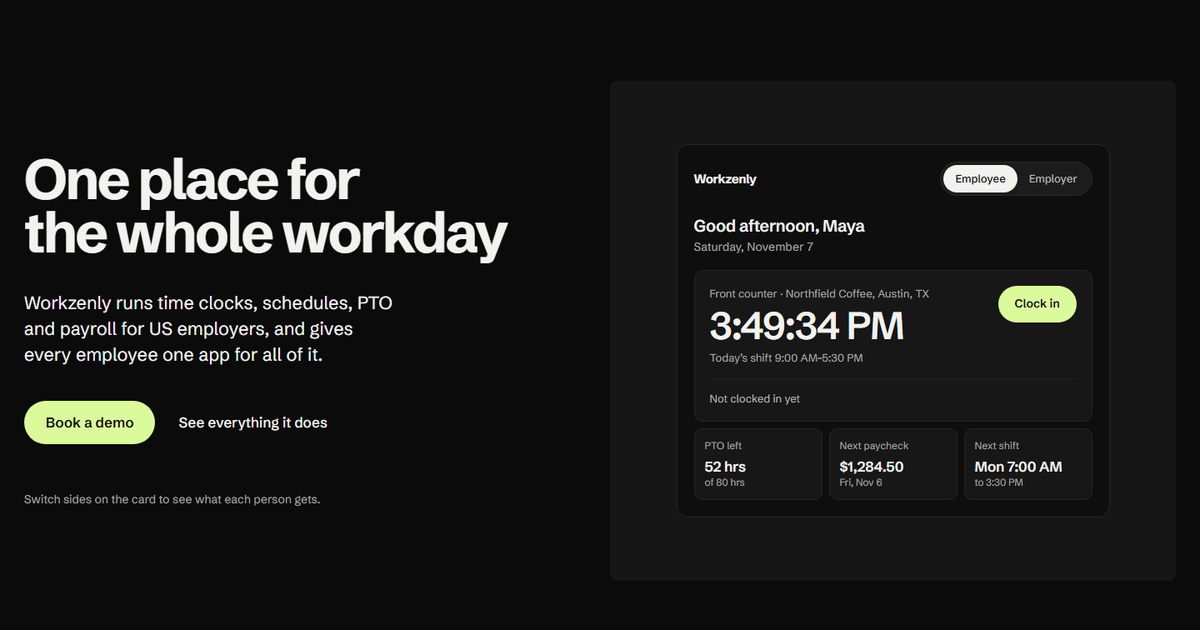
Workzenly is our own workforce software for US small and mid-sized businesses with hourly and shift-based teams: restaurants, retail, healthcare, construction, field services, warehouses and offices. We include it because it is built around the same job this list is about: getting accurate hours from the clock to the paycheck.
Employees clock in on their phone or on a shared tablet, with GPS and geofencing to keep punches on site. The same app holds their shift schedule and swap requests, PTO balances and requests, onboarding forms they e-sign, documents, performance reviews and pay stubs. On the employer side, approved hours feed Workzenly payroll directly, so there is no export step between time tracking and pay.
Strengths
- Time clock, scheduling, PTO and payroll in one system
- Phone and shared-tablet clock-in with GPS and geofencing
- Pay stubs and PTO balances in the employee app
Drawbacks
- No published price; you get pricing on a demo call
- No self-serve sign-up listed on the site today
- Ask on the demo whether it connects to your accounting or POS system
- Best for
- Hourly teams across several sites
- Free plan or trial
- 14-day trial, no card; no free plan
- Starting price
- $19/month base + $4.99 per user/month (Starter)
- Platforms
- iOS, Android, ChromeOS, web, kiosk
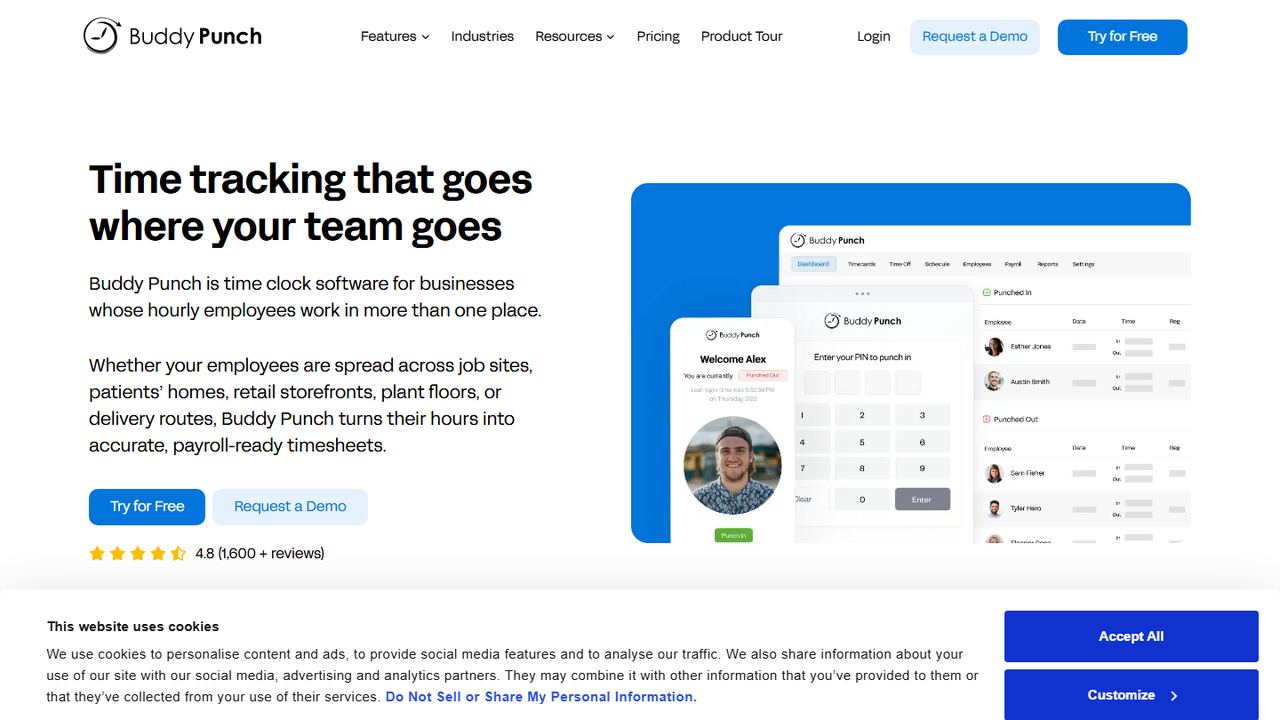
Buddy Punch describes itself as time clock software for businesses whose hourly employees work in more than one place: job sites, patients’ homes, storefronts, plant floors and delivery routes. It is a focused time and attendance system rather than a full HR suite.
GPS coordinates are recorded on punches on every plan. Geofences that block punches outside a job site start on the Pro tier, and real-time GPS alerts are a $2 per user add-on. On a shared kiosk, employees clock in with a 4-digit PIN, a QR code or facial recognition. PTO accrual rules can run per pay period, by hours worked or yearly, with annual caps, and approved time off lands on the timesheet. Hours go to payroll through prebuilt integrations, formatted reports or Buddy Punch’s own payroll add-on.
Strengths
- PIN, QR code or face clock-in on a kiosk
- Flexible PTO accrual rules with caps
- Many payroll export formats and integrations
Drawbacks
- No free plan; base fee on top of per-user price
- Geofencing starts on Pro; real-time GPS costs extra
- Scheduling is a paid add-on on the Starter plan
- Best for
- Scheduling-first hourly teams
- Free plan or trial
- 14-day trial, no card
- Starting price
- $2.50 per user/month (Essentials)
- Platforms
- iOS, Android, web
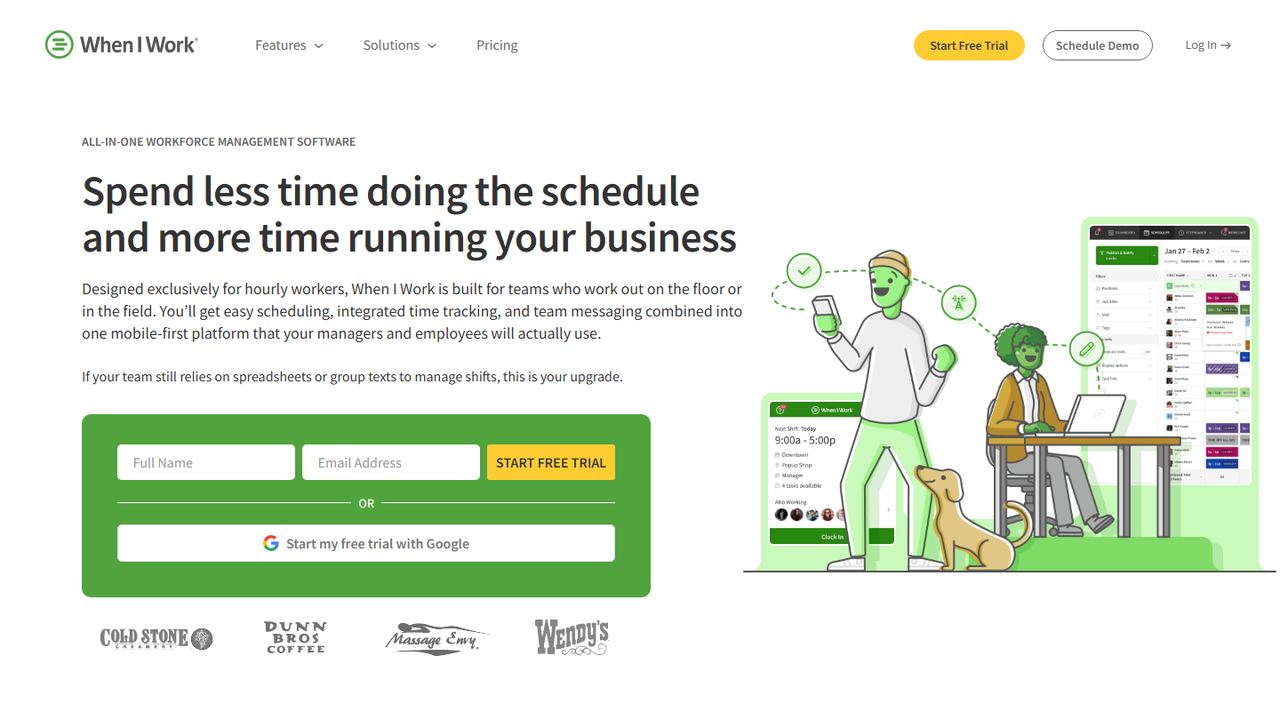
When I Work is employee scheduling software for hourly teams, with a time clock and team messaging built around the schedule. It suits restaurants, retail, healthcare and service businesses where the main headache is filling shifts, and the clock follows from that.
The time clock turns an iPad, POS system, laptop or phone into a punch clock. It stamps GPS on each punch and uses geofencing to stop off-site and early clock-ins, offers photo clock-in to stop buddy punching, tracks breaks, and sends real-time alerts before shifts run into overtime. Timesheets keep an edit log, show scheduled versus worked hours, and export to payroll providers such as ADP, Gusto and Rippling.
Strengths
- Low per-user starting price
- GPS, geofencing and photo clock-in
- Scheduled versus actual hours side by side
- Edit log on every timesheet
Drawbacks
- Pricing page shows time and attendance as a toggle on each plan, so confirm the real per-user cost
- No built-in payroll; it integrates with providers
- Best for
- Small teams on a budget
- Free plan or trial
- 30-day trial, no card
- Starting price
- $5/month + $4 per employee/month
- Platforms
- iOS, Android, web, kiosk
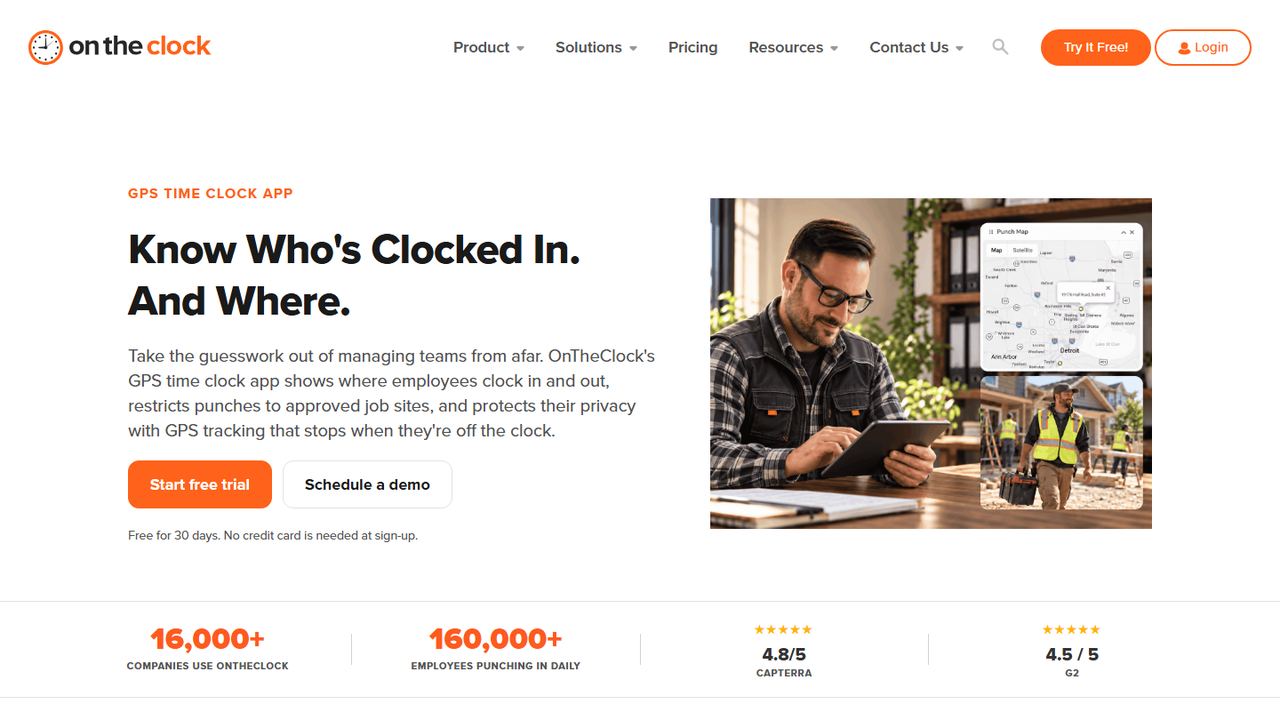
OnTheClock is employee time clock software for small businesses, with scheduling, PTO and an optional payroll service. Its pricing is the simplest on this list: one plan that includes time tracking, scheduling and time off, so a 10-person team pays about $45 a month.
Employees punch in from the mobile app, a web browser, a desktop or a shared kiosk. Location controls (GPS, geofencing and IP restrictions) are included in every plan, and the company says GPS tracking stops when employees are off the clock. Overtime is calculated for you and hours export to payroll integrations. If you want OnTheClock to run payroll too, it adds $40 a month plus $6 per paid employee, and a one-time $250 setup fee.
Strengths
- GPS, geofencing and IP limits on the single plan
- Scheduling and PTO included in the base price
- 30-day trial without a card
Drawbacks
- No permanent free plan listed on the pricing page
- Payroll costs extra and has a $250 setup fee
- Best for
- Larger teams that want a free plan
- Free plan or trial
- Free plan, unlimited users; trial of paid tiers
- Starting price
- $0 (Free plan); paid tiers priced per user
- Platforms
- iOS, Android, web, Mac and Windows desktop, kiosk, Slack, Microsoft Teams
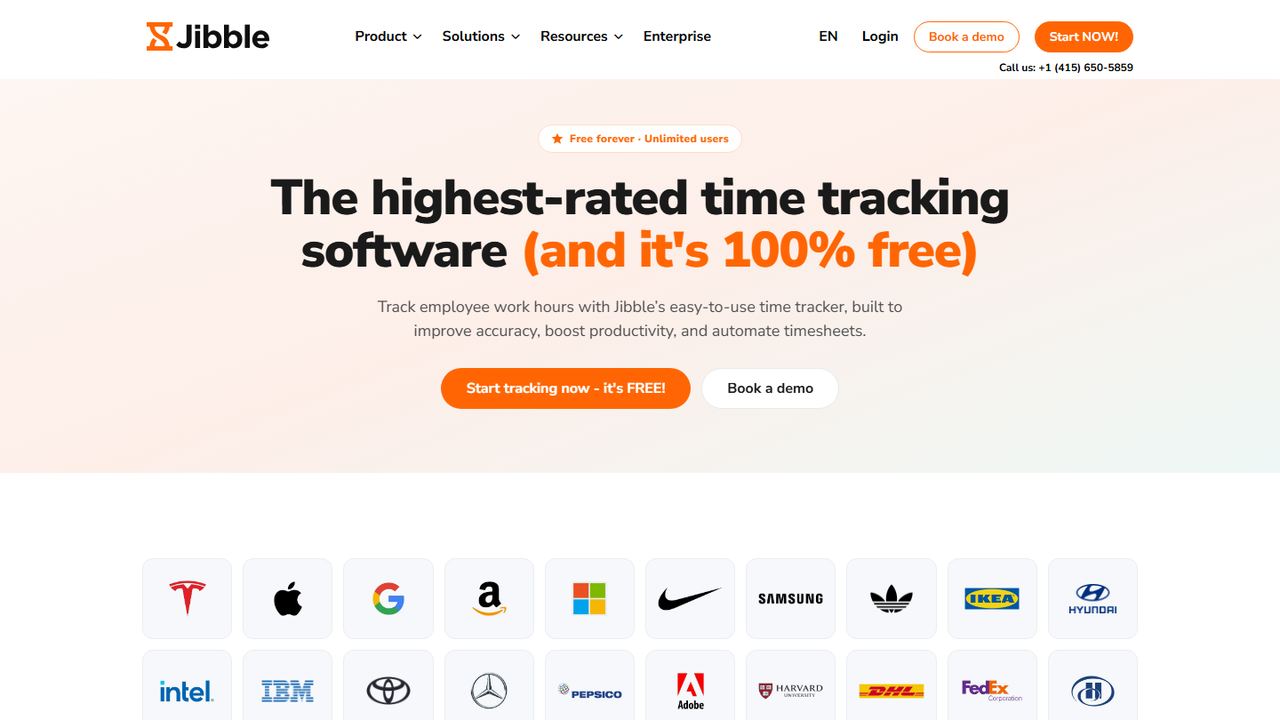
Jibble is a time tracking and attendance app with a free plan for unlimited users, which makes it the obvious first test for a business with 20, 50 or more hourly employees that cannot justify per-user fees yet. It covers construction, manufacturing, field service, retail and healthcare teams.
The free plan includes mobile and web clock-in, desktop time tracking, basic timesheets and integrations with Slack, Microsoft Teams and QuickBooks. Across its plans Jibble offers face recognition and selfie capture, GPS stamps, geofences, NFC and PIN clock-in, a shared kiosk, offline punches that sync later, overtime calculation, time off accruals and timesheet approvals. Approved timesheets export to payroll tools such as QuickBooks and Xero. Jibble’s site does not spell out which of these verification features are free, so test them in the free plan first.
Strengths
- Free for unlimited users
- Face recognition, NFC and PIN options
- Offline clock-in that syncs later
Drawbacks
- Feature split between free and paid tiers is not clear on the site
- No built-in payroll; timesheets export to other tools
- Advanced controls sit in paid tiers priced per user
- Best for
- Hours by project and client
- Free plan or trial
- Free plan for a few users; 7-day Pro trial, no card
- Starting price
- $3.99 per seat/month billed yearly, $4.99 monthly (Basic)
- Platforms
- iOS, Android, web, desktop, kiosk
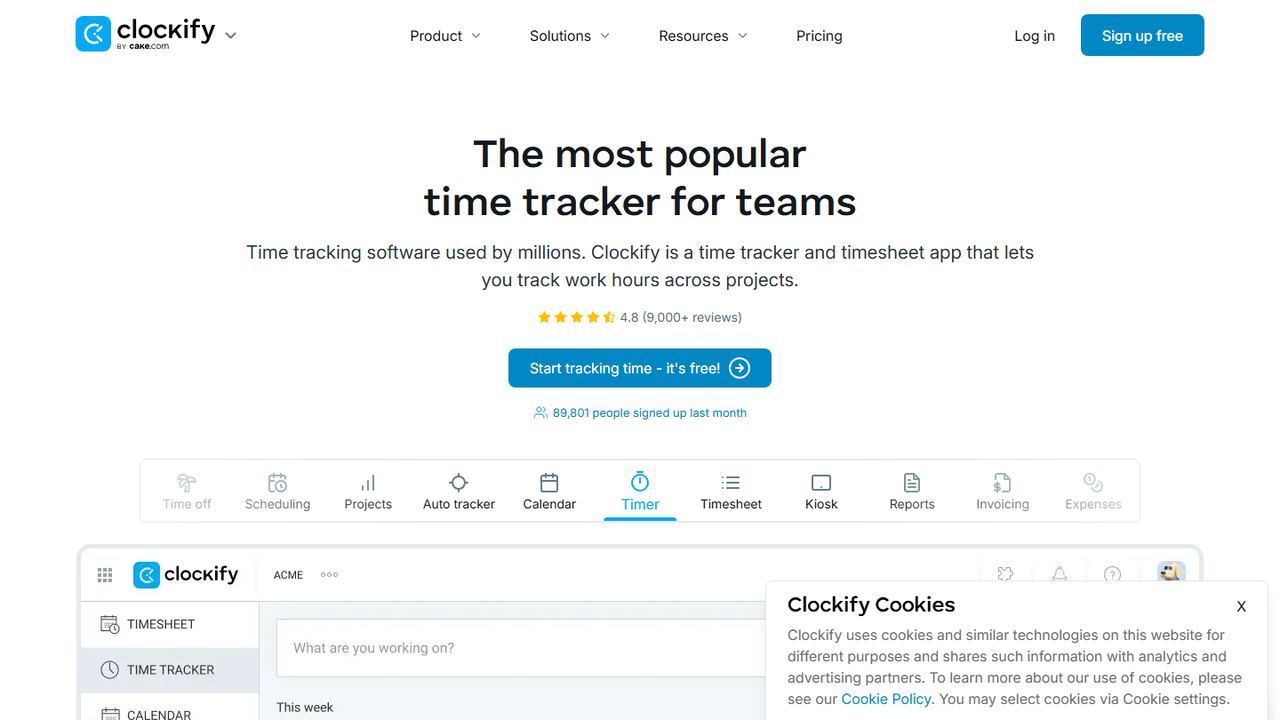
Clockify started as a timer and timesheet app for tracking hours against projects and clients, and it has grown attendance features on top. It fits offices, agencies, accounting firms and contractors who bill by the hour and also need to see start and end times for hourly staff.
The kiosk arrives on the Basic plan. The Standard plan ($5.49 per seat billed yearly, $6.99 monthly) adds the attendance and overtime report, which shows each employee’s daily start and end time, breaks, overtime and time off, plus formal timesheet approval, locking of past timesheets, time rounding and a QuickBooks integration. GPS tracking, kiosk photo capture and scheduling are on Pro.
Strengths
- Project, client and billable-rate tracking
- Low per-seat prices with yearly billing
- Timesheet locking and approval on Standard
Drawbacks
- Free plan excludes the kiosk and attendance report
- GPS and scheduling only on the Pro plan
- Every invited user, including admins, takes a paid seat
How we chose these tools
We started from the products that show up most often when US buyers search for the best time and attendance software, then cut the list to tools that sell to US small and mid-sized businesses and publish enough on their own sites to check. Every fact above comes from the vendor’s home, pricing or feature pages, read on November 7, 2026. We did not copy ratings or reviews from anywhere.
Our criteria
- Clock-in options: phone app, web, and a shared tablet kiosk for crews without company phones.
- Punch verification: GPS stamps, geofencing, photo or face checks, PIN or QR codes to stop buddy punching.
- Pay rules: weekly overtime at minimum, plus daily overtime, break tracking and rounding for states that need them.
- Path to payroll: built-in payroll, a direct sync, or a clean export to the payroll provider you already use.
- Transparent pricing: a published price, a real free plan or trial, and clear limits on what each tier includes.
- Fit for hourly work: scheduling, time off and manager approvals close to the clock, not in a separate tool.
We left out enterprise suites that only sell through a sales quote, and pure productivity monitors that screenshot desktops, because they answer a different question. Ranking reflects fit for a typical US small business with hourly staff, not the size of the vendor.
How to choose time and attendance software
The best time and attendance software for you depends on your crew, your state and your payroll setup. A time and attendance system is part of your payroll records, so pick it the way you would pick a payroll provider: on accuracy and compliance first, convenience second. Work through this checklist with your own numbers before you start any free trial.
1. Match the clock to how your people work
Count how many employees work at a fixed site, how many move between job sites, and how many share a single device. A store or kitchen usually wants a wall-mounted tablet kiosk with a PIN or photo. Crews on the road need a phone app with GPS stamps and geofencing around each job site. If you have both, make sure one plan covers both without a second fee. Our roundup of GPS time clock apps goes deeper on location tracking.
2. Check overtime and break rules for your state
Under the federal Fair Labor Standards Act, non-exempt employees earn 1.5 times their regular rate for hours over 40 in a workweek. Several states go further. California, for example, also requires daily overtime after 8 hours and double time after 12 hours in a workday, plus meal and rest breaks; our guide to California overtime law covers the details. The software should calculate the rules where you operate, flag missed breaks and alert managers before a shift tips into overtime. Test it: enter a 46-hour week and a 10-hour day and check the result against our overtime calculation guide.
3. Look at predictive scheduling if you run retail or food service
Oregon and cities including New York City, Chicago, Seattle, San Francisco, Los Angeles and Philadelphia have fair workweek or predictive scheduling laws for some retail, food service and hospitality employers. These rules typically require advance notice of schedules and premium pay for last-minute changes. If they apply to you, choose a system that ties the time clock to the schedule and records changes, as Deputy and the scheduling-first apps do.
4. Keep the records the law requires
The US Department of Labor requires employers to record the hours each non-exempt employee works each day and each workweek, keep payroll records for at least three years, and keep time cards for two years. Confirm the system keeps an edit history on timesheets, lets you export several years of data, and does not delete records when an employee leaves. If you round punches, set the rule so it averages out neutrally and never rounds only in the employer’s favor.
5. Get consent before using biometrics or location
Face recognition and fingerprint clocks collect biometric data. Illinois’s Biometric Information Privacy Act requires written notice and a signed release before collection, and other states and cities have their own rules. Put location and biometric tracking in your written attendance policy, tell employees when the app records their location, and prefer tools that stop GPS when the employee clocks out.
6. Price the full bill, not the headline
Add the base fee, the per-user or per-location fee, any add-ons you need (payroll, scheduling, real-time GPS, biometric kiosk) and any monthly minimum. Then compare that total for your real headcount. A $2.50 per-user plan can cost more than a $30 per-location plan once you have 15 people at one store.
7. Trial it with one real pay period
Run the trial alongside your current method for a full pay period. Have managers fix a missed punch, approve timesheets and send them to payroll, and have two employees clock in from a phone and a kiosk. If you track hours on paper today, our free timesheet templates and time card calculator make a good benchmark to compare against.
Frequently asked questions
What is time and attendance software?
Time and attendance software records when employees start and stop work, usually through a phone app, a web clock or a shared tablet kiosk. It totals hours, tracks breaks and overtime, flags missed punches and sends approved timesheets to payroll. Most products also handle schedules and time off, so managers can compare planned shifts with the hours actually worked.
Is there free time and attendance software?
Yes. Jibble has a free plan for unlimited users, Homebase has a free Basic plan for one location with up to 10 employees, and Connecteam is free for up to 10 users. Clockify is free for a handful of users but leaves the kiosk and attendance report out of its free plan. Every free plan limits something, so check the exclusions.
How much does time and attendance software cost?
Published prices on November 7, 2026 ran from about $2.50 to $13 per user per month, and some vendors add a monthly base fee. OnTheClock charges $5 a month plus $4 per employee, while Homebase charges per location instead of per user. Payroll, real-time GPS and biometric kiosks are often paid add-ons or sit in higher tiers.
How long do employers have to keep time records?
Under the federal Fair Labor Standards Act, employers must keep payroll records for at least three years and time cards for two years, according to the US Department of Labor. Records for non-exempt employees must show the hours worked each day and the total hours in each workweek. Some states require more, so check your state labor department.
Can a time clock app track where employees are?
Most apps on this list can stamp a GPS location on each clock-in and clock-out, and many support geofences that block or flag punches made away from the job site. QuickBooks Time and OnTheClock both say they collect location only while the employee is on the clock. Whatever you choose, tell employees in writing what the app records.
Is facial recognition at a time clock legal?
It is allowed in most states, but some states regulate biometric data. Illinois’s Biometric Information Privacy Act, for example, requires written notice and a signed release before an employer collects face or fingerprint data. If you turn on a face-verification kiosk, get written consent, publish a retention policy and check your state’s rules first.