Workzenly makes time clock, scheduling, PTO and payroll software, and it appears in this list as one option. We researched every product on its own website on November 7, 2026. No company paid to be included. Features and prices change, so check each vendor’s site before you buy.
The best free employee schedule maker for most teams is Sling, which lets up to 30 people see the schedule, request time off, offer shifts and pick up open shifts at no cost. Homebase is the best free option if you also want a basic time clock at one location with up to 10 employees, and Findmyshift is the simplest browser-based shift planner, priced per team instead of per person.
An employee schedule maker is software that turns your shifts, roles and availability into a weekly schedule your employees can see on their phones. It differs from a printable template in three ways: changes notify everyone automatically, employees can swap shifts or request time off themselves, and the tool can warn you about overtime before you publish. This list is for US managers of hourly teams who want a free schedule maker to start and a clear path if they outgrow it. If you just need a one-off printable sheet, use our free employee schedule templates instead.
Free plan limits at a glance
| Schedule maker | Free for | What the free plan leaves out |
|---|---|---|
| Sling | Up to 30 users | Time clock, swaps, availability, labor cost |
| ZoomShift | Up to 20 users, 1 location | Time clock, swaps; schedules 2 weeks ahead |
| Homebase | Up to 10 employees, 1 location | Advanced scheduling, team messaging |
| Connecteam | Up to 10 users | Nothing feature-wise; one schedule only |
| Camelo | Up to 10 members | More than one schedule, job sites |
| Findmyshift | Up to 5 team members | Planning beyond 1 week, extra managers |
| 7shifts | Up to 15 employees, 1 restaurant | Time clock, team messaging |
Top picks at a glance
 SlingBest free schedule maker, up to 30 users
 HomebaseBest free maker with a time clock
 ConnecteamBest free maker for field crews
 FindmyshiftSimplest browser-based planner
 When I WorkBest auto-scheduling
 7shiftsBest for restaurants
Comparison table
| Tool | Best for | Free plan or trial | Starting price | Platforms |
|---|---|---|---|---|
| Sling | teams up to 30 that want a free schedule maker | Free for up to 30 users; 15-day trial | $1.70 per user/month (Premium, annual) | Web, iOS, Android |
| Homebase | one location that wants a schedule and a time clock free | Free for 1 location, up to 10 employees | $30 per location/month (Essentials) | Web, iOS, Android |
| Connecteam | crews on job sites that need the full app free | Free for up to 10 users; 14-day trial | $29/month for the first 30 users (Basic, annual) | Web, iOS, Android |
| Findmyshift | managers who want a simple, browser-based planner | Free for up to 5 team members; 3-month trial | $27/month per team, up to 20 members (Starter) | Web, iOS, Android |
 ZoomShift | small teams up to 20 that only need the schedule | Free for up to 20 users, 1 location; 14-day trial | $2 to $2.50 per active user/month (Starter) | Web, iOS, Android |
| When I Work | managers who want the app to build the schedule | 14-day free trial; no free plan | $2.50 per user/month (Essentials) | Web, iOS, Android |
 Camelo | teams that schedule across several job sites | Free for up to 10 members; 14-day trial | $29/month including 30 members (Pro), then $3.50 each | Web, iOS, Android |
 Workzenly | businesses that want the schedule tied to payroll | Book a demo | Book a demo | Web, employee phone app, shared tablet clock |
| 7shifts | restaurants that want a free schedule maker | Free plan: 1 location, up to 15 employees | $39.99 per location/month (Essentials, up to 30 employees) | Web, iOS, Android |
- Best for
- teams up to 30 that want a free schedule maker
- Free plan or trial
- Free for up to 30 users; 15-day trial
- Starting price
- $1.70 per user/month (Premium, annual)
- Platforms
- Web, iOS, Android
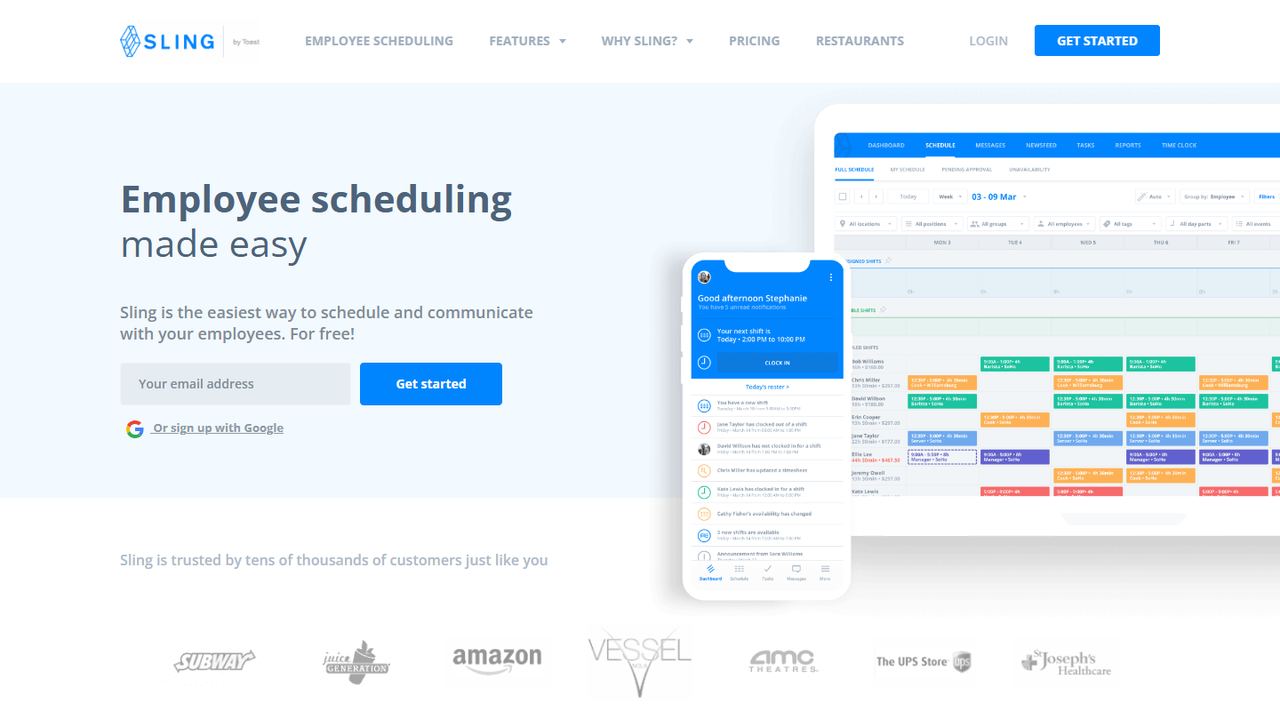
Sling is the free schedule maker to try first. You build the week on a desktop grid, copy it forward, and publish it to employees’ phones, where they request time off, offer shifts and claim open shifts. The free plan covers up to 30 users with no time limit. Upgrade to Premium for shift swaps, availability and the labor cost of the week shown as you build it.
Sling, now owned by Toast, lets employees on the free plan see their shifts, request time off, offer shifts to coworkers and pick up open shifts. Premium adds unavailability, shift swaps, group messaging, a mobile time clock with overtime tracking, and labor cost alerts when a shift breaks the budget. Business adds shift tasks, kiosk clock-in and labor reports.
Strengths
- Free scheduling for up to 30 users
- Low per-user price on paid plans
- Labor cost and budget alerts as you schedule
- Open shifts and time-off requests on the free plan
Drawbacks
- Swaps, availability, time clock and labor cost need a paid plan
- Kiosk clock-in only on Business ($3.40 per user, annual)
- Sling recommends a desktop for building schedules
- Best for
- one location that wants a schedule and a time clock free
- Free plan or trial
- Free for 1 location, up to 10 employees
- Starting price
- $30 per location/month (Essentials)
- Platforms
- Web, iOS, Android
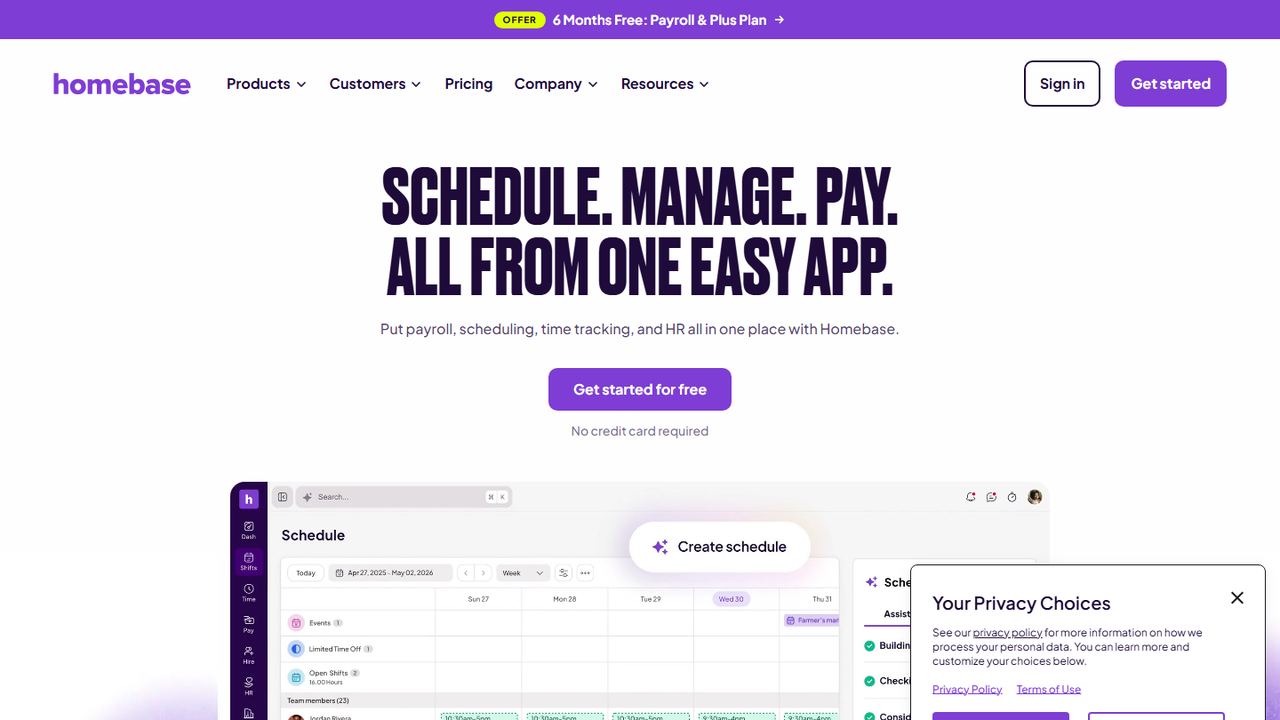
Homebase works well as a free work schedule maker for a single location with up to 10 employees, and it adds what most free makers leave out: clock-in on a tablet, computer or POS, so you can compare the schedule with real hours. Employees get the schedule in the app. Past 10 people, paid plans are $30 per location per month with no per-employee charge.
Homebase prices by location, not by head, so paid plans cover unlimited employees. The schedule builder warns about overtime and conflicts before you publish, and it can show labor cost against a sales forecast pulled from Square, Clover, Shopify or Toast. Employees trade, cover and pick up open shifts from the app.
Strengths
- Free plan for one location with up to 10 employees
- Flat per-location price with unlimited employees on paid plans
- POS sales sync from Square, Clover, Shopify and Toast
- Payroll add-on in the same app ($49/month plus $6 per employee)
Drawbacks
- The AI scheduling assistant needs the $70 Plus plan
- Free plan stops at one location and 10 employees
- Payroll costs extra on every plan
- Best for
- crews on job sites that need the full app free
- Free plan or trial
- Free for up to 10 users; 14-day trial
- Starting price
- $29/month for the first 30 users (Basic, annual)
- Platforms
- Web, iOS, Android
Connecteam’s free Small Business plan is unusual because it includes every feature for up to 10 users, not a cut-down scheduler. You can attach tasks to a shift, see conflict and overtime warnings before you publish, and let staff clock in from the same app. The catch is a single schedule, so multi-department businesses move to paid plans quickly.
The scheduler handles availability, swaps with admin approval, open shifts that qualified staff can claim, and daily, weekly or monthly templates. Before you publish it warns about conflicts, double bookings and overtime, and you can attach tasks to a shift. Chat, forms and HR tools live in the same app, which suits teams that rarely sit at a desk.
Strengths
- Free plan with every feature for up to 10 users
- One flat fee covers the first 30 users
- Shift tasks and chat in the same employee app
- Conflict and overtime warnings before publishing
Drawbacks
- Basic and free plans allow a single schedule
- On paid plans, repeating shifts and templates start on Advanced ($49/month)
- On paid plans, auto-assigning shifts needs Expert ($99/month)
- Best for
- managers who want a simple, browser-based planner
- Free plan or trial
- Free for up to 5 team members; 3-month trial
- Starting price
- $27/month per team, up to 20 members (Starter)
- Platforms
- Web, iOS, Android
Findmyshift is a straightforward shift schedule maker that runs in the browser with nothing to install. You drag shifts onto a grid, print or share the rota, and let employees view it on their phones. The free plan suits a team of up to 5. Paid plans are priced per team, from $27 a month for 20 people, and the 3-month free trial is the longest here.
Findmyshift is a browser-based shift planner priced per team. You drag shifts onto a grid, you swap shifts by drag and drop, approve time-off requests beside the schedule, and a free web time clock records actual hours. Wage cost reports can apply different hourly rates by day of the week, time of day, location or employee age, and reminders go out by email or push notification.
Strengths
- Flat per-team price, not per employee
- Free web time clock with no restrictions
- Pay rates by time of day or day of week in wage reports
- 3-month free trial with no credit card
Drawbacks
- Free plan: 5 team members, 1 manager, 1 week ahead
- Text-message reminders cost extra; email and push are free
- Support hours are listed in GMT
- Best for
- small teams up to 20 that only need the schedule
- Free plan or trial
- Free for up to 20 users, 1 location; 14-day trial
- Starting price
- $2 to $2.50 per active user/month (Starter)
- Platforms
- Web, iOS, Android
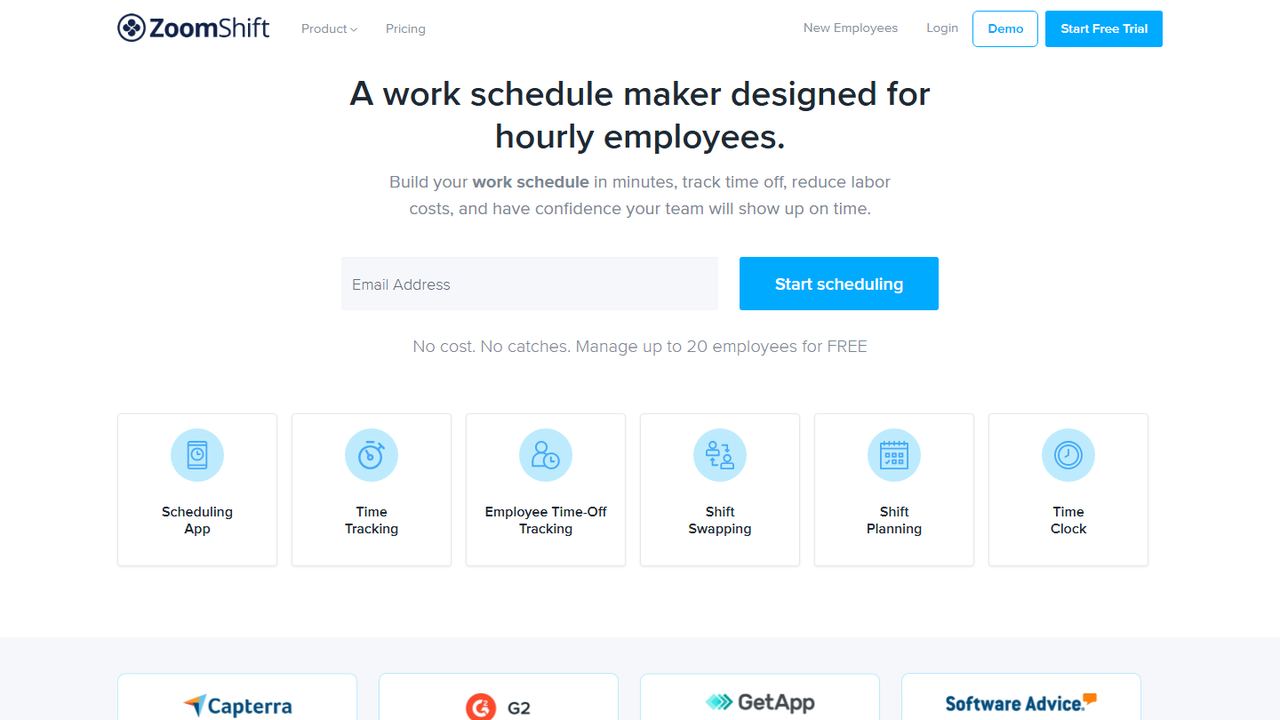
ZoomShift markets itself as a work schedule maker for hourly employees, and the free Essentials plan does that job for up to 20 users at one location: build schedules, ask staff to confirm shifts, and send automatic reminders. Paid plans add a time clock, swaps and PTO tracking, priced per active team member, which keeps the bill low for seasonal teams.
ZoomShift keeps it simple. The free plan gives you a drag-and-drop schedule, shift confirmations and automatic reminders. Starter adds templates, availability, time-off rules with minimum notice periods, shift cover requests and swaps, calendar sync and a time clock with timesheets. Premium adds auto-scheduling, overtime warnings and a geofenced clock that can block early or late clock-ins.
Strengths
- Free plan for up to 20 users
- Low per-user price for small teams
- Time-off rules with minimum notice periods
- Geofenced clock that blocks early clock-ins (Premium)
Drawbacks
- Free plan has no time clock and schedules only 2 weeks ahead
- Auto-scheduling and overtime warnings need Premium
- Swaps, templates and availability start on Starter
- Best for
- managers who want the app to build the schedule
- Free plan or trial
- 14-day free trial; no free plan
- Starting price
- $2.50 per user/month (Essentials)
- Platforms
- Web, iOS, Android
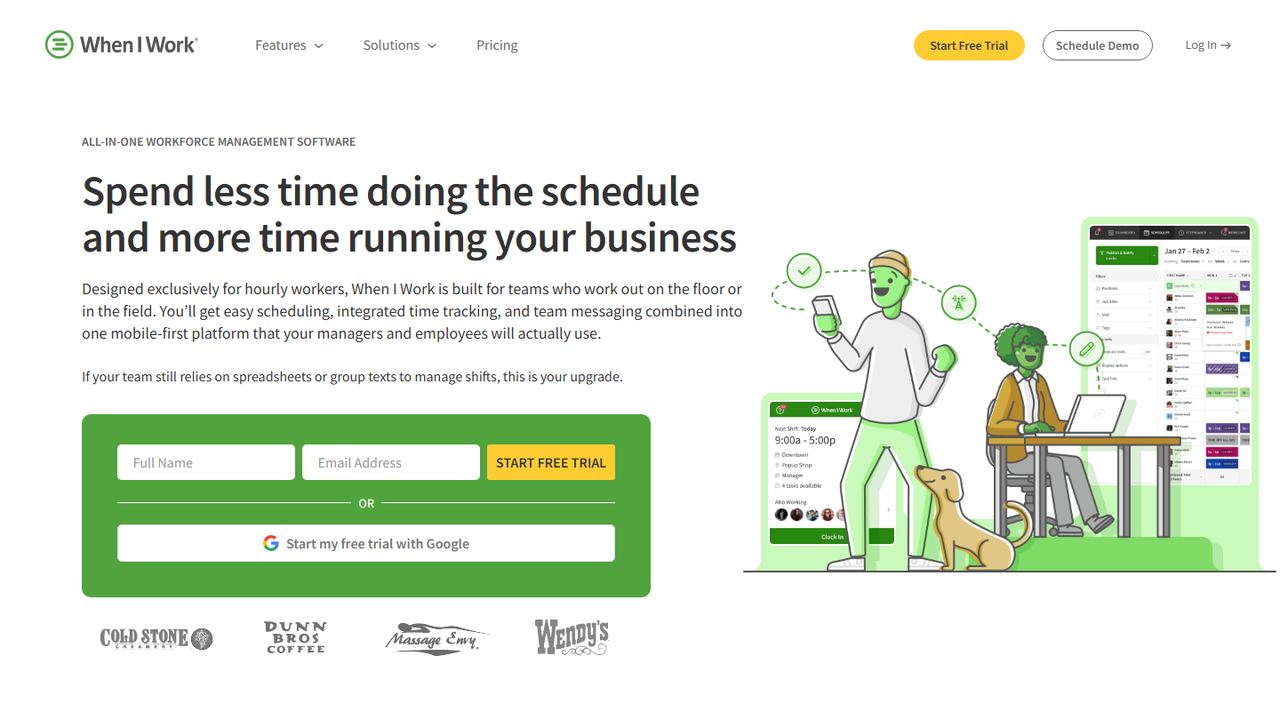
When I Work is the pick when you want the schedule maker to do the first draft for you. Its auto-scheduler assigns shifts from each employee’s eligibility, availability and preferences in one click, and that feature is in the cheapest plan. There is no free plan; Essentials costs $2.50 per user per month after a 14-day free trial.
The auto-scheduler fills shifts in one click from each person’s eligibility, availability and preferences. OpenShifts post uncovered shifts to everyone qualified, swap requests go to a manager for approval, and team messaging keeps shift talk out of personal phone numbers. Attendance data syncs to payroll tools such as Gusto, QuickBooks Online, Paychex and Rippling.
Strengths
- Auto-scheduling, OpenShifts and swaps on the lowest plan
- Per-user pricing that stays low for small teams
- GPS and geofenced clock-in once you add time tracking
- Payroll integrations with Gusto, QuickBooks Online, Paychex and Rippling
Drawbacks
- No free plan, only a 14-day trial
- Time Tracking & Attendance is a separate add-on
- Scheduling rules and role permissions need the $5 Pro plan
- Best for
- teams that schedule across several job sites
- Free plan or trial
- Free for up to 10 members; 14-day trial
- Starting price
- $29/month including 30 members (Pro), then $3.50 each
- Platforms
- Web, iOS, Android
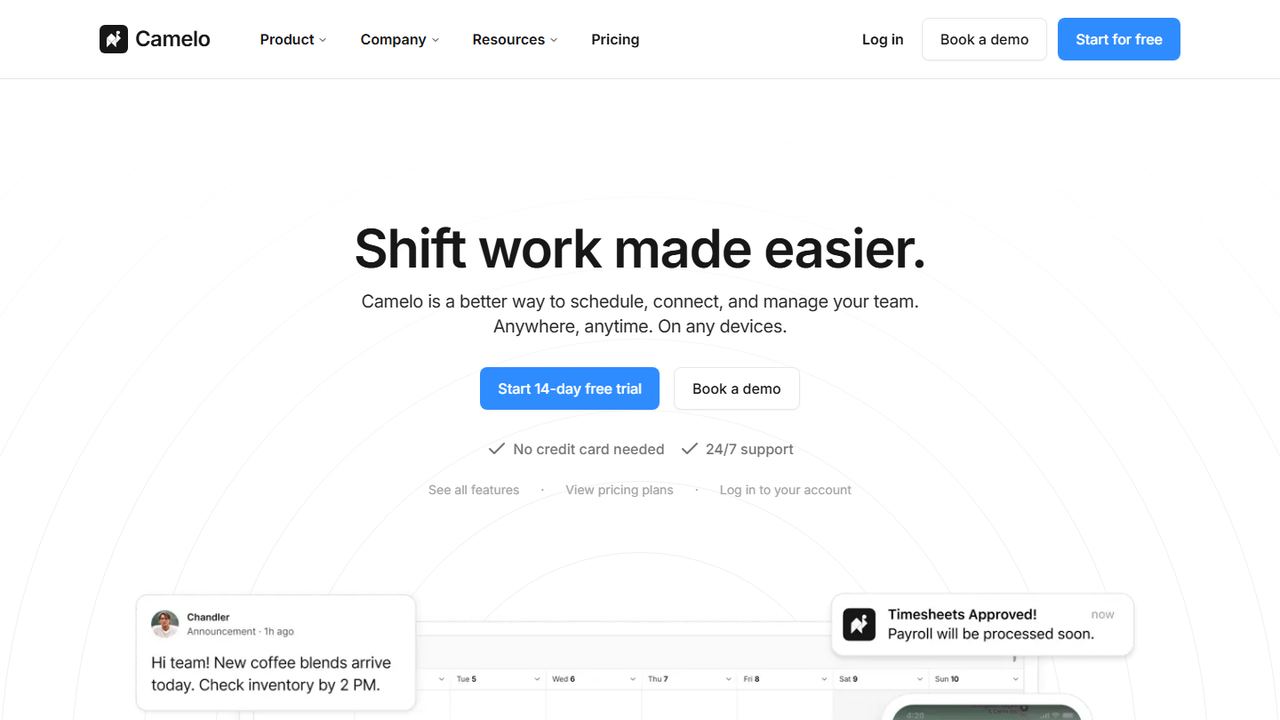
Camelo is a shift schedule maker with drag-and-drop building, templates, recurring shifts and open shifts, paired with a time clock that checks clock-ins by GPS, geofence, photo or Wi-Fi. The free plan covers up to 10 members on one schedule. Pro is $29 a month including 30 members and adds unlimited schedules, so it suits a business running several sites.
Camelo pairs a drag-and-drop scheduler (templates, recurring shifts, shift trading, open shift claims and availability) with a time clock that can check clock-ins by GPS, geofence, photo or Wi-Fi. Hours flow into timesheets you approve and export for payroll, and announcements, group chats and channels sit in the same app.
Strengths
- Free plan for up to 10 members
- Four ways to verify clock-ins: GPS, geofence, photo, Wi-Fi
- Messaging, tasks and documents in the same app
- 14-day trial with no credit card
Drawbacks
- Free plan allows one schedule
- Payroll integration and labor forecasting are Premium-only ($99/month)
- Job sites cost $1.90 each per month on Pro
- Best for
- businesses that want the schedule tied to payroll
- Free plan or trial
- Book a demo
- Starting price
- Book a demo
- Platforms
- Web, employee phone app, shared tablet clock
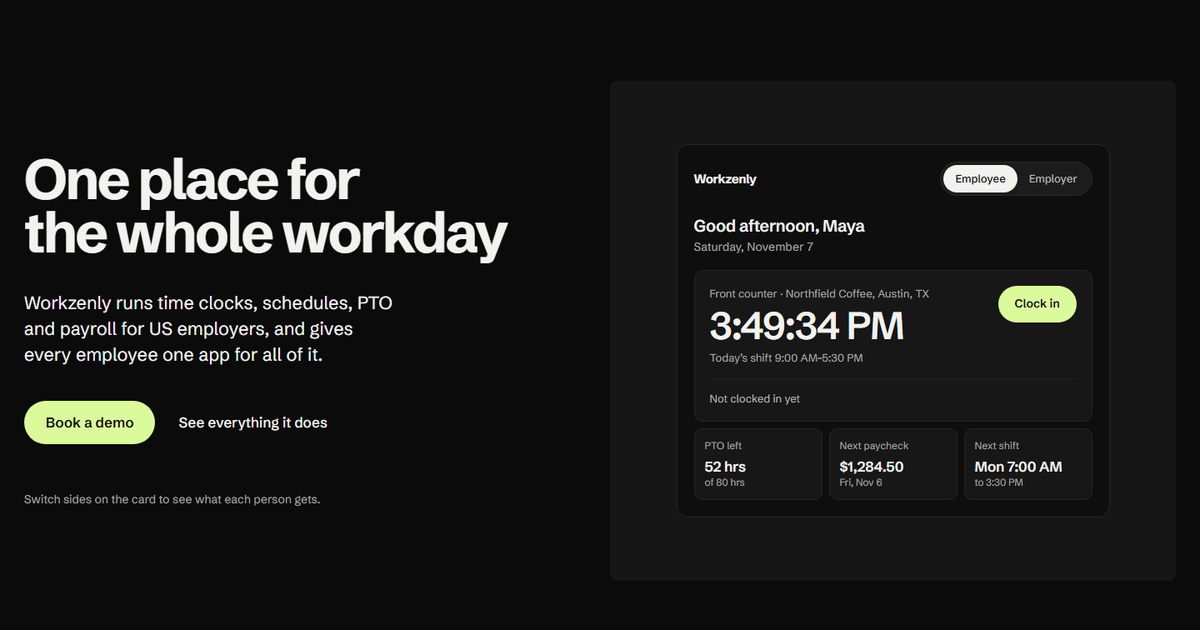
Workzenly is our product. Its schedule maker is part of a single system for US hourly teams that also includes the time clock, PTO and payroll. You build and publish shifts, employees swap them in the app, and the same shifts become the baseline for clock-ins, overtime and pay. It suits employers who are tired of reconciling a schedule app with a separate payroll provider.
Workzenly puts the schedule, time clock, PTO and payroll in one system with one employee app. Managers build shifts and approve swaps; employees clock in on their phone with GPS and geofencing or on a shared tablet. Approved hours and PTO flow into payroll, and pay stubs appear in the app. Onboarding forms are e-signed, and documents and performance reviews live in the same place.
Strengths
- Schedule, time clock, PTO and payroll in one system
- GPS and geofenced phone clock-in, or a shared tablet
- Pay stubs and PTO balances in the employee app
- Onboarding with e-signed forms
Drawbacks
- No published price; you get pricing in a demo
- No self-serve signup; you start with a demo
- Best for
- restaurants that want a free schedule maker
- Free plan or trial
- Free plan: 1 location, up to 15 employees
- Starting price
- $39.99 per location/month (Essentials, up to 30 employees)
- Platforms
- Web, iOS, Android
7shifts is the employee schedule maker built for restaurants. The free Comp plan covers one location with up to 15 employees and includes basic scheduling, availability and time-off requests, and one-way announcements. Paid plans add time clocking, team messaging and restaurant labor tools, priced per location from $39.99 a month. Bars, cafes and pizzerias are its home ground.
7shifts is built only for restaurants. It connects to POS systems including Toast, Square, Clover, Lightspeed, TouchBistro and Aloha so you schedule against sales. Its compliance tools flag late changes under predictive scheduling rules in places such as Chicago, Seattle and Oregon and calculate predictability pay, check minor hour limits against a school calendar, and check California meal and rest breaks.
Strengths
- Restaurant features: POS sales, tips and labor targets
- Predictive scheduling and minor labor law checks
- Free Comp plan for one location
- Tip management and payroll in the same platform
Drawbacks
- Free plan capped at 15 employees and one location
- Prices rise with team size: Pro is $89.99 per location for 31+ employees
- Tip management is a $49.99/location add-on below Premium
How we chose these schedule makers
Our criteria
- Real shift scheduling. Each tool builds schedules by employee, role and shift and publishes them to staff. Design tools that only make a pretty one-off chart were left out.
- Free plan or long trial. Seven of the nine have a free plan; the others offer a free trial and earn their place with a feature the free tools lack.
- Phone access for employees on iOS and Android or the web, so the schedule reaches people without a printout.
- Checked today. Free plan limits, prices and features come from each vendor’s own pricing and feature pages on November 7, 2026.
How to choose a shift schedule maker
The right employee schedule maker depends less on features than on the limits you will hit first. Check these before you invite your team.
- Headcount on the free plan. Limits range from 5 (Findmyshift) to 30 users (Sling). Count everyone you schedule, including part-timers and seasonal staff.
- How far ahead you can schedule. Some free plans plan only 1 or 2 weeks out. If you operate under a predictive scheduling law, that matters: Oregon requires large retail, hospitality and food service employers to post schedules 14 days ahead, and New York City requires 14 days for fast food and 72 hours for retail.
- Templates and repeating shifts. If most weeks look the same, you want to copy last week or apply a saved template in one click. Rotations such as the Pitman schedule or DuPont schedule are easier with repeating patterns.
- Overtime warnings. Non-exempt employees earn time and a half after 40 hours in a workweek under federal law. A maker that totals hours per person as you build stops overtime before it is scheduled.
- Swaps and time off. Letting employees trade shifts with manager approval removes most of the texting. Check that approved swaps update the schedule and notify both people.
- A time clock, now or later. A schedule tells you who should work; punches tell you who did. If you will add a time clock later, pick a maker that already has one.
Prefer paper for now? Our 12-hour shift schedule templates and monthly schedule templates are free to download.
Frequently asked questions
What is the best free employee schedule maker?
Sling is the best free employee schedule maker for most teams because it covers up to 30 users with open shifts, shift offers, time-off requests and private messaging at no cost. Homebase is better if you want a free time clock too at one location with up to 10 employees, and Connecteam includes every feature free for up to 10 users.
Is there a free work schedule maker with no sign-up?
Most schedule makers that send shifts to employees’ phones need an account, because each employee has to log in. If you only need a printable grid without signing up, a spreadsheet template works. Our free employee schedule templates download as Excel and PDF files you can fill in and print or share.
Can a schedule maker create the schedule automatically?
Some can. When I Work includes auto-scheduling on its cheapest plan, Homebase offers an AI scheduling assistant on Plus, ZoomShift on Premium, and Connecteam auto-assigns shifts on Expert. They fill shifts from availability, roles and rules. Free plans generally do not include auto-scheduling, so you build the first week by hand and copy it forward.
What should an employee schedule include?
Each shift needs the employee’s name, date, start and end time, role or position and location. Add unpaid break length, the total hours per person for the week, and contact or swap instructions. Showing weekly totals helps you spot anyone near 40 hours, where federal overtime at 1.5 times the regular rate begins.
How far in advance should I post the schedule?
Two weeks is a good default and is required in some places. Oregon requires 14 days for large retail, hospitality and food service employers, Chicago requires 14 days in covered industries, and New York City requires 14 days for fast food and 72 hours for retail. Elsewhere, posting a week or more ahead cuts no-shows and swap requests.