Workzenly makes time clock, scheduling, PTO and payroll software, and it appears in this list as one option. We researched every product on its own website on November 7, 2026. No company paid to be included. Features and prices change, so check each vendor’s site before you buy.
The best scheduling app for small business is Homebase for most single-location shops, cafes and salons: it is free for one location with up to 10 employees, and after that you pay per location, not per person. If you have more than 10 people and no budget yet, Sling schedules up to 30 users free. For crews who work off-site, Connecteam is free for up to 10 users with every feature included.
This guide is for US owners and managers with roughly 5 to 50 hourly employees who are tired of texting the schedule or rebuilding a spreadsheet each week. Small business scheduling apps all do the basics: build a week, publish it to phones, take availability and time-off requests. What separates them is the monthly bill at your headcount, the cap on the free plan, and whether the time clock and payroll come with it. We priced each one for a typical 15-person, single-location team in the table below. If you are not ready for software, our weekly schedule templates are a free starting point.
What a 15-person team would pay per month
| App | Plan that fits 15 people, 1 location | Monthly cost |
|---|---|---|
| Sling | Free (up to 30 users) | $0 |
| ZoomShift | Free (up to 20 users, no time clock) | $0 |
| Homebase | Essentials (over 10 employees) | $30 |
| Connecteam | Basic, annual (first 30 users) | $29 |
| Camelo | Pro (first 30 members) | $29 |
| When I Work | Essentials, 15 × $2.50 | $37.50 |
| Square Shifts | Square Plus, 1 location | $49 |
| Deputy | Lite, 15 × $5 | $75 |
Figures are list prices from each pricing page before tax, add-ons and promotions. Time clock, payroll and SMS often cost extra, which the cards below call out.
Top picks at a glance
 HomebaseBest overall for one location
 SlingBest free plan, up to 30 users
 ConnecteamBest free plan for field crews
 When I WorkBest for growing teams
 Square ShiftsBest if you use Square POS
 WorkzenlyBest for scheduling plus payroll
Comparison table
| Tool | Best for | Free plan or trial | Starting price | Platforms |
|---|---|---|---|---|
| Homebase | single-location shops, cafes and salons | Free for 1 location, up to 10 employees | $30 per location/month (Essentials) | Web, iOS, Android |
| Sling | teams up to 30 people who want to pay nothing | Free for up to 30 users; 15-day trial | $1.70 per user/month (Premium, annual) | Web, iOS, Android |
| Connecteam | small crews in cleaning, construction and field service | Free for up to 10 users; 14-day trial | $29/month for the first 30 users (Basic, annual) | Web, iOS, Android |
| When I Work | small businesses that expect to grow or add locations | 14-day free trial; no free plan | $2.50 per user/month (Essentials) | Web, iOS, Android |
| Square Shifts | shops and cafes that already sell on Square | 30-day free trial of Square Plus | Included in Square Plus, $49 per location/month | Square Dashboard (web), Square POS, Square Team app |
| Workzenly | small teams that want scheduling, time clock and payroll together | Book a demo | Book a demo | Web, employee phone app, shared tablet clock |
 Deputy | small businesses with a second location or strict break rules | Free trial up to 31 days; no free plan | $5 per user/month (Lite) | Web, iOS, Android, tablet kiosk |
 ZoomShift | very small teams that only need a schedule | Free for up to 20 users, 1 location; 14-day trial | $2 to $2.50 per active user/month (Starter) | Web, iOS, Android |
 Camelo | owners who want to verify clock-ins on job sites | Free for up to 10 members; 14-day trial | $29/month including 30 members (Pro), then $3.50 each | Web, iOS, Android |
- Best for
- single-location shops, cafes and salons
- Free plan or trial
- Free for 1 location, up to 10 employees
- Starting price
- $30 per location/month (Essentials)
- Platforms
- Web, iOS, Android
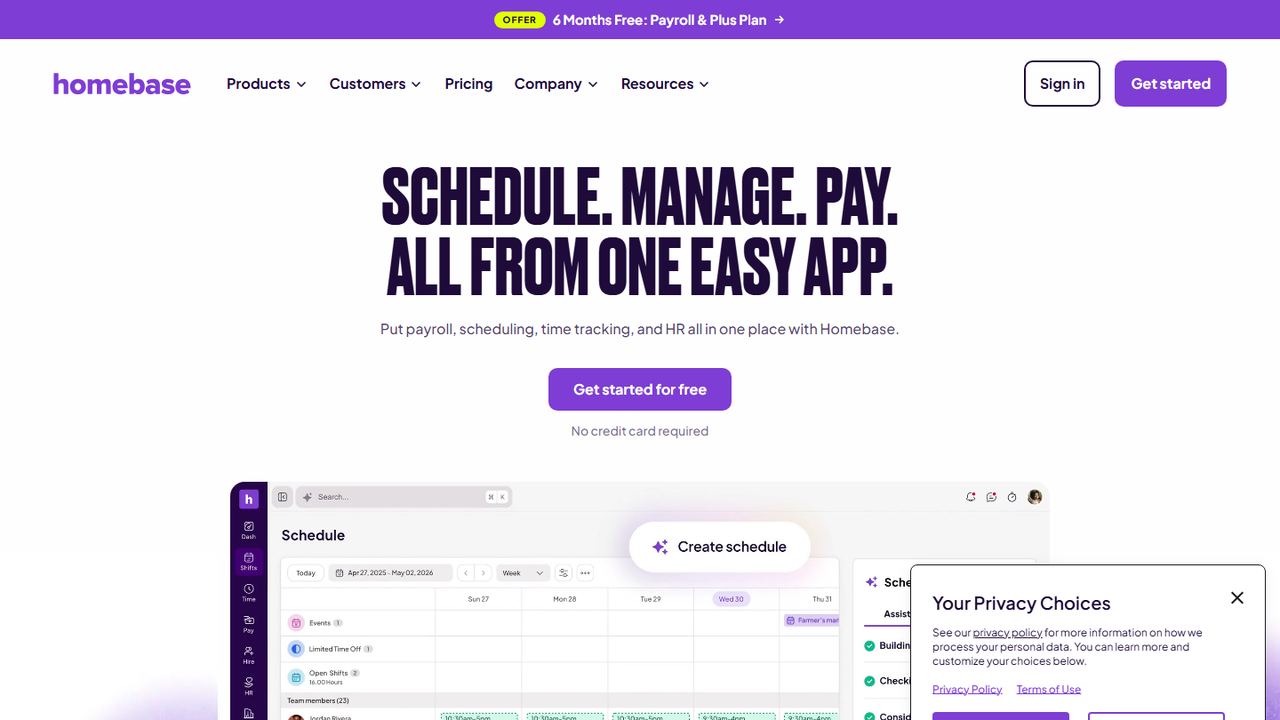
Homebase is built for exactly the business this page is about: one or a few local locations with hourly staff, such as a cafe, boutique, salon or clinic. The free Basic plan covers scheduling and clock-in for up to 10 employees, and at 11 or more you move to Essentials at $30 per location with unlimited employees. That makes it the cheapest paid option here for a busy single site.
Homebase prices by location, not by head, so paid plans cover unlimited employees. The schedule builder warns about overtime and conflicts before you publish, and it can show labor cost against a sales forecast pulled from Square, Clover, Shopify or Toast. Employees trade, cover and pick up open shifts from the app.
Strengths
- Free plan for one location with up to 10 employees
- Flat per-location price with unlimited employees on paid plans
- POS sales sync from Square, Clover, Shopify and Toast
- Payroll add-on in the same app ($49/month plus $6 per employee)
Drawbacks
- The AI scheduling assistant needs the $70 Plus plan
- Free plan stops at one location and 10 employees
- Payroll costs extra on every plan
- Best for
- teams up to 30 people who want to pay nothing
- Free plan or trial
- Free for up to 30 users; 15-day trial
- Starting price
- $1.70 per user/month (Premium, annual)
- Platforms
- Web, iOS, Android
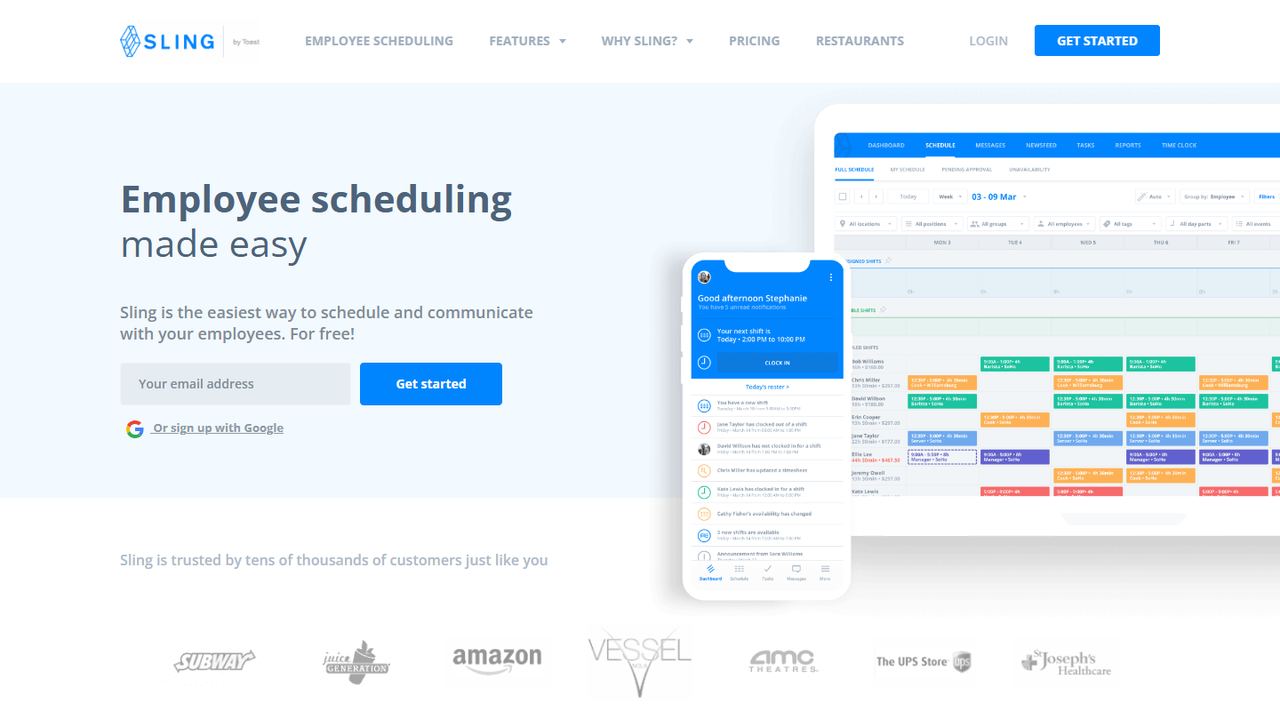
Sling is the strongest free scheduling app for small business if your problem is the schedule itself rather than timekeeping. Its free plan schedules up to 30 users with open shifts, shift offers, time-off requests and private messaging. When you want a time clock or labor cost alerts, Premium is $1.70 per user per month on annual billing, so 15 people cost about $25.50 a month.
Sling, now owned by Toast, lets employees on the free plan see their shifts, request time off, offer shifts to coworkers and pick up open shifts. Premium adds unavailability, shift swaps, group messaging, a mobile time clock with overtime tracking, and labor cost alerts when a shift breaks the budget. Business adds shift tasks, kiosk clock-in and labor reports.
Strengths
- Free scheduling for up to 30 users
- Low per-user price on paid plans
- Labor cost and budget alerts as you schedule
- Open shifts and time-off requests on the free plan
Drawbacks
- Swaps, availability, time clock and labor cost need a paid plan
- Kiosk clock-in only on Business ($3.40 per user, annual)
- Sling recommends a desktop for building schedules
- Best for
- small crews in cleaning, construction and field service
- Free plan or trial
- Free for up to 10 users; 14-day trial
- Starting price
- $29/month for the first 30 users (Basic, annual)
- Platforms
- Web, iOS, Android
Connecteam suits a small business whose people are spread across job sites: cleaners, landscapers, home-care aides, installers. The free Small Business plan includes every feature for up to 10 users, which means scheduling, the time clock, chat and forms. Past 10, the Basic plan is $29 a month on annual billing for the first 30 users, a flat fee that does not climb with each hire.
The scheduler handles availability, swaps with admin approval, open shifts that qualified staff can claim, and daily, weekly or monthly templates. Before you publish it warns about conflicts, double bookings and overtime, and you can attach tasks to a shift. Chat, forms and HR tools live in the same app, which suits teams that rarely sit at a desk.
Strengths
- Free plan with every feature for up to 10 users
- One flat fee covers the first 30 users
- Shift tasks and chat in the same employee app
- Conflict and overtime warnings before publishing
Drawbacks
- Basic and free plans allow a single schedule
- On paid plans, repeating shifts and templates start on Advanced ($49/month)
- On paid plans, auto-assigning shifts needs Expert ($99/month)
- Best for
- small businesses that expect to grow or add locations
- Free plan or trial
- 14-day free trial; no free plan
- Starting price
- $2.50 per user/month (Essentials)
- Platforms
- Web, iOS, Android
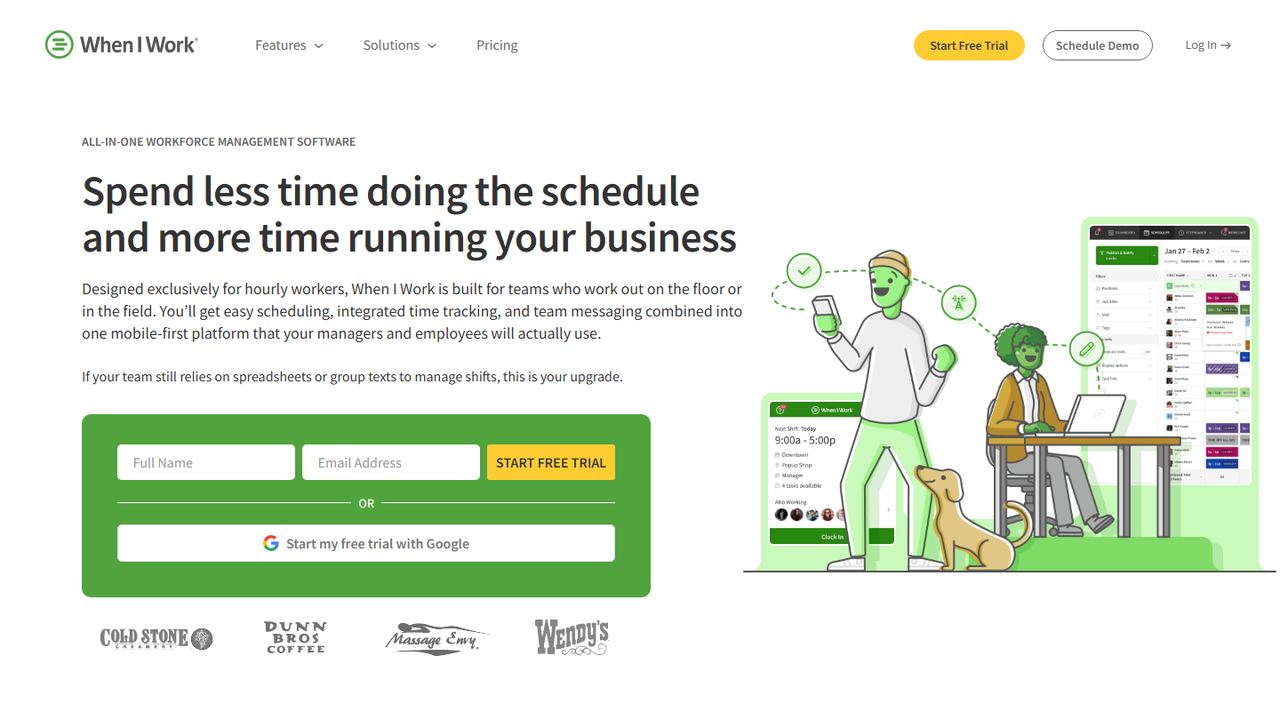
When I Work is a good pick when you have 10 to 50 people today and expect more, or plan a second location. Auto-scheduling, multi-location schedules and OpenShifts come with the cheapest plan, so you do not need to upgrade when the business grows. There is no free plan, but the 14-day trial gives you two full schedule cycles to test with your team.
The auto-scheduler fills shifts in one click from each person’s eligibility, availability and preferences. OpenShifts post uncovered shifts to everyone qualified, swap requests go to a manager for approval, and team messaging keeps shift talk out of personal phone numbers. Attendance data syncs to payroll tools such as Gusto, QuickBooks Online, Paychex and Rippling.
Strengths
- Auto-scheduling, OpenShifts and swaps on the lowest plan
- Per-user pricing that stays low for small teams
- GPS and geofenced clock-in once you add time tracking
- Payroll integrations with Gusto, QuickBooks Online, Paychex and Rippling
Drawbacks
- No free plan, only a 14-day trial
- Time Tracking & Attendance is a separate add-on
- Scheduling rules and role permissions need the $5 Pro plan
- Best for
- shops and cafes that already sell on Square
- Free plan or trial
- 30-day free trial of Square Plus
- Starting price
- Included in Square Plus, $49 per location/month
- Platforms
- Square Dashboard (web), Square POS, Square Team app
Square Shifts makes sense if your small business already runs on Square POS. Scheduling, timecards and sales vs. labor reports sit in the same Square Dashboard you use for sales, so there is nothing to integrate. It comes with Square Plus at $49 per location per month, which also includes other Square features, so compare it with what you would pay for a separate scheduler.
If you already ring sales on Square, Square Shifts schedules staff in the same Dashboard. Team members swap shifts, including open shifts, and request time off. Timecards are created automatically from clock-ins on the POS, and sales vs. labor reports show labor cost against revenue. Hours flow to Square Payroll or export to another payroll provider.
Strengths
- Schedules, timecards and sales in one Square account
- Sales vs. labor reports with no integration to set up
- Timecards feed Square Payroll
- Per-location price, not per employee
Drawbacks
- Built for businesses that use Square POS
- Sold inside the $49/location Square Plus plan, not on its own
- No auto-scheduling listed on its Shifts page
6. Workzenly Our product
Best for small teams that want scheduling, time clock and payroll together
- Best for
- small teams that want scheduling, time clock and payroll together
- Free plan or trial
- Book a demo
- Starting price
- Book a demo
- Platforms
- Web, employee phone app, shared tablet clock
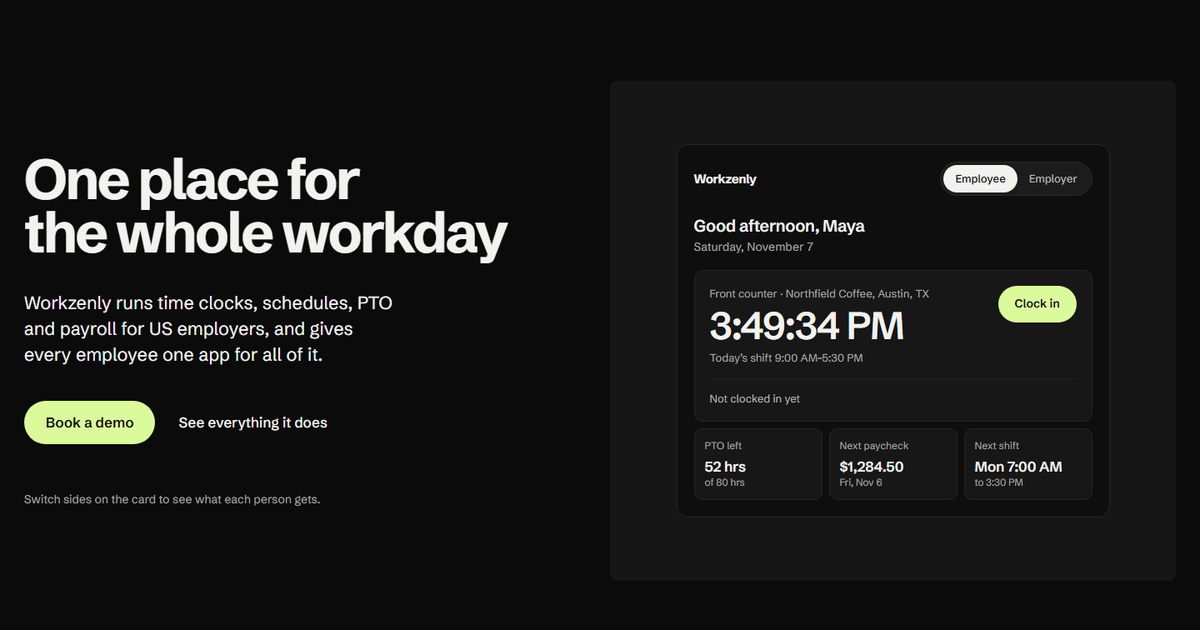
Workzenly is our product. It is for US small businesses that do not want a scheduling app, a time clock app and a payroll service that never quite agree. You build the schedule, employees clock in against it on their phone or a shared tablet, and approved hours, overtime and PTO go straight into payroll. Employees see their shifts, PTO balance and pay stubs in one app.
Workzenly puts the schedule, time clock, PTO and payroll in one system with one employee app. Managers build shifts and approve swaps; employees clock in on their phone with GPS and geofencing or on a shared tablet. Approved hours and PTO flow into payroll, and pay stubs appear in the app. Onboarding forms are e-signed, and documents and performance reviews live in the same place.
Strengths
- Schedule, time clock, PTO and payroll in one system
- GPS and geofenced phone clock-in, or a shared tablet
- Pay stubs and PTO balances in the employee app
- Onboarding with e-signed forms
Drawbacks
- No published price; you get pricing in a demo
- No self-serve signup; you start with a demo
- Best for
- small businesses with a second location or strict break rules
- Free plan or trial
- Free trial up to 31 days; no free plan
- Starting price
- $5 per user/month (Lite)
- Platforms
- Web, iOS, Android, tablet kiosk
Deputy is more than most single-site businesses need, but it earns a spot for small businesses that are adding locations, run in a city with fair workweek rules, or operate in California with strict meal and rest breaks. Lite starts at $5 per user per month, with a $30 minimum on monthly billing. You need Core at $6.50 for auto-scheduling and biometric clock-in.
Deputy’s auto-scheduler builds rosters from forecast demand, with priorities such as lowest cost or an even spread of hours. It plans paid rest breaks and unpaid meal breaks, flags missed ones, and offers a fair workweek compliance feature for cities with predictive scheduling laws. It connects to Square and Lightspeed POS, and payroll by Paycor is an add-on.
Strengths
- Auto-scheduling and demand forecasting (Core plan and up)
- Break planning and fair workweek compliance tools
- Biometric face clock-in on tablets with Core
- Built for multiple locations and franchises
Drawbacks
- No free plan
- Auto-scheduling is not in the $5 Lite plan
- $30 monthly minimum on monthly billing
- Best for
- very small teams that only need a schedule
- Free plan or trial
- Free for up to 20 users, 1 location; 14-day trial
- Starting price
- $2 to $2.50 per active user/month (Starter)
- Platforms
- Web, iOS, Android
ZoomShift is a lightweight option for a small business with up to 20 employees at one location that mainly wants schedules on phones and reminders before shifts. The free plan covers that, with shift confirmation and unlimited positions. Paid plans add a time clock, swaps and PTO tracking at a few dollars per active user, and you only pay for people active that month.
ZoomShift keeps it simple. The free plan gives you a drag-and-drop schedule, shift confirmations and automatic reminders. Starter adds templates, availability, time-off rules with minimum notice periods, shift cover requests and swaps, calendar sync and a time clock with timesheets. Premium adds auto-scheduling, overtime warnings and a geofenced clock that can block early or late clock-ins.
Strengths
- Free plan for up to 20 users
- Low per-user price for small teams
- Time-off rules with minimum notice periods
- Geofenced clock that blocks early clock-ins (Premium)
Drawbacks
- Free plan has no time clock and schedules only 2 weeks ahead
- Auto-scheduling and overtime warnings need Premium
- Swaps, templates and availability start on Starter
- Best for
- owners who want to verify clock-ins on job sites
- Free plan or trial
- Free for up to 10 members; 14-day trial
- Starting price
- $29/month including 30 members (Pro), then $3.50 each
- Platforms
- Web, iOS, Android
Camelo fits a small business that schedules people across several job sites or rooms and wants proof of where they clocked in, using GPS, geofence, photo or Wi-Fi. The free plan covers up to 10 members on one schedule. Pro is $29 a month including 30 members, with unlimited schedules, time-off management and advanced time tracking.
Camelo pairs a drag-and-drop scheduler (templates, recurring shifts, shift trading, open shift claims and availability) with a time clock that can check clock-ins by GPS, geofence, photo or Wi-Fi. Hours flow into timesheets you approve and export for payroll, and announcements, group chats and channels sit in the same app.
Strengths
- Free plan for up to 10 members
- Four ways to verify clock-ins: GPS, geofence, photo, Wi-Fi
- Messaging, tasks and documents in the same app
- 14-day trial with no credit card
Drawbacks
- Free plan allows one schedule
- Payroll integration and labor forecasting are Premium-only ($99/month)
- Job sites cost $1.90 each per month on Pro
How we chose these small business scheduling apps
Our criteria
- Small-business pricing. Every app publishes a price or a free plan a 5 to 50 person team can use without a sales call. Enterprise-only tools were left out. Workzenly, our product, is the exception: you get its pricing in a demo.
- Setup in a day. Self-serve signup, a phone app for employees, and a schedule you can publish the same week.
- Verified today. We checked every feature, price and free plan limit on the vendor’s own pricing and feature pages on November 7, 2026.
- US fit. US pricing in dollars, and tools that support US overtime and break rules or integrate with US payroll.
- Distinct picks. Each top pick answers a different small-business situation: free, one location, field crews, Square sellers, growth.
How to choose scheduling software for small business
To find the best scheduling app for small business teams like yours, work through these questions in order. Most owners can narrow the list to two apps in ten minutes.
- How many people, and how many locations? Under 10 people at one site: Homebase, Connecteam or Camelo are free. Up to 30: Sling is free. More than one location: per-location pricing (Homebase) or per-user pricing (When I Work, Deputy) usually wins over a flat-fee plan.
- Do you need a time clock? Free plans often leave it out. If you pay hourly staff, you need accurate punches anyway, because the FLSA requires you to keep records of hours worked for non-exempt employees. Compare our picks for the best employee time clock apps if timekeeping is the bigger problem.
- Will it warn you about overtime? Non-exempt employees earn 1.5 times their regular rate after 40 hours in a workweek, and California also pays daily overtime after 8 hours. A warning before you publish is cheaper than a surprise on payday. Our overtime calculator shows what an extra shift costs.
- Breaks and teenagers. Short breaks of 20 minutes or less must be paid under federal rules, many states require meal breaks, and 14- and 15-year-olds may work only 3 hours on a school day, between 7 a.m. and 7 p.m. (9 p.m. from June 1 to Labor Day). If you hire students, test how the app handles this.
- How does it reach payroll? Check whether hours export to your payroll provider, or whether payroll is built in. Re-typing hours is where most small-business payroll errors start; see how to process payroll for the steps.
- Will your team use it? During the trial, have two employees swap a shift and request a day off from their phones. If that takes more than a minute, keep looking.
Frequently asked questions
What is the best scheduling app for small business?
Homebase is the best scheduling app for most small businesses with one location, because it is free up to 10 employees and then $30 per location per month with unlimited employees. Sling is the best free option up to 30 users, Connecteam suits crews on job sites, and When I Work fits teams planning to grow or add locations.
What is the best free scheduling app for a small business?
Sling has the most generous free plan, covering scheduling and messaging for up to 30 users. ZoomShift is free for up to 20 users at one location, and Homebase, Connecteam and Camelo are free for up to 10. Free plans usually exclude the time clock, labor cost tools or a second location, so check those limits first.
How much does a small business scheduling app cost?
For a 15-person team at one location, expect $0 to $75 a month at list prices. Homebase Essentials is $30 per location, Connecteam Basic is $29 for the first 30 users on annual billing, When I Work is $2.50 per user, and Deputy Lite is $5 per user with a $30 monthly minimum. Add-ons such as payroll cost extra.
Can I use Excel or Google Sheets instead of an app?
Yes, for a very small, stable team. A spreadsheet works until people start swapping shifts, asking for time off by text or missing schedule changes. Apps add phone notifications, swap approvals, availability and overtime warnings. Many owners start with a free template and move to a free app plan once the team passes about 8 to 10 people.
Do small business scheduling apps include payroll?
Some offer it as an add-on. Homebase payroll is $49 a month plus $6 per employee, Deputy offers payroll by Paycor on annual Core and Pro plans, and Square Shifts feeds Square Payroll. Others, such as When I Work and Sling, export hours to payroll providers. Workzenly includes payroll in the same system as scheduling and the time clock.