Workzenly makes time clock, scheduling, PTO and payroll software, and it appears in this list as one option. We researched every product on its own website on November 7, 2026. No company paid to be included. Features and prices change, so check each vendor’s site before you buy.
If you are weighing Connecteam alternatives, here is what you are comparing against. Connecteam is an employee app for deskless teams that combines a GPS time clock, shift scheduling, checklists and forms, chat and HR tools. It is free for up to 10 users (archived users count), and paid plans start at $29 a month for the first 30 users on annual billing, with geofence sites limited on lower tiers. It is a strong fit for many small frontline teams.
Businesses look at other options when they want payroll inside the same product, scheduling built for restaurants or retail, pricing per location instead of per team, deeper construction job costing, or a lighter tool that only does the time clock. Homebase is the closest match for local businesses, When I Work and Sling are cheaper scheduling-first apps, Deputy suits multi-location shift work, and Jibble stays free for any team size.
Top picks at a glance
 HomebaseBest for local businesses wanting payroll
 When I WorkBest for low-cost scheduling
 DeputyBest for multi-location shift work
 SlingCheapest paid time clock
 JibbleBest free option for unlimited users
 ClockSharkBest for construction crews
Comparison table
| Tool | Best for | Free plan or trial | Starting price | Platforms |
|---|---|---|---|---|
| Homebase | local businesses that want payroll in the same app | Free: 1 location, 10 employees | $30 per location/mo | iOS, Android, web, tablet and POS clock-in |
| When I Work | low-cost scheduling with a time clock | 14-day trial | From $2.50/user/mo (scheduling; time tracking extra) | iOS, Android, web |
| Deputy | multi-location shift businesses | Trial up to 31 days | $5/user/mo | iOS, Android, web, iPad kiosk, Apple Watch |
| Sling | the lowest-cost paid time clock | Free scheduling plan | $1.70/user/mo | iOS, Android, web |
| Jibble | free time tracking for unlimited users | Free, unlimited users | $0 (paid upgrades on request) | iOS, Android, web, desktop, Chrome extension, kiosk |
 QuickBooks Time | teams that run QuickBooks payroll | 30-day trial | $20/mo + $10/user | iOS, Android, web, kiosk |
 Buddy Punch | time clock compliance without the extras | 14-day trial | $4.99/user/mo + $19/mo | iOS, Android, web, shared kiosk |
| ClockShark | construction and field service crews | 14-day trial | $42/mo + $9.50/user | iOS, Android, web |
 Workzenly | teams that want time, schedules, PTO and payroll together | Book a demo | Book a demo | Phone, shared tablet |
- Best for
- local businesses that want payroll in the same app
- Free plan or trial
- Free Basic plan: 1 location, up to 10 employees; 14-day trial of the top plan
- Starting price
- $30 per location/month (Essentials); payroll add-on from $49/mo + $6 per employee
- Platforms
- iOS, Android, web, tablet and POS clock-in
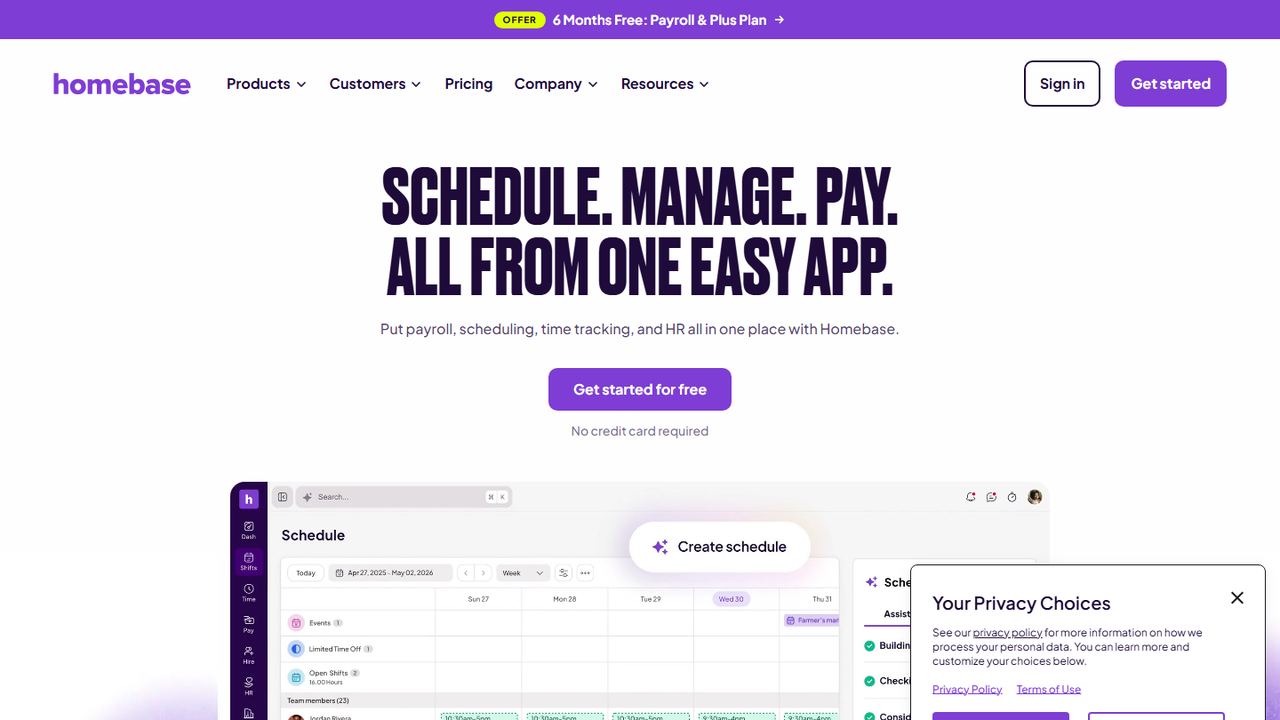
Homebase is the alternative most like Connecteam for restaurants, cafés, shops and other local businesses. It covers scheduling, a time clock, team messaging and HR, and it offers built-in payroll as an add-on at $49 a month plus $6 per employee paid ($29 a month for teams of up to 5).
The big difference is pricing. Homebase charges per location, not per user: the free Basic plan covers one location and up to 10 employees with a tablet, computer or POS time clock; Essentials is $30 a location per month and adds advanced scheduling, location-verified mobile clock-in and team communication. For a single store with 25 part-timers, per-location pricing can cost less than per-user plans.
Strengths
- Per-location pricing suits teams with many part-timers
- Built-in payroll add-on
- Free plan for one location
- POS integration
Drawbacks
- Free plan caps at 10 employees and one location
- GPS mobile clock-in starts on a paid plan
- Costs rise with each location
- Best for
- low-cost scheduling with a time clock
- Free plan or trial
- 14-day free trial; no free plan
- Starting price
- $2.50 per user/month for Essentials scheduling; adding Time Tracking & Attendance raises the price
- Platforms
- iOS, Android, web
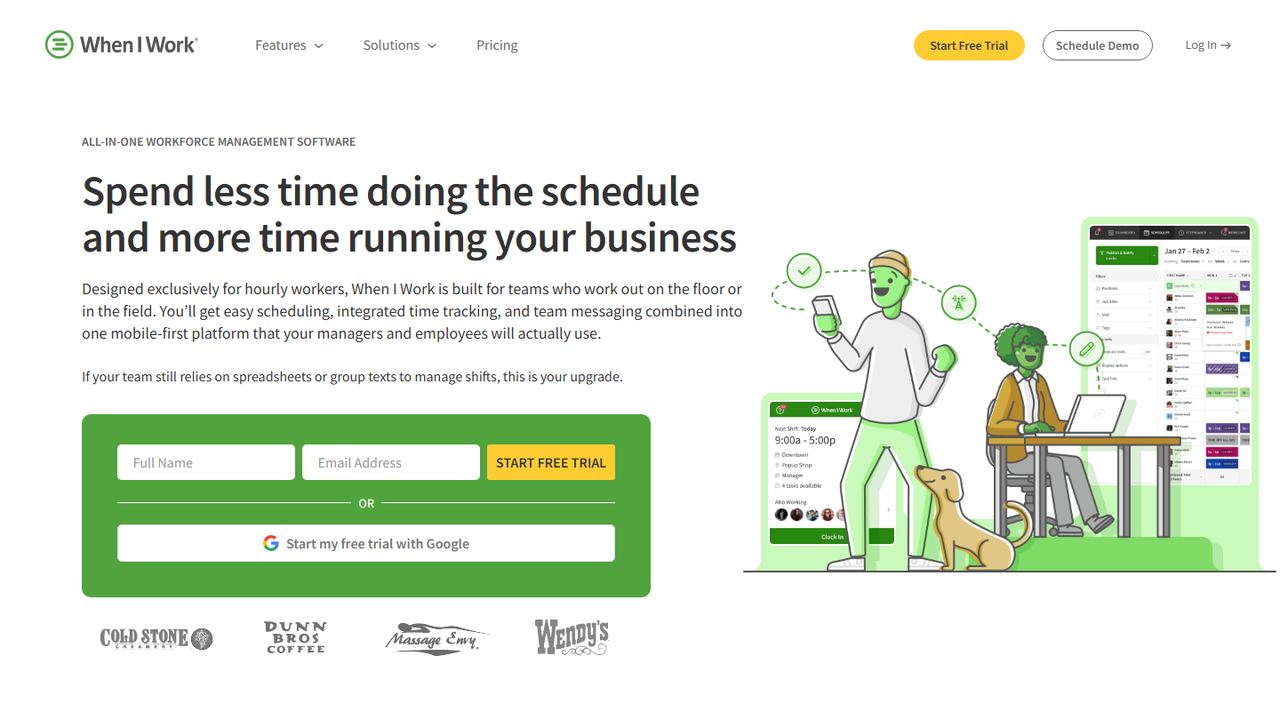
When I Work is scheduling software for hourly workers with a time clock and team messaging. Essentials costs $2.50 per user a month, Pro $5 and Premium $8 for scheduling, and a Time Tracking & Attendance switch on each plan raises the price. Staff swap and pick up shifts on their phones, and managers see punches next to scheduled times.
Compared with Connecteam, When I Work is more focused: it does not try to cover forms, checklists or a company knowledge base. If scheduling is your main pain and you already have payroll, that focus is a plus. Essentials includes payroll integrations. There is no free plan, but the 14-day trial needs no card.
Strengths
- Low per-user price
- Shift swaps and open shifts on mobile
- Payroll integrations on the base plan
Drawbacks
- No free plan
- Fewer forms and HR tools than Connecteam
- Time tracking costs extra on top of scheduling
- Best for
- multi-location shift businesses
- Free plan or trial
- Free trial up to 31 days, no credit card
- Starting price
- $5 per user/month (Lite); $30/mo minimum on monthly plans
- Platforms
- iOS, Android, web, iPad kiosk, Apple Watch
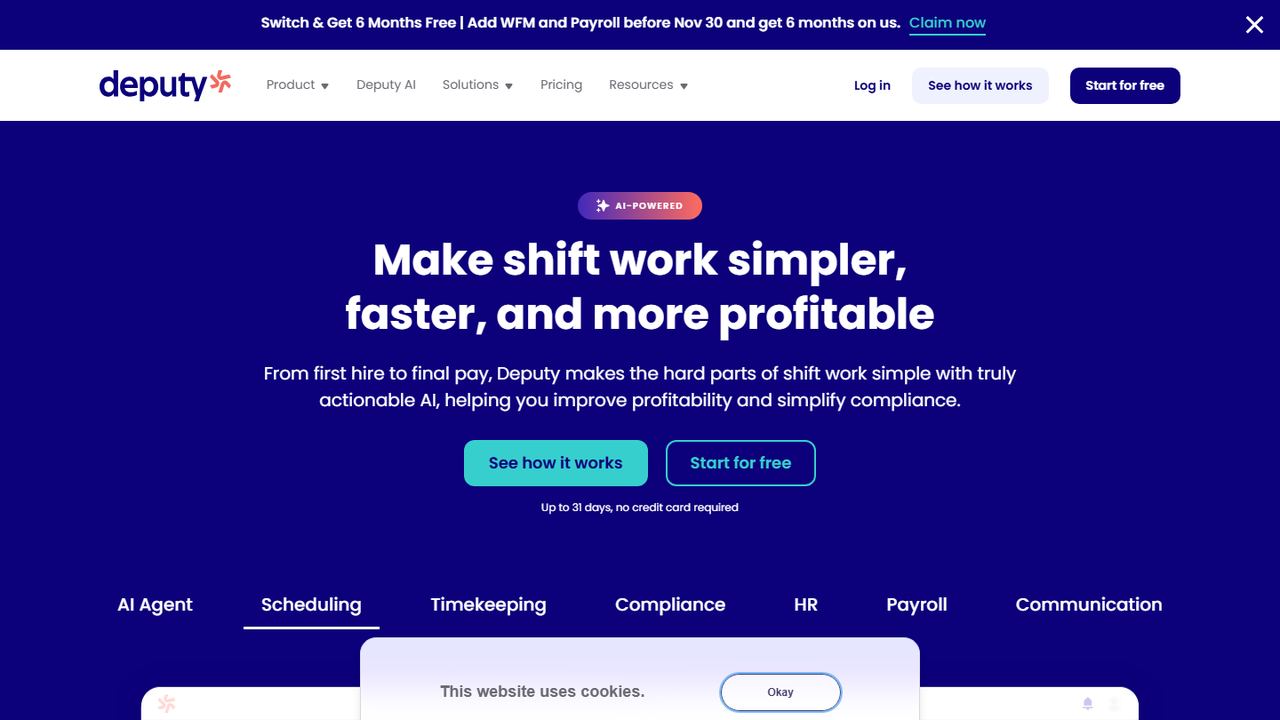
Deputy is scheduling and timekeeping software for hospitality, retail and healthcare businesses with many shifts and sites. Lite is $5 per user a month, Core $6.50 and Pro $9, with a $30 minimum on monthly plans. Core adds advanced scheduling and biometric time clocking through a kiosk with face recognition.
Deputy’s time clock runs on tablets, phones, the web and Apple Watch, with GPS location tracking, geofencing, break compliance and overtime tracking. Timesheets export to payroll providers such as Gusto, ADP and QuickBooks. Deputy also offers HR, messaging and analytics add-ons, and a free trial of up to 31 days with no credit card.
Strengths
- Face-recognition kiosk on Core and Pro
- Break and overtime compliance tools
- Payroll exports to Gusto, ADP and QuickBooks
- Long free trial
Drawbacks
- $30 monthly minimum on monthly plans
- No free plan
- HR is a paid add-on; Messaging+ and Analytics+ cost extra below Pro
- Best for
- the lowest-cost paid time clock
- Free plan or trial
- Free plan for scheduling (no time clock); 15-day trial of paid plans
- Starting price
- $1.70 per user/month, billed annually (Premium)
- Platforms
- iOS, Android, web
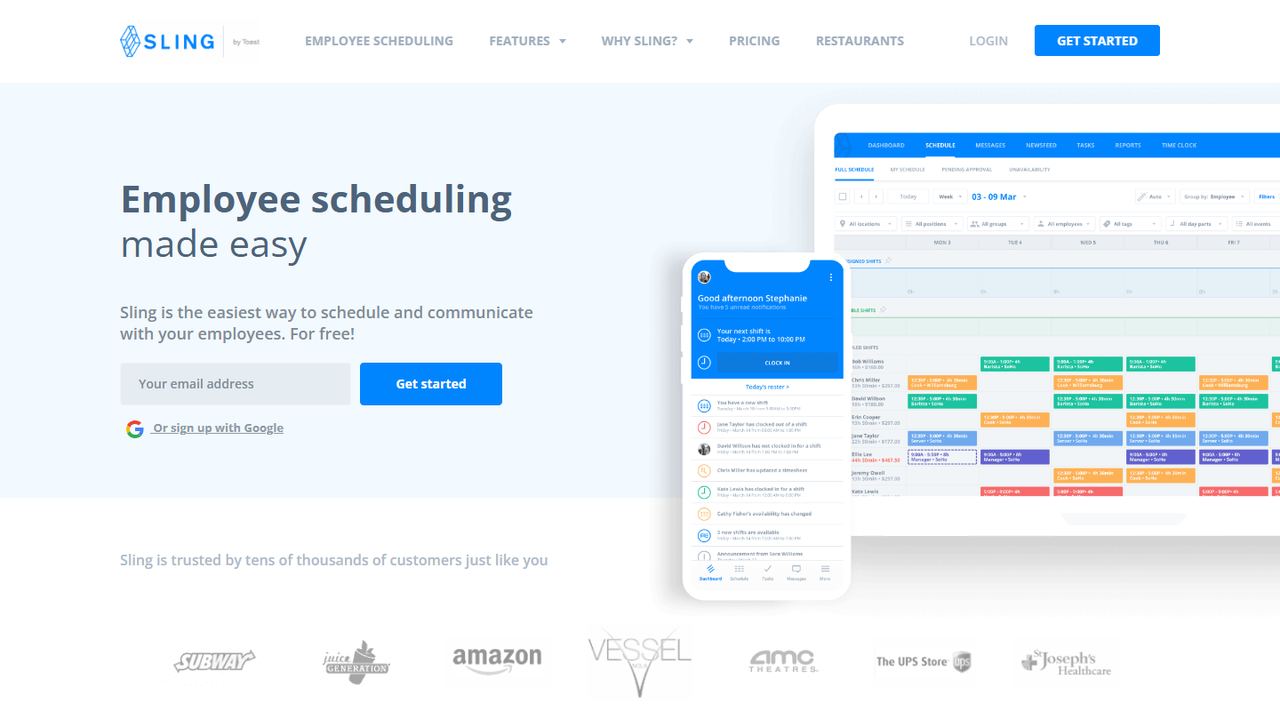
Sling, part of Toast, is employee scheduling and communication software for hourly teams. Its free plan covers scheduling for up to 30 users but does not include the time clock. Premium adds mobile time tracking, geofencing, labor cost management and overtime tracking for $1.70 per user a month on annual billing ($2 monthly).
Business ($3.40 per user, annual) adds kiosk time tracking on a shared device. Sling bills only for active users, and the paid plans come with a 15-day trial. Compared with Connecteam, Sling is narrower, without the checklists and HR tools, but for a restaurant or shop that wants schedules plus a geofenced time clock it is one of the cheapest options we found.
Strengths
- Geofenced time clock from $1.70 per user
- Free scheduling for up to 30 users
- Billed only for active users
Drawbacks
- Time clock is not in the free plan
- Kiosk needs the Business plan
- Fewer HR and forms tools
- Best for
- free time tracking for unlimited users
- Free plan or trial
- Free forever for unlimited users
- Starting price
- $0; paid upgrades are not priced on the pricing page
- Platforms
- iOS, Android, web, desktop, Chrome extension, kiosk
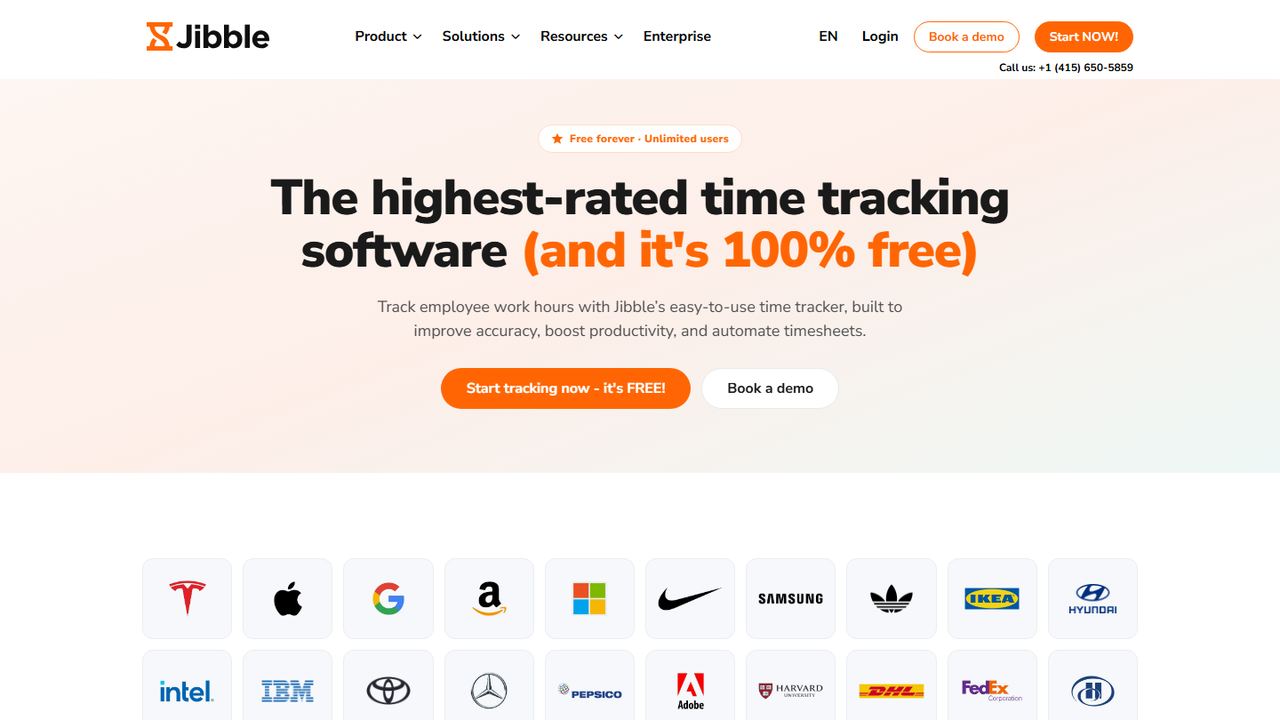
Jibble is a time and attendance app that is free for unlimited users, which makes it the obvious alternative once Connecteam’s 10-user free plan runs out. Jibble’s help center says the free plan includes GPS and facial recognition on clock-ins, leave and public holiday tracking, payroll-ready reports and integrations.
Jibble is narrower than Connecteam: it is a time clock and attendance tool, not a scheduling, chat and forms platform. It runs on iOS and Android, the web, a desktop app, a Chrome extension and a shared kiosk. Its pricing page shows only the free plan, so confirm which extras need a paid upgrade.
Strengths
- Free for unlimited users
- GPS and face check on punches
- Leave and holiday tracking
Drawbacks
- No shift scheduling or team chat like Connecteam
- Paid tiers are not priced publicly
- Best for
- teams that run QuickBooks payroll
- Free plan or trial
- 30-day free trial; no free plan
- Starting price
- $20/mo + $10 per user (Time Premium); needs QuickBooks Online
- Platforms
- iOS, Android, web, kiosk
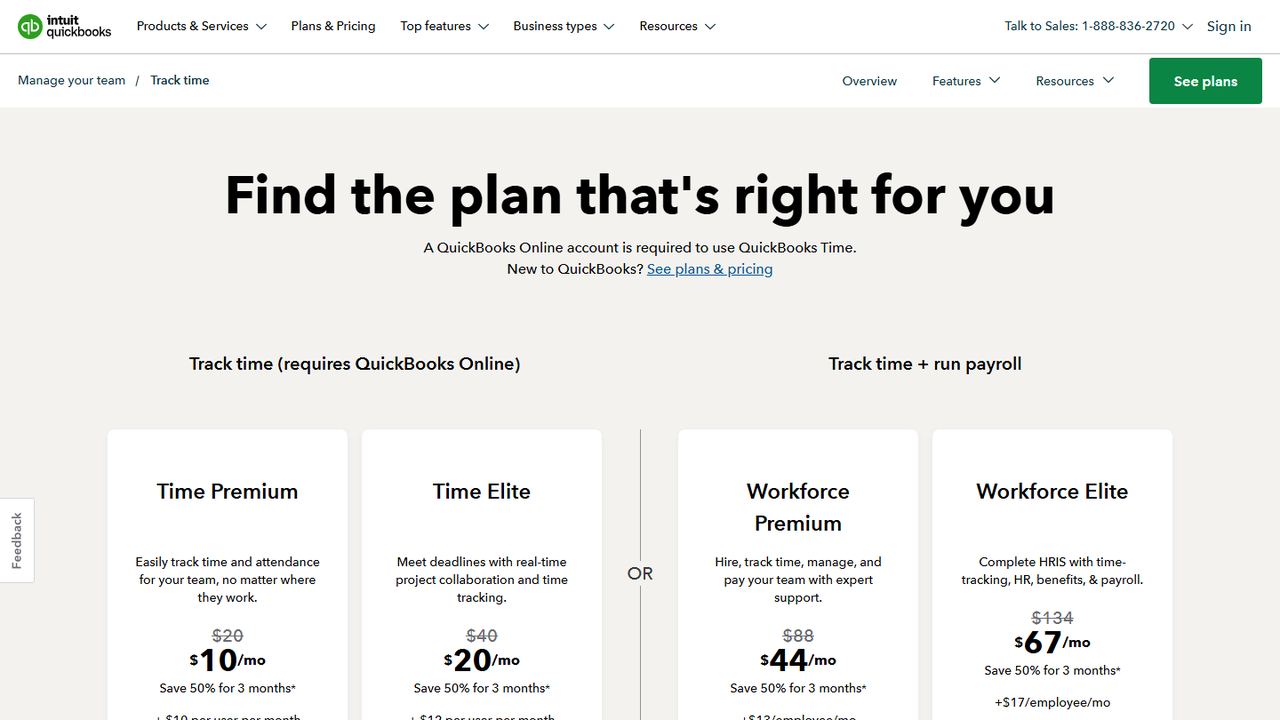
QuickBooks Time, formerly TSheets, is Intuit’s time tracking app. Its main advantage over Connecteam is a direct sync with QuickBooks Online, QuickBooks Online Payroll and QuickBooks Desktop, so approved hours do not need to be exported. A QuickBooks Online account is required.
Time Premium is $20 a month plus $10 per user and includes a kiosk, scheduling and mobile apps that record location only while an employee is clocked in. Time Elite ($40 a month plus $12 per user) adds geofencing and project tracking. Intuit also sells Workforce plans that bundle time tracking with payroll and HR. The trial is 30 days.
Strengths
- Direct QuickBooks payroll sync
- Kiosk and scheduling on every plan
- Location recorded only on the clock
Drawbacks
- Requires QuickBooks Online
- Base fee plus per-user pricing costs more for big teams
- Geofencing only on Time Elite
- Best for
- time clock compliance without the extras
- Free plan or trial
- 14-day free trial; no free plan
- Starting price
- $4.99 per user/month + $19/mo base fee, billed annually (Starter)
- Platforms
- iOS, Android, web, shared kiosk
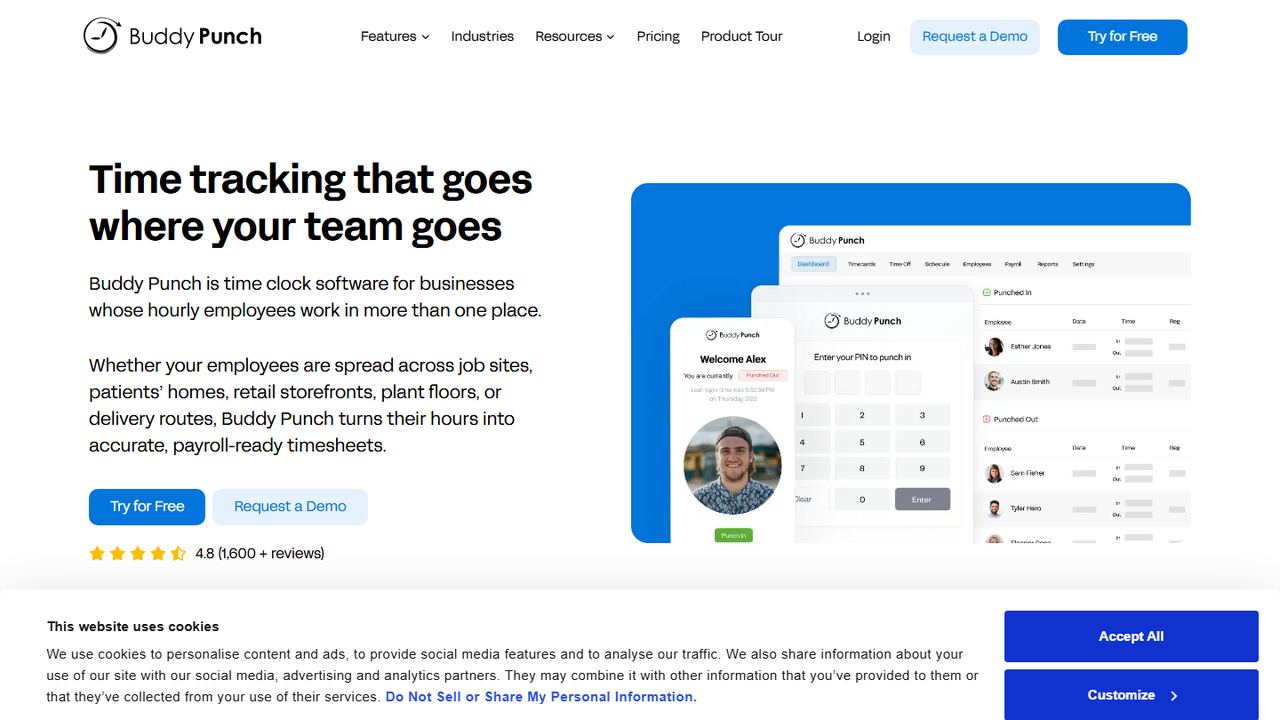
Buddy Punch is time clock software for hourly employees who work across job sites, homes and storefronts. It is a good Connecteam alternative for employers who mostly need accurate, compliant punches. Starter is $4.99 per user a month plus a $19 base fee on annual billing and includes GPS punches, time off tracking and payroll integrations.
Pro ($6.99 per user) adds break compliance with waivers and automatic premium pay, geofencing, a PIN kiosk, webcam photos and QR codes on punches, offline punching and scheduling. Admin users are free, and the 14-day trial needs no card.
Strengths
- Meal and rest break compliance on Pro
- Photo, PIN and QR punches
- Free admin users
Drawbacks
- $19 base fee on every plan
- No free plan
- No chat, forms or knowledge base
- Best for
- construction and field service crews
- Free plan or trial
- 14-day free trial with Pro features; no free plan
- Starting price
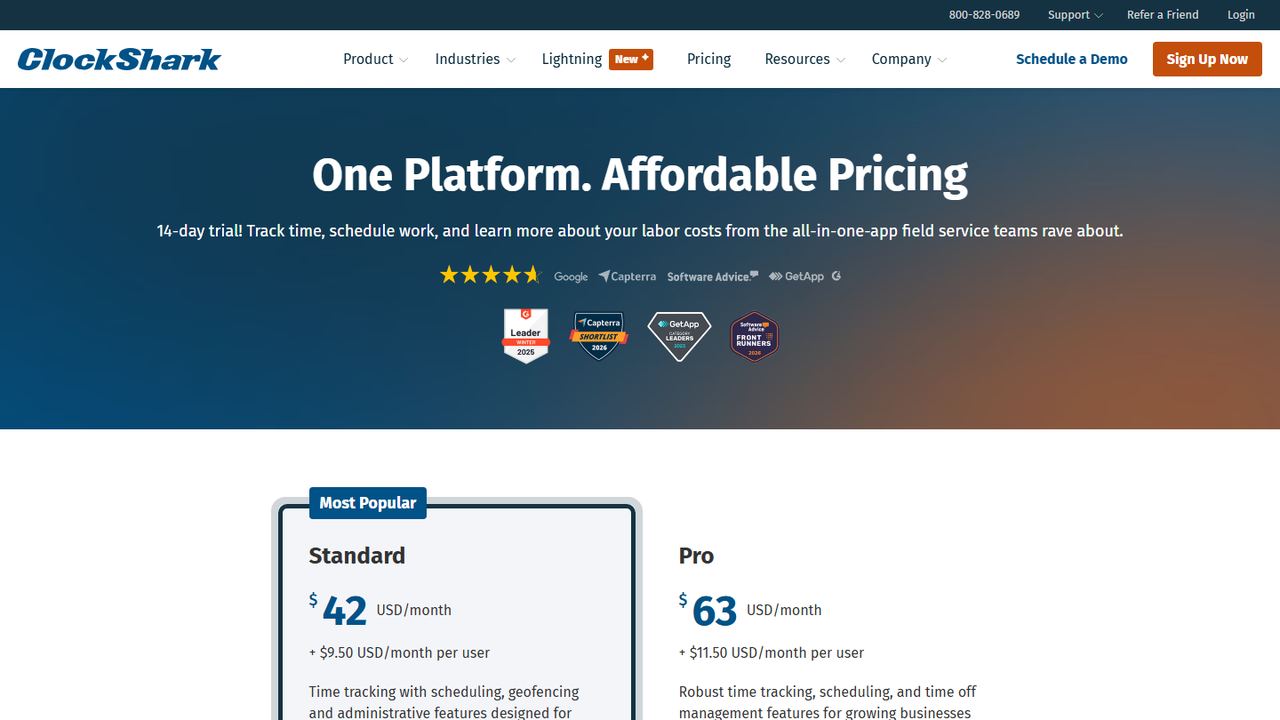
- $42/mo + $9.50 per user (Standard); 3-year contract term
- Platforms
- iOS, Android, web
ClockShark is time tracking and scheduling software for construction and field service. Crews clock in to jobs and tasks with GPS, and the Standard plan ($42 a month plus $9.50 per user) includes scheduling and geofencing. Pro ($63 a month plus $11.50 per user) adds PTO, advanced job costing, compliance forms and mileage tracking.
For a contractor, that job and task focus is the main reason to pick ClockShark over Connecteam’s general-purpose app. Hours export to QuickBooks, ADP, Sage, Xero, Paychex and Gusto. The trial is 14 days with Pro features. ClockShark’s pricing page states a three-year contract term for its plans, so review terms before signing.
Strengths
- Job and task tracking for crews
- Geofencing on the Standard plan
- Wide payroll and accounting integrations
Drawbacks
- Pricing page states a three-year contract term
- Base fee before per-user charges
- Less useful outside the trades
9. Workzenly Our product
Best for teams that want time, schedules, PTO and payroll together
- Best for
- teams that want time, schedules, PTO and payroll together
- Free plan or trial
- Book a demo
- Starting price
- Book a demo
- Platforms
- Phone app and shared tablet for employees
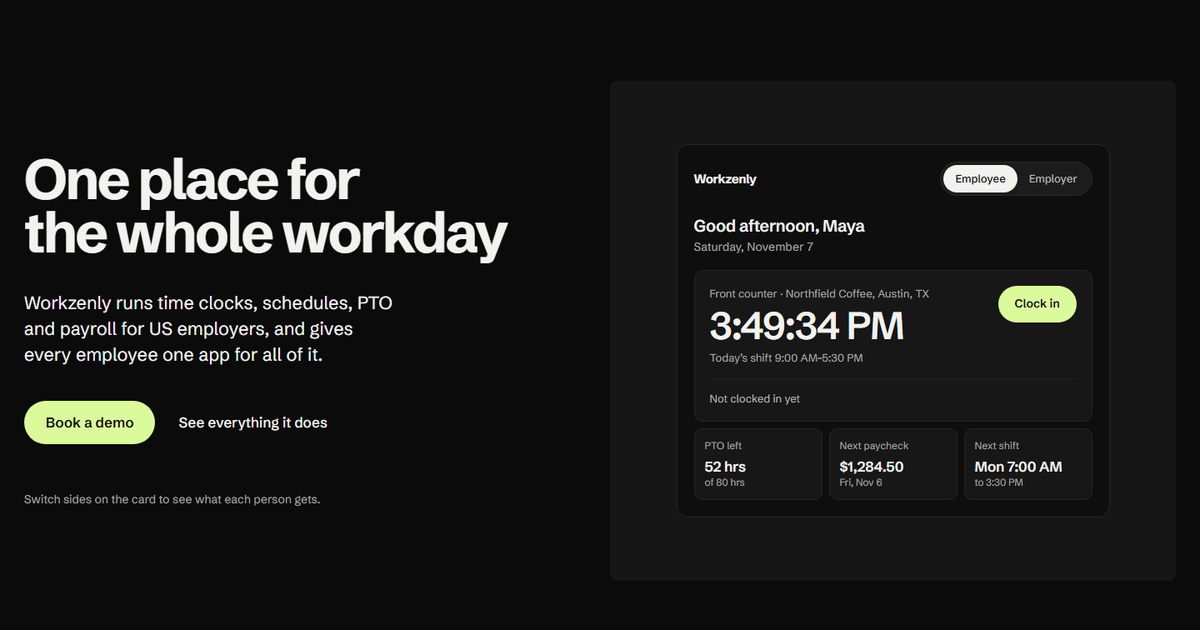
Workzenly is workforce software for US small and mid-sized businesses with hourly and shift-based teams: restaurants, retail, healthcare, construction, field services, warehouses and offices. Like Connecteam, it gives every employee one app. The difference is that payroll is part of the product rather than an export.
Employees clock in on their phone or a shared tablet with GPS and geofencing, see their shifts and swap them, request PTO and check balances, read pay stubs, sign onboarding forms and find documents and performance reviews. Managers approve hours once, and those hours drive payroll.
Strengths
- Payroll with pay stubs built in
- GPS and geofenced time clock
- Scheduling with swaps and PTO tracking
Drawbacks
- No public pricing; you book a demo
- No checklists or chat features listed
How we chose these tools
We looked at the Connecteam competitors that US frontline businesses compare, then checked each vendor’s pricing and feature pages on November 7, 2026. We did not list Connecteam itself, and we chose Connecteam alternatives that each beat it on at least one point a buyer cares about.
Our criteria
- Time clock quality: phone and kiosk clock-in, GPS and geofencing, break tracking.
- Scheduling: shift swaps, open shifts and labor cost tools.
- Payroll path: built-in payroll or a direct sync with US payroll providers.
- Pricing model: per user, per location, or base fee plus per user, and the free plan if any.
- Fit by industry: restaurants and retail, healthcare, construction and field service.
For a ranked list that includes Connecteam, see our best employee time clock apps. If location tracking is your main need, our best GPS time clock apps list compares geofencing plan by plan.
How to choose apps like Connecteam
Write down the one or two things Connecteam does not do well for you. That shortlist is more useful than any feature grid when you compare Connecteam alternatives.
- Payroll inside or outside? Homebase, OnTheClock and Workzenly offer payroll in the product. When I Work, Deputy, Sling, Buddy Punch and ClockShark export hours to a payroll provider. QuickBooks Time syncs with QuickBooks payroll.
- Price it your way. Connecteam’s flat price for 30 users is hard to beat for teams of 20 to 30. Per-location pricing (Homebase) wins for one big store; per-user pricing (Sling, When I Work) wins for small teams.
- Check predictive scheduling rules. Cities including New York City, San Francisco, Seattle, Chicago and Philadelphia, and the state of Oregon, have fair workweek laws that require advance schedule notice for some industries. If you operate there, look for schedule-change logs and notice tools.
- Check break and overtime handling. Hours over 40 in a workweek need time and a half under the FLSA, and some states add daily overtime and required meal breaks. See our California overtime law guide for the strictest example.
- Keep your history. Before you leave Connecteam, export timesheets. The FLSA requires employers to keep time cards for two years and payroll records for three.
- Run a parallel pay period. Keep both apps for one pay period and compare totals before you switch everyone.
For more on building fair schedules, see our best employee scheduling apps, and for tracking basics, our guide to time and attendance tracking.
Frequently asked questions
What is the best alternative to Connecteam?
For local businesses, Homebase is the closest alternative, with scheduling, a time clock and a payroll add-on priced per location. When I Work and Sling are cheaper scheduling-first apps, Deputy suits multi-location shift work, and Jibble is free for unlimited users if you only need time tracking. The best fit depends on what Connecteam lacks for you.
Is there a free alternative to Connecteam?
Yes. Jibble is free for unlimited users for time tracking, and Homebase is free for one location with up to 10 employees. Sling’s free plan covers scheduling for up to 30 users but not the time clock. Connecteam itself is free for up to 10 users, including archived users.
Connecteam vs Homebase: which is better?
Connecteam charges a flat price for the first 30 users and includes forms, checklists and chat. Homebase charges per location and offers built-in payroll as an add-on. A single location with many part-timers often pays less with Homebase, while a team spread across sites may get more from Connecteam.
Which Connecteam competitors include payroll?
Homebase offers payroll as an add-on at $49 a month plus $6 per employee paid. QuickBooks Time syncs with QuickBooks payroll and is also sold in Workforce bundles with payroll. OnTheClock offers built-in payroll, and Workzenly includes payroll with pay stubs. Others in this list export hours to a payroll provider.
Why do businesses switch from Connecteam?
Common reasons include wanting payroll in the same product, needing more geofence sites than their plan includes, passing 10 users on the free plan, or preferring a simpler time clock without the forms and chat. Others want scheduling built for restaurants or construction job costing.