Workzenly makes time clock, scheduling, PTO and payroll software, and it appears in this list as one option. We researched every product on its own website on November 7, 2026. No company paid to be included. Features and prices change, so check each vendor’s site before you buy.
Before comparing Clockify alternatives, it helps to know what Clockify gives you today. Clockify is a popular timer and timesheet app from CAKE.com, used to log hours against projects and clients. As of November 7, 2026, its free plan covers up to 5 users, paid plans start at $3.99 per seat a month on annual billing, kiosk mode starts on Basic, time off and timesheet approval start on Standard, and GPS tracking and scheduling are on Pro ($7.99 per seat a month, annual). It remains a solid choice for agencies and office teams.
People look for Clockify alternatives for three main reasons: a team larger than 5 that wants to stay free, hourly staff who need a real punch clock with breaks and geofencing, or a need for invoicing or payroll that Clockify handles differently. This list covers all three. Toggl Track is the closest like-for-like timer, Jibble and TimeCamp stay free for unlimited users, Harvest is best for billing clients, and Connecteam and Buddy Punch suit shift-based hourly teams.
Top picks at a glance
 Toggl TrackBest for a like-for-like timer
 JibbleBest for staying free past 5 users
 HarvestBest for client billing and invoices
 ConnecteamBest for hourly shift teams
 Buddy PunchBest punch clock with break rules
 QuickBooks TimeBest for QuickBooks users
Comparison table
| Tool | Best for | Free plan or trial | Starting price | Platforms |
|---|---|---|---|---|
| Toggl Track | a like-for-like timer for projects and clients | Free up to 3 users | $9/user/mo | Web, iOS, Android, Windows, macOS, browser extensions |
| Jibble | teams that want to stay free past 5 users | Free, unlimited users | $0 (paid upgrades on request) | iOS, Android, web, desktop, Chrome extension, kiosk |
 TimeCamp | automatic tracking with a free plan for any team size | Free, unlimited users | $3.99/user/mo | Web, desktop, iOS, Android |
| Harvest | agencies that bill clients from tracked hours | Free: 1 seat, 2 projects | $9/seat/mo | Web, macOS, Windows, iOS, Android |
| Connecteam | hourly and shift-based teams | Free up to 10 users | $29/mo for up to 30 users | iOS, Android, web, shared kiosk |
| Buddy Punch | a punch clock with break and overtime rules | 14-day trial | $4.99/user/mo + $19/mo | iOS, Android, web, shared kiosk |
 Hubstaff | remote teams that want productivity data and payments | 14-day trial | $4.99/seat/mo | Web, Windows, macOS, Linux, iOS, Android |
| QuickBooks Time | businesses that run payroll in QuickBooks | 30-day trial | $20/mo + $10/user | iOS, Android, web, kiosk |
 Workzenly | hourly teams that need time, schedules and payroll together | Book a demo | Book a demo | Phone, shared tablet |
- Best for
- a like-for-like timer for projects and clients
- Free plan or trial
- Free plan for up to 3 users; 30-day trial of paid plans
- Starting price
- $9 per user/month, billed annually (Starter)
- Platforms
- Web, iOS, Android, Windows, macOS, browser extensions
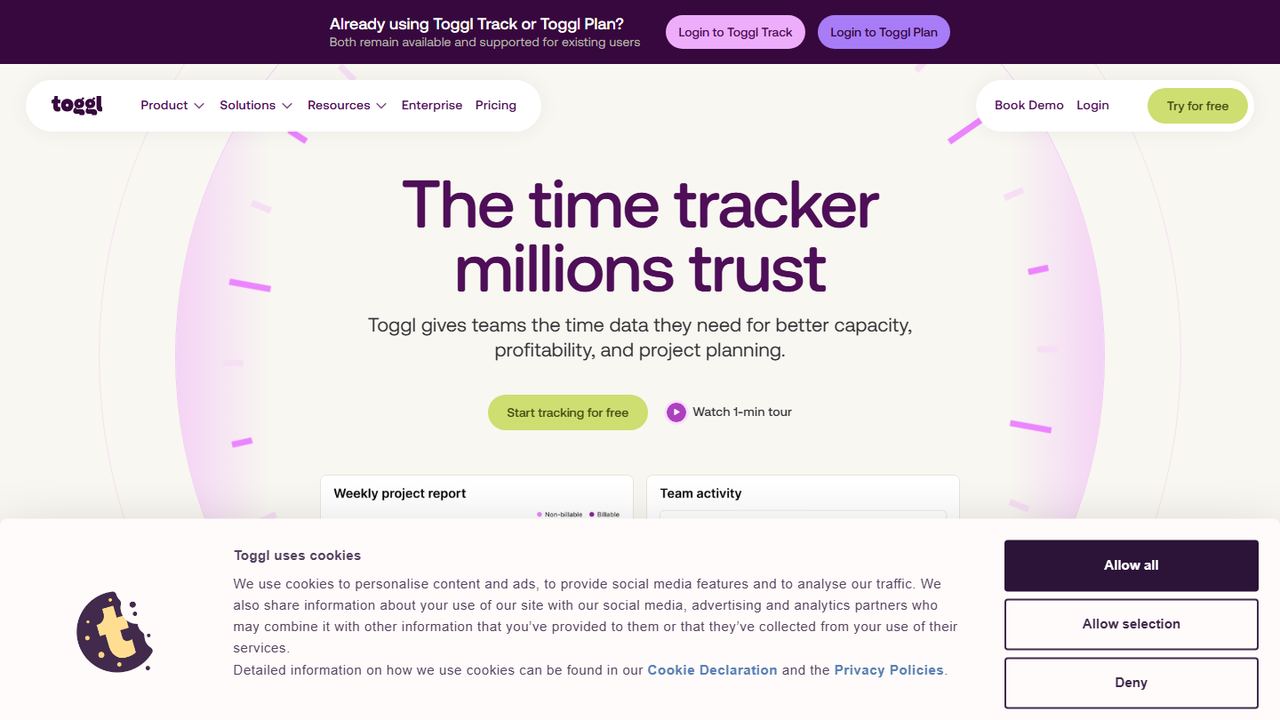
Toggl Track is the most direct swap for Clockify: a one-click timer, timesheets and reports by project and client, with apps for web, iOS, Android, Windows and macOS and browser extensions that sit inside the tools you already use. It is popular with freelancers, agencies and consultancies.
The free plan is for a limited number of users (Toggl’s FAQ says up to 3), so it is not the answer if Clockify’s 5-user cap is your problem. Starter costs $9 per user a month on annual billing ($12 monthly), and Premium is $16 and adds timesheet approvals. Time off approvals and accruals need a $2 add-on. Toggl Track does not record location and has no kiosk, so it is not a punch clock for hourly staff.
Strengths
- Very quick timer with browser extensions
- Strong project and client reporting
- 30-day trial of paid plans
- Apps on every desktop and phone platform
Drawbacks
- Free plan is smaller than Clockify’s (up to 3 users)
- Paid plans cost more per user than Clockify
- No GPS, kiosk or shift scheduling
- Best for
- teams that want to stay free past 5 users
- Free plan or trial
- Free forever for unlimited users
- Starting price
- $0; paid upgrades are not priced on the pricing page
- Platforms
- iOS, Android, web, desktop, Chrome extension, kiosk
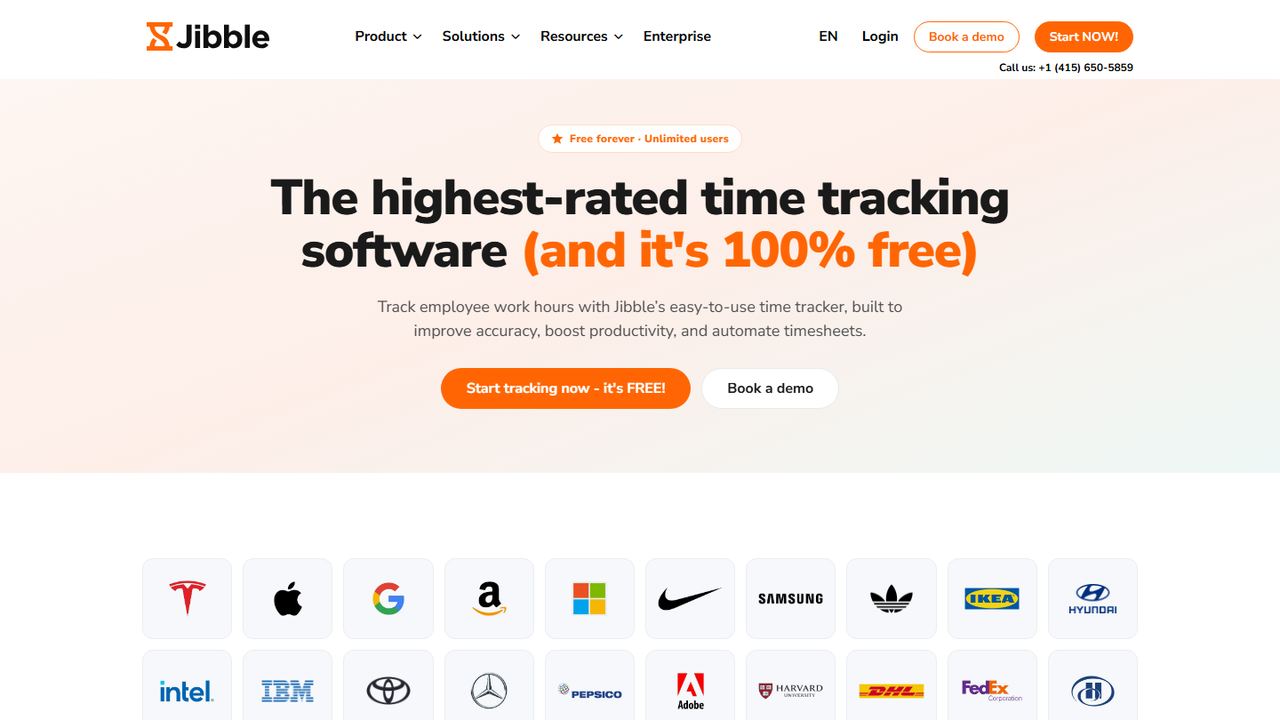
Jibble is a time and attendance app that is free for unlimited users, which makes it the simplest answer for a team that has outgrown Clockify’s free plan. Jibble’s help center says the free plan includes clock-in and clock-out with GPS and facial recognition, leave and public holiday tracking, payroll-ready reports, and integrations such as Slack, Microsoft Teams and QuickBooks.
Jibble also tracks time against projects and activities, and runs on phones, the web, a desktop app, a Chrome extension and a shared kiosk. Where Clockify publishes every tier, Jibble’s pricing page shows only the free plan, so ask which extras, such as more geofences or live location, are part of a paid upgrade.
Strengths
- Free for unlimited users
- GPS and face check on punches at no cost
- Kiosk mode for a shared tablet
- Leave and holiday tracking included
Drawbacks
- Paid tiers are not priced publicly
- Free timesheets are described as basic
- Best for
- automatic tracking with a free plan for any team size
- Free plan or trial
- Free plan with unlimited users and projects; free trial of paid plans
- Starting price
- $3.99 per user/month, billed annually (Starter)
- Platforms
- Web, desktop, iOS, Android
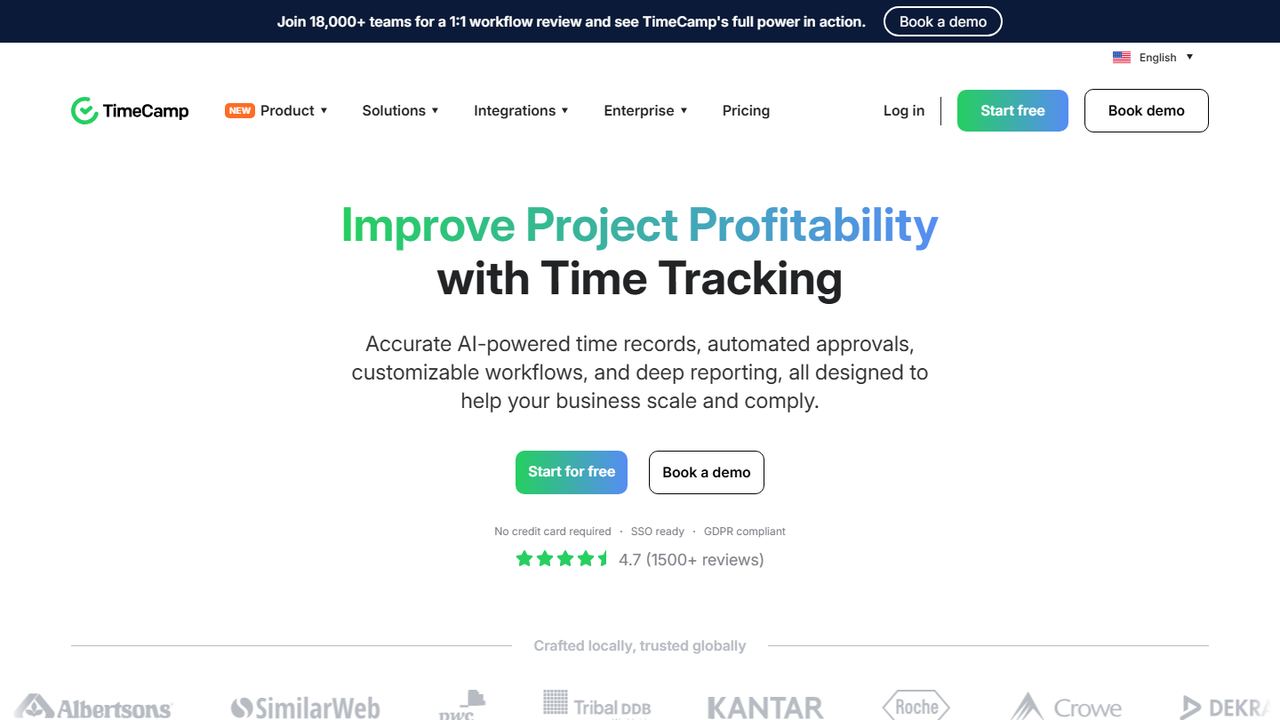
TimeCamp is a time tracker for project work with automatic tracking of the apps and websites people use, plus timesheets and approvals. Like Jibble, its free plan includes unlimited users and projects, so a growing agency can keep tracking at $0. TimeCamp’s comparison table lists GPS location tracking on every plan, including Free.
Paid plans are close to Clockify’s prices: Starter is $3.99 per user a month on annual billing ($5.49 monthly) and adds attendance, time off and invoicing; Premium is $6.99 and adds billable time and invoice export to QuickBooks and Xero. A time clock kiosk and geofencing are Enterprise only. TimeCamp also offers an AI time tracker billed by usage.
Strengths
- Unlimited users and projects on the free plan
- Paid tiers priced close to Clockify
- Automatic desktop tracking
- GPS listed on all plans
Drawbacks
- Kiosk and geofencing are Enterprise only
- Attendance and time off need a paid plan
- Best for
- agencies that bill clients from tracked hours
- Free plan or trial
- Free for 1 seat and 2 projects; 30-day trial of Teams
- Starting price
- $9 per seat/month, billed annually ($11 monthly)
- Platforms
- Web, macOS, Windows, iOS, Android
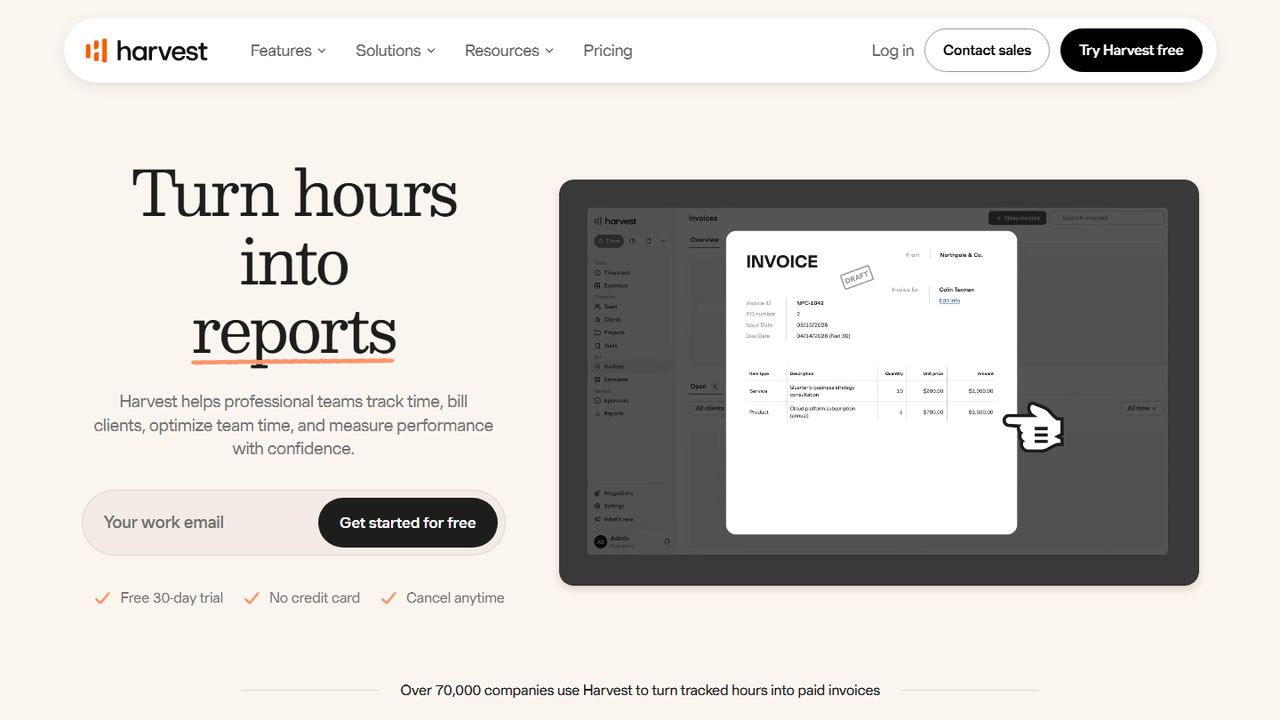
Harvest is time tracking for professional teams that bill clients. Hours, expenses and invoices live in one place, so a tracked week can become an invoice without a second tool. Invoicing is included on every plan, including Free.
The free plan is small: one seat and two projects. Teams is $9 per seat a month on annual billing ($11 monthly) with unlimited seats, and Enterprise is $14 annual ($17.50 monthly) and adds timesheet approvals. Both paid plans have a 30-day trial with no credit card. Harvest has web, desktop and mobile apps. It is not built for hourly shift staff: there is no kiosk or GPS on its pricing page.
Strengths
- Invoicing and expenses on every plan
- Clean client and project reports
- 30-day trial, no card
Drawbacks
- Free plan limited to 1 seat and 2 projects
- Timesheet approvals need Enterprise
- No kiosk or GPS for field staff
- Best for
- hourly and shift-based teams
- Free plan or trial
- Free for up to 10 users; 14-day trial of paid plans
- Starting price
- $29/mo for the first 30 users, billed annually ($35 monthly)
- Platforms
- iOS, Android, web, shared kiosk
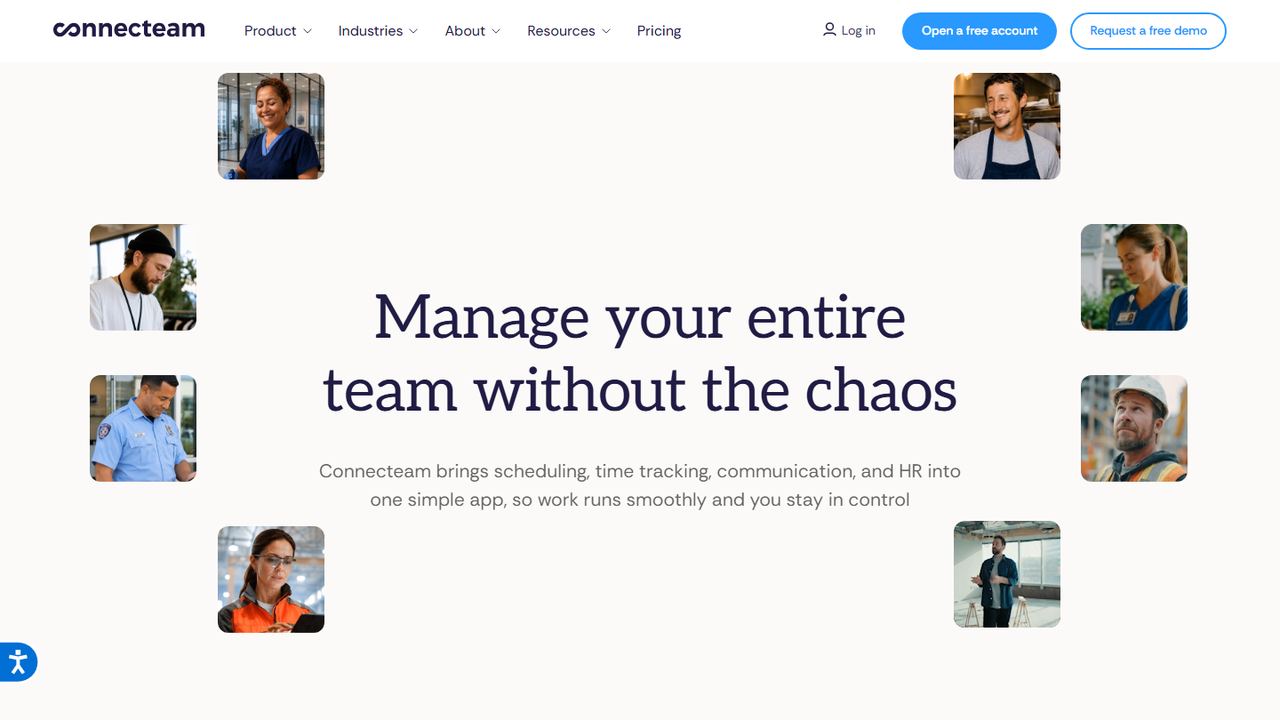
Connecteam is the alternative to pick when Clockify is being used as a punch clock for hourly staff and it is not quite working. It is an employee app for deskless teams that combines a GPS time clock and kiosk with shift scheduling, checklists, forms and chat. It is free for up to 10 users, twice Clockify’s free cap.
Paid plans are priced per team rather than per seat: Basic is $29 a month for the first 30 users on annual billing, Advanced is $49 and adds auto clock-out and up to 10 geofence sites, and Expert is $99 with unlimited geofences. For a 30-person crew that works out cheaper than Clockify Pro, which is where Clockify’s GPS and scheduling live.
Strengths
- Free for up to 10 users
- GPS punches and a shared kiosk
- Scheduling with open shifts on the base plan
- Flat price for the first 30 users
Drawbacks
- Weaker for client billing and project budgets
- Geofence sites capped below Expert
- Best for
- a punch clock with break and overtime rules
- Free plan or trial
- 14-day free trial; no free plan
- Starting price
- $4.99 per user/month + $19/mo base fee, billed annually (Starter)
- Platforms
- iOS, Android, web, shared kiosk
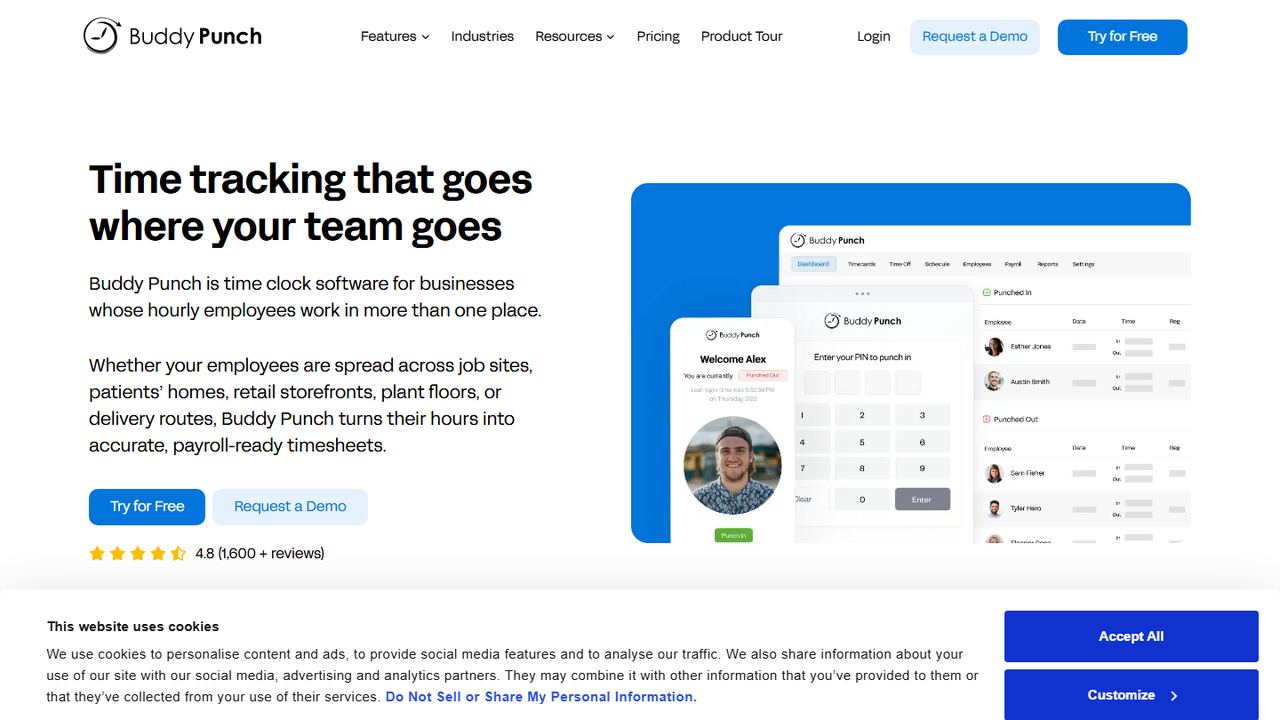
Buddy Punch is time clock software for hourly employees rather than project timers. Starter is $4.99 per user a month plus a $19 base fee on annual billing and includes GPS on punches, mobile apps, time off tracking, job tracking and payroll integrations.
Pro ($6.99 per user) is where it differs most from Clockify: break compliance that tracks meal and rest breaks, waivers and automatic premium pay, plus geofencing, a PIN kiosk, webcam photos on punches, QR code punches, offline punching and scheduling. That matters for US employers with staff in states that require meal breaks. Admins are free, and the trial is 14 days.
Strengths
- Break compliance with premium pay on Pro
- Photo, PIN and QR punches
- Free admin users
- Payroll integrations on every plan
Drawbacks
- $19 monthly base fee
- No free plan
- Less suited to client billing
- Best for
- remote teams that want productivity data and payments
- Free plan or trial
- 14-day free trial; no free plan
- Starting price
- $4.99 per seat/month, billed annually (Starter)
- Platforms
- Web, Windows, macOS, Linux, iOS, Android
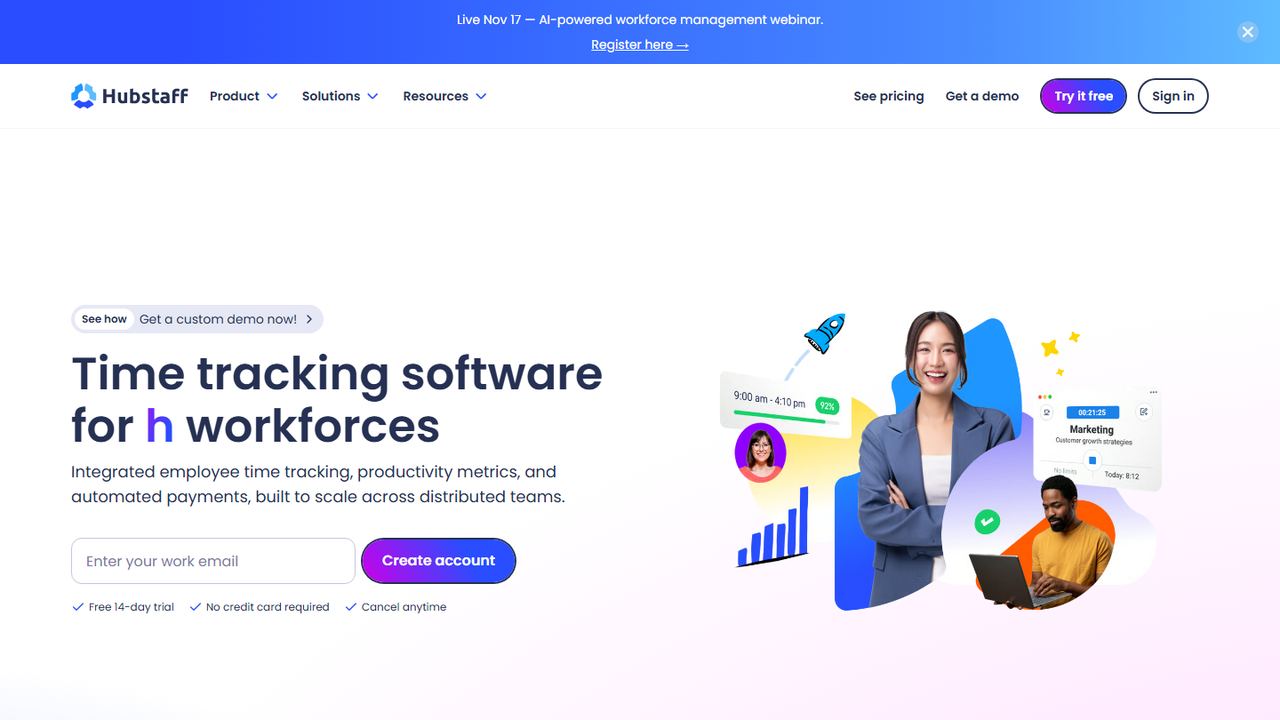
Hubstaff is time tracking software that adds activity levels and productivity data to timesheets, which some remote and outsourced teams want and others find too much. Starter is $4.99 per seat a month on annual billing. Grow ($7.50) adds time off, invoices and payments, and Team ($10) adds scheduling, expenses and daily limits.
For field crews, Hubstaff’s Locations add-on brings GPS tracking and geofenced job sites that start and stop the timer automatically; its support docs say the add-on is for Team-plan organizations and is included with Enterprise. Apps run on the web, Windows, Mac, Linux, iOS and Android, and the trial is 14 days with no card.
Strengths
- Activity and productivity reports
- Invoices and payments from Grow up
- Automatic job-site timers with the Locations add-on
Drawbacks
- No free plan, unlike Clockify
- GPS and job sites need an add-on
- Activity monitoring may not suit every team
- Best for
- businesses that run payroll in QuickBooks
- Free plan or trial
- 30-day free trial; no free plan
- Starting price
- $20/mo + $10 per user (Time Premium); needs QuickBooks Online
- Platforms
- iOS, Android, web, kiosk
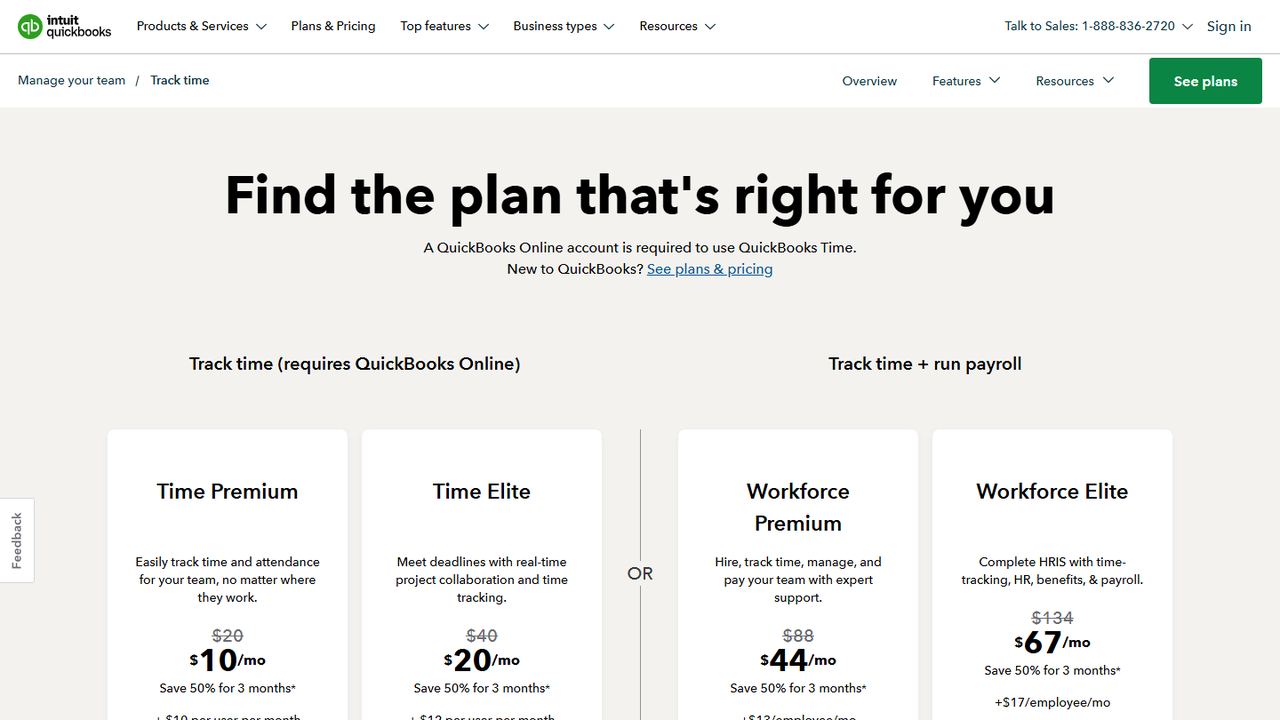
QuickBooks Time, formerly TSheets, is the alternative for employers whose accounting and payroll already live in QuickBooks. Hours sync with QuickBooks Online, QuickBooks Online Payroll and QuickBooks Desktop, so there is no CSV export step. Intuit says a QuickBooks Online account is required.
Time Premium is $20 a month plus $10 per user and includes a kiosk, scheduling and the mobile app, which shares location only while an employee is clocked in. Time Elite ($40 a month plus $12 per user) adds geofencing and project tracking. The trial is 30 days. It costs more per user than Clockify but removes a lot of payroll admin for QuickBooks users.
Strengths
- Direct sync with QuickBooks payroll
- Kiosk and scheduling on every plan
- 30-day trial
Drawbacks
- Requires QuickBooks Online
- Higher per-user cost plus a base fee
- Geofencing only on Time Elite
9. Workzenly Our product
Best for hourly teams that need time, schedules and payroll together
- Best for
- hourly teams that need time, schedules and payroll together
- Free plan or trial
- Book a demo
- Starting price
- Book a demo
- Platforms
- Phone app and shared tablet for employees
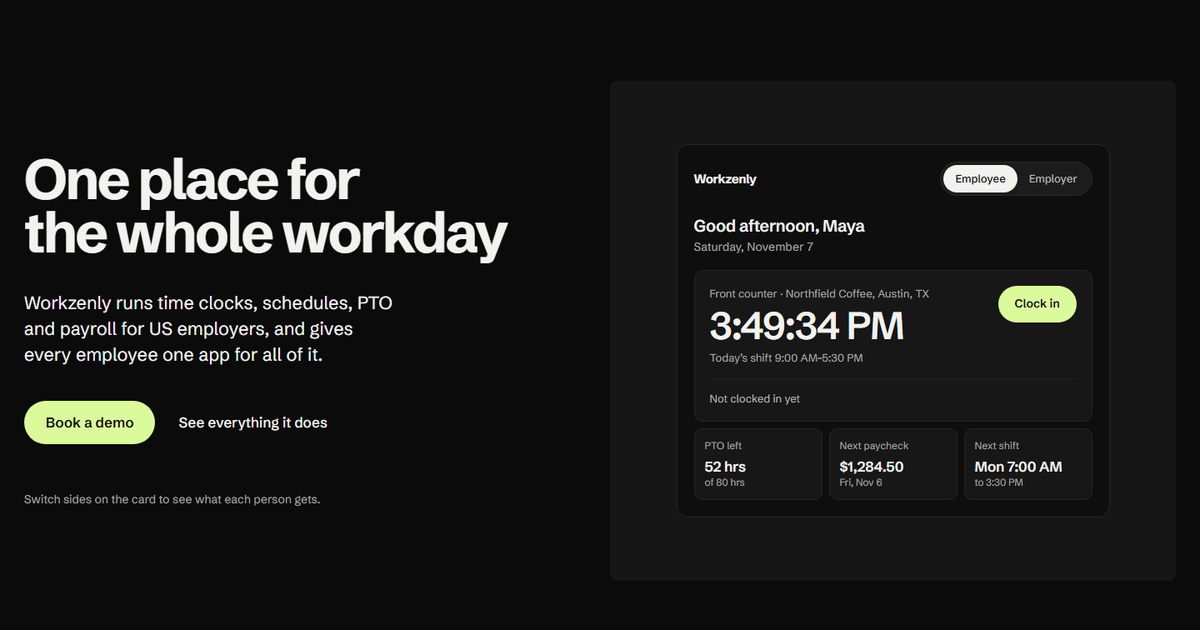
Workzenly is workforce software for US small and mid-sized businesses with hourly and shift teams, such as restaurants, retail, healthcare, construction and field services. It is a different kind of tool from Clockify: instead of project timers, employees clock in for shifts from their phone or a shared tablet, with GPS and geofencing.
Those punches connect to the rest of the job. Shift scheduling with swaps, PTO tracking, payroll with pay stubs in the app, onboarding with e-signed forms, documents and performance reviews all share the same employee record, so approved hours become pay without an export.
Strengths
- Shift time clock with GPS and geofencing
- Scheduling, PTO and payroll in the same system
- One app for employees
Drawbacks
- No project or client billing timers
- No public pricing; you book a demo
How we chose these tools
We looked at the Clockify competitors that come up most often for US teams, then checked each one’s pricing and feature pages on November 7, 2026. We grouped these Clockify alternatives by why people leave Clockify, rather than ranking them on one scale.
Our criteria
- Free plan size: how many users you can add before paying, compared with Clockify’s 5.
- Fit for the work: project and client timers, or punch-in time clocks for hourly shifts.
- Where key features sit: kiosk, GPS, scheduling, time off and approvals by plan.
- Billing or payroll path: invoicing for client work, or payroll sync for employees.
- Price per user: annual and monthly, including base fees and add-ons.
We did not include Clockify itself as an alternative, and we left out tools whose free plan or pricing we could not confirm on the vendor’s own site.
How to choose between apps like Clockify
Most Clockify vs alternative decisions come down to one question: are you tracking projects or shifts?
- Tracking projects and clients: Toggl Track, Harvest, TimeCamp and Hubstaff keep Clockify’s project-and-client model. Compare free plan size, invoicing and approvals.
- Tracking hourly shifts: Connecteam, Buddy Punch, Jibble and QuickBooks Time are punch clocks first. Compare kiosk options, GPS, geofencing and break tracking.
If you pay hourly, non-exempt employees, the time records carry legal weight. Check these points before you switch:
- Overtime by workweek. The FLSA requires 1.5 times the regular rate for hours over 40 in a fixed workweek. The app should total hours by your workweek, not just by project. See how to calculate overtime.
- Breaks recorded as punches. Several states require meal or rest breaks. A project timer that is simply paused does not show a break clearly; a punch clock does.
- Edit history. Manager changes to time entries should be logged.
- Record retention. Keep payroll records for three years and time cards for two, as the FLSA requires. Export your Clockify history before you close the account.
- Time off in the same place. If PTO requests live in another tool, balances drift. Our free timesheet templates and timesheet guide show what a complete record includes.
For a broader look at punch clocks, see our list of the best employee time clock apps.
Frequently asked questions
What is the best free alternative to Clockify?
Jibble and TimeCamp are the best free Clockify alternatives for growing teams because both offer free plans with unlimited users, while Clockify’s free plan stops at 5. Connecteam is free for up to 10 users and suits hourly shift teams. Toggl Track’s free plan is smaller, at up to 3 users.
Is Toggl Track better than Clockify?
Neither is better for everyone. Toggl Track has a polished timer and strong reports, but its free plan is smaller and its paid plans cost more per user: Starter is $9 a user a month on annual billing versus $3.99 for Clockify Basic. Clockify publishes more low-cost tiers and kiosk-only seats.
Which Clockify alternative works for hourly employees?
For hourly, non-exempt staff, choose a punch clock rather than a project timer. Connecteam, Buddy Punch, Jibble and QuickBooks Time all offer phone clock-in, a shared kiosk and timesheets for payroll. Buddy Punch’s Pro plan adds meal and rest break compliance, which helps in states with break laws.
Can I move my data from Clockify to another app?
Clockify lets you export your reports (the free plan exports to PDF), so download your full history before you switch. Most alternatives can import users and projects from a spreadsheet, but not every app imports past time entries. Keep the export, because federal law requires you to keep time cards for at least two years.
Which apps like Clockify include invoicing?
Harvest includes invoicing on every plan, including its one-seat free plan. TimeCamp adds invoicing from its Starter plan, and Hubstaff includes invoices and payments from its Grow plan. Toggl Track focuses on time and reports, and Connecteam and Buddy Punch focus on payroll exports rather than client invoices.