Workzenly makes time clock, scheduling, PTO and payroll software, and it appears in this list as one option. We researched every product on its own website on November 7, 2026. No company paid to be included. Features and prices change, so check each vendor’s site before you buy.
The best retail scheduling software for most multi-store US retailers is Deputy, which forecasts demand, auto-builds the roster and has fair workweek tools for cities that regulate retail schedules. A single shop with up to 10 employees can start free on Homebase, and chains with dozens or hundreds of stores should talk to Legion about demand forecasting across stores.
Retail scheduling has its own problems. Traffic peaks on weekends, holidays and sale days; part-time staff juggle school and second jobs; and stores in New York City, Chicago and Oregon must post schedules days or weeks ahead and pay premiums for late changes. Good store scheduling software schedules to traffic or sales, lets associates swap and pick up shifts on their phones, and keeps you inside the law. This list is for US store owners, district managers and HR leads at boutiques, specialty retail, convenience and grocery. If you need a printable store schedule today, try our weekly schedule templates.
Top picks at a glance
 DeputyBest overall for multi-store retail
 HomebaseBest free plan for one store
 LegionBest for large chains
 Workforce.comBest for traffic-based staffing
 Square ShiftsBest for Square POS stores
 SlingBest low-cost option for small teams
Comparison table
| Tool | Best for | Free plan or trial | Starting price | Platforms |
|---|---|---|---|---|
| Deputy | multi-store retailers and stores under fair workweek laws | Free trial up to 31 days; no free plan | $5 per user/month (Lite) | Web, iOS, Android, tablet kiosk |
| Homebase | single stores and small boutiques | Free for 1 location, up to 10 employees | $30 per location/month (Essentials) | Web, iOS, Android |
 When I Work | small chains that want quick setup and auto-scheduling | 14-day free trial; no free plan | $2.50 per user/month (Essentials) | Web, iOS, Android |
| Legion | large retail chains with hundreds of stores | Demo; no public trial listed | Quote | Web, employee mobile app |
| Workforce.com | retailers that staff to sales and foot traffic | Demo; no public trial listed | Quote (licensed per user) | Web, employee mobile app |
| Square Shifts | stores that already sell on Square POS | 30-day free trial of Square Plus | Included in Square Plus, $49 per location/month | Square Dashboard (web), Square POS, Square Team app |
 Connecteam | retailers that also need training and checklists | Free for up to 10 users; 14-day trial | $29/month for the first 30 users (Basic, annual) | Web, iOS, Android |
| Sling | small shops that want to start free | Free for up to 30 users; 15-day trial | $1.70 per user/month (Premium, annual) | Web, iOS, Android |
 Workzenly | retailers that want schedules, time clock and payroll in one system | Book a demo | Book a demo | Web, employee phone app, shared tablet clock |
- Best for
- multi-store retailers and stores under fair workweek laws
- Free plan or trial
- Free trial up to 31 days; no free plan
- Starting price
- $5 per user/month (Lite)
- Platforms
- Web, iOS, Android, tablet kiosk
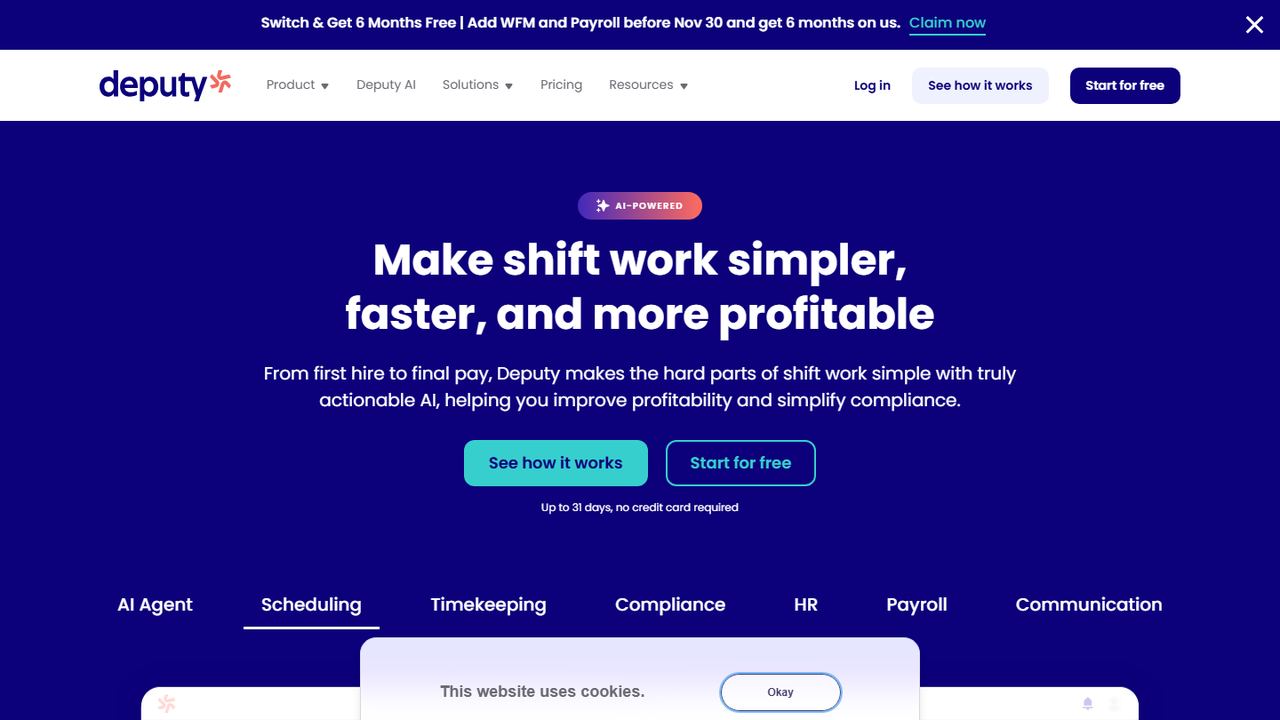
Deputy is retail scheduling software for stores from a single boutique to franchises and supermarkets, and retail is one of its core industries. It suits a growing retailer because it combines demand-based auto-scheduling, break planning and a fair workweek feature with per-user plans that scale across many stores. It connects to Square and Lightspeed POS, which many specialty retailers use.
Deputy’s auto-scheduler builds rosters from forecast demand, with priorities such as lowest cost or an even spread of hours. It plans paid rest breaks and unpaid meal breaks, flags missed ones, and offers a fair workweek compliance feature for cities with predictive scheduling laws. It connects to Square and Lightspeed POS, and payroll by Paycor is an add-on.
Strengths
- Auto-scheduling and demand forecasting (Core plan and up)
- Break planning and fair workweek compliance tools
- Biometric face clock-in on tablets with Core
- Built for multiple locations and franchises
Drawbacks
- No free plan
- Auto-scheduling is not in the $5 Lite plan
- $30 monthly minimum on monthly billing
- Best for
- single stores and small boutiques
- Free plan or trial
- Free for 1 location, up to 10 employees
- Starting price
- $30 per location/month (Essentials)
- Platforms
- Web, iOS, Android
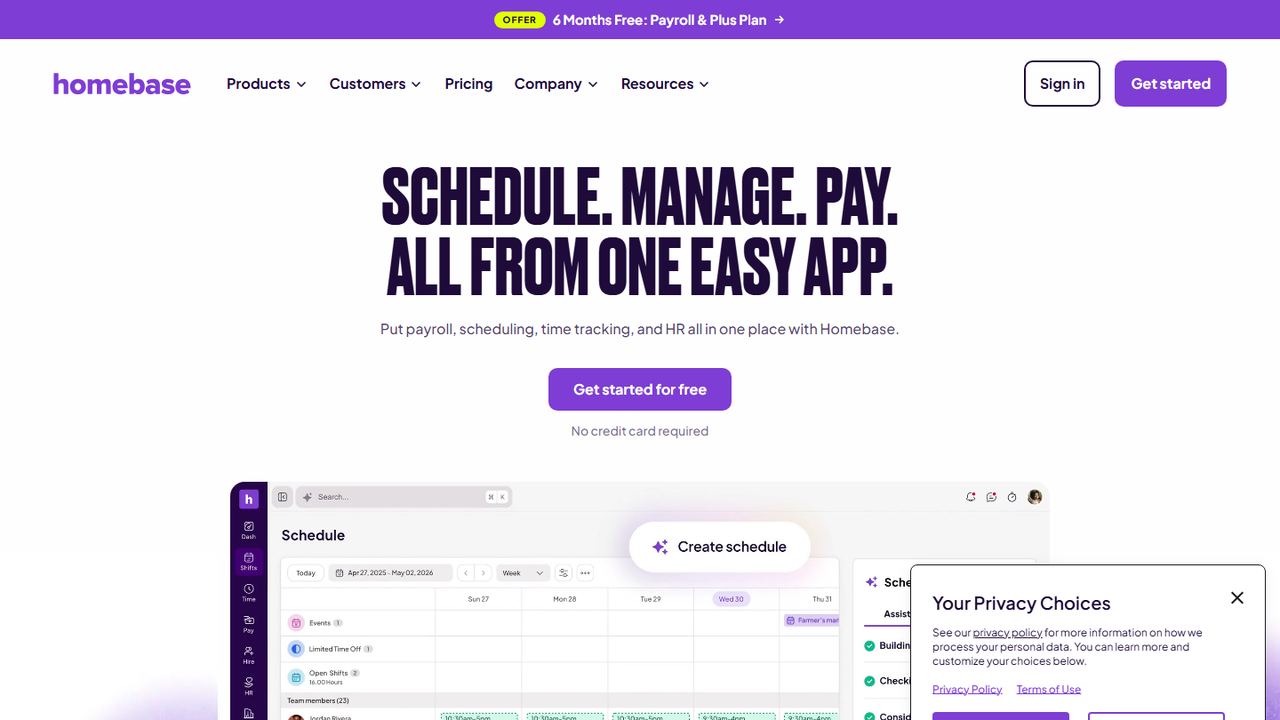
Homebase is a practical pick for a single shop or boutique with up to 10 employees, since its free plan covers one location with scheduling and clock-in on a tablet, computer or POS. It syncs sales from Shopify, Square and Clover, so you can compare labor with sales. Paid plans are per location with unlimited employees, good for seasonal hiring.
Homebase prices by location, not by head, so paid plans cover unlimited employees. The schedule builder warns about overtime and conflicts before you publish, and it can show labor cost against a sales forecast pulled from Square, Clover, Shopify or Toast. Employees trade, cover and pick up open shifts from the app.
Strengths
- Free plan for one location with up to 10 employees
- Flat per-location price with unlimited employees on paid plans
- POS sales sync from Square, Clover, Shopify and Toast
- Payroll add-on in the same app ($49/month plus $6 per employee)
Drawbacks
- The AI scheduling assistant needs the $70 Plus plan
- Free plan stops at one location and 10 employees
- Payroll costs extra on every plan
- Best for
- small chains that want quick setup and auto-scheduling
- Free plan or trial
- 14-day free trial; no free plan
- Starting price
- $2.50 per user/month (Essentials)
- Platforms
- Web, iOS, Android
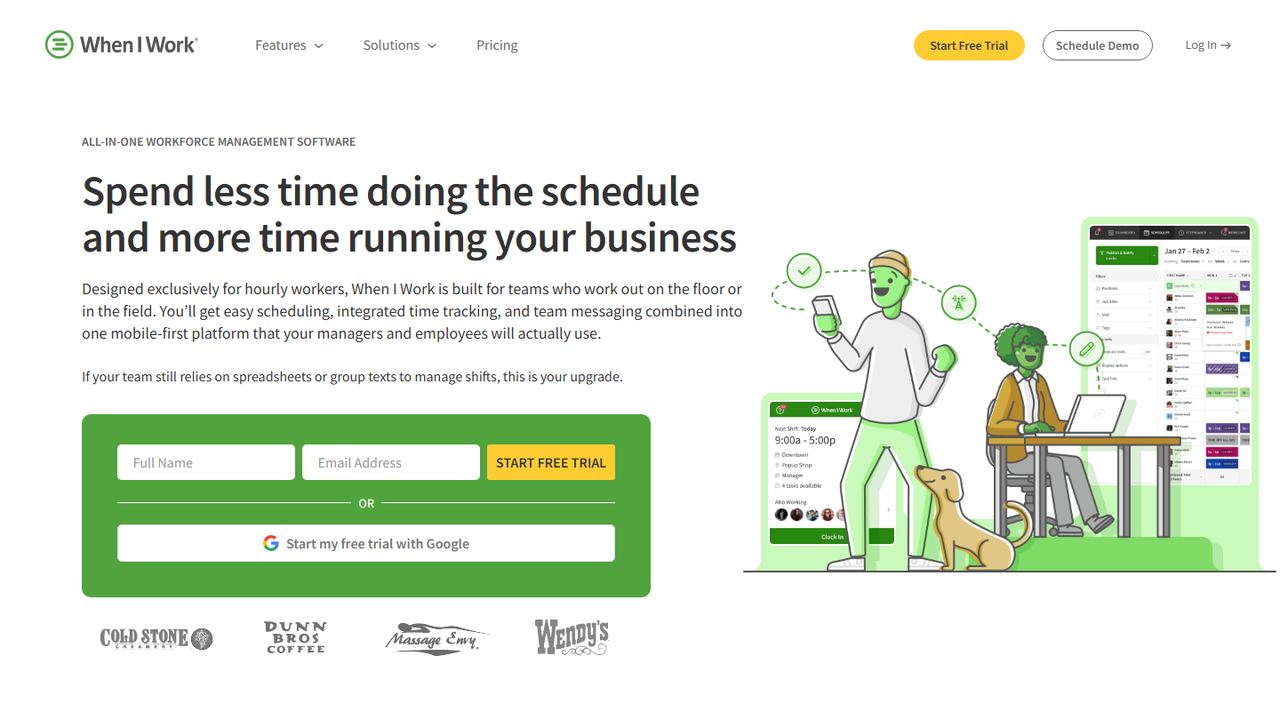
When I Work suits small retail chains and franchise stores that want associates scheduled fast. Its one-click auto-scheduler fills shifts from availability and eligibility, multi-location schedules and labor forecasting tools are in the cheapest plan, and OpenShifts help cover call-outs on busy weekends. At $2.50 per user per month, seasonal staff are cheap to add.
The auto-scheduler fills shifts in one click from each person’s eligibility, availability and preferences. OpenShifts post uncovered shifts to everyone qualified, swap requests go to a manager for approval, and team messaging keeps shift talk out of personal phone numbers. Attendance data syncs to payroll tools such as Gusto, QuickBooks Online, Paychex and Rippling.
Strengths
- Auto-scheduling, OpenShifts and swaps on the lowest plan
- Per-user pricing that stays low for small teams
- GPS and geofenced clock-in once you add time tracking
- Payroll integrations with Gusto, QuickBooks Online, Paychex and Rippling
Drawbacks
- No free plan, only a 14-day trial
- Time Tracking & Attendance is a separate add-on
- Scheduling rules and role permissions need the $5 Pro plan
- Best for
- large retail chains with hundreds of stores
- Free plan or trial
- Demo; no public trial listed
- Starting price
- Quote
- Platforms
- Web, employee mobile app
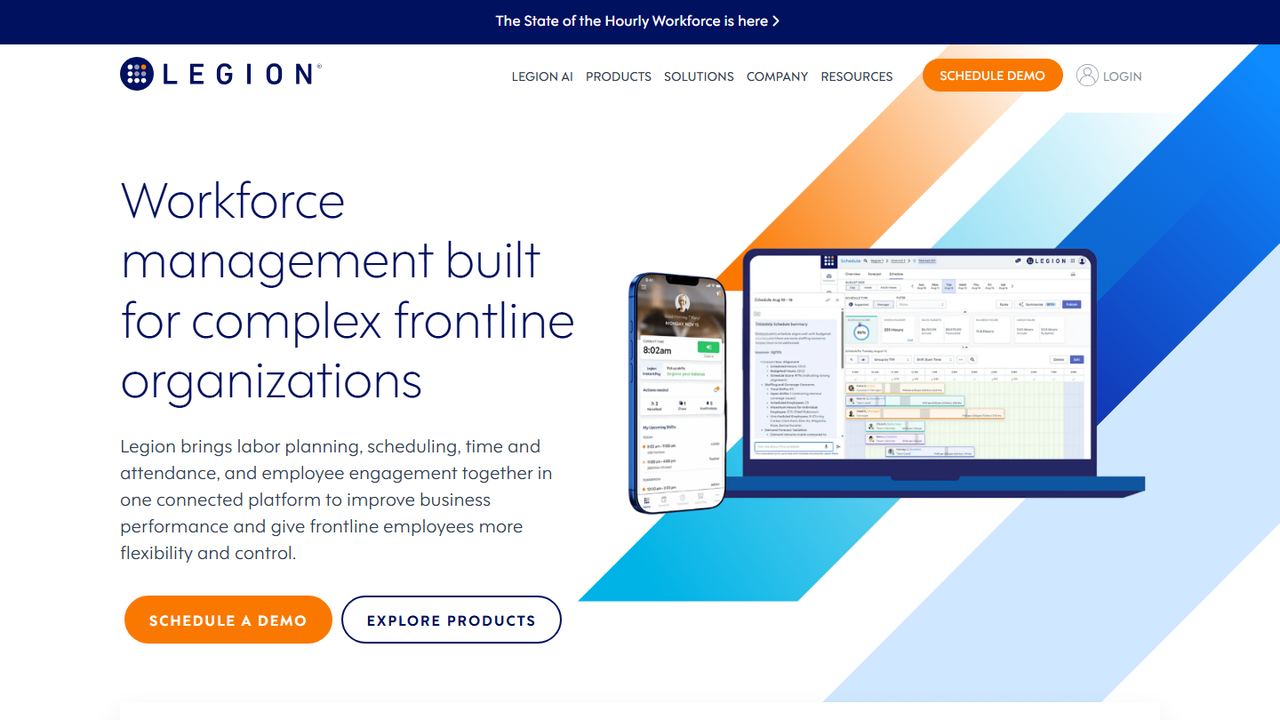
Legion is workforce management for large frontline employers, with retail, convenience and grocery among its main industries. It is built for chains that want demand forecasts for every store and schedules optimized against budgets and staffing policies at scale. Pricing is by quote after a demo, so it is a fit for enterprise retailers rather than a single shop.
Legion forecasts demand for each location from drivers such as sales, transactions and foot traffic, and it accounts for upcoming events such as holidays and weather. It then builds schedules against your labor model, staffing policies and budgets. In its mobile app, associates request time off, swap shifts and pick up open shifts, and Legion InstantPay gives them early access to earned pay.
Strengths
- Demand forecasts per store from sales, traffic and events
- Automated scheduling against budgets and staffing policies
- Employee app with swaps, open shifts and earned-pay access
- Covers convenience, grocery and specialty retail
Drawbacks
- No published price; demo only
- Built for chains, more than a single store needs
- No free plan or self-serve trial listed
- Best for
- retailers that staff to sales and foot traffic
- Free plan or trial
- Demo; no public trial listed
- Starting price
- Quote (licensed per user)
- Platforms
- Web, employee mobile app
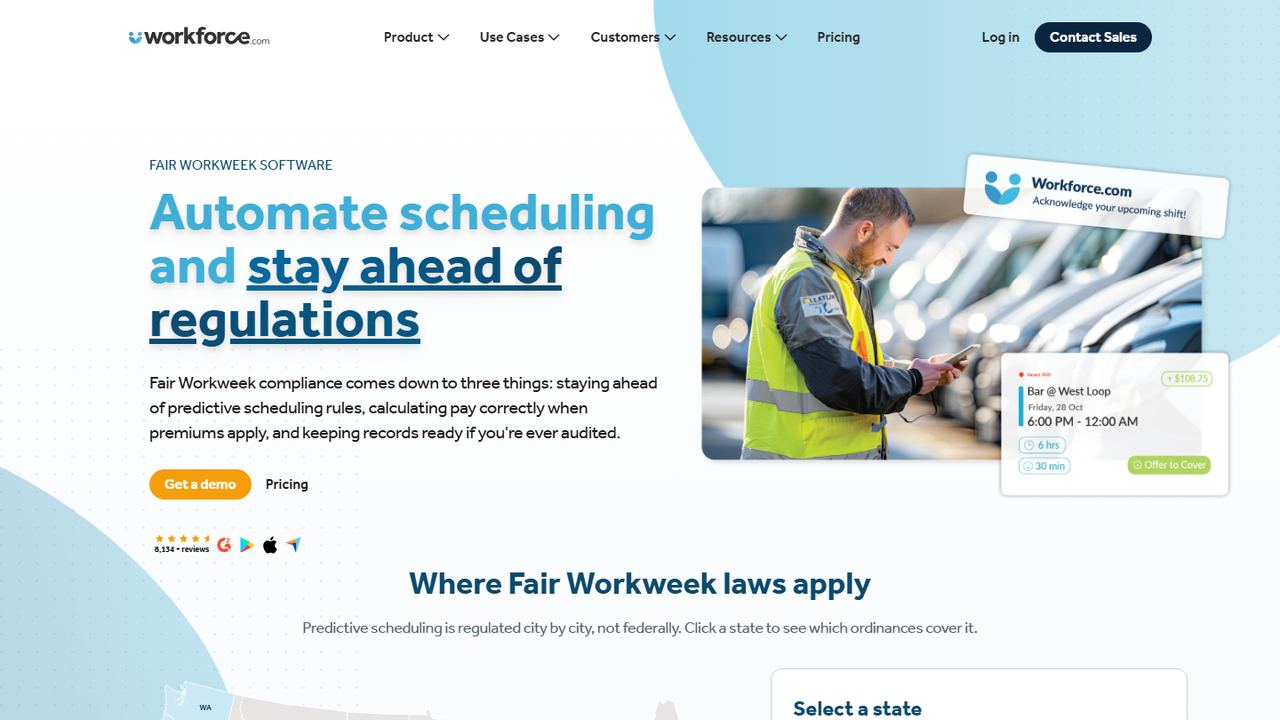
Workforce.com sells scheduling, payroll and HR for hourly teams, with apparel, grocery, automotive and specialty retail among its industries. It earns a place for stores that want staffing levels guided by sales and foot traffic, plus a Fair Workweek solution. It licenses per user, with price by quote and discounts based on modules and contract length.
Workforce.com sells scheduling, payroll and HR as modules for hourly teams in hospitality, retail and care. The scheduler uses AI to set staffing levels from sales, foot traffic and other data, handles call-outs with shift swapping and bidding, and includes a Fair Workweek solution. With the payroll module, differentials and overtime are calculated from approved timesheets.
Strengths
- Staffing guided by sales and foot traffic
- Fair Workweek module for predictive scheduling cities
- Scheduling, payroll and HR from one vendor
- Public API plus POS, payroll and HR integrations
Drawbacks
- No published price
- No self-serve free trial listed
- Discounts depend on modules and contract length
- Best for
- stores that already sell on Square POS
- Free plan or trial
- 30-day free trial of Square Plus
- Starting price
- Included in Square Plus, $49 per location/month
- Platforms
- Square Dashboard (web), Square POS, Square Team app
Square Shifts is the simplest choice for a shop already selling on Square. Associates clock in on the same POS they ring sales on, timecards are created automatically, and sales vs. labor reports show staffing against revenue without any integration. It comes with Square Plus at $49 per location per month, which suits a store with many part-timers.
If you already ring sales on Square, Square Shifts schedules staff in the same Dashboard. Team members swap shifts, including open shifts, and request time off. Timecards are created automatically from clock-ins on the POS, and sales vs. labor reports show labor cost against revenue. Hours flow to Square Payroll or export to another payroll provider.
Strengths
- Schedules, timecards and sales in one Square account
- Sales vs. labor reports with no integration to set up
- Timecards feed Square Payroll
- Per-location price, not per employee
Drawbacks
- Built for businesses that use Square POS
- Sold inside the $49/location Square Plus plan, not on its own
- No auto-scheduling listed on its Shifts page
- Best for
- retailers that also need training and checklists
- Free plan or trial
- Free for up to 10 users; 14-day trial
- Starting price
- $29/month for the first 30 users (Basic, annual)
- Platforms
- Web, iOS, Android
Connecteam fits retailers whose store teams need more than a schedule: shift tasks for opening and closing duties, chat for announcements, and forms and checklists in the same app. Its free plan covers up to 10 users with every feature, and paid plans charge a flat fee for the first 30 users, so a small chain knows its cost upfront.
The scheduler handles availability, swaps with admin approval, open shifts that qualified staff can claim, and daily, weekly or monthly templates. Before you publish it warns about conflicts, double bookings and overtime, and you can attach tasks to a shift. Chat, forms and HR tools live in the same app, which suits teams that rarely sit at a desk.
Strengths
- Free plan with every feature for up to 10 users
- One flat fee covers the first 30 users
- Shift tasks and chat in the same employee app
- Conflict and overtime warnings before publishing
Drawbacks
- Basic and free plans allow a single schedule
- On paid plans, repeating shifts and templates start on Advanced ($49/month)
- On paid plans, auto-assigning shifts needs Expert ($99/month)
- Best for
- small shops that want to start free
- Free plan or trial
- Free for up to 30 users; 15-day trial
- Starting price
- $1.70 per user/month (Premium, annual)
- Platforms
- Web, iOS, Android
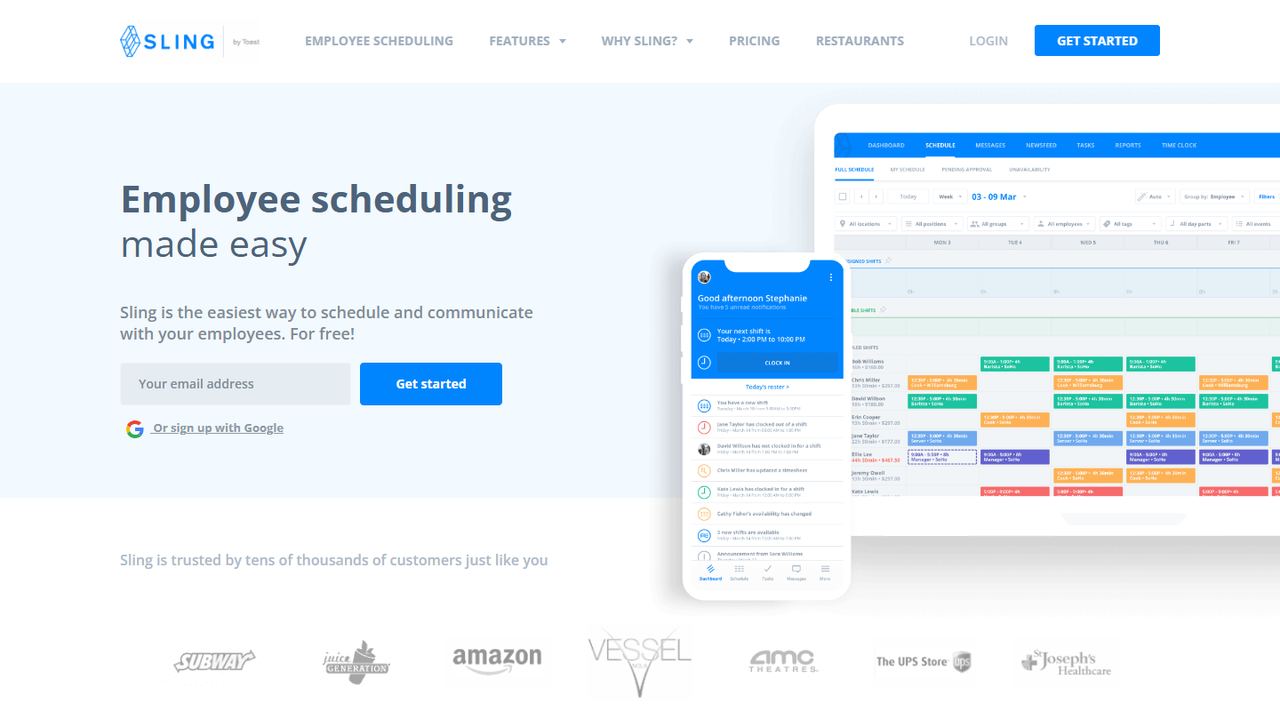
Sling is a low-cost retail employee scheduling app for small shops and specialty stores. The free plan schedules up to 30 users with open shifts, shift offers and time-off requests. Paid plans calculate labor cost as you schedule and alert you when a shift breaks the budget, which matters during the holiday season when hours climb fast.
Sling, now owned by Toast, lets employees on the free plan see their shifts, request time off, offer shifts to coworkers and pick up open shifts. Premium adds unavailability, shift swaps, group messaging, a mobile time clock with overtime tracking, and labor cost alerts when a shift breaks the budget. Business adds shift tasks, kiosk clock-in and labor reports.
Strengths
- Free scheduling for up to 30 users
- Low per-user price on paid plans
- Labor cost and budget alerts as you schedule
- Open shifts and time-off requests on the free plan
Drawbacks
- Swaps, availability, time clock and labor cost need a paid plan
- Kiosk clock-in only on Business ($3.40 per user, annual)
- Sling recommends a desktop for building schedules
9. Workzenly Our product
Best for retailers that want schedules, time clock and payroll in one system
- Best for
- retailers that want schedules, time clock and payroll in one system
- Free plan or trial
- Book a demo
- Starting price
- Book a demo
- Platforms
- Web, employee phone app, shared tablet clock
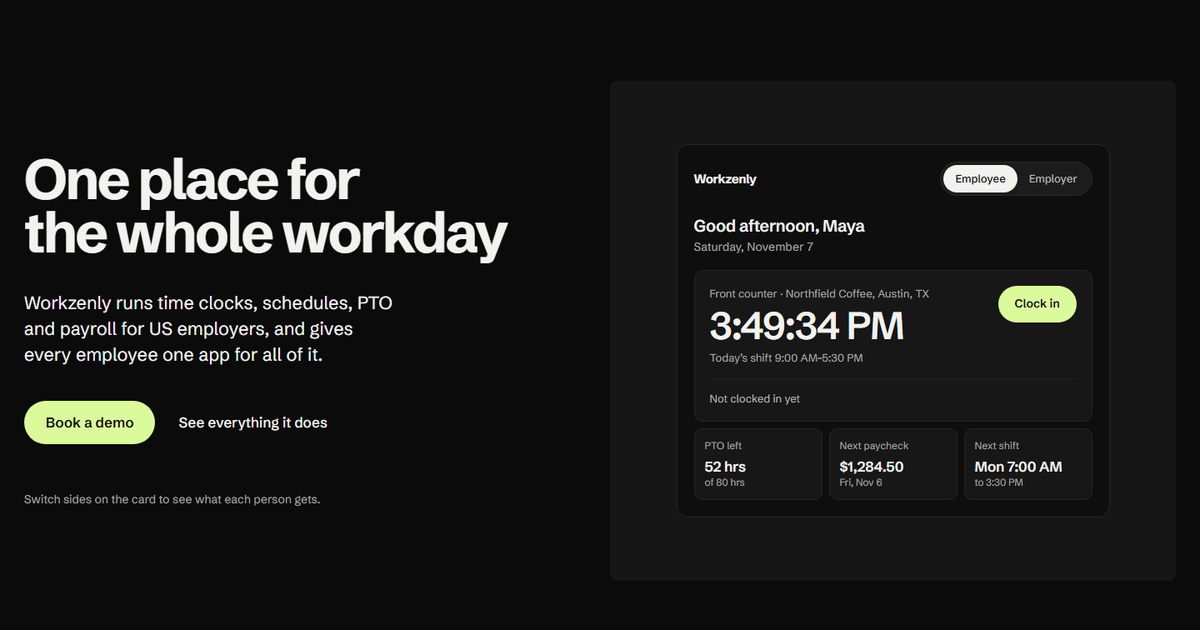
Workzenly is our product. It is workforce software for US small and mid-sized businesses, including retail, that want one system from the schedule to the paycheck. You schedule each store, associates clock in on their phone or a shared tablet at the register, and approved hours, overtime and PTO flow into payroll with pay stubs in the app.
Workzenly puts the schedule, time clock, PTO and payroll in one system with one employee app. Managers build shifts and approve swaps; employees clock in on their phone with GPS and geofencing or on a shared tablet. Approved hours and PTO flow into payroll, and pay stubs appear in the app. Onboarding forms are e-signed, and documents and performance reviews live in the same place.
Strengths
- Schedule, time clock, PTO and payroll in one system
- GPS and geofenced phone clock-in, or a shared tablet
- Pay stubs and PTO balances in the employee app
- Onboarding with e-signed forms
Drawbacks
- No published price; you get pricing in a demo
- No self-serve signup; you start with a demo
How we chose this retail scheduling software
Our criteria
- Retail fit. Retail is a named industry for the tool, with multi-location scheduling, shift swaps and open shifts for associates.
- Demand and labor control. Sales or traffic forecasting, labor cost while scheduling, or both.
- Compliance help. We favored tools with fair workweek or break features for stores in regulated cities.
- From one shop to a chain. Picks for a single boutique, small chains and enterprise retailers.
- Verified today on each vendor’s own site on November 7, 2026. Tools that quote prices are marked "Quote".
How to choose retail scheduling software
Picking the best retail scheduling software comes down to store count, how predictable your traffic is and whether a scheduling law applies to you. Use this checklist.
- Fair workweek and predictive scheduling. New York City requires retail employers to give written schedules at least 72 hours before the schedule starts and limits last-minute changes. Chicago’s Fair Workweek covers retailers with at least 100 employees worldwide and requires 14 days’ notice. Oregon requires 14 days’ notice from retail employers with 500 or more employees and a 10-hour rest between shifts unless the employee agrees. Covered retailers need software that tracks notice periods and premiums.
- Forecasting. Schedules built on sales or foot traffic stop overstaffing on quiet Tuesdays. Check whether forecasts come from your POS, door counters or history, and at what level (store, department, hour).
- Overtime and holidays. Hours climb in November and December. Non-exempt associates earn 1.5 times their regular rate after 40 hours in a workweek, and California adds daily overtime after 8 hours. Holiday premiums are a policy choice in most states; our holiday pay guide explains the rules.
- Teen workers. Federal rules limit 14- and 15-year-olds to 3 hours on a school day and 18 hours in a school week, between 7 a.m. and 7 p.m. (9 p.m. from June 1 to Labor Day). Your software should flag these before you publish.
- Swaps and call-outs. Associates swap shifts constantly. Approval rules, open-shift posting and a clear no-call, no-show policy keep coverage steady.
- Time clock and payroll. Clock-in at the POS or a tablet, with hours that flow into payroll, removes the weekly export. See our time and attendance software picks if attendance is your biggest gap.
Frequently asked questions
What is the best retail scheduling software?
Deputy is the best retail scheduling software for most multi-store retailers because it pairs demand-based auto-scheduling with break planning and fair workweek tools, priced per user from $5 a month. Homebase is the best free option for a single store with up to 10 employees, and Legion suits large chains that need demand forecasting across many stores.
Is there free retail scheduling software?
Yes. Homebase is free for one store with up to 10 employees, Sling schedules up to 30 users free, and Connecteam is free for up to 10 users with all features. Free plans cover building and sharing schedules. Labor cost tools, sales forecasting and multiple stores usually need a paid plan.
Does retail scheduling software handle fair workweek laws?
Some tools do. Deputy offers a fair workweek feature and Workforce.com sells a Fair Workweek solution, built for cities such as New York City and Chicago that require advance schedules and premiums for late changes. Most small-business apps do not calculate predictability pay, so covered retailers should confirm the exact rules each tool supports.
How far in advance must retail schedules be posted?
There is no federal rule. New York City requires retail schedules at least 72 hours before they start. Chicago requires 14 days’ notice for covered retailers with 100 or more employees, and Oregon requires 14 days for retail employers with 500 or more employees. Check your state and city for local rules.
How much does retail scheduling software cost?
Per-user tools run from $1.70 (Sling Premium, annual) to $9 (Deputy Pro) per user per month. Homebase starts at $30 per store per month with unlimited employees, and Square Shifts comes with Square Plus at $49 per location. Enterprise platforms such as Legion and Workforce.com price by quote after a demo.