Workzenly makes time clock, scheduling, PTO and payroll software, and it appears in this list as one option. We researched every product on its own website on November 7, 2026. No company paid to be included. Features and prices change, so check each vendor’s site before you buy.
The best Sling alternatives for most US small businesses are Homebase if you want a free time clock, When I Work for richer scheduling rules, Connecteam for field crews and 7shifts for restaurants. Below are eight apps like Sling, with prices and plan limits checked on each vendor’s site.
Sling, now part of Toast, is employee scheduling and team messaging software. Its free plan covers shift scheduling, time-off requests, available shifts and messaging for up to 30 users. Premium costs $1.70 per user per month on annual billing ($2 monthly) and adds the time clock with geofencing, timesheets and labor cost tools. Business costs $3.40 per user ($4 monthly) and adds kiosk clock-in, attendance reports, PTO management and tasks. Paid plans have a 15-day free trial. Sling does not process payroll.
Because Sling is already inexpensive, people looking at Sling competitors usually want something it does not do: a free time clock, payroll in the same app, restaurant tip pooling, or HR tools such as onboarding. Each tool below names the buyer it fits.
Top picks at a glance
 HomebaseBest for a free time clock at one location
 When I WorkBest for scheduling rules and forecasting
 ConnecteamBest for field crews
 7shiftsBest for restaurants
 WorkzenlyBest for schedule, time, PTO and payroll in one app
 DeputyBest for compliance across sites
Sling competitors compared
| Tool | Best for | Free plan or trial | Starting price | Platforms |
|---|---|---|---|---|
| Homebase | a free time clock at one location | Free plan: 1 location, up to 10 employees | $24 per location/month billed annually ($30 monthly) | Web, iOS, Android, tablet time clock |
| When I Work | scheduling rules and forecasting | 14-day free trial, no free plan | $2.50 per user/month (Essentials); time tracking is an add-on | Web, iOS, Android |
| Connecteam | field crews | Free for up to 10 users; 14-day trial | $29/month for the first 30 users, billed annually (Operations Basic) | Web, iOS, Android, kiosk app |
| 7shifts | restaurants | Free Comp plan: 1 location, up to 15 employees; 14-day trial | $39.99 per location/month billed annually (Essentials, teams up to 30) | Web, iOS, Android |
| Workzenly | schedule, time, PTO and payroll in one app | Book a demo | Book a demo | Employee app, shared tablet clock |
| Deputy | compliance across sites | Free trial up to 31 days, no free plan | $5 per user/month (Lite); $30 monthly minimum on monthly plans | Web, iOS, Android |
 Buddy Punch | accurate hours with GPS | 14-day free trial, no free plan | $4.99 per user/month + $19 base fee, billed annually | Web, iOS, Android, kiosk |
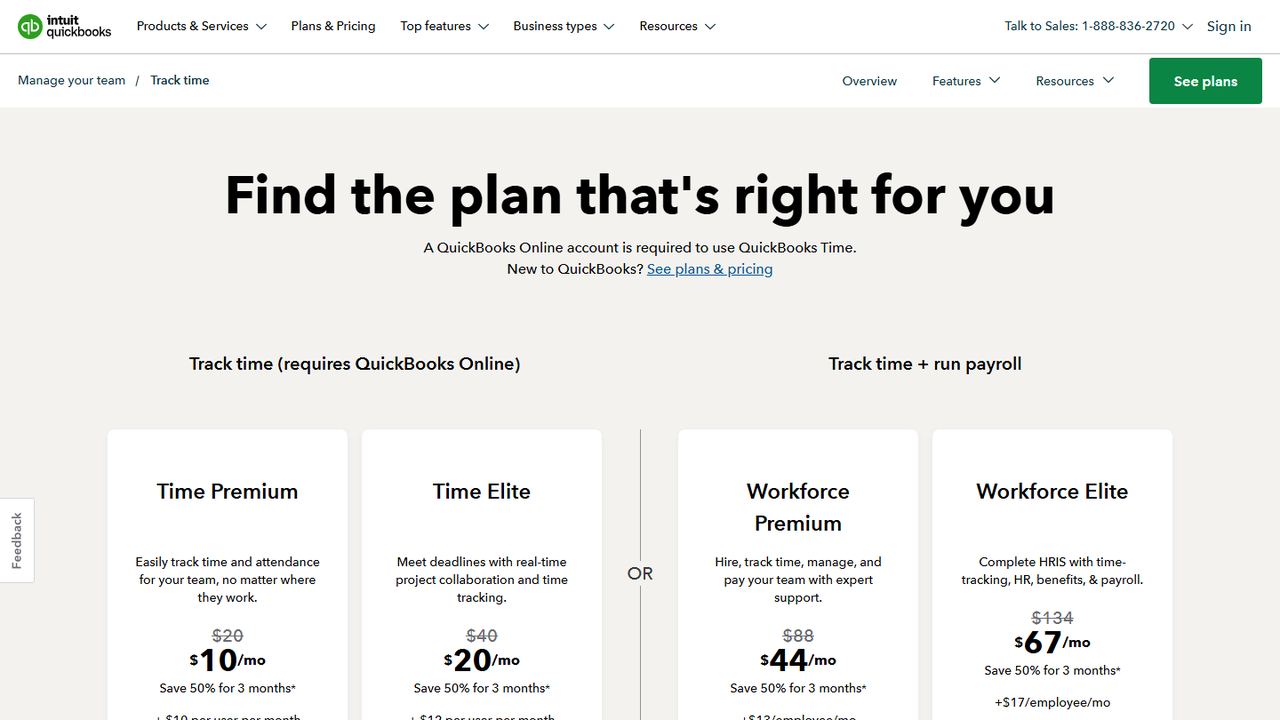
 QuickBooks Time | QuickBooks Online users | No free plan; 30-day free trial of the base fee | $20/month base + $10 per user/month (Time Premium) | Web, iOS, Android, kiosk |
- Best for
- a free time clock at one location
- Free plan or trial
- Free plan: 1 location, up to 10 employees
- Starting price
- $24 per location/month billed annually ($30 monthly)
- Platforms
- Web, iOS, Android, tablet time clock
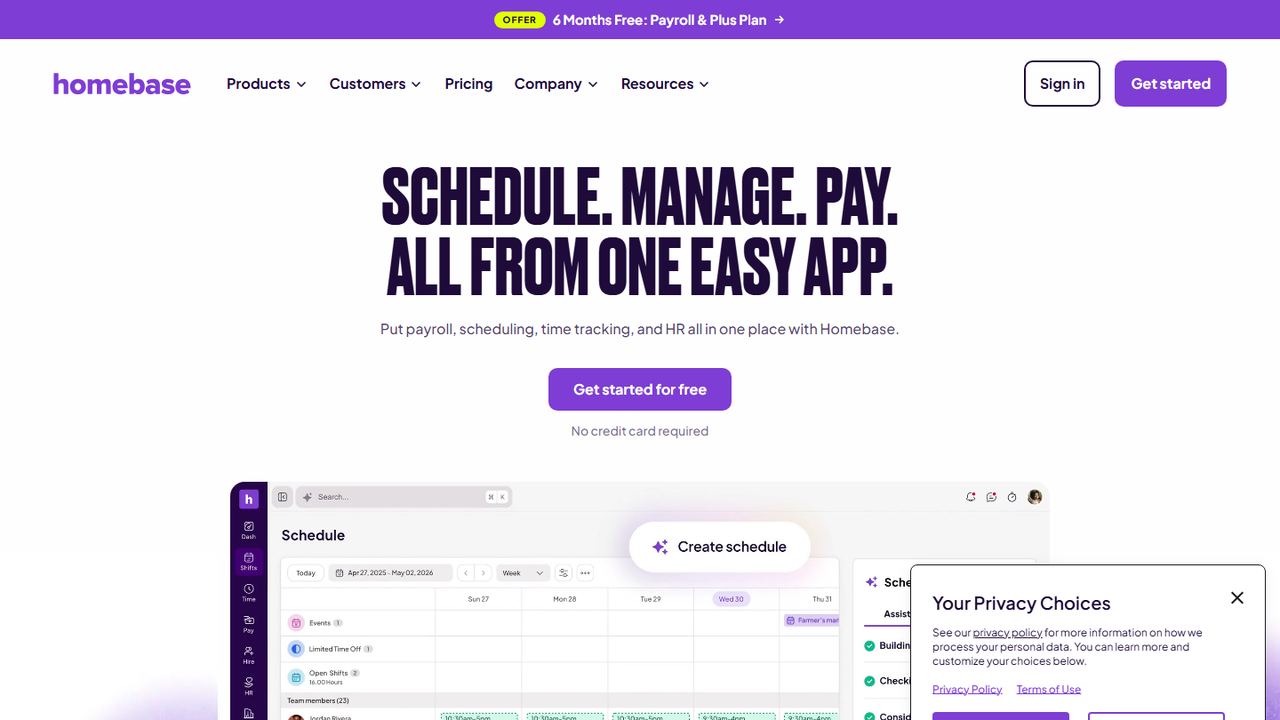
Homebase is the alternative to pick if you want to clock hours without paying. On Sling, the time clock starts on Premium; Homebase’s free Basic plan includes scheduling and time tracking for one location with up to 10 employees. Clock-ins work on phones or a shared tablet, with PIN, photo and GPS options.
Homebase bills per location with unlimited employees: Essentials is $24 per location per month on annual billing and adds advanced scheduling and team messaging. It also sells payroll for $49 a month plus $6 per employee paid, which Sling does not offer. The trade-off is the free plan’s 10-employee cap, versus 30 users on Sling’s free plan.
Strengths
- Free Basic plan with scheduling and time tracking for one location and up to 10 employees
- Paid plans are priced per location with unlimited employees
- Payroll add-on for $49/month plus $6 per employee paid
- Hiring, team messaging, onboarding and HR tools in the same app
Drawbacks
- The free plan stops at 10 employees and one location
- PTO controls, departments and permissions start on the Plus plan ($56 per location/month billed annually)
- Payroll, Tip Manager ($25) and Task Manager ($13) cost extra each month
- Best for
- scheduling rules and forecasting
- Free plan or trial
- 14-day free trial, no free plan
- Starting price
- $2.50 per user/month (Essentials); time tracking is an add-on
- Platforms
- Web, iOS, Android
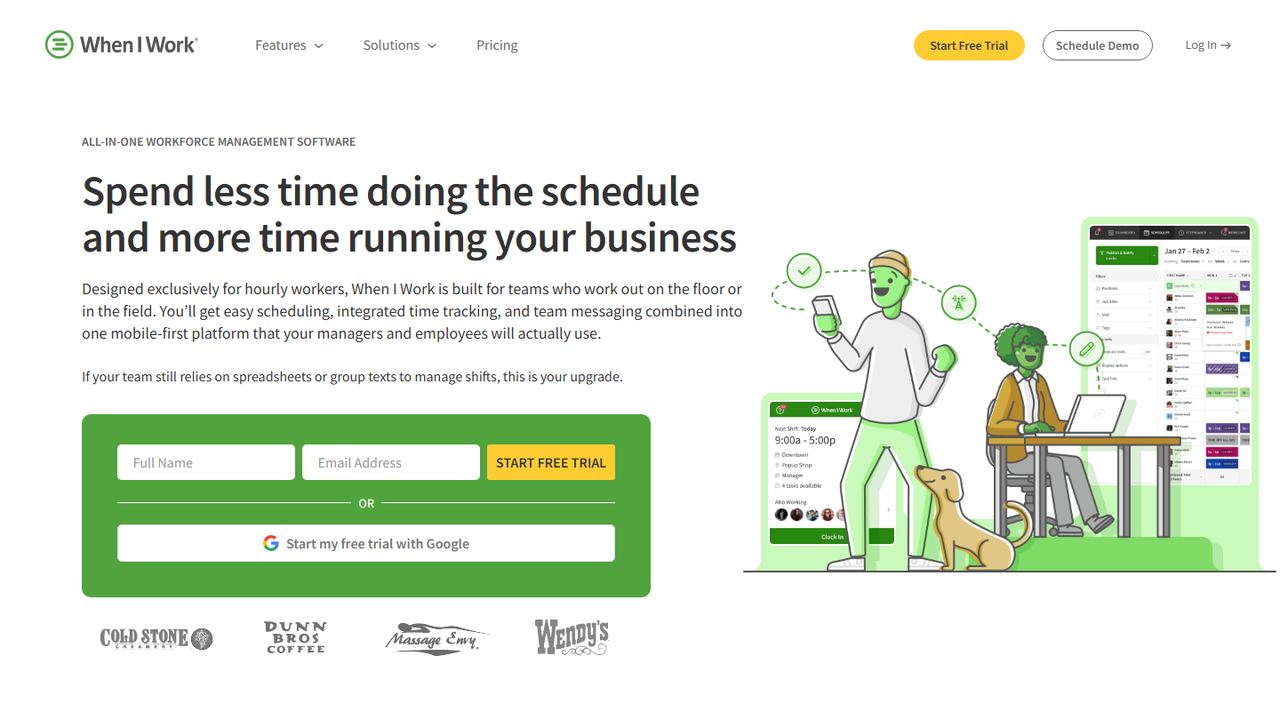
When I Work is close to Sling in price and focus but offers more scheduling controls. Essentials, at $2.50 per user per month, includes auto scheduling, schedule templates, forecast tools, multi-week and multi-location scheduling, OpenShifts and shift swaps. Pro adds scheduling rules, role permissions, labor sharing and custom reporting.
Like Sling, it relies on integrations for payroll, and time tracking and attendance is an add-on you switch on per plan. There is no free plan; the 14-day trial includes everything. Choose it over Sling when you need managers at several locations to follow the same rules and share staff.
Strengths
- Entry plan from $2.50 per user/month with unlimited users
- Auto scheduling, schedule templates and multi-week, multi-location scheduling on Essentials
- OpenShifts, shift swapping and in-app team messaging on every plan
- 14-day free trial of everything, no credit card required
Drawbacks
- No free plan
- Time tracking and attendance is a separate add-on you switch on per plan
- No built-in payroll; it connects to payroll providers instead
- Best for
- field crews
- Free plan or trial
- Free for up to 10 users; 14-day trial
- Starting price
- $29/month for the first 30 users, billed annually (Operations Basic)
- Platforms
- Web, iOS, Android, kiosk app
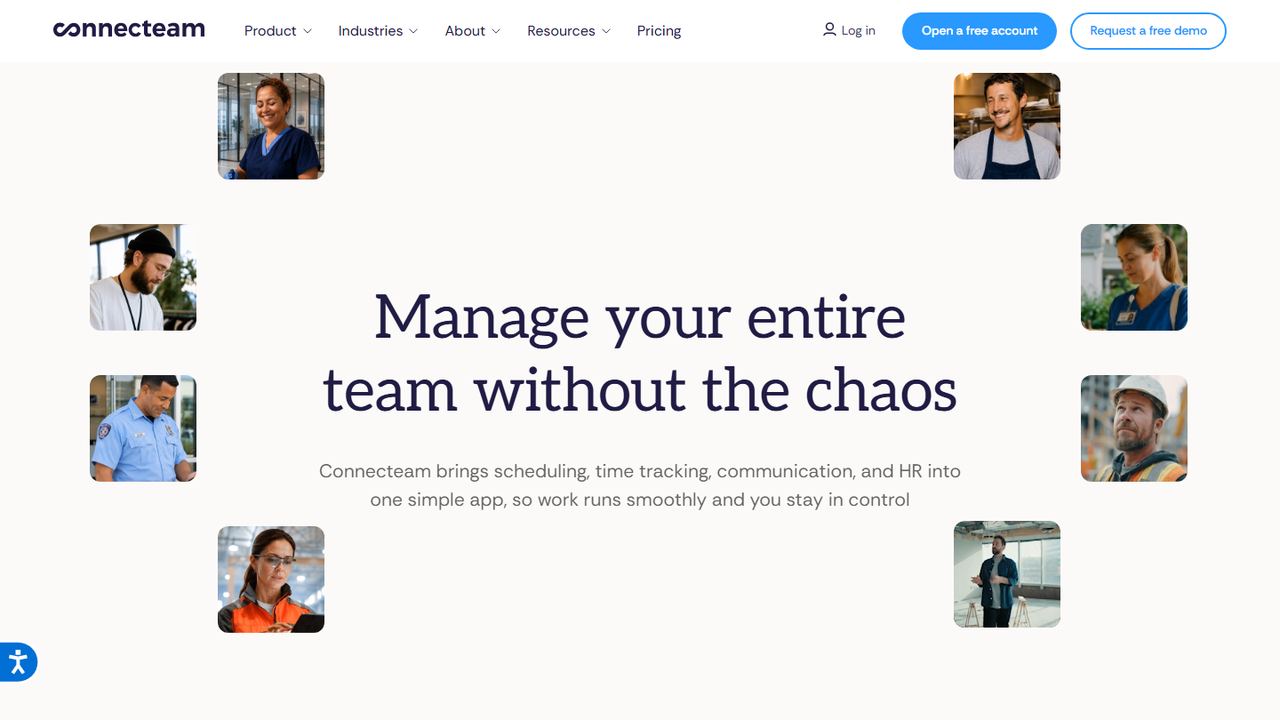
Connecteam fits teams that clock in at customer sites rather than a shop. It records GPS-verified clock-ins, geofences each work area and offers a kiosk app for shared tablets. Scheduling covers shift templates, open shifts, swaps and AI auto-scheduling that weighs availability, roles and labor laws.
Its free Small Business plan covers up to 10 users and includes a time clock, which Sling keeps on paid plans, though the free plan is limited to one time clock and one schedule. Larger teams pay per hub: Operations starts at $29 a month on annual billing for the first 30 users, plus a per-user fee beyond that. Team chat, HR documents and training are separate hubs.
Strengths
- Free Small Business plan for up to 10 users with all hubs, limited to one time clock and one schedule
- GPS-verified clock-ins, geofenced work areas and a shared-tablet kiosk app
- Shift templates, open shifts, shift swaps and AI auto-scheduling
- Separate hubs for team chat, HR documents and training
Drawbacks
- Priced per hub, so scheduling, chat and HR each add a subscription
- The free plan ends at 10 users
- Paid plans charge a flat fee for the first 30 users plus a fee for each extra user
- Best for
- restaurants
- Free plan or trial
- Free Comp plan: 1 location, up to 15 employees; 14-day trial
- Starting price
- $39.99 per location/month billed annually (Essentials, teams up to 30)
- Platforms
- Web, iOS, Android
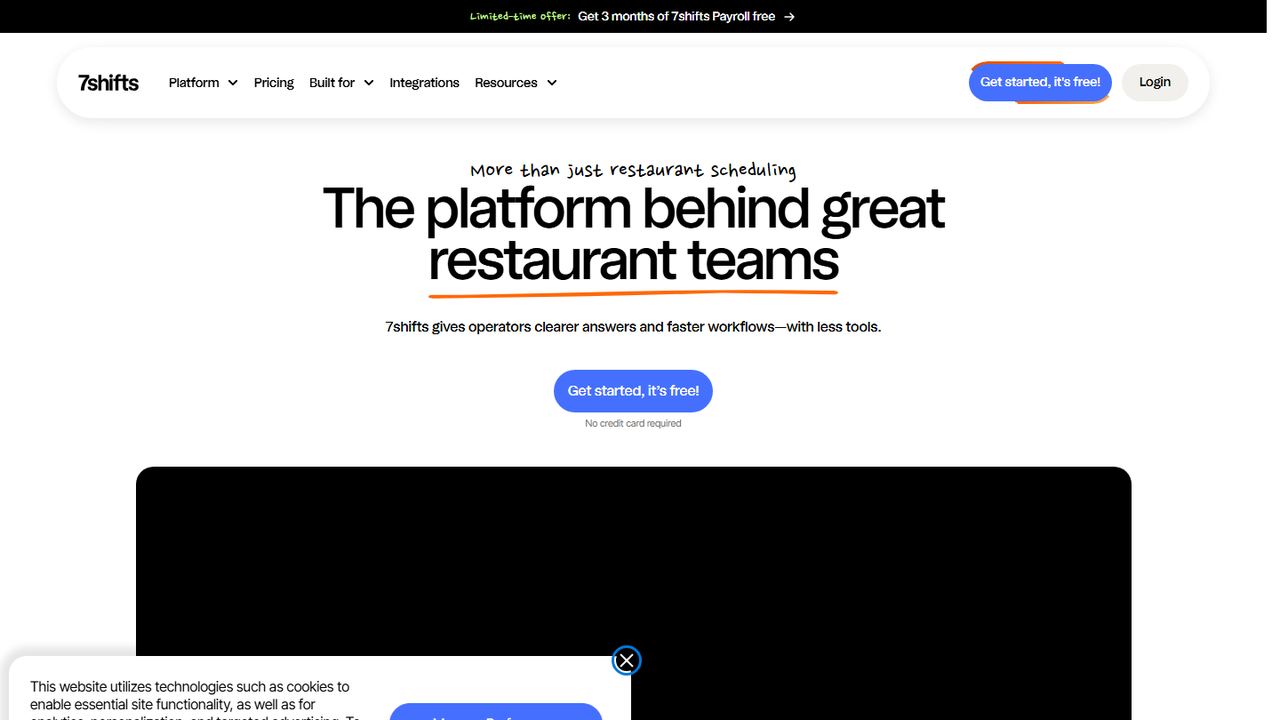
7shifts is the restaurant specialist. Sling’s owner, Toast, sells restaurant point-of-sale systems, but 7shifts builds every feature around kitchen and front-of-house teams: tip management, a manager log book, labor compliance and PTO accruals. Its free Comp plan covers basic scheduling for one location with up to 15 employees.
Paid plans are per location. Essentials is $39.99 per location per month on annual billing and adds team messaging and basic time clocking for up to 30 employees. Pro at $79.99 adds labor compliance and advanced clocking for up to 60. Premium at $134.99 includes tip management and 7shifts Payroll, a US-only payroll add-on.
Strengths
- Built for restaurants, with tip management, labor compliance and a manager log book
- Free Comp plan for one location with up to 15 employees
- Labor compliance tools and PTO accruals on Pro ($79.99 per location/month billed annually for teams up to 30)
- US payroll add-on that turns timesheets, tips and PTO into pay runs
Drawbacks
- The free plan covers scheduling only; time clocking starts on Essentials
- Employee caps per location: 30 on Essentials and 60 on Pro
- Tip management and payroll are included only on Premium ($134.99 per location/month billed annually, or $179.99 for teams of 31 or more)
- Best for
- schedule, time, PTO and payroll in one app
- Free plan or trial
- Book a demo
- Starting price
- Book a demo
- Platforms
- Employee app, shared tablet clock
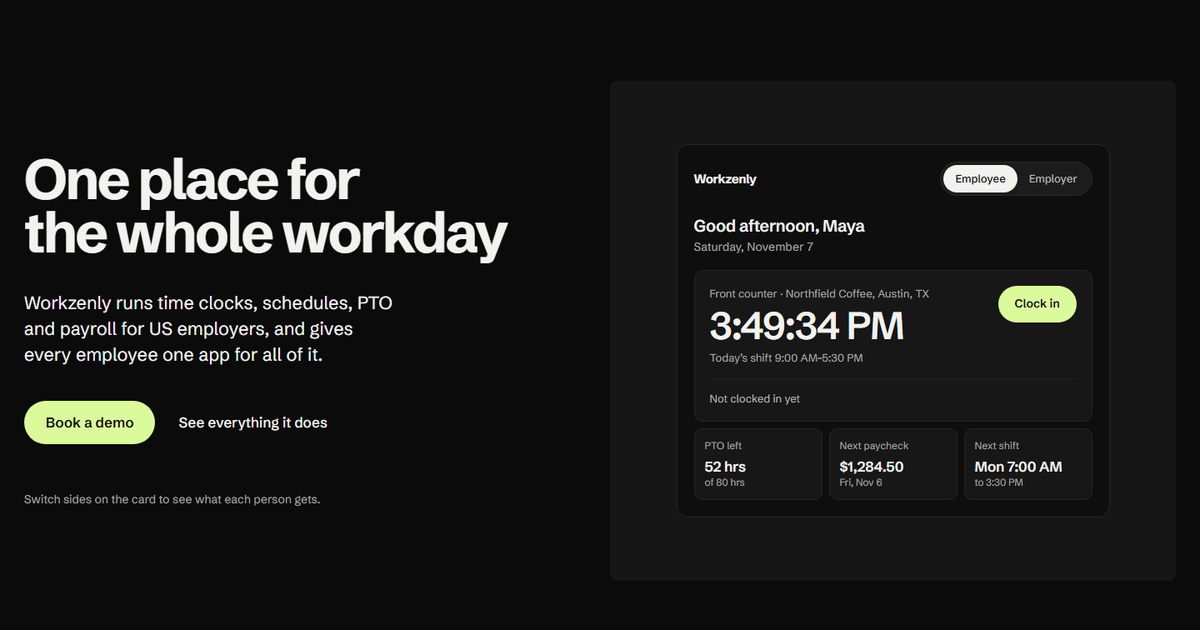
Workzenly is our product. Compared with Sling, the main difference is that pay sits in the same app as the schedule: managers build shifts with swaps, employees clock in on a phone or shared tablet with GPS and geofencing, and approved hours, PTO and pay stubs come out of the same records.
It also covers onboarding with e-signed forms, documents and performance reviews, so a US employer can drop separate HR and payroll tools. It is not a free scheduler and we do not publish prices. If your team is small and only needs a free rota, Sling’s free plan will cost less.
Strengths
- Scheduling, time clock, PTO and payroll share one set of employee records
- Phone or shared-tablet clock-in with GPS and geofencing
- Pay stubs, e-signed onboarding forms and documents in the employee app
- Performance reviews in the same system
Drawbacks
- No published price; you get a quote on a demo call
- No self-serve free plan
- More than you need if you only want a free schedule for one small team
- Best for
- compliance across sites
- Free plan or trial
- Free trial up to 31 days, no free plan
- Starting price
- $5 per user/month (Lite); $30 monthly minimum on monthly plans
- Platforms
- Web, iOS, Android
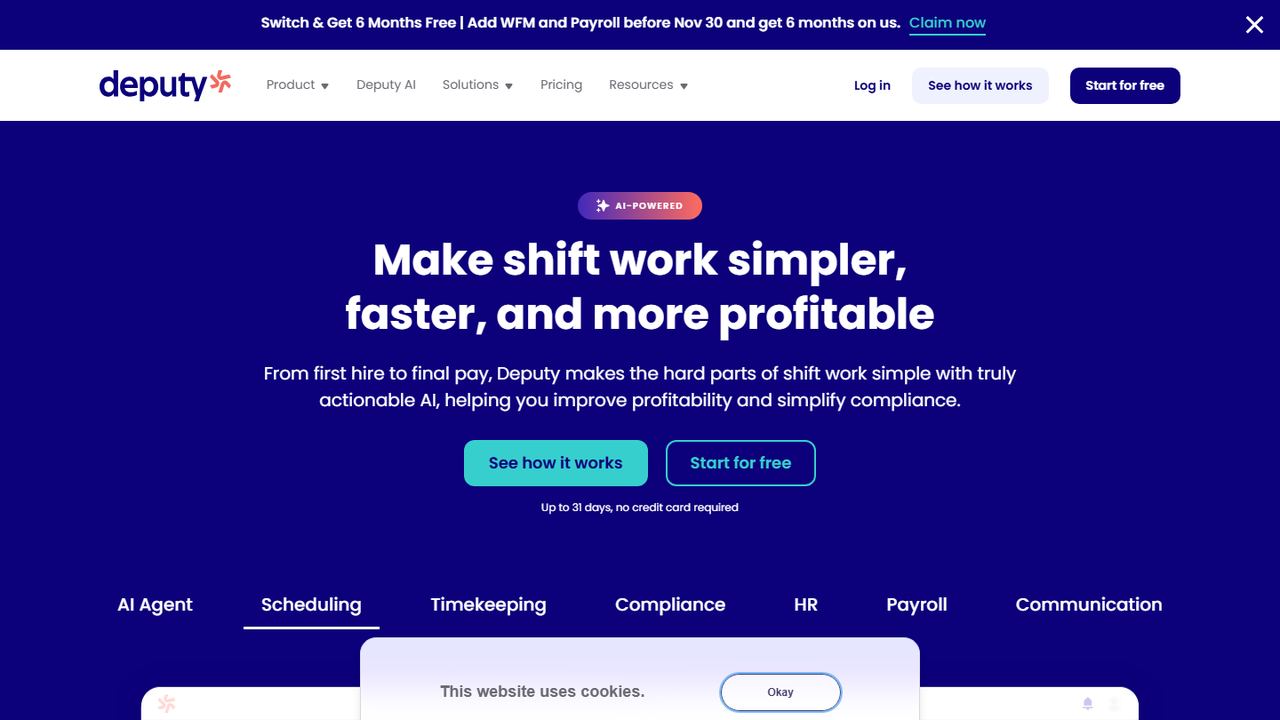
Deputy is a step up for operators with several locations and stricter labor rules. Every plan includes labor law compliance tools, and Core adds advanced compliance, demand forecasting, wage and labor budgets, auto-scheduling and biometric clocking, which Sling does not offer.
It costs more than Sling: Lite is $5 and Core $6.50 per user per month, with a $30 minimum per invoice on monthly plans. US customers on annual Core and Pro plans can add Deputy Payroll, enabled by Paycor, for $8 per user per month plus a $49 base fee. Deputy offers a free trial of up to 31 days.
Strengths
- Labor law compliance tools on every plan, with advanced compliance on Core
- Auto-scheduling, demand forecasting and wage budgets on Core ($6.50 per user/month)
- Biometric time clocking on Core
- US payroll add-on enabled by Paycor, plus an HR add-on at $2 per user/month
Drawbacks
- No free plan
- $30 minimum per monthly invoice on monthly plans
- Payroll needs an annual Core or Pro plan and costs $8 per user/month plus a $49 base fee
- Best for
- accurate hours with GPS
- Free plan or trial
- 14-day free trial, no free plan
- Starting price
- $4.99 per user/month + $19 base fee, billed annually
- Platforms
- Web, iOS, Android, kiosk
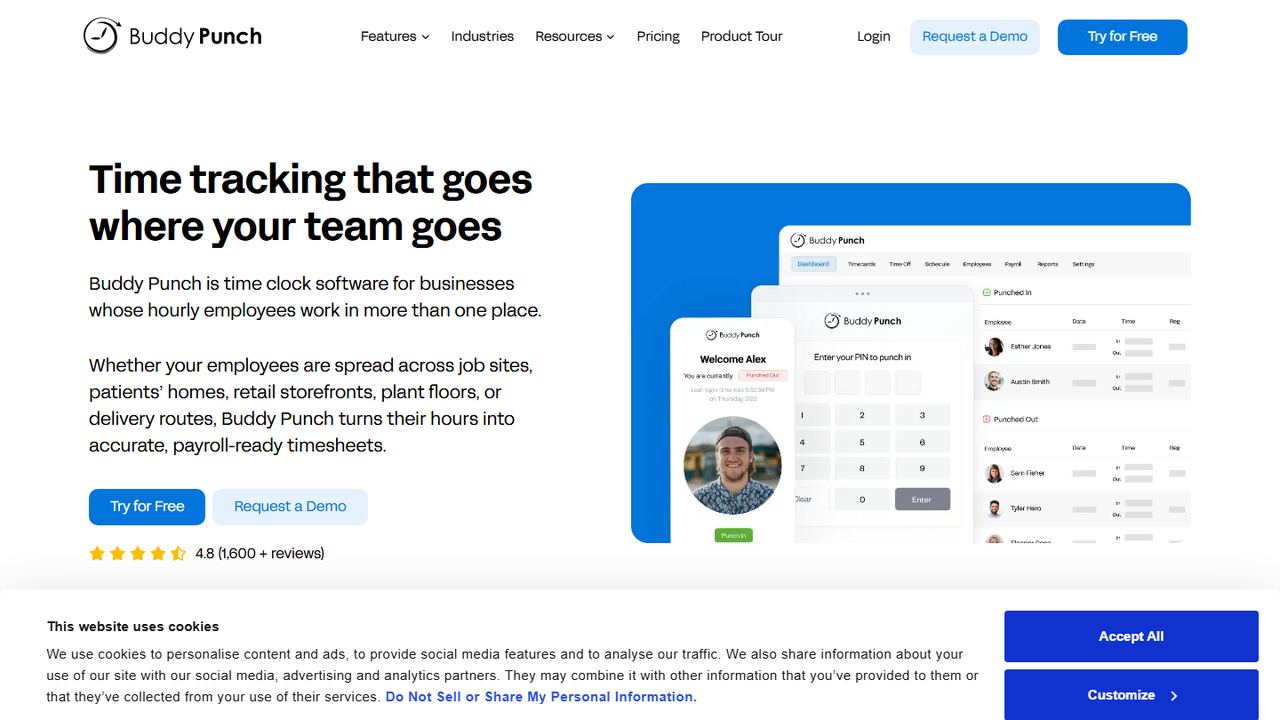
Buddy Punch is the choice when the time clock matters more than the schedule. Starter includes GPS on punches, time-off tracking, alerts, job tracking and payroll integrations. Pro adds geofencing, QR code scanning, PIN and kiosk punches, webcam photos on punches and offline mode.
Starter costs $4.99 per user per month plus a $19 base fee on annual billing, and scheduling is a $1 per user add-on. Pro, at $6.99 per user plus the base fee, includes scheduling. That is several times Sling’s per-user price, so it suits teams where punch accuracy is the main problem. There is a 14-day free trial.
Strengths
- GPS on punches, time-off tracking and payroll integrations from the Starter plan
- Geofencing, QR code scanning and PIN or kiosk punches on Pro
- Scheduling included on Pro and a $1 per user add-on on Starter
- 14-day free trial with no credit card required
Drawbacks
- No free plan
- A $19 monthly base fee on every plan
- Real-time GPS tracking is a $2 per user add-on below the Advanced plan
- Best for
- QuickBooks Online users
- Free plan or trial
- No free plan; 30-day free trial of the base fee
- Starting price
- $20/month base + $10 per user/month (Time Premium)
- Platforms
- Web, iOS, Android, kiosk
QuickBooks Time suits businesses that do their books in QuickBooks Online, which it requires. Hours sync into QuickBooks for payroll and invoicing, removing the export step Sling users go through. Both plans include scheduling, a time kiosk and the Workforce mobile app.
Time Premium lists at $20 a month base plus $10 per user per month, with the base fee discounted for the first three months at the time of writing, and both plans include time off and alerts. Time Elite, at $40 base plus $12 per user, adds project and mileage tracking and timesheet signatures. It is a better fit for job-based crews than for large shift rosters.
Strengths
- Hours flow into QuickBooks Online for payroll and invoicing
- Scheduling and a time kiosk are included on both Time plans
- Time off, alerts and photo attachments on Time Premium
- Project tracking, mileage tracking and timesheet signatures on Time Elite
Drawbacks
- Requires a QuickBooks Online account
- A monthly base fee on top of the per-user fee
- Time Elite costs $40/month base plus $12 per user/month
How we chose these tools
We gathered the products that US buyers compare with Sling on review-site category pages and vendor comparison pages, then confirmed each one on its own website on November 7, 2026. Sling itself is summarized in the introduction and not ranked, since every entry is one of the Sling alternatives.
Our criteria
- Shift scheduling for hourly employees with a mobile app.
- Something Sling’s free or paid plans do not offer, such as a free time clock, payroll or restaurant tools.
- A US website with a published price, or a clear note when there is none.
- An honest payroll answer: included, add-on, or export only.
- No ratings or paid placements; drawbacks are facts from vendor pages.
How to choose between Sling alternatives
Sling sets a low price bar, so be clear about what you are paying more for. Write down the one or two jobs Sling does not do for you today, such as clocking hours for free, running payroll or pooling tips, and judge each finalist on those first.
- Time clock. Decide whether staff clock in on their phones (look for GPS and geofencing) or on a shared tablet kiosk. See the clock-only options in our list of free time clock apps.
- Overtime. Federal law requires 1.5 times the regular rate for non-exempt hours over 40 in a workweek, and California adds daily overtime after 8 hours. The app should warn managers while they schedule. Our overtime guide walks through the math.
- Breaks. Several states require meal or rest breaks. Check that break rules can be set per location.
- Predictive scheduling. Oregon and cities such as Seattle, San Francisco, New York City, Chicago and Philadelphia have fair workweek laws for some employers. Ask how the app records when schedules are posted and changed.
- Payroll path. If you leave Sling for payroll, choose between an app with payroll built in and a scheduler that exports clean hours to your current provider.
- Records. The FLSA requires payroll records to be kept for three years and time cards for two. Export Sling timesheets before you close the account.
For restaurant-only picks, see our guide to the best restaurant scheduling apps. If you are still building the rota by hand, start with a free weekly schedule template.
Frequently asked questions
Is there a free alternative to Sling with a time clock?
Yes. Homebase’s free Basic plan includes scheduling and time tracking for one location with up to 10 employees. Connecteam’s free Small Business plan includes the time clock and every other feature for up to 10 users. Sling’s own free plan covers 30 users but keeps the time clock on paid plans.
Sling vs When I Work: what is the difference?
Both are per-user scheduling apps. Sling has a free plan for up to 30 users and paid plans from $1.70 per user per month on annual billing. When I Work has no free plan and starts at $2.50 per user per month, but adds forecasting, scheduling rules and labor sharing across locations.
Does Sling do payroll?
No. Sling tracks hours and labor costs and adds payroll reports on its Business plan, but it does not pay employees or file payroll taxes. You export hours to a payroll provider. Homebase, 7shifts and Deputy sell payroll add-ons, and Workzenly includes payroll with scheduling and the time clock.
Who owns Sling?
Sling is owned by Toast, the restaurant point-of-sale company, and its website now calls it Sling by Toast. It still works as a standalone scheduling app for any business with hourly shifts, not only restaurants using Toast, and it keeps its own free and paid plans.
Which Sling competitor is best for restaurants?
7shifts is built only for restaurants, with tip management, labor compliance, a manager log book and a US payroll add-on. Its free Comp plan covers one location with up to 15 employees. Homebase is another common restaurant choice, with a free plan and a Tip Manager add-on.